Hello everyone, this is Juejin GitHub.
With the rise of the Internet of Things and edge computing, the demand for deploying artificial intelligence (AI) applications on resource-constrained micro-devices is growing. However, traditional AI models often require a large amount of computing resources and memory, making it difficult to run on these devices.
Today, we will introduce an amazing TinyML project—TinyML-CAM, which can achieve real-time image recognition at 80 FPS on a microcontroller that requires only 1KB of RAM, completely overturning your imagination of edge AI!
Project Overview:
TinyML-CAM is a lightweight image recognition system based on the ESP32 microcontroller, utilizing HOG feature extraction and a random forest classifier to achieve real-time image recognition with extremely low resource consumption.
Core Features:
- Ultra-fast Image Recognition: Achieves real-time image recognition at up to 80 FPS on the ESP32.
- Ultra-low Memory Usage: The entire system requires only 1KB of RAM.
- Multi-platform Support: Supports various microcontroller platforms such as ESP32, Raspberry Pi Pico, Portenta H7, and Wio Terminal.
- Easy to Use: Provides a clear development process and complete code examples.
Use Cases:
- Smart Home: Recognize family members and pets, triggering smart home devices.
- Industrial Automation: Identify product defects and anomalies to improve production efficiency.
- Robot Navigation: Recognize environmental obstacles to guide robot navigation.
- Security Monitoring: Identify intruders and abnormal behavior to enhance security levels.
- Wearable Devices: Implement gesture recognition and object recognition functions.
Advantages:
- Extreme Performance: Real-time recognition speed of 80 FPS, far exceeding similar TinyML projects.
- Extremely Low Resource Consumption: Memory usage of 1KB RAM, can run on various resource-constrained devices.
- Easy Deployment: Provides complete code and examples for users to get started quickly.
- Open Source and Free: Project code is open source, making it easy for users to learn and develop further.
Installation and Usage:
You need to install the Eloquent library and the EverywhereML Python package. For detailed installation steps, please refer to the project GitHub page.
Experience Showcase:
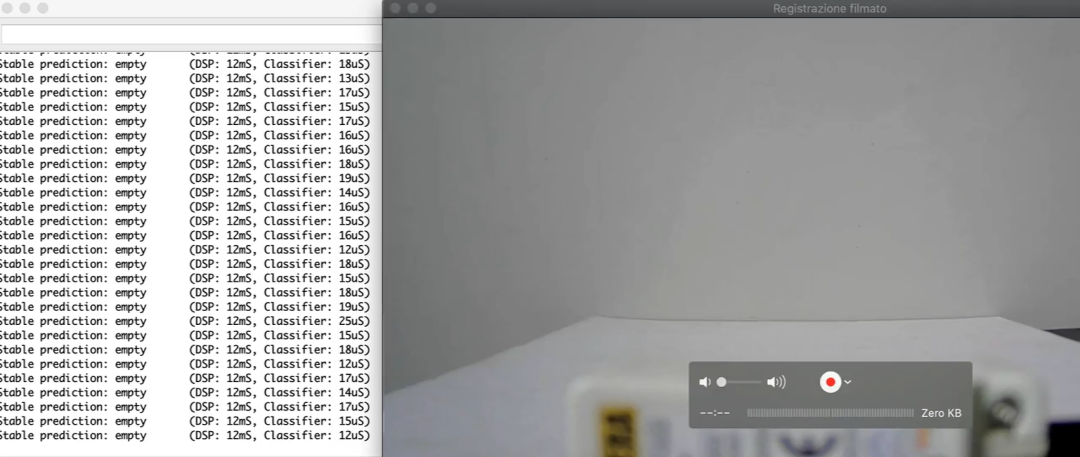
The project demonstration video showcases the real-time recognition effects of TinyML-CAM on different platforms, which is impressive.
Project Address:
For more detailed features, interested parties can check the project address: https://github.com/bharathsudharsan/TinyML-CAM
In Conclusion:
TinyML-CAM, with its extreme performance and low resource consumption, opens up new possibilities for edge AI applications and is a significant breakthrough in the TinyML field!
Thank you for reading, and I hope today’s share can help you. If it helps you, feel free to like, follow, and share.