This tool supports bidirectional conversion between Excel files and Yaskawa controller variable annotation source files (xxx.DAT), allowing for quick establishment and synchronization of project I/O, variables, and register annotations.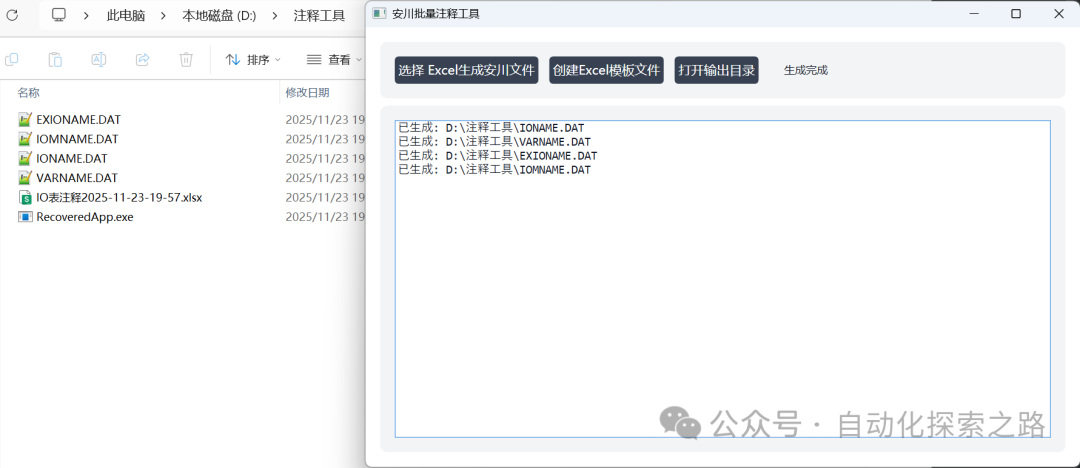
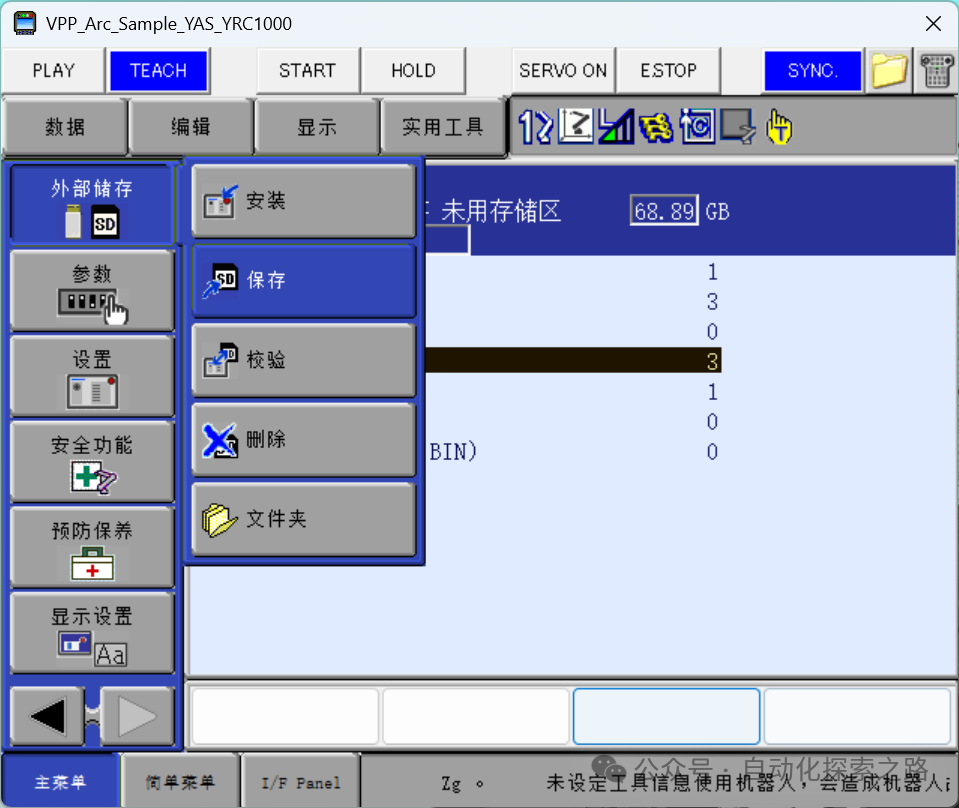
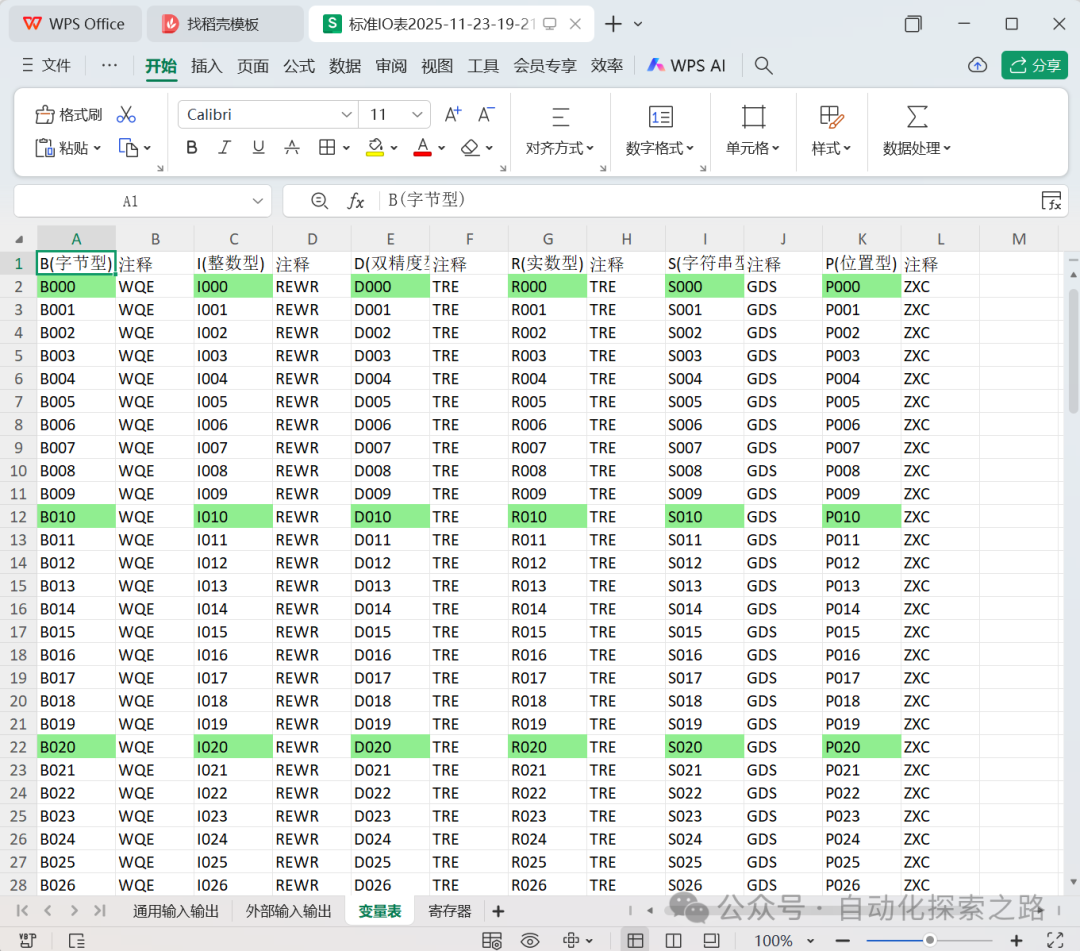 01InstructionsCreating an Excel Template1. You can create an Excel template file through the interface. When prompted with “Do you want to create an empty template?” select “No” to create from the Yaskawa source file. Choose “Yes” to create a blank Excel file. You can then paste and copy annotations in bulk within the Excel sheet. (Note: only the content of the annotations can be modified; the structure of the sheet cannot be changed, and the number of variables generated by default is limited).2. Alternatively, in the newly created Excel template file, select “No” when prompted. Choose the path of the directory containing the IONAME.DAT / EXIONAME.DAT / VARNAME.DAT / IOMNAME.DAT files. This will generate an Excel file containing the existing annotation content based on the current file.3. After completing the relevant annotations for the variables in Excel, click on “Select Excel to generate Yaskawa file” to import it into the robot controller.
 File shared via cloud storage: Yaskawa Robot Annotation Tool.exehttps://pan.baidu.com/s/1pJp6ugDsCwyhsAJczyaKdQ?pwd=dvcd Extraction code: dvcd