Many parents, when accompanying their children to technology exhibitions or interest classes, often feel confused by terms like “AI enlightenment,” “robotics courses,” and “programming classes”: “Aren’t these all related to machines? What exactly is the difference?” “My child likes to take apart toys; should they choose robotics or programming?” In fact, there’s no need to worry. We can clarify these three concepts using “real-life analogies” and then choose a direction based on the child’s interests, making it much simpler.
First, let’s understand: What are AI, Robotics, and Programming?
We can use the analogy of a “little helper that can work” to clearly define the roles of these three concepts —
1. Robotics: The “physical body” of the little helper that can be seen and touched
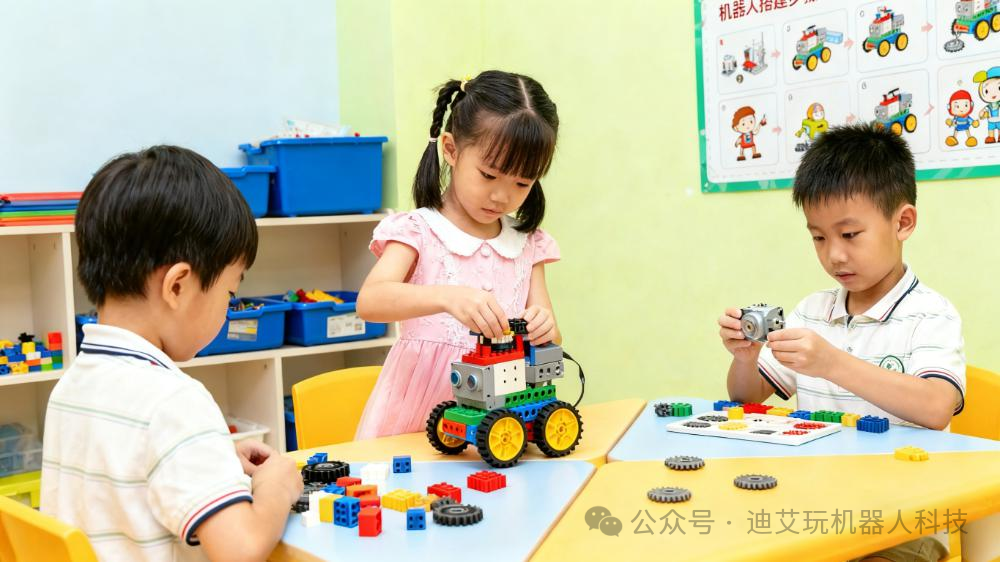
Robotics is a hardware carrier, which is the physical entity that “can move, turn, and hold things.” For example, a LEGO car built by a child, a dancing robotic arm, or a small robot that can deliver items all qualify as “robots.” It is like our hands and feet, having a “body” (like a framework built from blocks), “joints” (motors, gears), and “eyes and ears” (sensors that can perceive light and distance), but having just these is not enough — it cannot move by itself; it needs someone to “command” it.
For instance, in the kindergarten robotics class at the Di Ai Wan Bi Gui Yuan campus, children build a “small train” using LEGO blocks: attaching wheels and connecting motors only creates the “body of the small train.” If no one is in charge, it will just sit quietly on the table; only by giving it “commands” will it move forward or turn. This is where “programming” comes into play.
2. Programming: The “language” for giving commands to the little helper
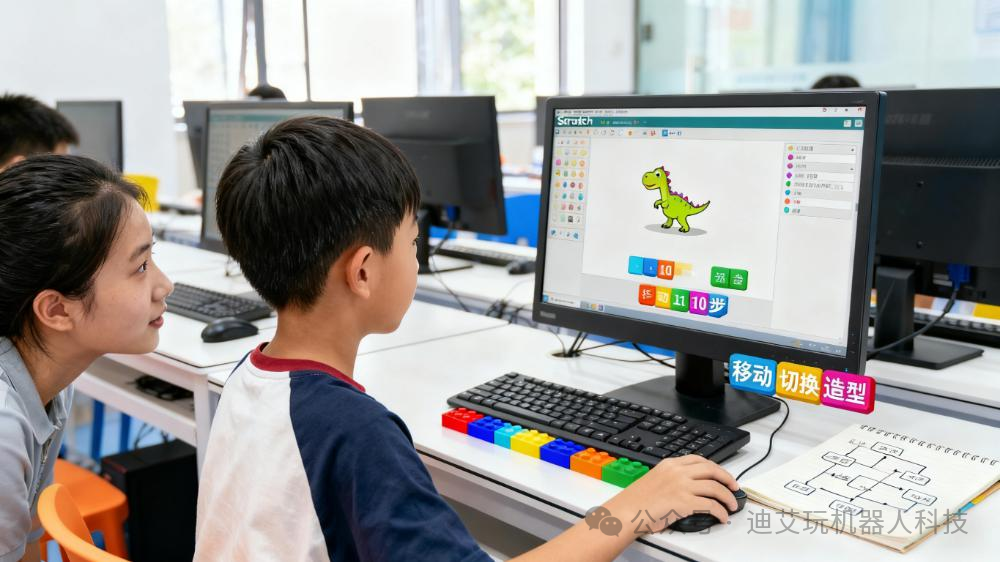
Programming is a language of control logic, which is how we “talk” to robots. For example, telling a LEGO train to “move forward for 10 seconds, then turn left,” or making an animated cat “dance when it hears a sound” — these “commands” are all written using programming. It is not like the Chinese we speak; instead, it uses “building blocks” that children can understand (like Scratch visual programming) or simple code (like Python) to express ideas.
For instance, at the Xuhui campus, there is a class teaching children to program using Scratch — by dragging blocks like “move 10 steps,” “wait 2 seconds,” and “change costume” together, the “little dinosaur” on the computer will follow the commands to take two steps, pause, and then change its pose. This is the role of programming: to turn the idea of “what we want the machine to do” into “steps” that the machine can understand. Without programming, even the most advanced robot is just a “non-moving decoration.”
3. AI: The “brain” that makes the little helper smart
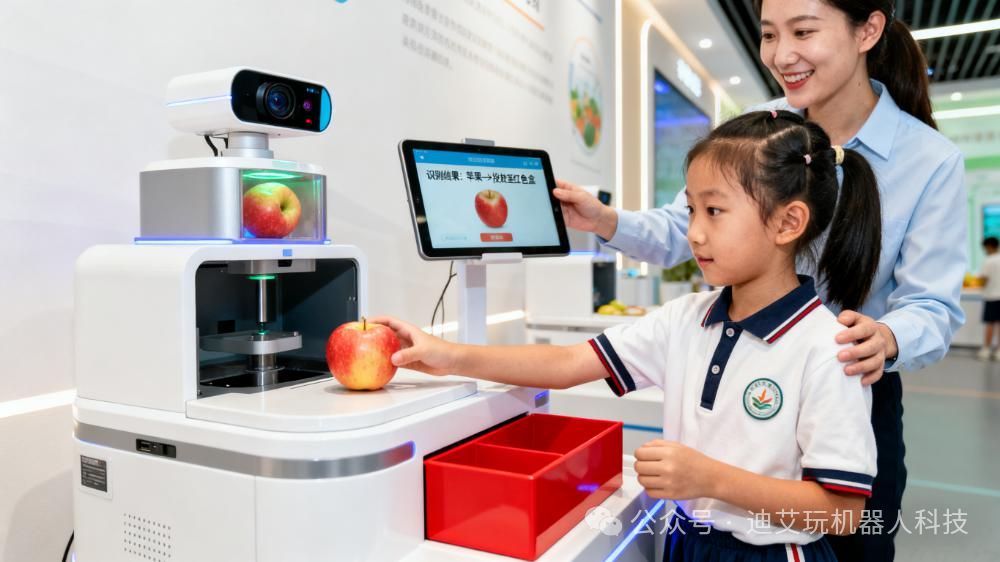
AI is the intelligent core, which gives robots the ability to “think and judge.” If programming is about “working in fixed steps,” then AI is about “choosing methods on its own when faced with situations.” For example, a robot programmed in a conventional way will only “stop when it sees an obstacle” (fixed command), while a robot with AI can “see an obstacle and navigate around it” (self-judging the route); a conventional animated character will only “play when a button is pressed,” while an AI-enabled character can “detect a child’s voice and automatically switch stories” (recognizing sound and reacting on its own).
For instance, in the AI experience class at Di Ai Wan, children create a “fruit classification little helper”: they equip the robot with a camera (its eyes) and teach it to “recognize that red and round is an apple, yellow and elongated is a banana” — this is like giving the robot an “AI brain.” After that, no matter where the child places the apples and bananas, the robot can recognize them and sort them into the corresponding boxes without needing to rewrite programming commands each time.
Next, clarify: The relationship among the three, like “body + language + brain”
Once we understand their individual roles, their relationship becomes clear —the robot is the “body,” programming is the “language,” and AI is the “brain”:
- A robot without programming is like a “body without ears”; it cannot understand commands and cannot move;
- Programming without a robot is like a “language without a place to speak”; no matter how well the commands are written, they cannot be executed without a physical entity, only seen as animations on a computer;
- A “robot + programming” without AI is like a “helper that only follows routines”; for example, if it is set to deliver water at 3 PM every day, it will do so at 3 PM even if you are not home; with AI, it can “see that you are home and deliver it then, or delay if you are not,” making it more flexible.
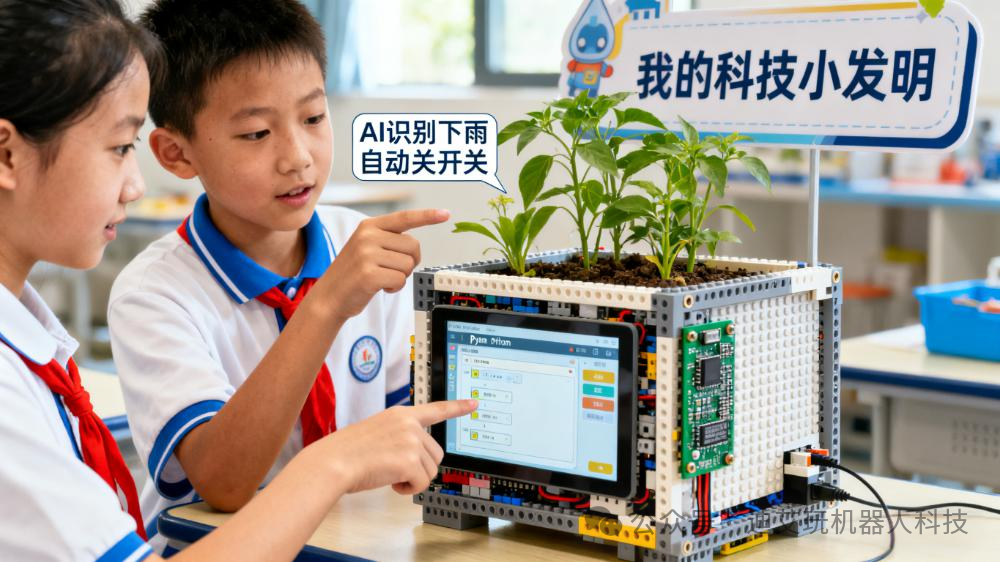
For example, a real case from a Di Ai Wan student: a child first learned robotics and built a “smart flower pot” (the robot’s body); then learned programming and wrote commands like “if the soil is dry, turn on the red light”; finally learned AI and added a function to “recognize the weather” — automatically turning off the watering switch on rainy days and watering only on sunny days. You see, this is how the three come together: body (flower pot) + language (light command) + brain (weather recognition), making the “little helper” increasingly useful.
Key Question: What Should My Child Learn? Choose Based on Interest
There is no need to worry about “which is more useful”; what the child enjoys is the best choice — after all, interest is the motivation to persist. By observing the child’s daily behavior, we can find direction:
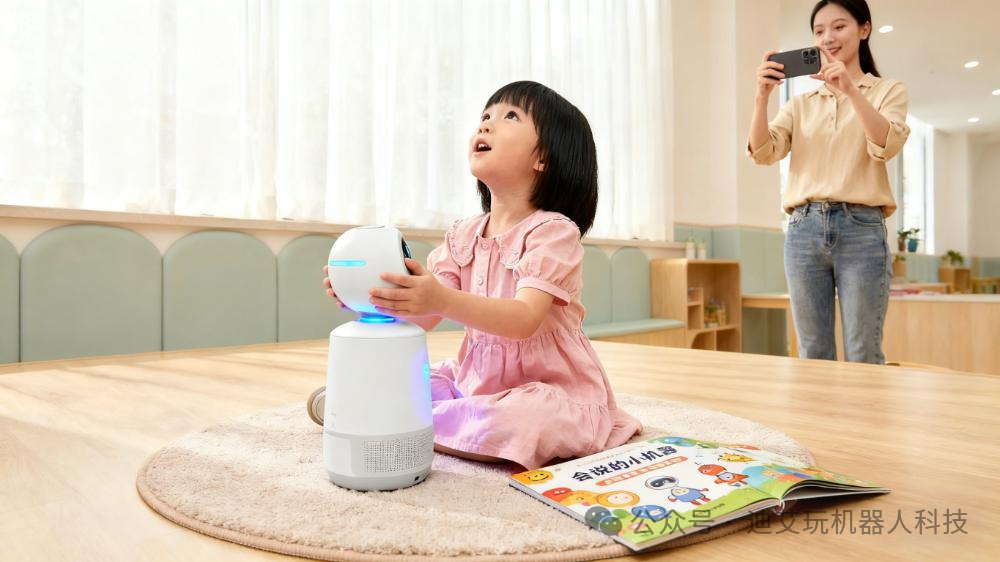
1. Likes to build, take apart, and assemble? Choose “Robotics”
If the child loves to take apart toy cars, build LEGO blocks, or turn boxes at home into “little houses,” and even thinks about “how to install this wheel to make it turn faster,” then robotics courses are very suitable for them. These courses focus on “hands-on practice”: building frameworks, assembling parts, and adjusting motors, allowing children to understand “how gears make robots turn” and “how sensors perceive distance” while twisting screws and assembling blocks, cultivating spatial imagination and hands-on skills. For example, in the kindergarten robotics class at Di Ai Wan Bi Gui Yuan campus, when children build a “small crane,” they discover that “using a large gear to drive a small gear makes the crane lift faster” — this process of “understanding principles while playing” is much more interesting than rote memorization.
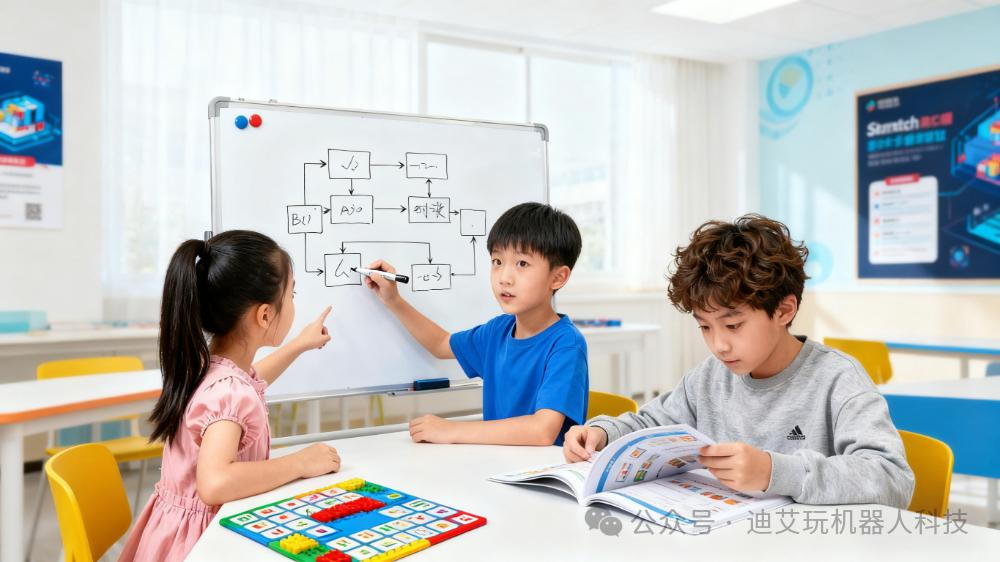
2. Enjoys solving puzzles and playing “logic games”? Choose “Programming”
If the child loves to do math thinking problems, enjoys playing “Sudoku” or “mazes,” and even discusses with you “how to systematically put the toys back in the box,” then programming can make their “logical brain” more active. The core of programming is “breaking down problems and organizing steps”: for example, to get an animated monkey to reach a banana, one must first think about “which path the monkey should take? How to cross the river? Should we wait for the stones to stabilize?” and then piece these steps together using programming blocks. At the Xuhui campus, there is a child who originally feared math but became fond of “finding patterns” after learning programming — because he discovered that “the loop statements in programming are the same as ‘repeating calculations 10 times’ in math,” gradually reducing his resistance to math.
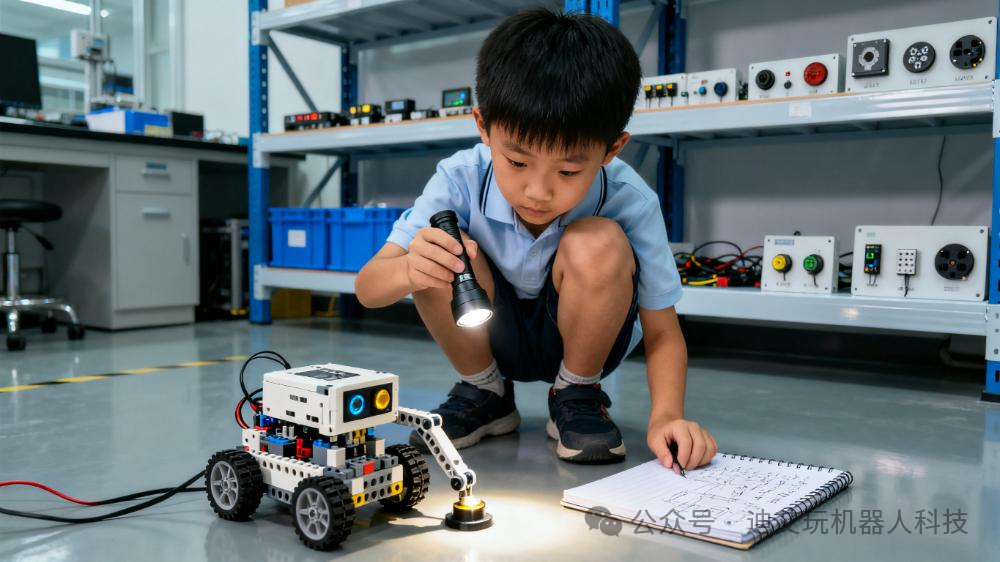
3. Curious about “how machines think like humans”? Choose “AI”
If the child often asks “How does Siri understand what I’m saying?” or “How does a vacuum robot avoid walls?” and even wonders “Can I make my teddy bear recognize me?” then AI enlightenment can satisfy their curiosity. AI courses do not teach complex algorithms but allow children to “experience intelligence”: for example, using simple tools to teach children to “label animals in photos” (to let machines recognize cats and dogs) or using AI speakers for “sound games” (to let machines listen to commands and play music). In the AI experience class at Di Ai Wan, one child adjusted the “face recognition” parameters repeatedly to help the robot “distinguish between himself and his brother” — this process of “dialoguing with machines and making them smarter” can give children the most intuitive understanding of “intelligence.”
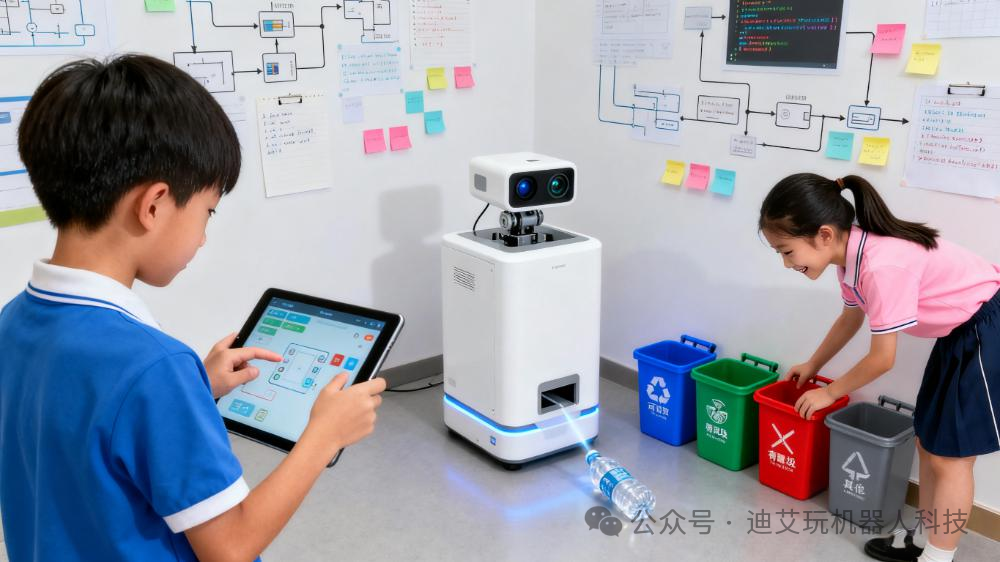
Final Reminder: No Need to Go “All In”; Follow Your Child’s Interests
Some parents feel that “everyone else is learning AI, so my child must learn it too,” but this is unnecessary. Robotics, programming, and AI are not mutually exclusive, nor is it necessary to “complete all three after learning one” —
- If the child enjoys hands-on activities, start with robotics, and if they want to make the robot “smarter” later, then explore programming and AI;
- If the child enjoys logic, start with programming, and if they want to control physical objects later, then try robotics;
- If the child is curious about “intelligence,” start with AI games, and gradually combine programming and robotics for small projects. Just like Di Ai Wan’s course design: there are “robotics + simple programming” courses for younger children, allowing them to “build happily and understand while playing”; and “programming + AI” courses for older children, encouraging them to “use code to solve small problems and make machines smarter.” The core is not to “learn everything” but to let children explore gradually in areas they enjoy — after all, the classes that make children “willing to squat on the ground to take apart and build for an afternoon” or “actively think about how to modify commands” are the most suitable for them.