Robot Technology communication and secondary development, please follow our public account. This public account provides a platform for robot application technology exchange, currently supporting mainstream KUKA, ABB, and UR robots. For details, please leave a message in the backend.
SasApps Official Website:http://www.sassapps.cn/
 Public Account Download Link:
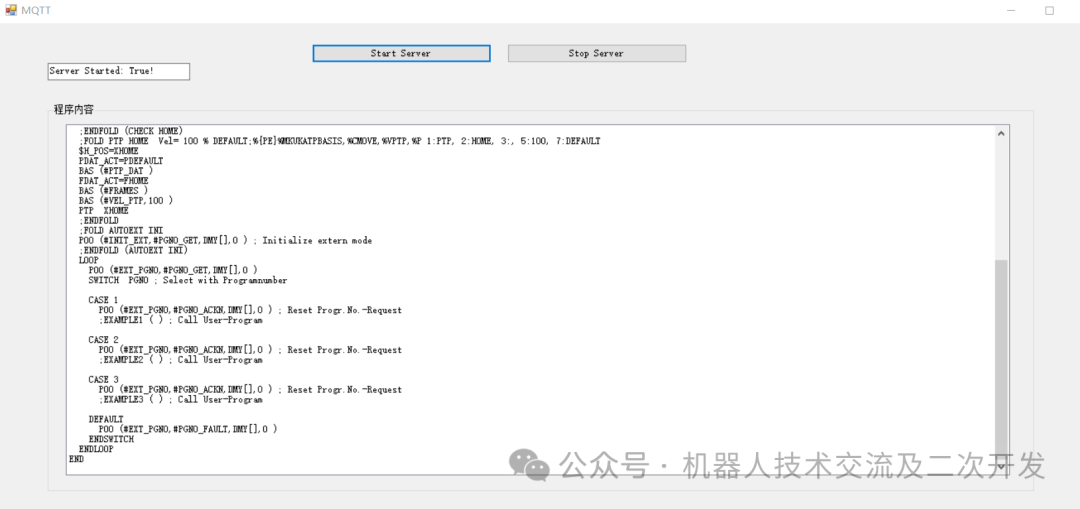
In addition to using the API to obtain KRC file directory information, you can also use MQTT to retrieve file directory information and program content.
Reading and writing variables on the PC side
1. Install the software package on the robot side
SasMqttDeviceConnect_4.5.4.5_Release_mqtt.kop
2. On the PC side
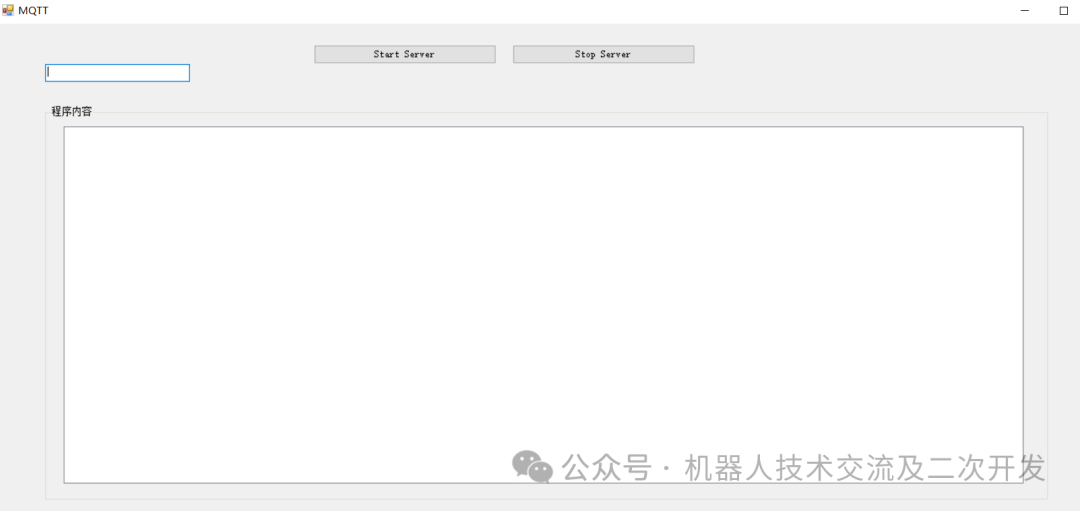
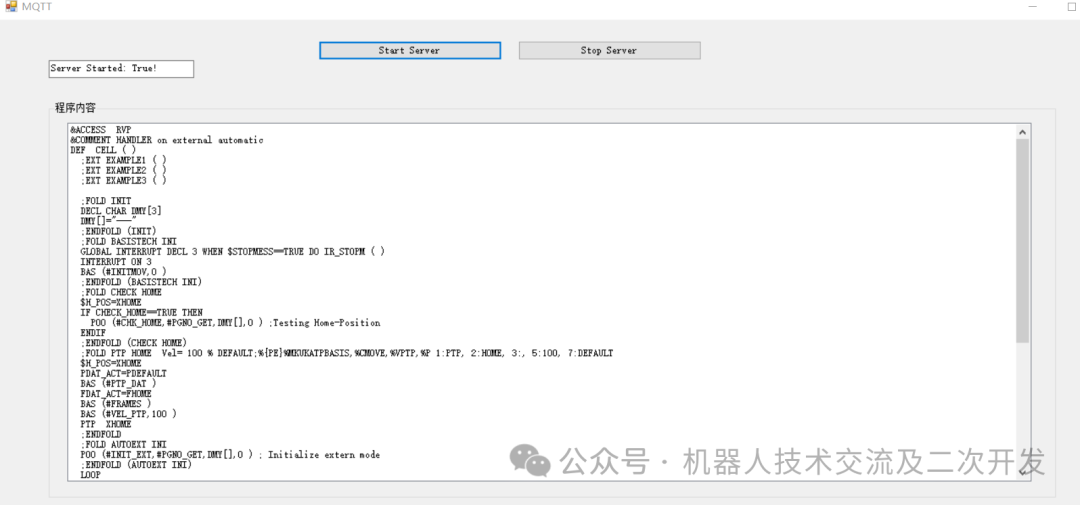
3. Click Start Server on the PC side to obtain the content of the Cell program under the R1 directory
 Past Articles
KUKA ModBusTCP
KUKA General Inlineform, no need for UserTech anymore
ABB Event Routie functionality implementation in KUKA robots – Function upgrade (mostly complete)
Four ways to display dialog boxes in KUKA robots
ABB edge software package calibration method ported to KUKA robot
Implementation of ABB Event Routie functionality in KUKA robots
KUKA robots send custom parameters to the upper-level system
Introducing a small plugin that can write various custom parameters of KRL to a file in real-time
7 methods for designing KUKA HMI
How KUKA quickly creates its own user program templates
A key tip in developing motion commands in Inlineform within UserTech
How to dynamically display Tool and Base in Inlineform using UserTech
KUKA shortcut small plugin – UserMode
KUKA UserKeyBar dynamic configuration plugin – All application scenarios
KUKA UserKeyBar dynamic configuration C# – 3 Final chapter for a single button
One method for implementing user buttons in KUKA: UserTech
Three methods for extending KUKA system input and output
Customizing installation conditions for KUKA software package
How to add an auto-start image in a plugin developed by ABB
Introduction to KUKA software package packaging methods
Position offset measurement when various stops occur in robots
KUKA screen saver plugin with authorization –> Independent process
KUKA screen saver with authorization
KUKA Obfuscator obfuscation and de-obfuscation authorization
KUKA encryption software upgrade
ABB version of KDC – ABBDeviceConnector
Implementing KUKA robot UDP message data collection and sending
Implementing KUKA robot screen capture functionality
Implementing visualization of KUKA robot system variables
Implementing real-time data interface display for UFactory robots
ABB robot implementation of cycle segmentation calculation and local storage of cycle data
Implementation of KUKA robot KRL language Input functionality
Click “Read More” at the end of the article to download the corresponding software.