
Source: IT Home
On September 8, technology media PiunikaWeb published a blog post reporting that some Linux users have reported serious font rendering and stability issues after upgrading to Chrome 140.
The affected systems include mainstream distributions such as Ubuntu, openSUSE, and Fedora. Users have reported that text in the browser appears blurry, pixelated, or completely blank, and even crashes directly when accessing appearance options in settings.

The investigation shows that the core issue is a new font indexing system called Fontations introduced in Chrome 140, which malfunctions when handling specific font files.
According to the blog post, the files include “Unit Web RB W03 Light”, “Panton Black”, and “HEJI2Text.otf“, among which HEJI2Text.otf is described as severely damaged and highly incompatible, making it nearly impossible for Chrome to render text properly on systems with these fonts installed.
This issue is particularly pronounced on openSUSE systems, especially related to the texlive package in the Tumbleweed and Leap versions. Google has submitted a bug report to the openSUSE upstream.
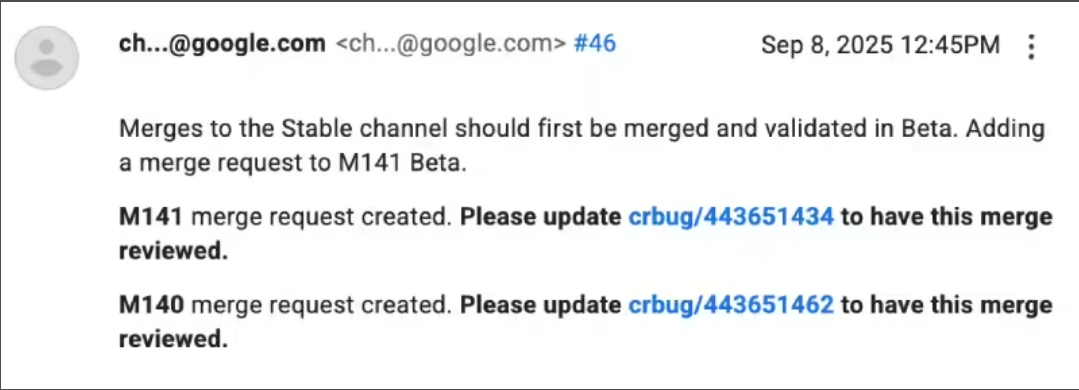
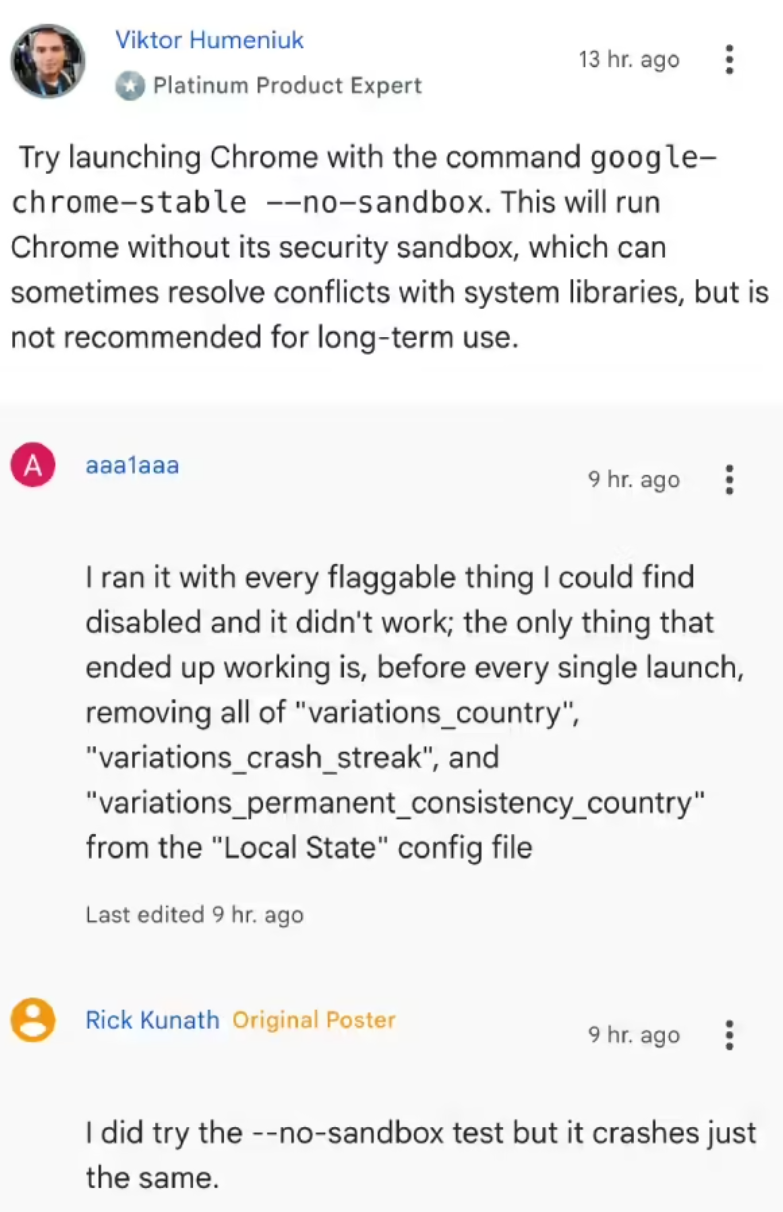
Meanwhile, users of the Chromium-based Brave browser have also reported similar symptoms, indicating that the issue may be a common problem with the underlying engine. Some users have temporarily alleviated the issue by uninstalling third-party font packages or removing the “fonts-noto-color-emoji” package.
For affected users, Google developers recommend running a specific command to check if the problematic fonts are installed:
fc-list -f "%{file}\n" | grep -Ei 'unitwebrbw03medium.ttf|unitwebrbw03light.ttf|panton_black.otf|heji2text.otf'If results are returned, it may indicate the source of the rendering failure. Short-term solutions include reverting to Chrome 139, removing the related fonts, or trying the Chrome 141 developer version.
END