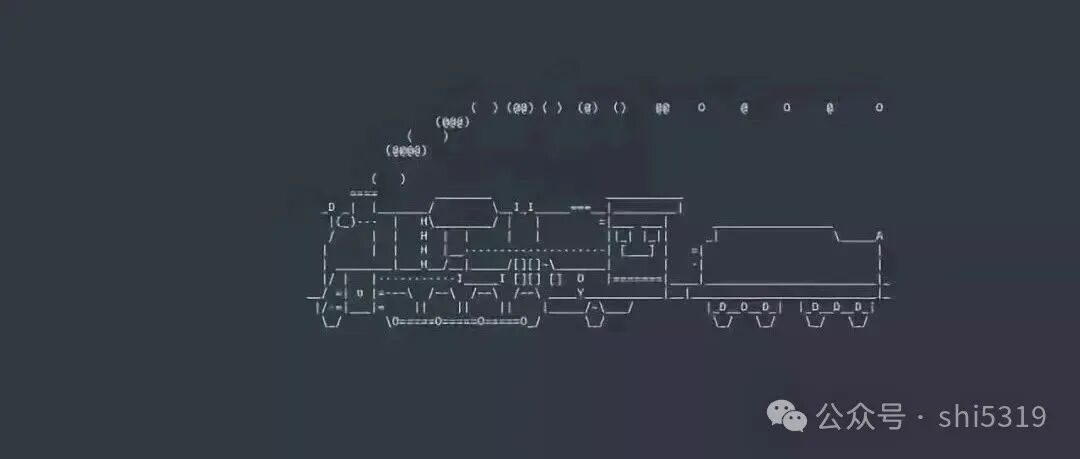
The Linux sl command is a fun tool that displays an ASCII animation of a train in the terminal, designed to remind users to avoid mistakenly typing the ls command as sl. It offers several options (such as -a, -l, -F) to change the animation effects.
The sl command simulates a train running using ASCII character animation, primarily for entertainment and as an input error reminder. The installation method varies by system:
– Debian/Ubuntu: sudo apt-get install sl
– CentOS/RHEL: sudo yum install sl (EPEL repository must be enabled first).
Common options include:
– sl -a: Displays a train accident scene.
– sl -l: Reduces the size of the train.
– sl -F: Makes the train “fly” from the bottom right to the top left.
– sl -e: Allows interruption of the animation with Ctrl+C.
Like this:
Its practical uses are limited, but it can be used for script completion prompts (such as triggering an animation at the end of a task) or in educational scenarios to add an element of fun.