Since learning about the 51 microcontroller, my programming software has always been Keil5. Whether it’s C51 or MDK, my programming has always been based on Keil, except for using TI’s CCS to program the MSP series, and I have hardly used any other programming IDEs (except for the Arduino IDE for programming the ESP32).

However, compared to the Arduino IDE, Keil5 is really terrible. First, it does not support C++ object-oriented programming (this might be because I don’t know how to use it, but using C++ will cause exceptions), which significantly reduces development efficiency. For example, a few days ago, when I ported the MAX30100 code from Meixin Company, I had to modify the official example from C++ to C language.
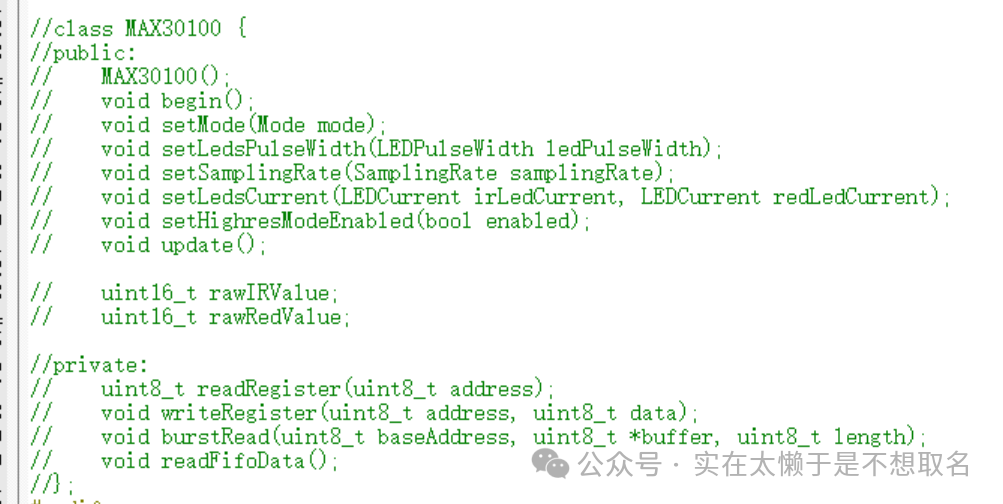
In contrast, using the Arduino IDE to develop the MAX30100 code with the ESP32 is very convenient; I can directly call the MAX30100 constructor. In Keil5, however, I need to spend a lot of time modifying C++ code into C code.
Moreover, due to the variable definition issues in Keil, data calls between different files often encounter problems, which greatly affects development.
Recently, when I was deploying FreeRTOS, I also found that the IDE generated by CubeMX is not compatible with the latest version of Keil, requiring a downgrade of the Keil version.
So I often wonder when I will give up using Keil5 for programming and try a new IDE.
In fact, many people are not using Keil for programming but have chosen VsCode for STM32 programming, which also supports C++ programming and has a very high level of support for object-oriented programming.

However, I am trying a new option: STM32CubeIDE.
STM32CubeIDE is an option I saw when generating code in CubeMX.
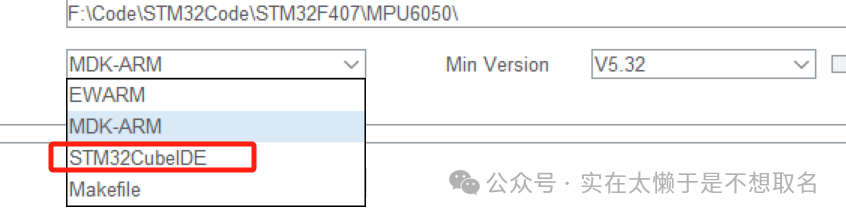
So I believe that since it is an IDE officially launched by ST, it will be excellent in terms of compatibility with STM32 and CubeMX. Therefore, I went to the official ST website to download STM32CubeIDE to give it a try.
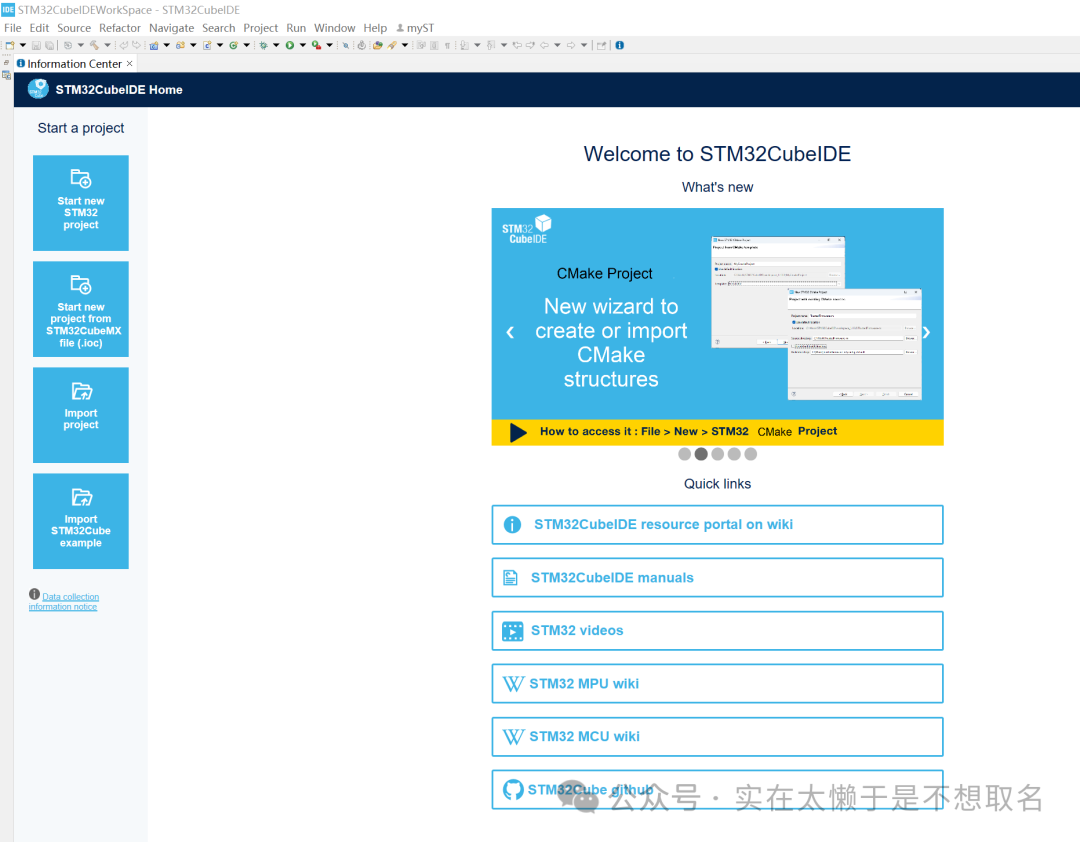
The installation and startup process of STM32CubeIDE is very simple, and the startup speed is also very fast.
- IDE Localization
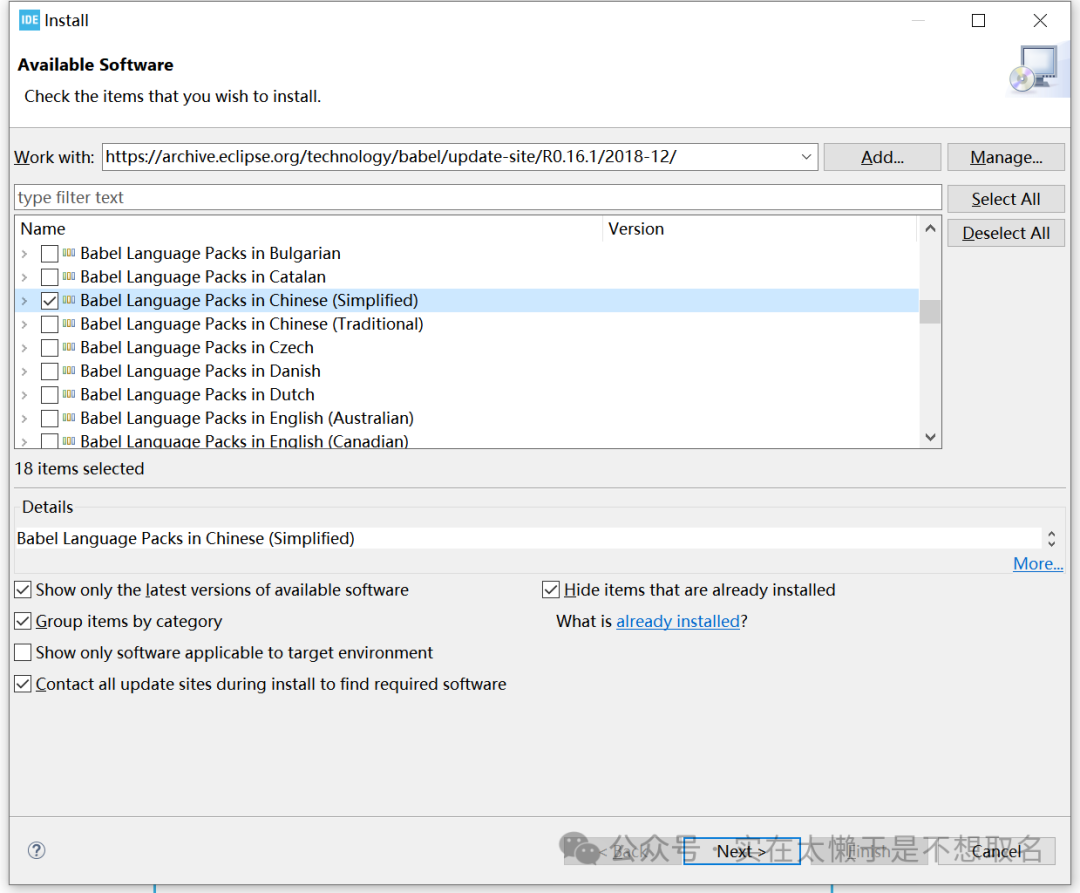
According to online tutorials, STM32CubeIDE can install a Chinese language extension pack. However, the download speed is very slow (possibly because it was the first startup).

You can see that the IDE localization is successful.
- Using C++
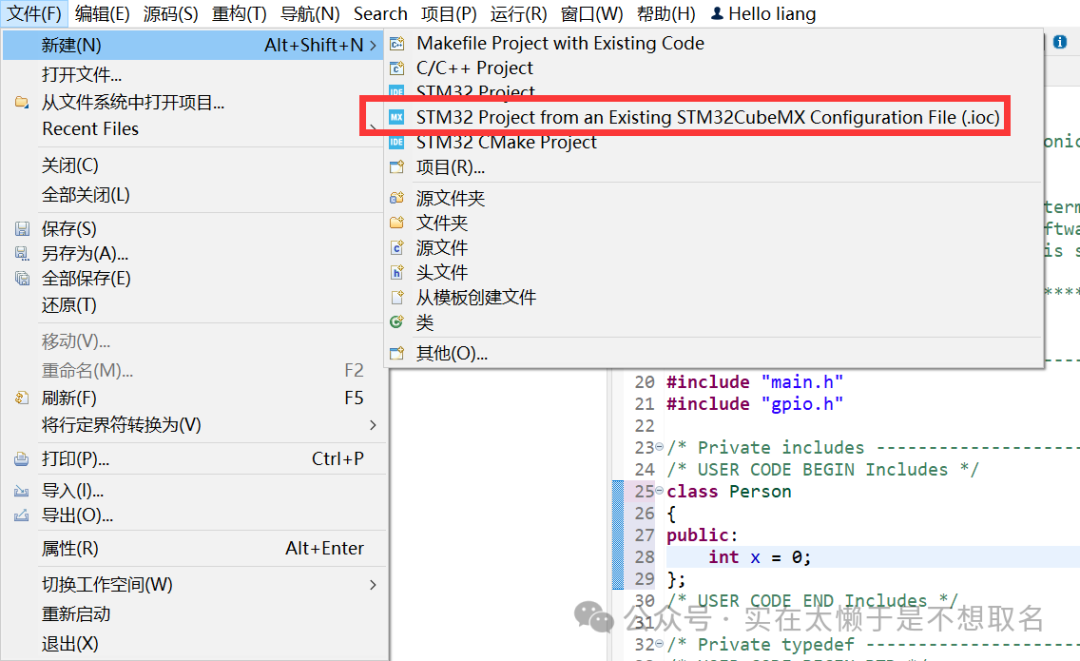
We create a project from an existing CubeMX file.
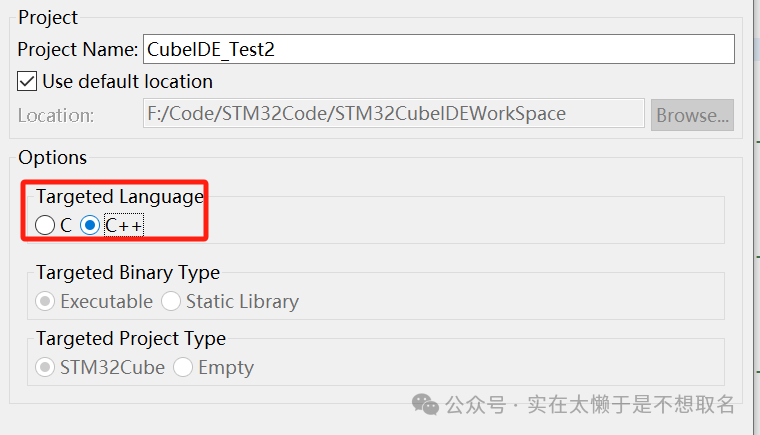
The main language is selected as C++.
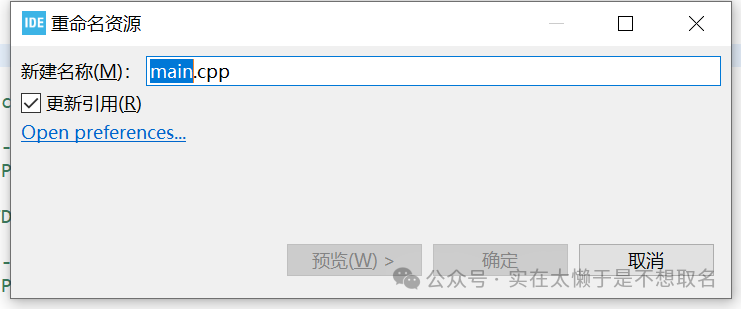
Change main.c to main.cpp so that we can use C++ language content.
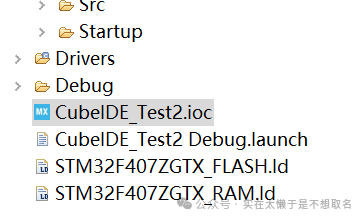
Double-click the CubeMX file, we can directly modify the file and then modify the initialization code, allowing for quick code changes.
/* USER CODE BEGIN Includes */class Test{public: void LED0Tog() { HAL_GPIO_TogglePin(GPIOF, GPIO_PIN_9); } void LED1Tog() { HAL_GPIO_TogglePin(GPIOF, GPIO_PIN_10); }};/* USER CODE END Includes */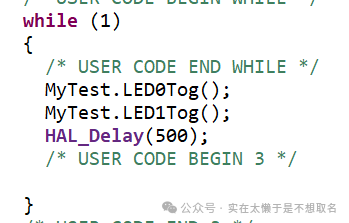
Call the class definition and then run the code to compile.
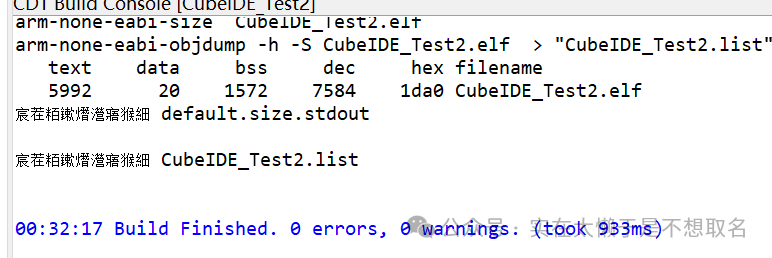
The compilation went smoothly, and the code can run normally.