Introduction
Learn to download and install the keil/mdk-ram tool.
Example Explanation
1.Download MDK Tool
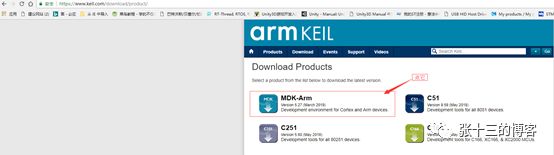
a) Enter https://www.keil.com/download/product/ in the browser, click on MDK-ARM on the pop-up webpage,

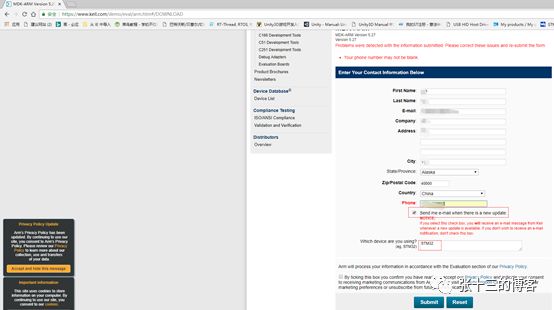
b) Fill in the information on the pop-up page (some can be filled randomly, just make sure the email address is correct!), then click Submit!
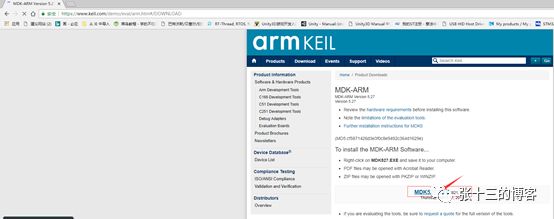
c) After submission, the webpage will automatically redirect to the following interface, just click on the text of the file you want to download!
d) Next is the long download time, during which you can go have a cup of tea. Downloading from overseas is generally slower; of course, you can also directly search for the latest version of MDK, like MDK5.27, some students will share the downloaded files on cloud storage, and downloading from there might be faster.
2.Install MDK-ARM, since MDK5.27 downloads slowly, we will use MDK5.26 for demonstration! The installation process is also very simple, basically just click NEXT all the way!
a) Double-click the installation file mdk526.exe

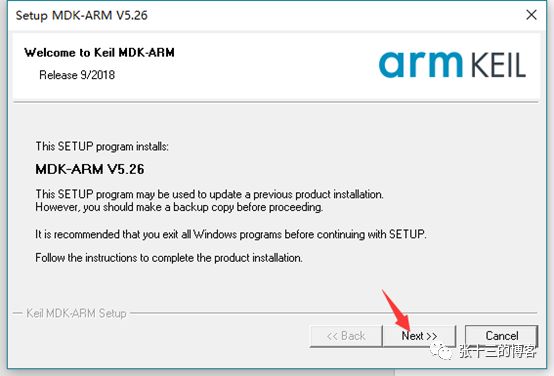
b) Click NEXT on the pop-up interface,
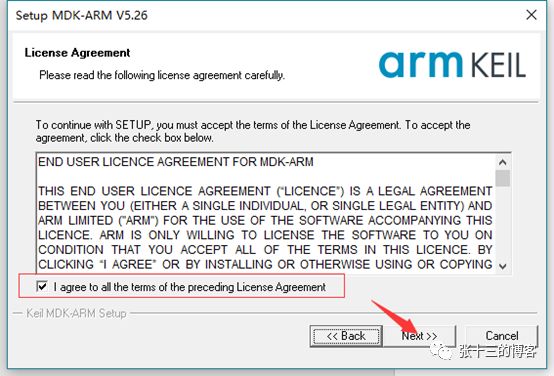
c) Check I agree … and then NEXT
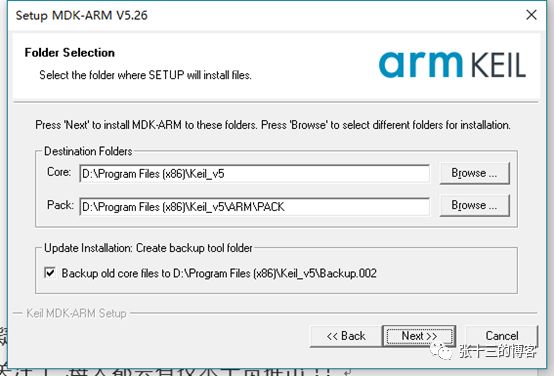
d) Set the installation file path, then NEXT
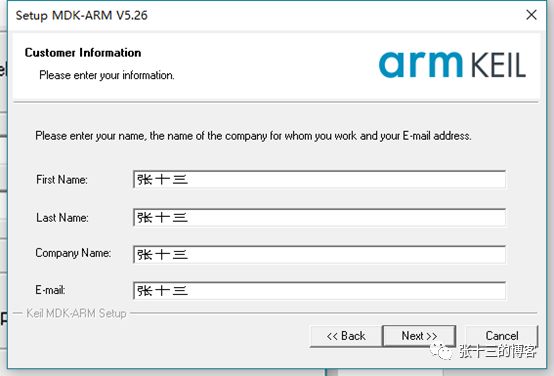
e) Fill in the four input boxes randomly, then click NEXT!
f) Then comes the installation process, which takes a little time, the specific speed depends on the computer configuration, so everyone just waits a moment, it will be done soon!
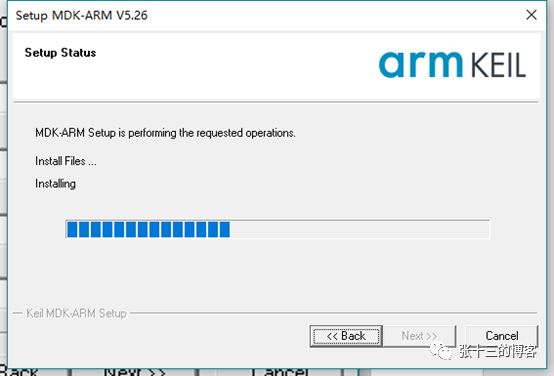
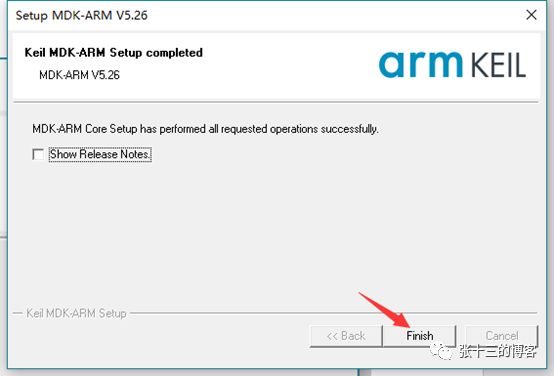
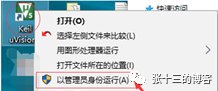
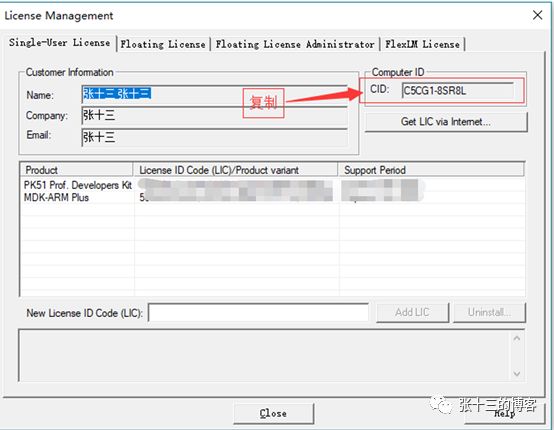
h) The installation is complete, but don’t rush; there is one last step, keep reading! First, right-click the Keil icon and select Run as Administrator,
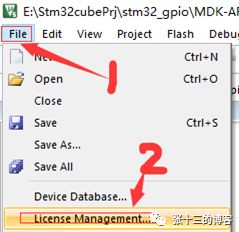
Copy the content in CID
Run the crack tool as Administrator
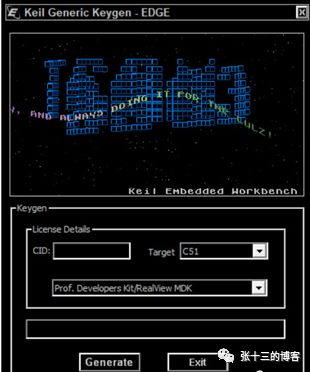
Paste the CID from the previous step into the CID field, then select ARM in the Target option box, and click the Generate button
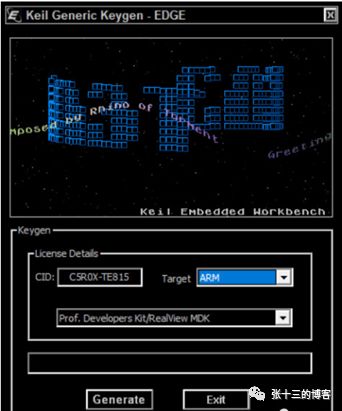
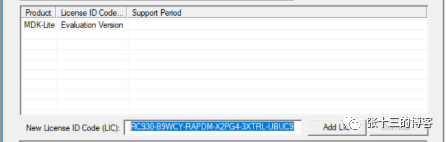
Copy the content in the bottom box
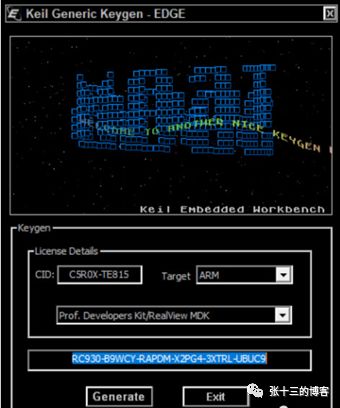
Paste the copied content into the LIC box in License Management, click Add LIC,
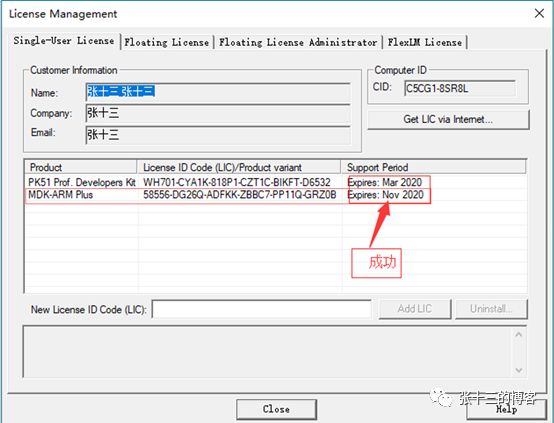
If the image shows 2020, it indicates that the crack was successful!!
Congratulations! The software installation is complete!!
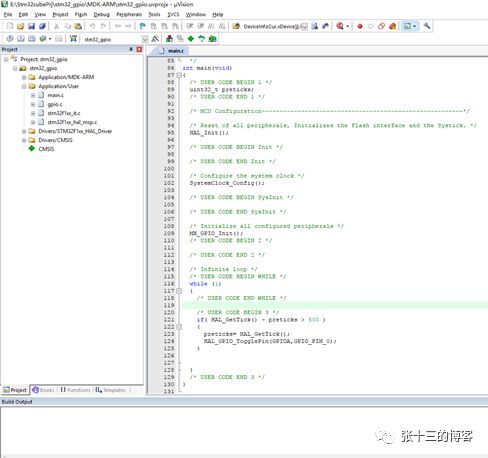
OK, this experiment is complete! See you next time! If you have any questions or want to know about other content, feel free to leave a message!! Finally, if you like this public account, remember to follow it, as there will be technical content released every day!!
For downloading materials mentioned in the article, send a message to Shisan in the public account:
Download|STM32 Basic Series Tutorial 0
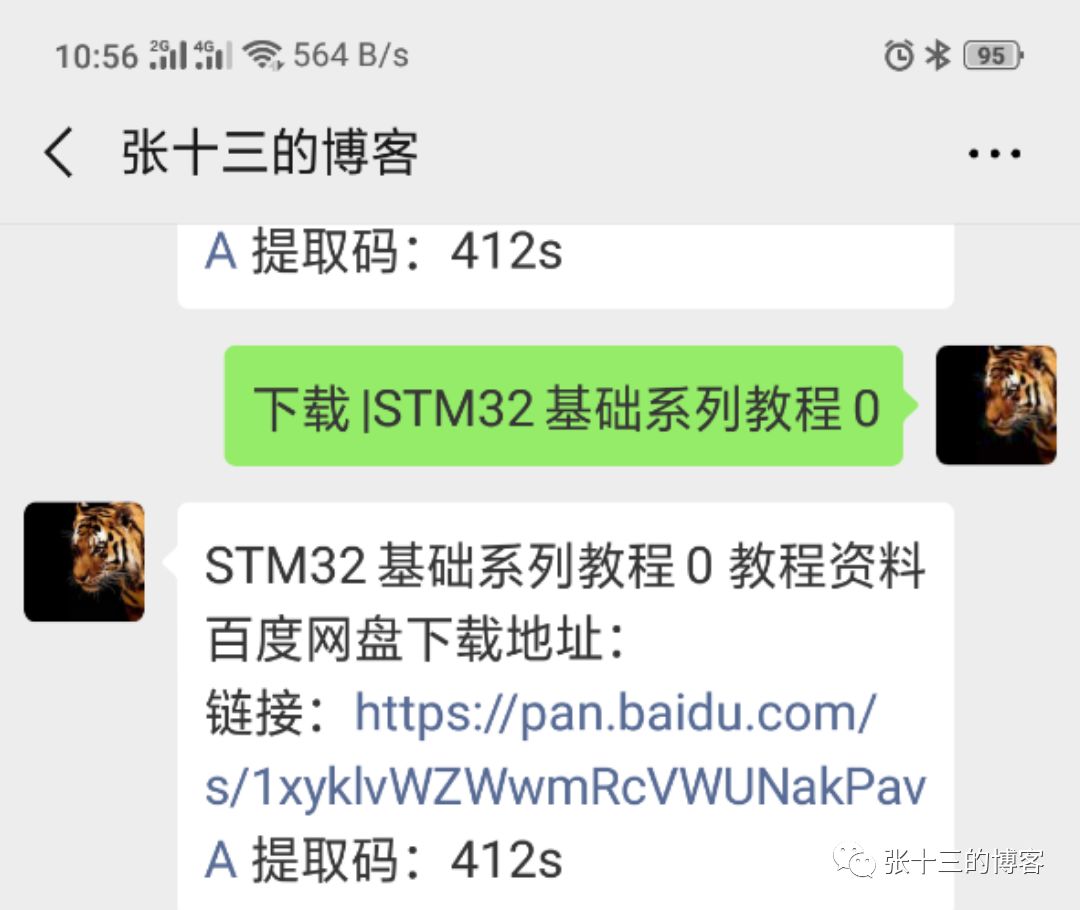
Follow the Shisan public account