1. What is a Soft Router? What is OpenWrt?
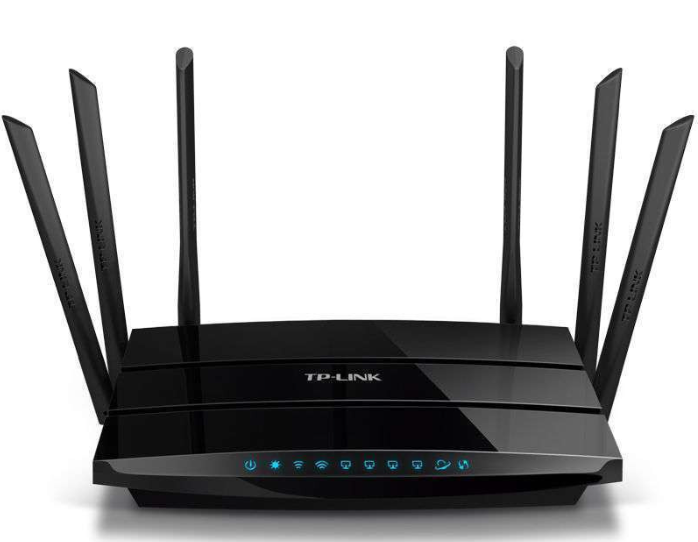
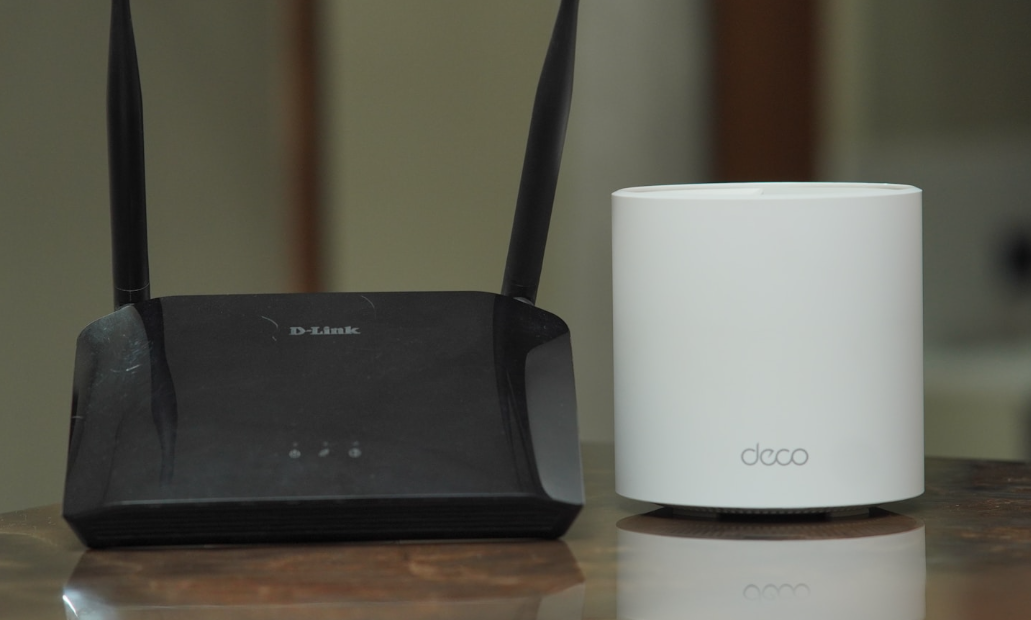
In simple terms, a soft router is a system that installs routing functions on a computer. Regular routers are fixed-function devices set by manufacturers, similar to “feature phones”; whereas soft routers are like giving a router a “smart system,” allowing you to install any features you want, making it as powerful as a smartphone.
Previously, I used a router provided by my ISP, which had poor signal and slow speeds. After converting an old laptop into a soft router, I can now watch 4K videos without buffering, ads disappear automatically, and I can control my children’s internet time. It’s simply amazing!
OpenWrt is one of the most widely used systems for soft routers.

Soft Router vs Regular Router
| Comparison Item | Regular Router | Soft Router |
| Performance | Fixed hardware, limited performance | Runs on a computer/server, stronger performance |
| Functionality | Can only connect to the internet | Can install plugins for ad-blocking/acceleration/network management |
| Flexibility | Set by the manufacturer, cannot be changed | Can be configured however you want |
| Price | Usually a few hundred yuan | Can be upgraded from an old router or computer, low cost |
2. Who is OpenWrt Suitable For?
- • People who hate ads: No more interruptions from ads while watching videos
- • Gamers: Reduced latency, no lag during team battles
- • Parents: Manage children’s internet time
- • Tech enthusiasts: Experiment with various plugins
- • Those looking to save money: Transform an old router into a high-end router
3. What Can a Soft Router Do?
A soft router acts like a “super brain” for your home network, easily handling tasks that regular routers cannot! Below, I will detail some of its most practical features, and I will recommend corresponding plugins for each feature, allowing you to master soft routing!
1. Boost Internet Speed
Regular routers may only utilize 80% of your broadband speed, while soft routers can optimize the network to fully utilize 1000M broadband, making downloads lightning fast!
Recommended Plugins:
- • “SQM QoS” (Smart Queue Management): Automatically optimizes network latency, ensuring smooth gaming and video streaming.
- • “MWAN3” (Multi-WAN Acceleration): If your broadband supports multi-WAN (like some regions’ mobile or Unicom broadband), this plugin can double your speed!
Real Experience:Previously, my regular router only achieved 800Mbps, but after installing OpenWRT, it shot up to 950Mbps, making large game downloads twice as fast!
2. Automatically Block Ads
Tired of watching 90 seconds of ads before videos? After installing the ad-blocking plugin, ads on Youku and iQIYI disappear, even pop-ups in mobile apps are gone!
Recommended Plugins:
- • “AdGuard Home”: Whole-house ad-blocking, supports custom rules, can block ads in mobile apps.
- • “koolproxy”: Specifically targets domestic video sites (Youku, Tencent, iQIYI) for ad-blocking, highly effective.
Real Experience:My mom used to see an ad every three videos on Douyin, but after installing AdGuard Home, she thought her phone was broken: “Why are there no ads anymore?”
3. Manage Children’s Internet Use
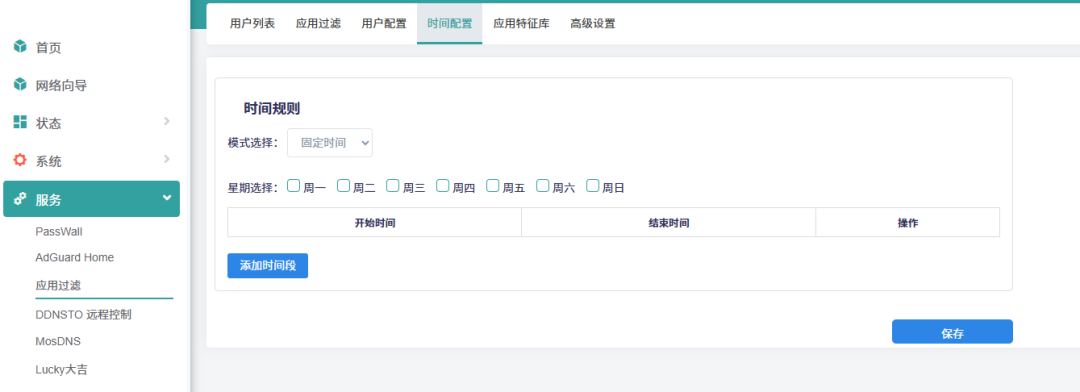
Is your child secretly staying up late to play games? Set a “disconnection time” to automatically turn off WiFi at a certain time, and block inappropriate websites—much more effective than nagging!
Recommended Plugins:
- • “Internet Time Control” (Parental Control): Set internet access times for children’s devices, such as automatically disconnecting after 10 PM.
- • “DNS Filtering”: Blocks inappropriate websites (gambling, pornography, etc.), ensuring children’s online safety.
Real Experience:My cousin used to stay up late playing Honor of Kings, but since I set his phone to “disconnect at 11 PM,” his routine has improved!
4. Prevent Neighbors from Using Your WiFi
You can see all connected devices, kick off strangers with one click, and set a whitelist so that only your devices can connect.
Recommended Plugins:
- • “LuCI-Device List”: View all connected devices in real-time, blacklist any unauthorized users.
- • “MAC Address Filtering”: Only allows your devices to connect, even if strangers guess the password, they won’t be able to access the internet.
Real Experience:My upstairs neighbor used to steal my WiFi, but after I set up a whitelist, he couldn’t connect anymore and came down to ask me: “Why can’t I find your WiFi?”
5. Multiple WiFi Networks for Different Purposes
A soft router can create multiple WiFi networks, each assigned different functions without interference!
| Network Name | Purpose | Recommended Plugin |
| Main Network | For personal use, fastest speed | Default network, no special plugins |
| Guest Network | For friends, does not occupy main speed | “Guest Network” plugin, speed limit + isolation |
| Gaming Network | Dedicated for gaming consoles, ultra-low latency | “SQM QoS” for optimizing gaming traffic |
| VPN Network | Configure a dedicated VPN for secure browsing | “OpenVPN” or “WireGuard” |
Real Experience:My home now has four WiFi networks:
- • Main Network: For me and my wife, fastest speed
- • Guest Network: For friends, limited to 50Mbps
- • Gaming Network: Dedicated for PS5, only 20ms latency for Call of Duty
- • Work VPN Network: For remote work, data encrypted for security
4. Other Soft Router Systems
While OpenWrt is powerful, it is not the only option. There are several similar soft router systems on the market, each with its own features:
- 1. iStoreOS (Friendly OpenWrt)
Suitable for beginners, with a simple interface that is as easy to use as a mobile system. It has a built-in app store for one-click plugin installation, no need to mess with command lines.
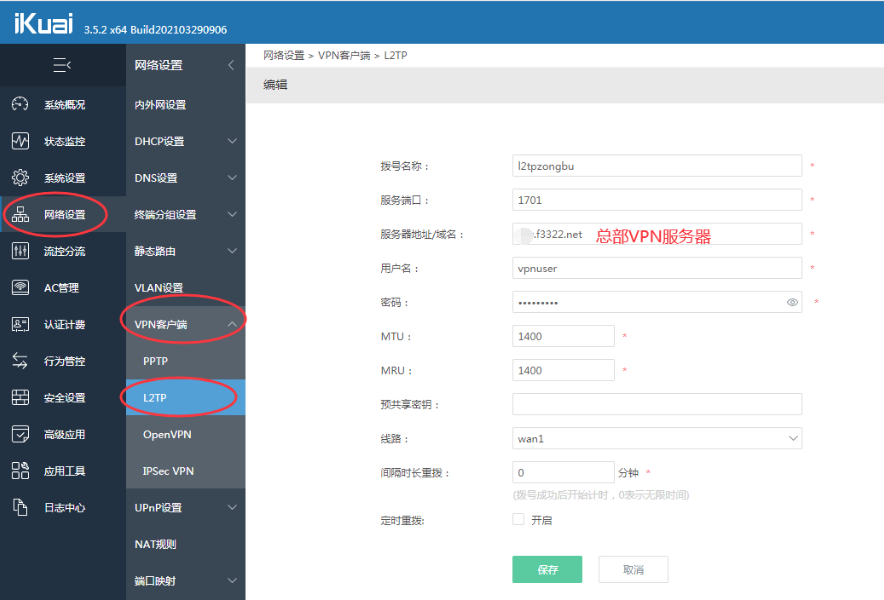
- 2. iKuai
More suitable for businesses or shared networks, such as rental properties or small companies. It can precisely control the internet speed of each device, preventing slowdowns from downloads.
- 3. ROS (RouterOS)
Professional-grade soft router with powerful features, but high learning curve.
- 4. pfSense—Firewall + Router in One
For users who prioritize security.
- 5. DD-WRT—Classic Open Source Firmware
A savior for old routers.
| System | Who is it Suitable For? | Difficulty | Features |
| iStoreOS | Beginner users | ⭐ | Easy to use, plugin store |
| iKuai | Landlords/Small Companies | ⭐⭐ | Precise speed control, multi-WAN acceleration |
| ROS | Networking Experts | ⭐⭐⭐⭐ | Enterprise-level features, ultra-stable |
| pfSense | Security-focused users | ⭐⭐⭐ | Firewall + VPN in one |
| DD-WRT | Users with old devices | ⭐⭐ | A savior for old routers |