
Project Name: Allwinner D1s Smart Home Control Virtual Light Rendering Interaction (86 Box)
Project Author: It’s Xiaoye~
Introduction
 Every time before going to bed, I have to prepare for a “100-meter” sprint(to the bed).Never mind, I can’t be too bold˙Ⱉ˙ฅ
 Even after lying in bed, I still think, ah, did I turn off the bathroom light? Did I turn off the living room light?
At this time,having a control center like this at home would be perfect!
01
Open Source Project Description
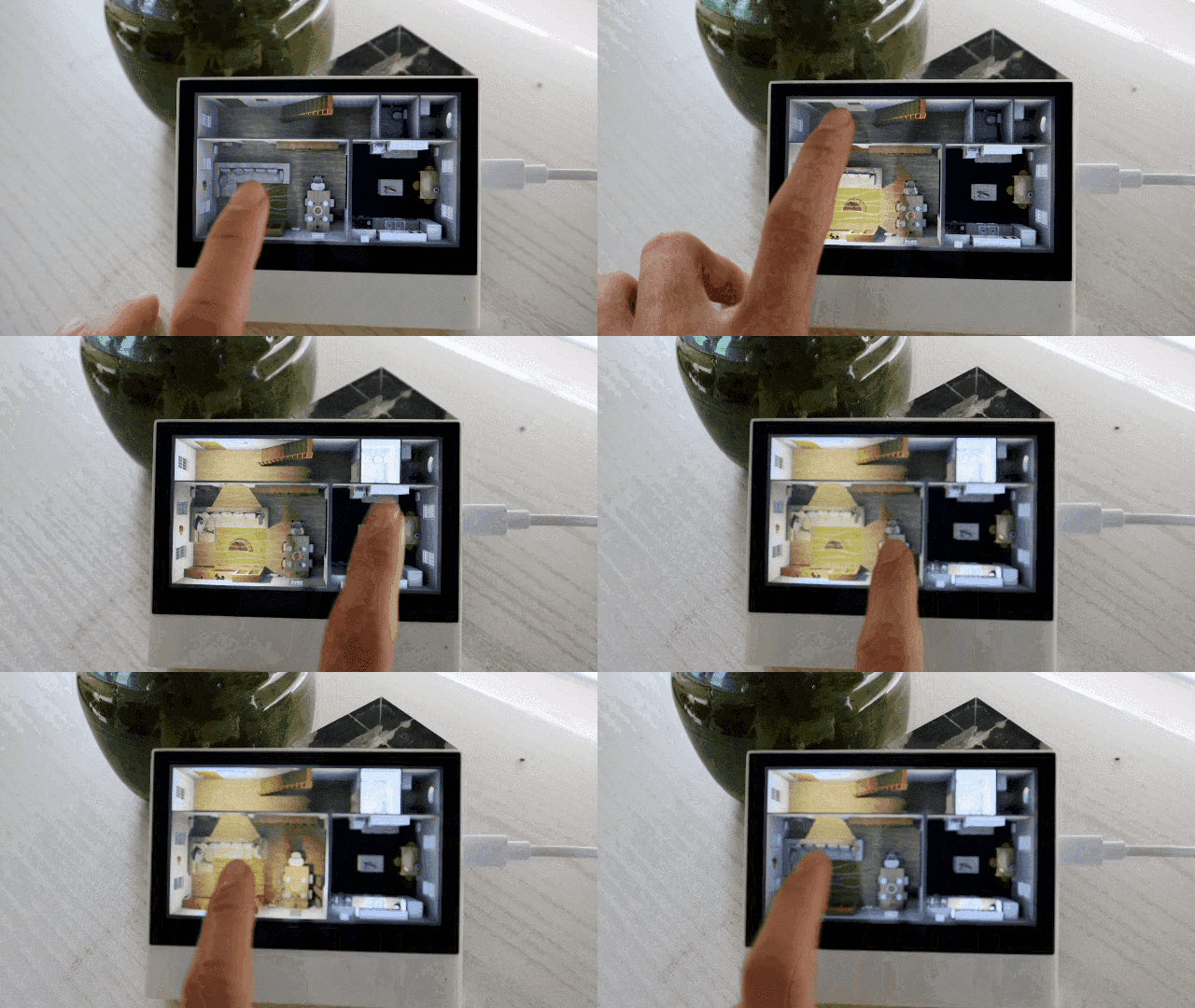
Based on the Allwinner D1s as the main control unit, a smart home interaction tool has been developed.
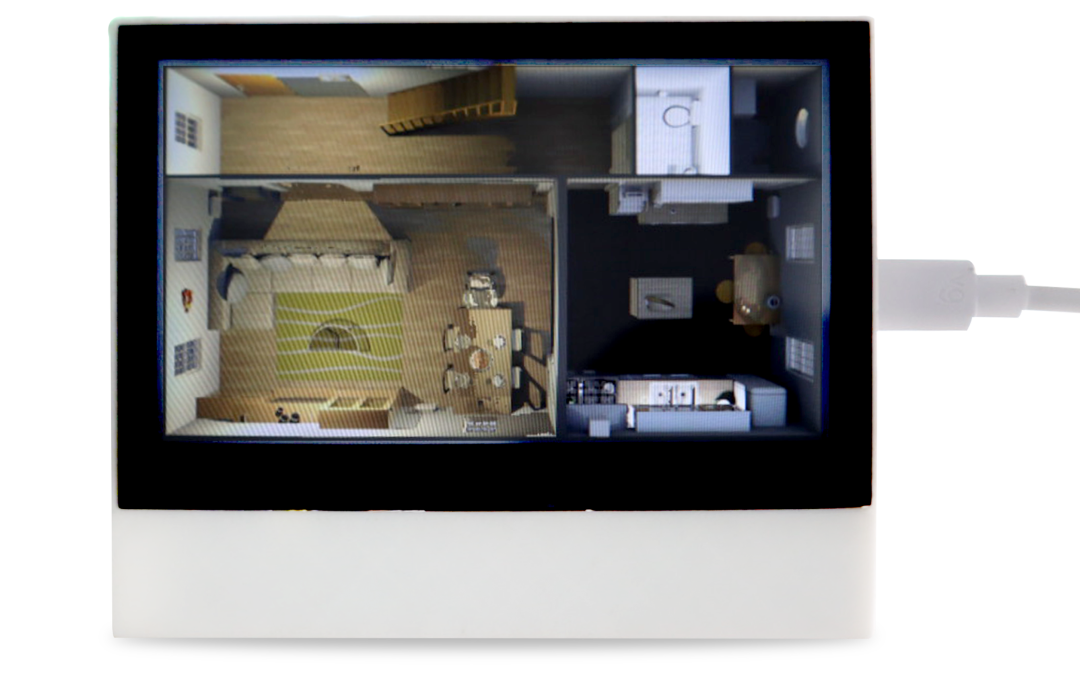
The main working principle is: to achieve MQTT communication between devices through the home WIFI internal network, while fully interacting with the microcontroller system.
Currently, the project has been completed and is open source!
If you want to replicate such a control system, what should you pay attention to? How to design the hardware and software? Below will elaborate~
02
Project Function Highlights
-
4.3-inch screen
-
Adapted the LVGL graphics library
-
Screen output supports RGB888
-
Compatible with 86 box installation, provides development interface
-
Equipped with XR829 to achieve WiFi + BLE communication
-
Implemented core technology for light rendering, paying tribute to homeassistant (abbreviated as HAOS, an open-source, free platform maintained by many, based on Python)
-
Developed based on Melis 4.0 real-time operating system, using RTThread kernel
-
Can run bare-metal RTOS, such as RT-Thread, Melis
03
Design Diagrams
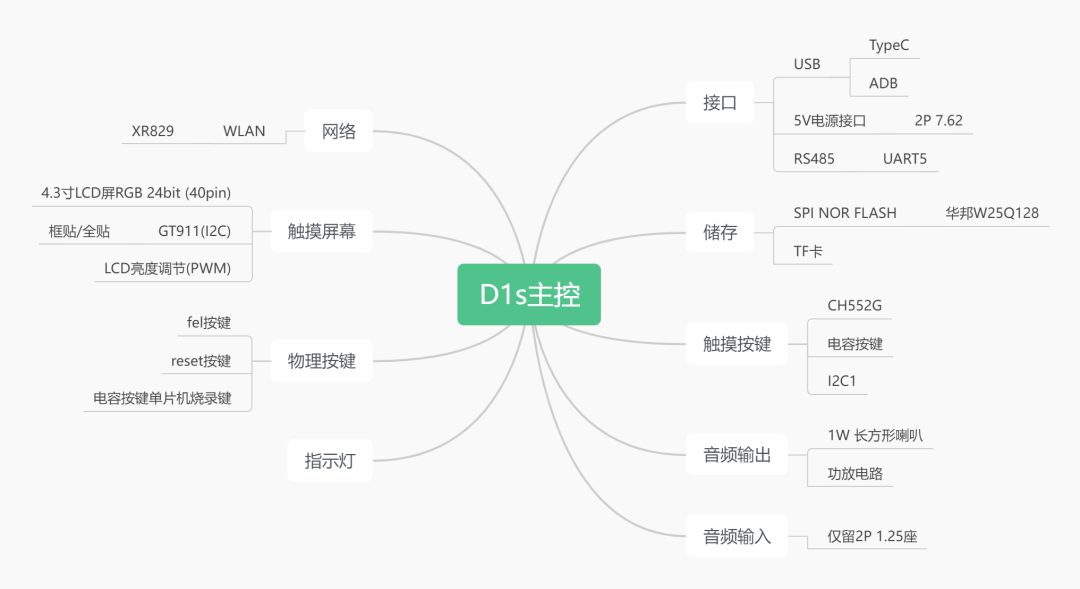
Hardware Design Framework Diagram
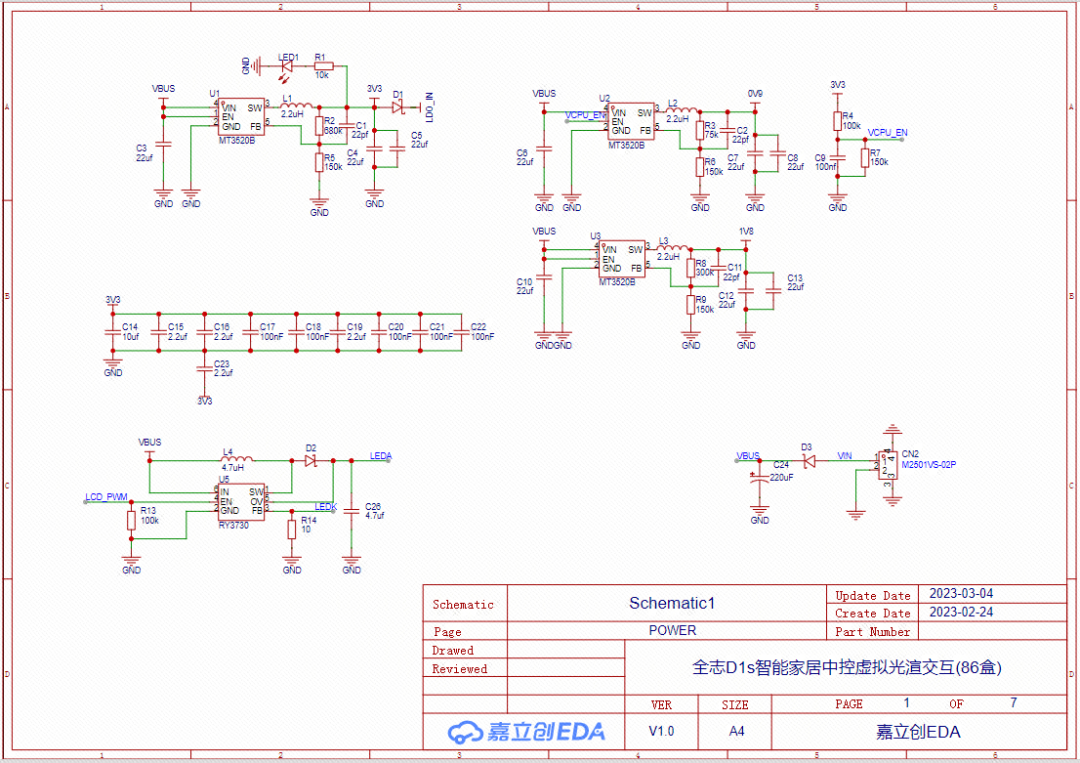
Power section schematic

SOC schematic
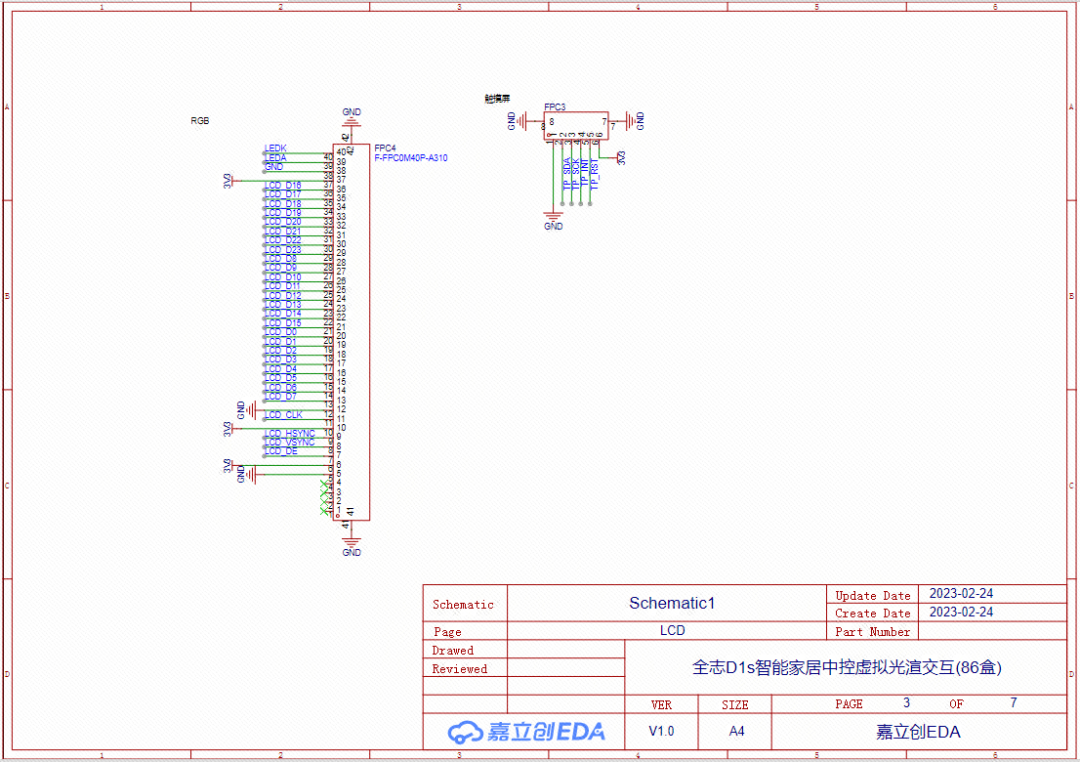
LCD schematic
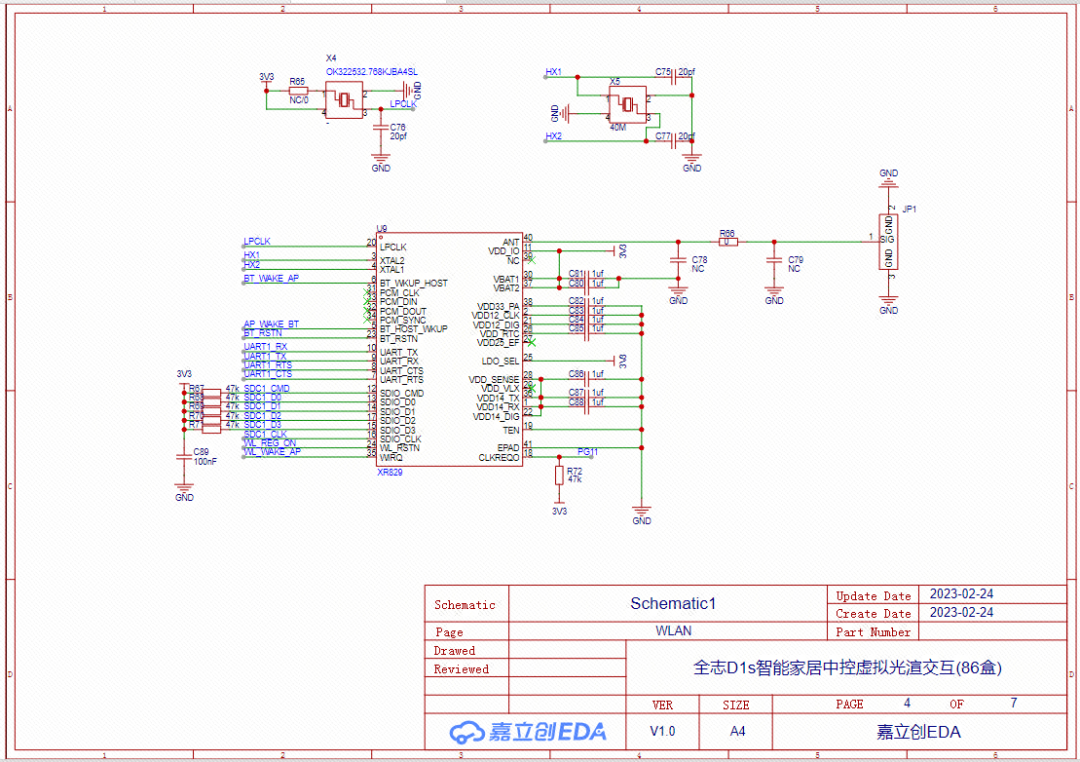
wlan schematic
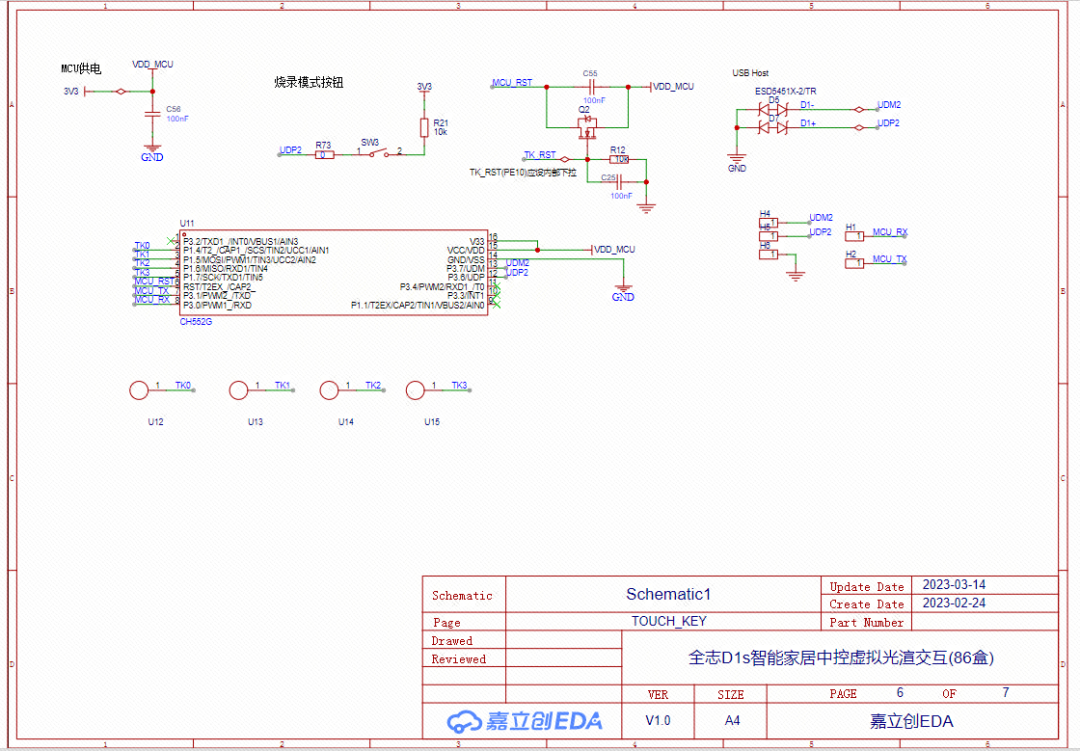
touch-key schematic
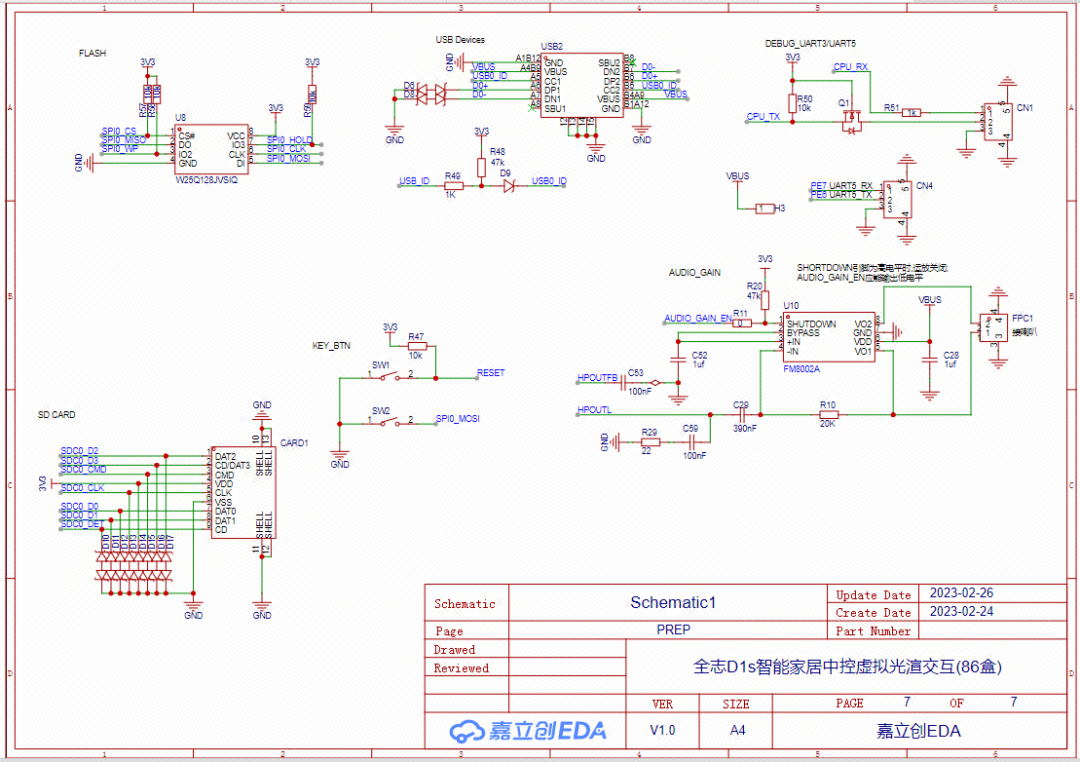
prep schematic
Swipe up and down to view the schematic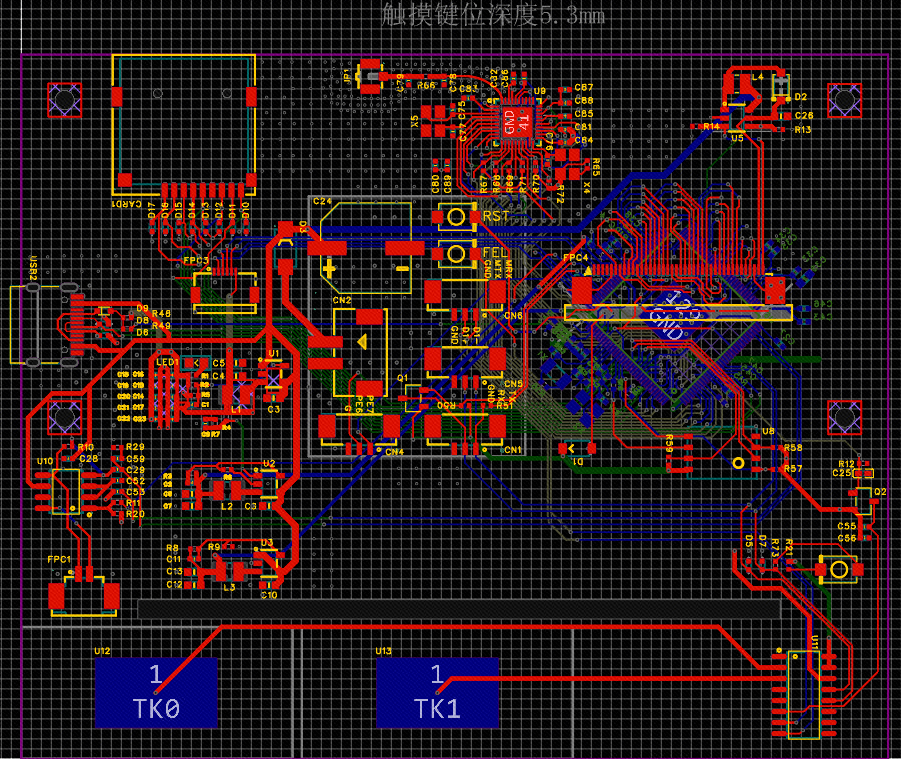 PCB Diagram
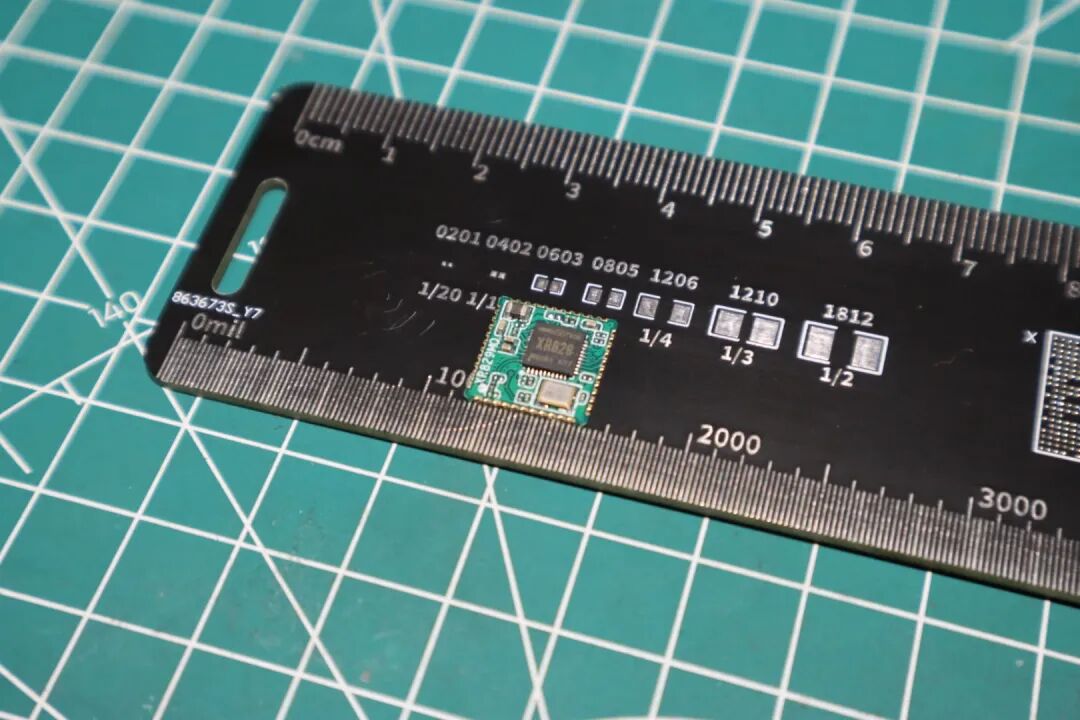
XR829 wifi+ble integration module
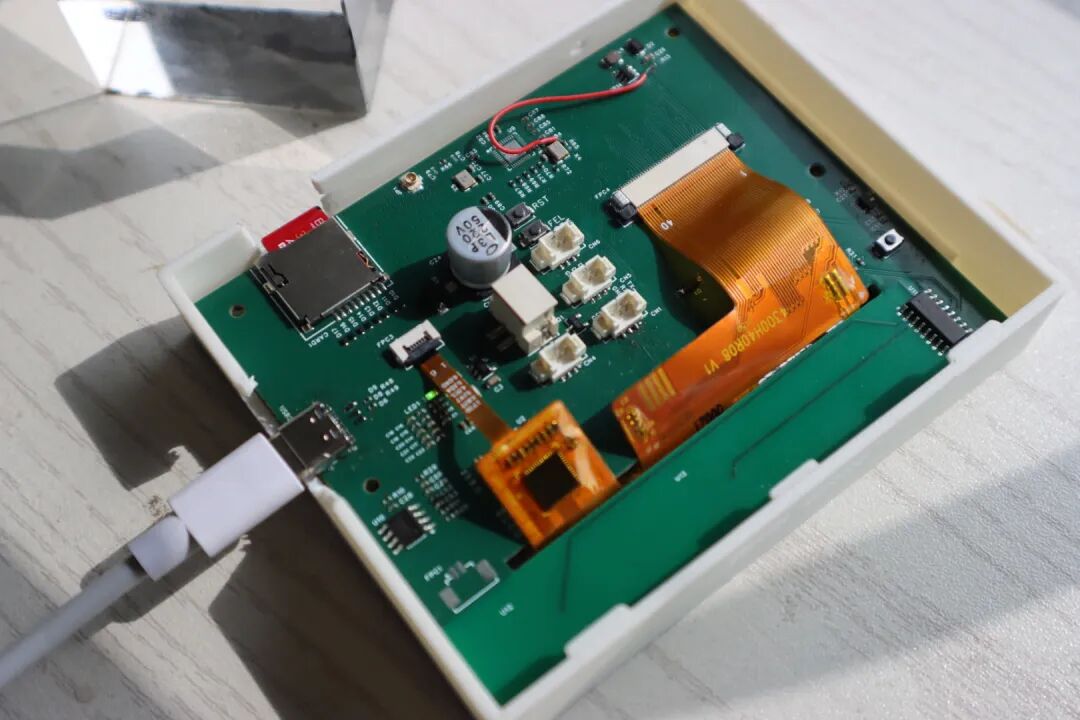
Physical Image
04
Software Description
The source code + Melis 4.0 system + firmware are all packaged, if needed, please refer to the last chapter (Open Source Data Download Chapter) for download.
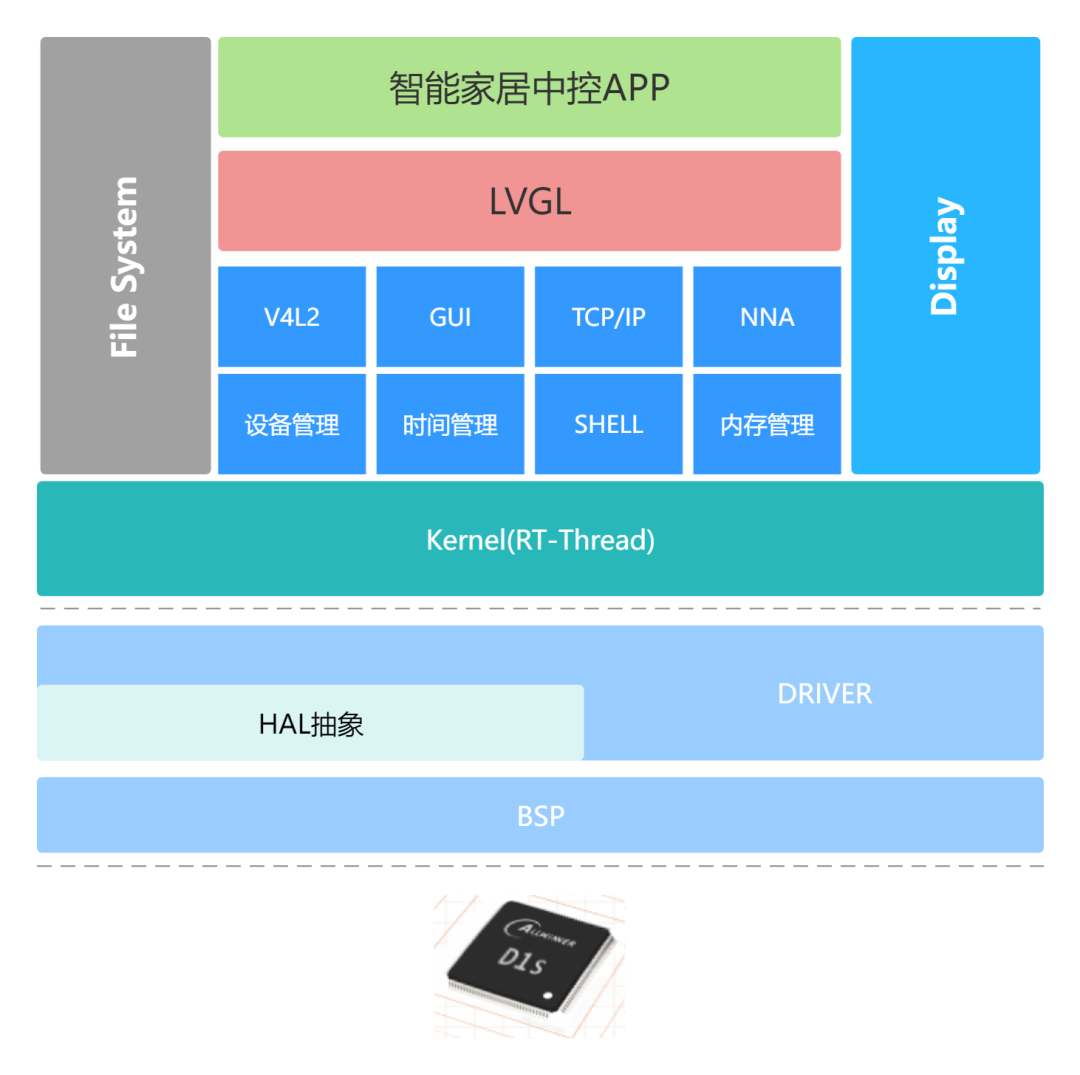
This is the design framework diagram of the software part:
05
Design Considerations
-
My SMT version requires manual soldering of B5819.
-
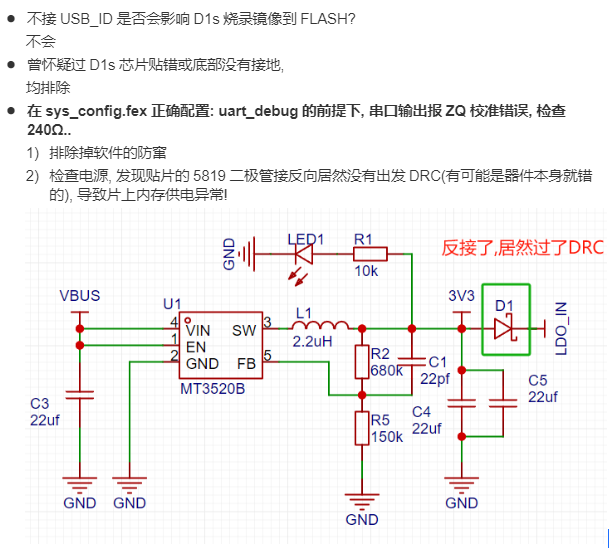
Need to check if the D1 components are reversed, otherwise it will cause a deep pit where the internal DDR cannot be calibrated.
- Some common questions answered:
06
Author’s Note
The circuit board production process of this project has had both twists and turns, let me tell you slowly.On February 21, 2023, the structural engineer and I first learned about the Lichuang Spark Program activity, and we hit it off immediately and got started!

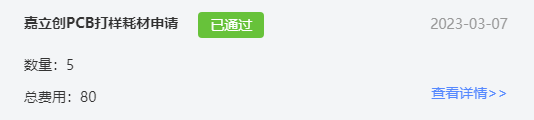
With the fearless spirit of soldering the main control chip myself, I first applied for the first version of the PCB and materials in the Lichuang Spark Program activity.
At that time, I never thought that I would apply for the Spark benefits again.At the same time, there would be an unexpected surprise……
Sure enough, I overestimated the difficulty of soldering eQFP chips and discovered some circuit-related issues.So we started the design of the third version of the PCB.During this period, the Jialichuang SMT component library was also continuously enriched……
That’s right! The most surprising thing came! In the second half of the year, the main control I needed—the Allwinner D1s was listed in the Jialichuang SMT component library!
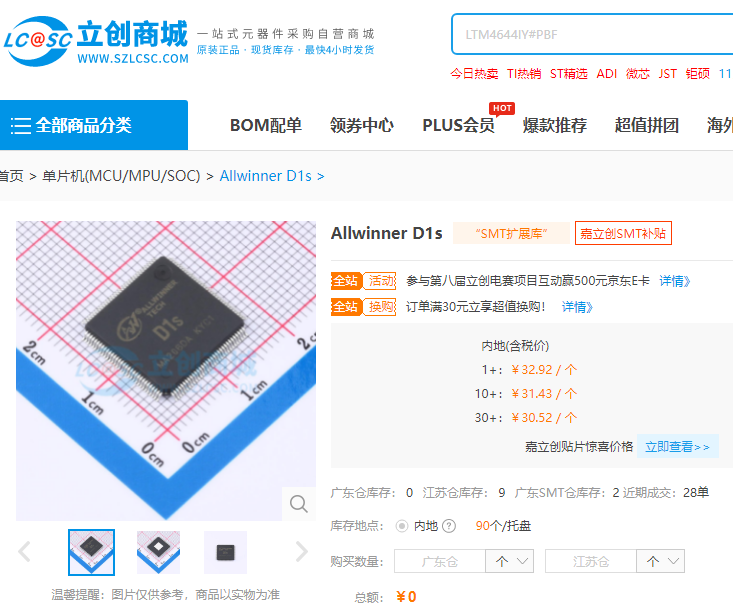
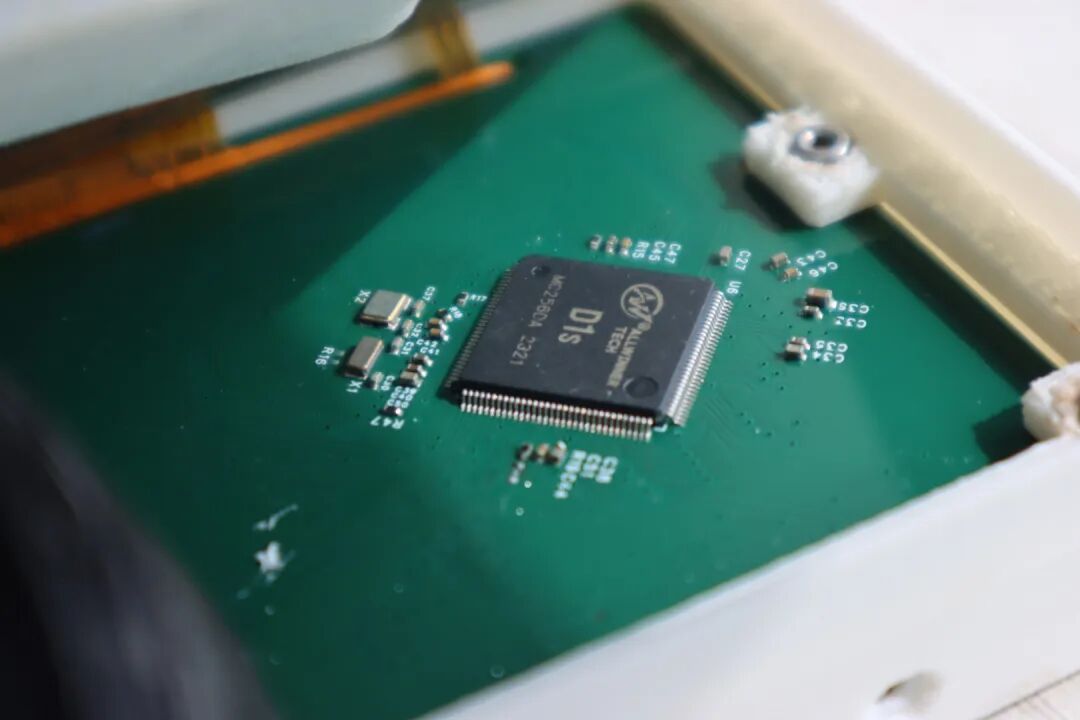
So I decisively applied for Jialichuang’s SMT, bidding farewell to the tedious soldering work!PS: Here I want to thank the Spark Program for allowing me to maximize the process!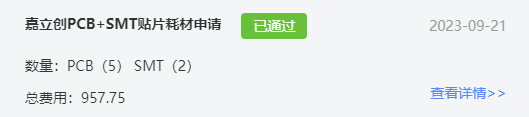 To be honest, the boards produced by the advanced SMT factory in Zhuhai are really beautiful!
About Project AttributesThis project is publicly disclosed for the first time and is an original project by me and structural engineer @Li Yaohua.The project has not won awards in other competitions.About Open Source LicenseWe maintain openness to the community and look forward to everyone’s replication! For commercial use, please contact the author.About the Spark ProgramIf you also want to participate in the Spark Program activity, you can scan the code to add the activity assistant and send the keyword 【I want to know about the Spark Program】 to learn about the activity details.

07
Open Source Data Download Entry
If you need 【project source files + video demonstration files】, please “scan the code” or “copy the link” to enter the open source page to view.
Scan to enter the open source pageGet 【circuit and other source files】
Copy the open source URL and open it in any browser: https://oshwhub.com/fanlingg/D1s-smart-home-control
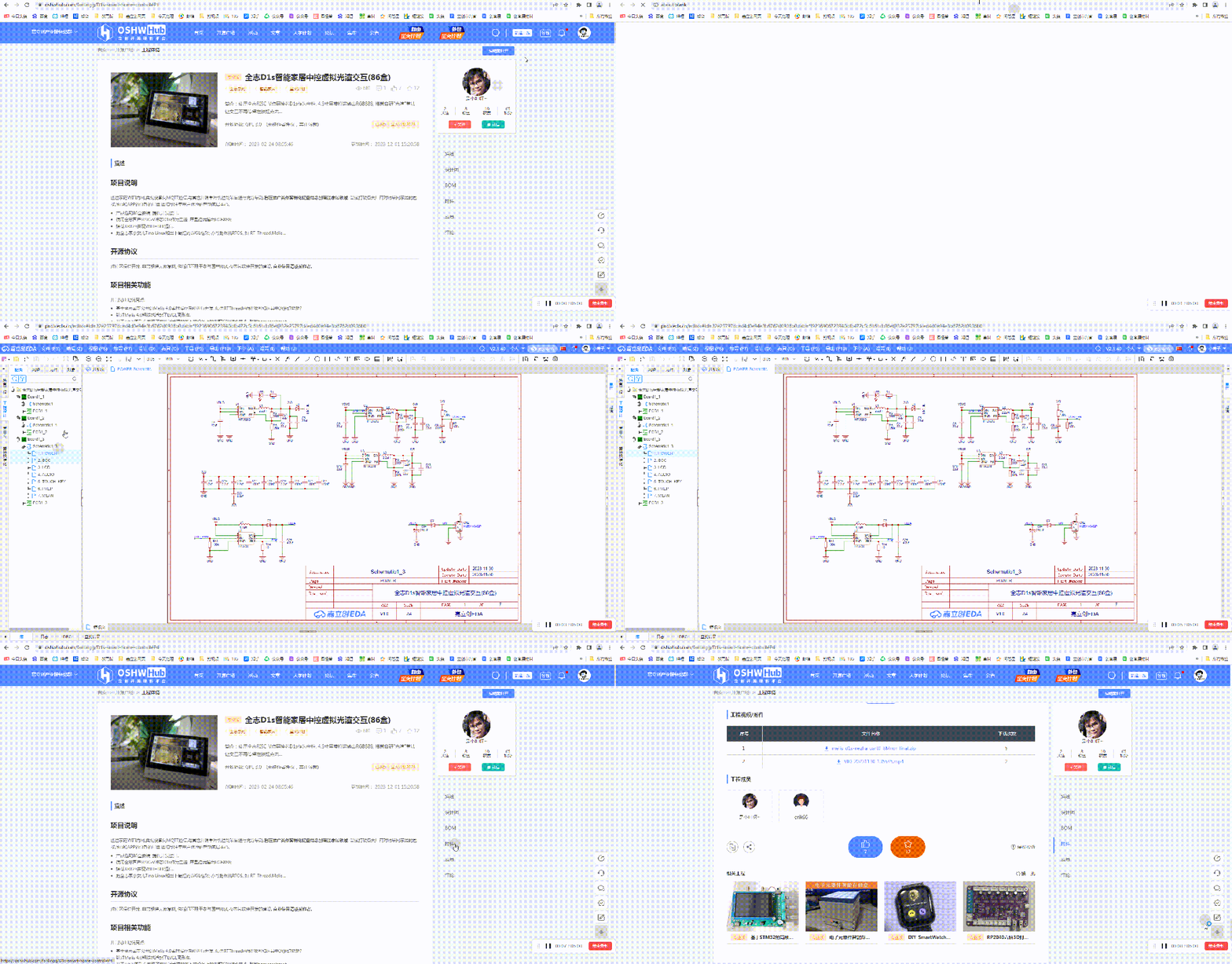
If you have any questions, you can comment under the open source project to consult the original author!
*This article reprints user creations from the “Lichuang Open Source Hardware Platform”. If there is any infringement, please contact for deletion.
Give me a thumbs up if you like it!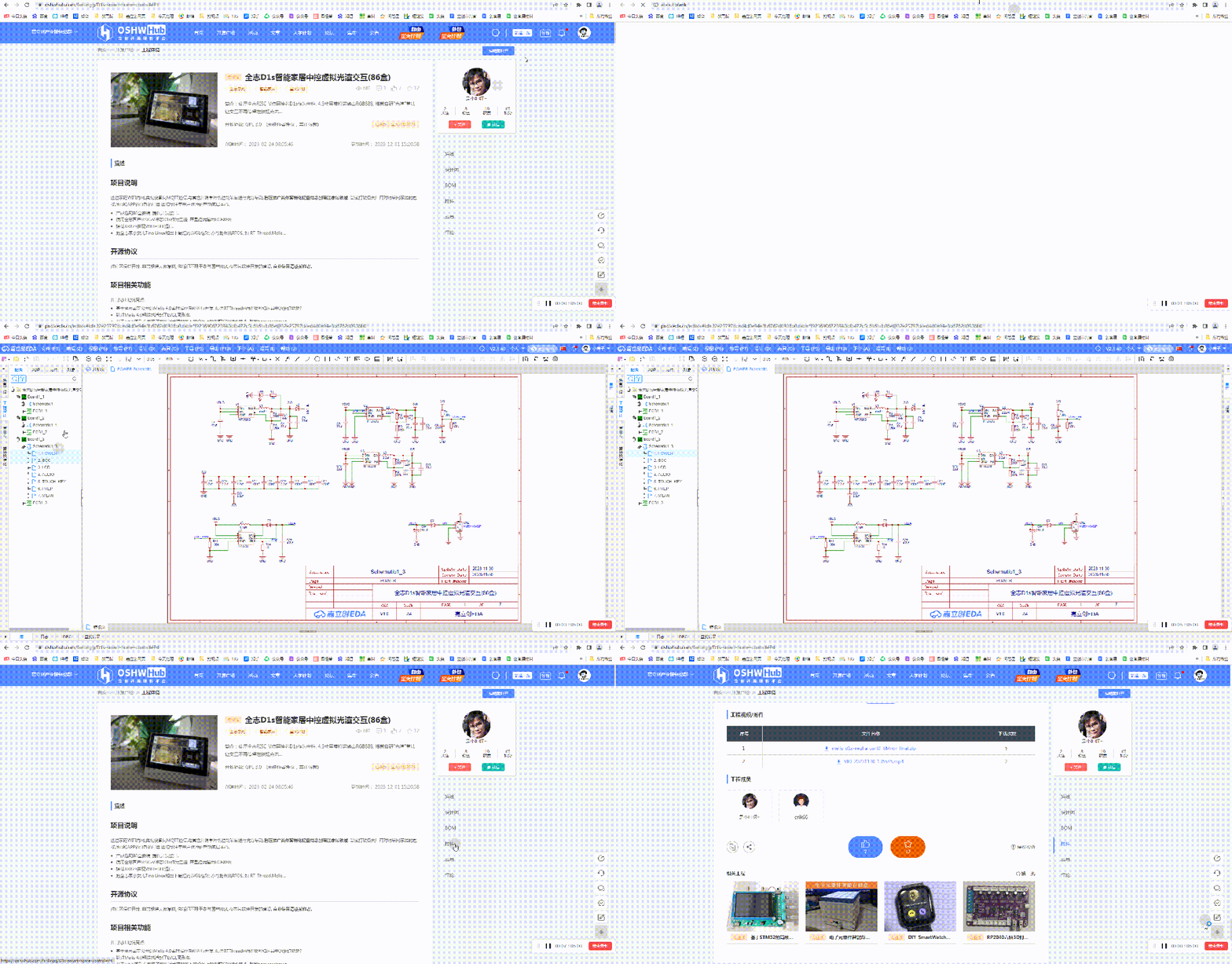 Click here to view the original project