The one-click inspection script (also known as a monitoring script or check script) is a very useful tool that helps administrators quickly check the health, performance metrics, and security configurations of the system. Such scripts can automate a series of commands and checks, saving time and reducing the possibility of errors.
Today, I will share a Shell script for quick one-click inspection of Linux, covering common aspects such as system performance, network configuration, and security checks. It is suitable for rapid inspection of standalone machines, and after execution, the script will generate an HTML report named with the hostname + IP address + timestamp.
Script Features
-
Enhanced error handling, providing friendly prompts when certain commands or files are missing.
-
Optimized HTML structure and style, making the report more aesthetically pleasing and readable.
-
Improved command execution methods to avoid script interruption due to missing tools.
-
Added more compatibility checks to ensure the script runs on different Linux distributions.
-
Optimized performance data collection to reduce impact on system resources.
-
Improved the scheduled task check section for clearer output.
-
Added more comments to enhance code readability.
This script now generates a complete HTML report containing all system check results, presented in a visually appealing format.
Usage Instructions
chmod +x system_inspection.sh
./system_inspection.sh
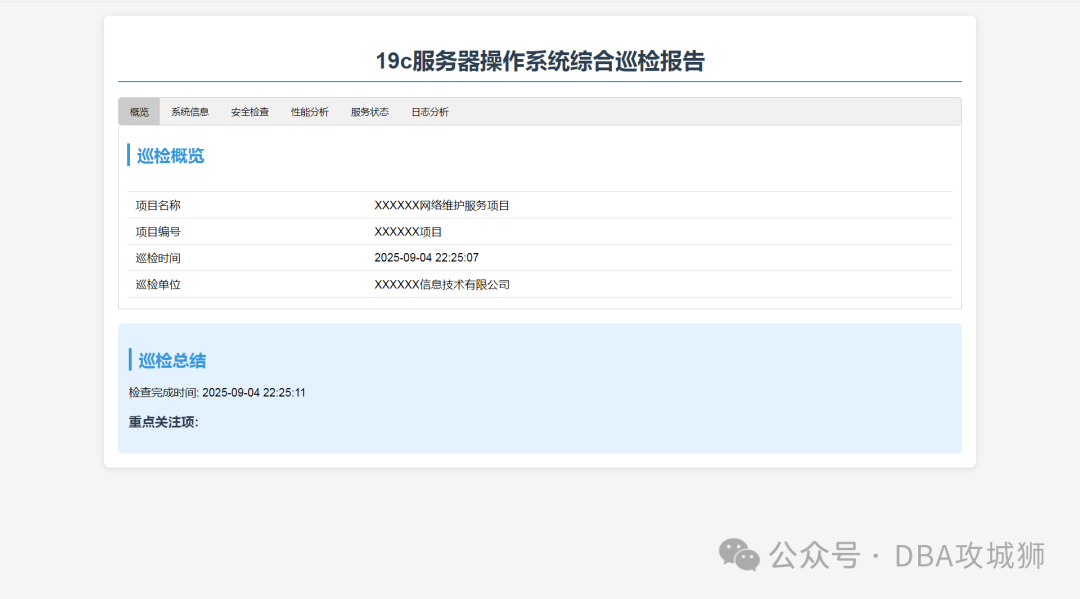
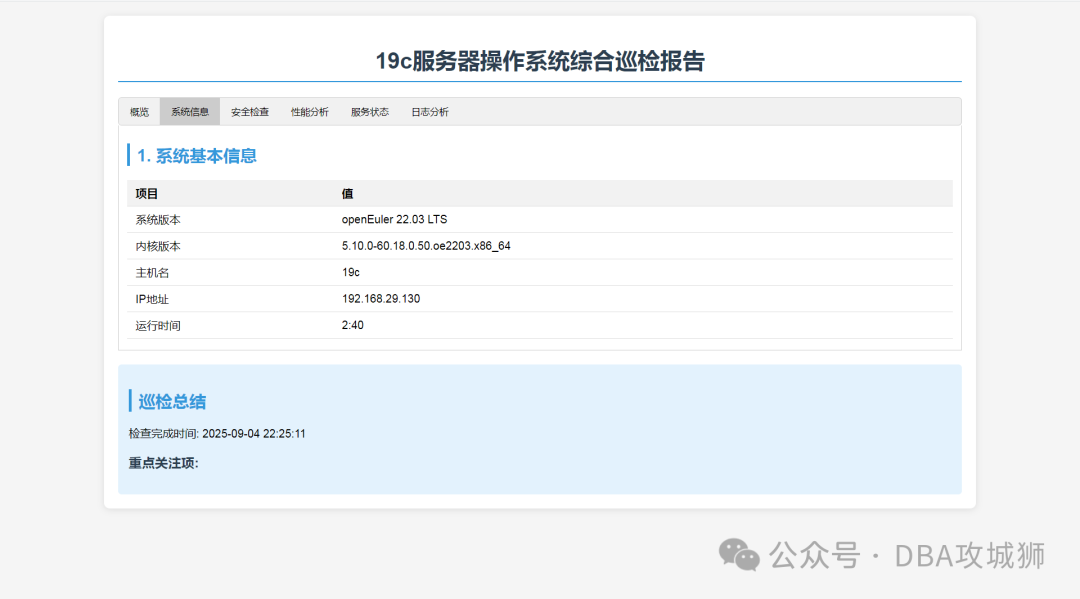
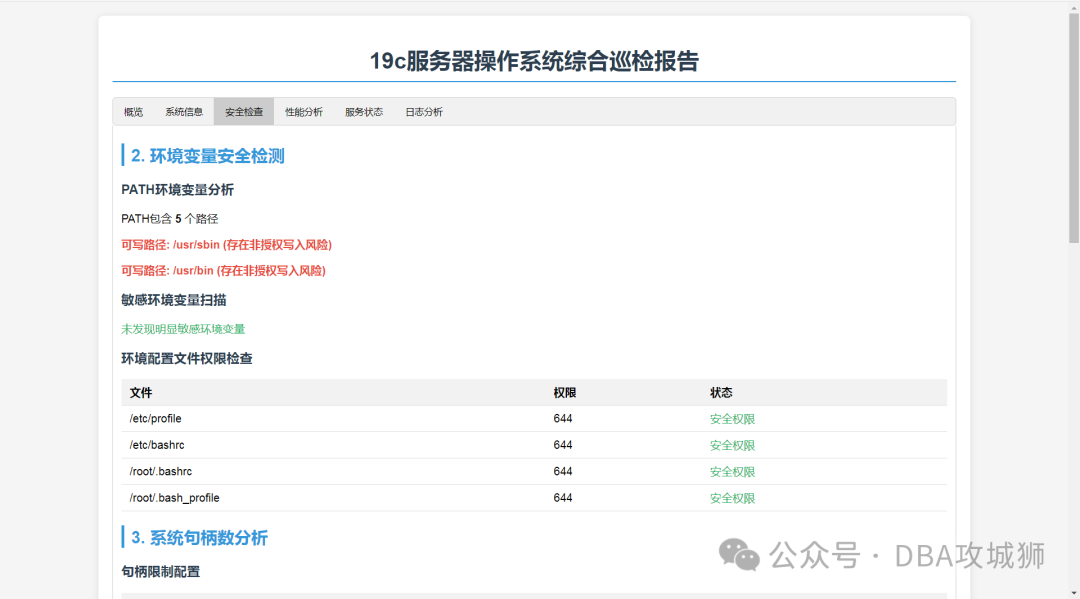
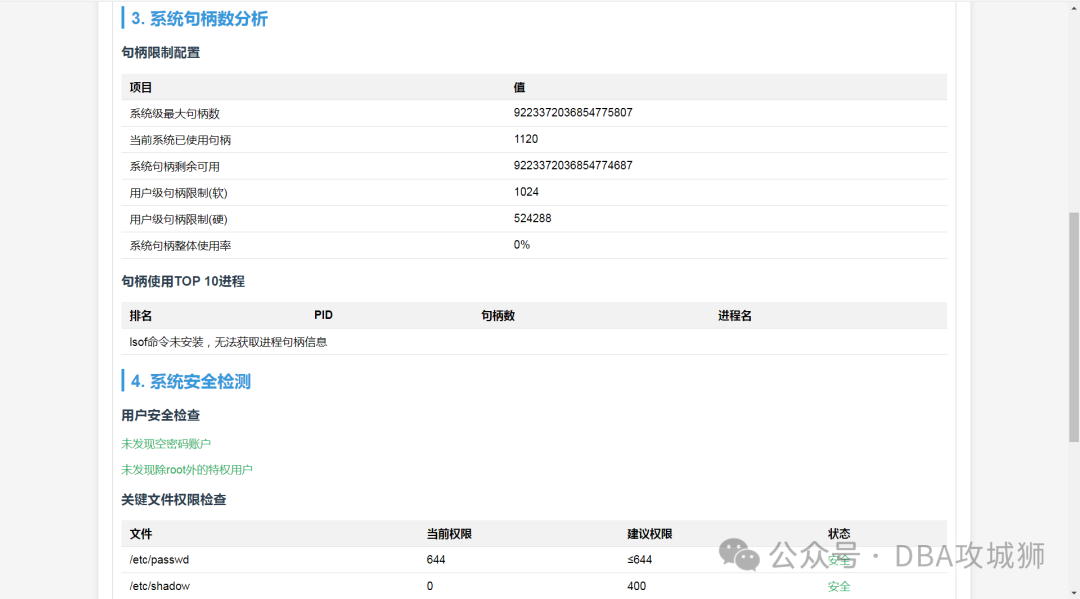
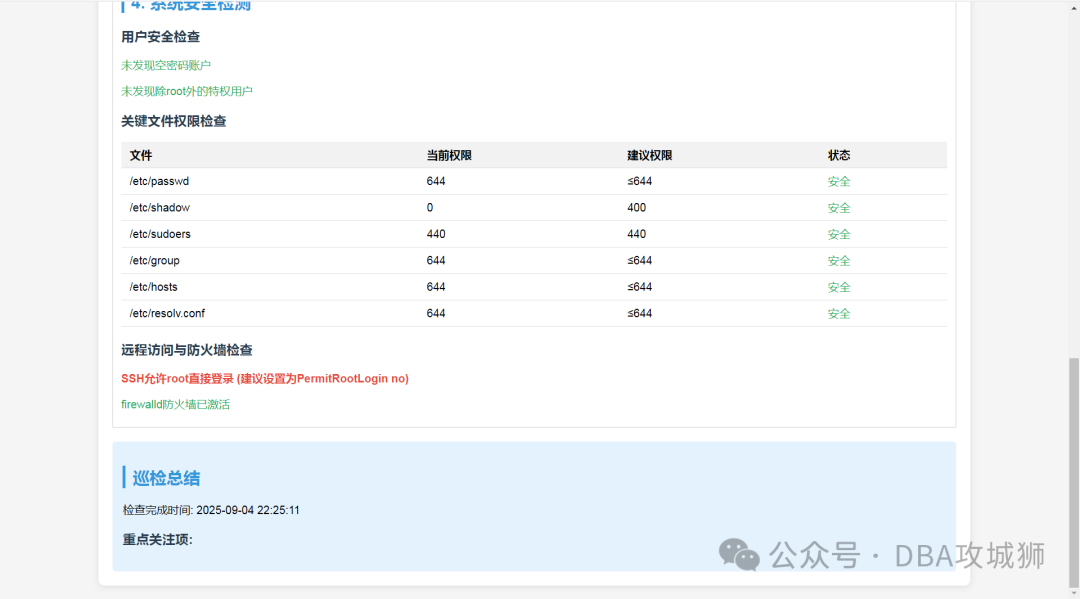
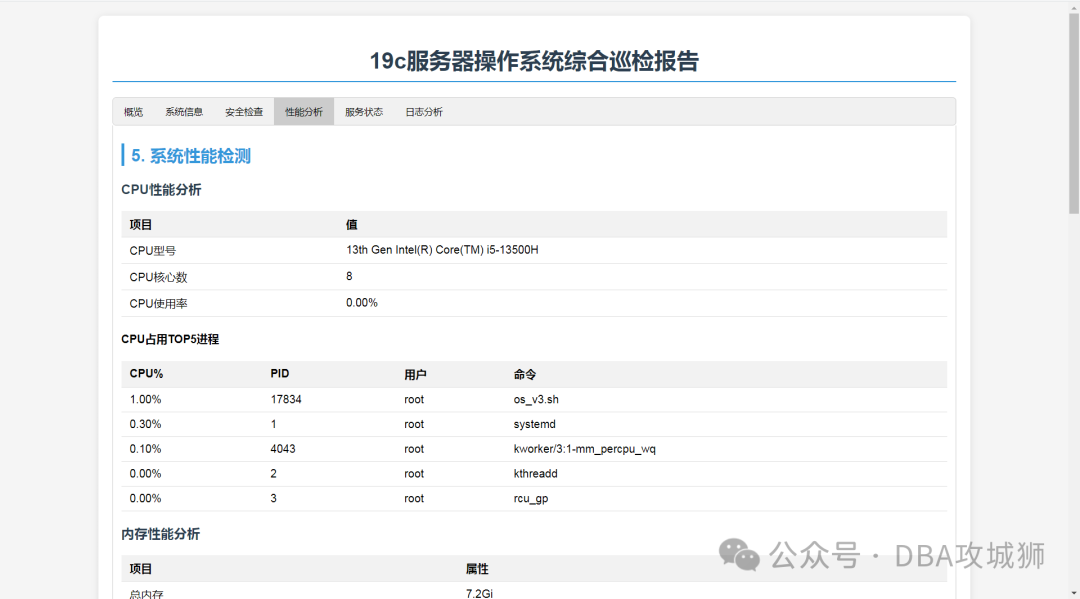
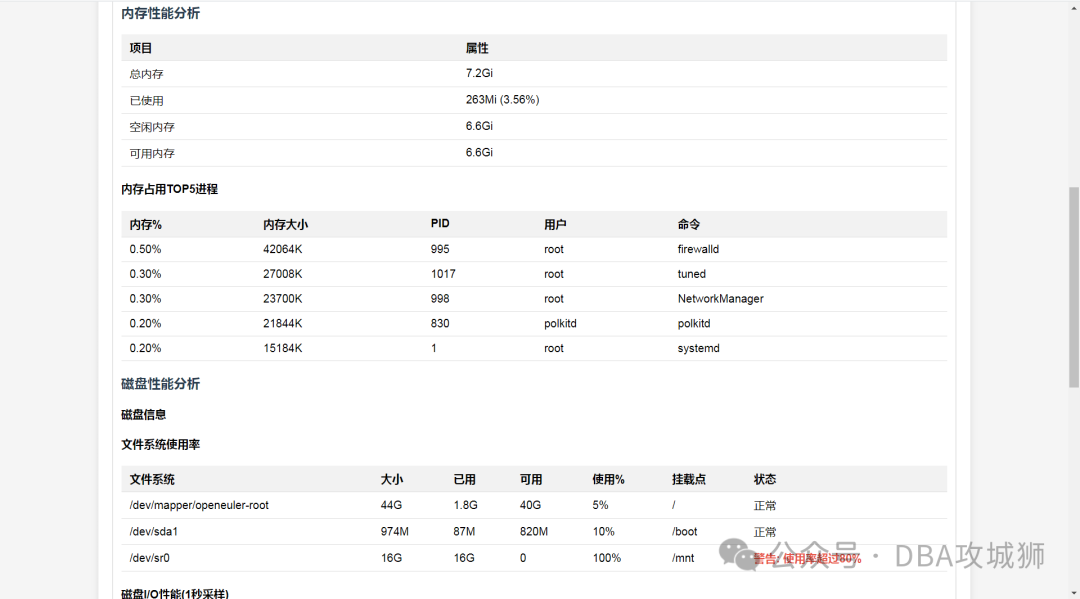
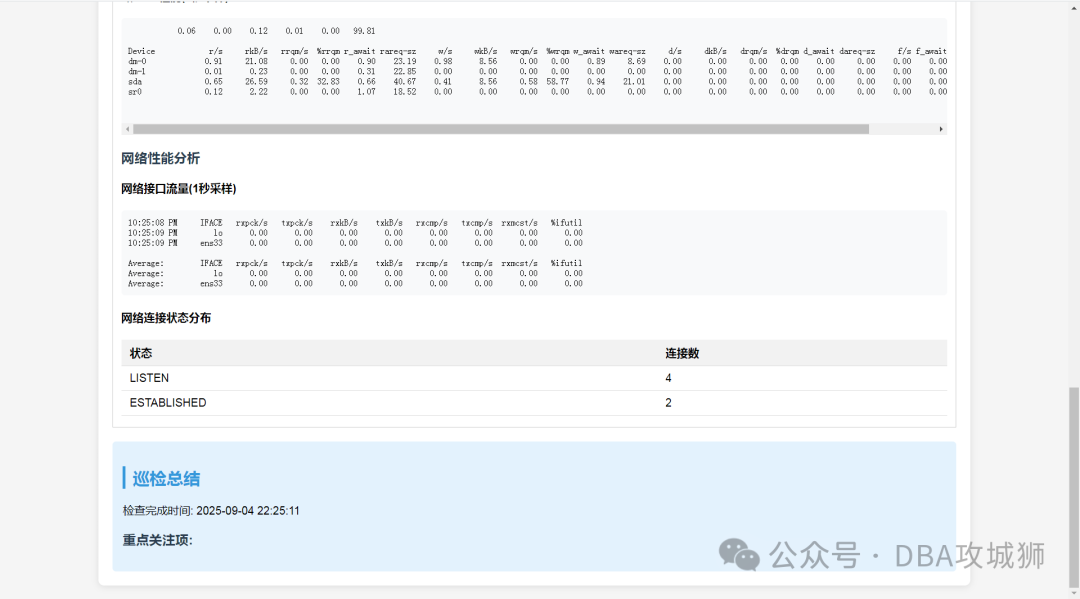
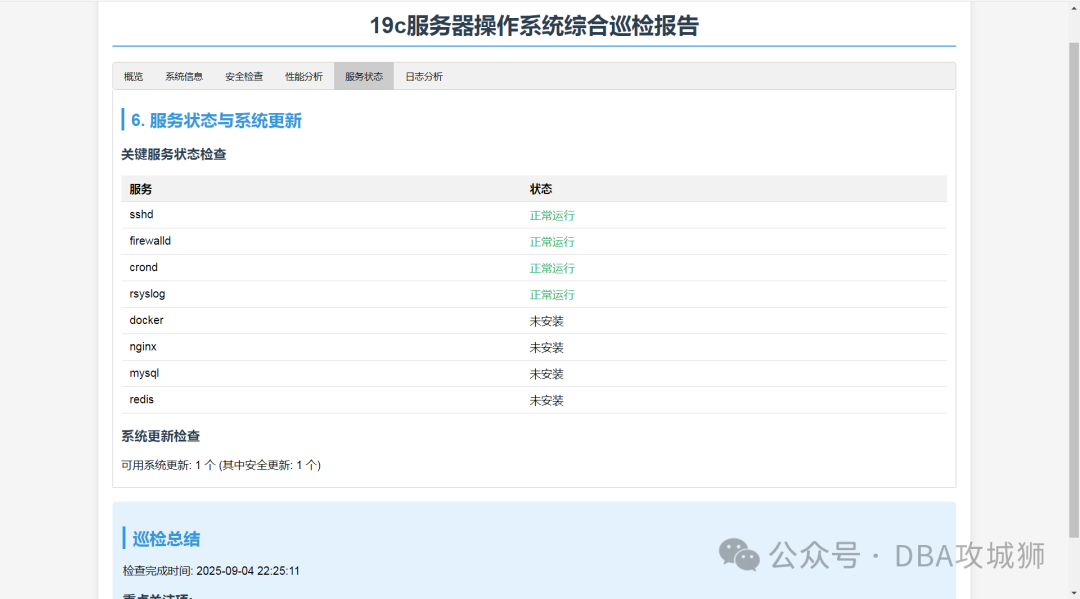
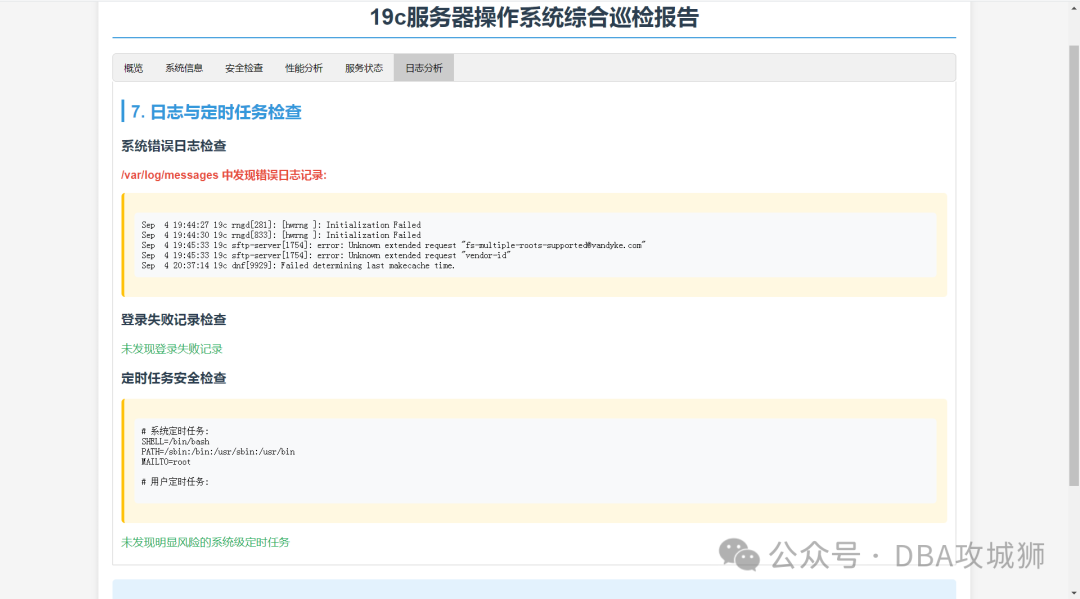
The style of the HTML inspection report is shown in the figure below:
Report Preview
Script Download
https://pan.xunlei.com/s/VOZO5UNStzUoGNjzhNQhjTGMA1#
Extraction Code: jruy