In non-standard automation projects, Modbus communication failures are one of the most troublesome issues for engineers. Sudden device disconnections, abnormal data transmission, communication timeouts… These problems not only affect production efficiency but can also lead to the shutdown of the entire production line. After years of practical experience, we have summarized this 5-minute quick troubleshooting checklist for Modbus communication issues, helping engineers quickly resolve over 90% of communication failures.
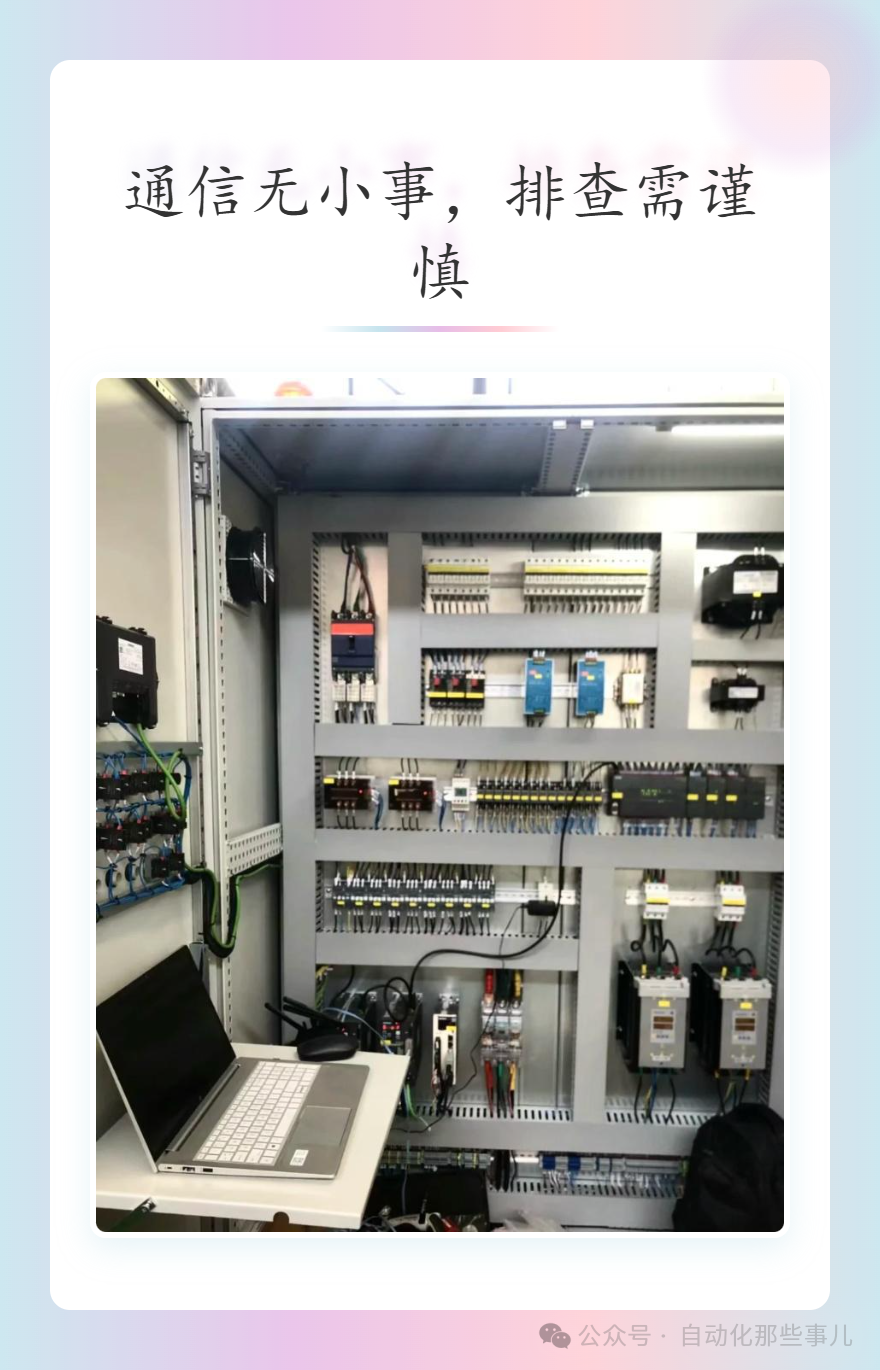
Step 1: Check Hardware Connections
Key Points for RS485 Wiring Check:
- Are the A+ and B- wire sequences correct? Reversing them is strictly prohibited.
- Is the shielding layer grounded at one end? Grounding at both ends can cause ground loops.
- Is the 120Ω termination resistor correctly installed at both ends of the bus?
- Cable specifications: It is recommended to use RVVP 2×1.0 shielded twisted pair cable.
Quick Verification Method: Use a multimeter to measure the resistance between A and B wires; under normal conditions, it should be 60Ω (two 120Ω termination resistors in parallel). If the resistance value is abnormal, immediately check the termination resistor configuration.
Cable Length and Rate Matching:
- 9600bps: Maximum 1200 meters
- 19200bps: Maximum 600 meters
- 38400bps: Maximum 300 meters
- 115200bps: Maximum 50 meters
If the distance exceeds these limits, a repeater must be added or the baud rate lowered.
Step 2: Verify Electrical Parameters
Baud Rate Consistency Check: All devices must be configured with the same baud rate. Use an oscilloscope or serial debugging tool to check the actual communication rate; a common issue is the internal crystal oscillator deviation causing inaccurate baud rates.
Level Standard Confirmation:
- RS485 differential levels: Logic 1 is -2V to -6V, Logic 0 is +2V to +6V.
- Use an oscilloscope to measure the voltage difference between A and B lines, ensuring the amplitude is greater than ±2V.
Driving Capability Verification: A single RS485 driver has a standard load capacity of 32 unit loads. If the number of devices on the bus exceeds 32, a repeater must be used or a converter with greater driving capability must be selected.
Step 3: Protocol Parameter Verification (Time Required: 120 Seconds)
Address Conflict Check:
Device Address Check List:
Device A: Address 01  ✓
Device B: Address 02  ✓
Device C: Address 01  ✗ Conflict!
Use a professional Modbus debugging tool to poll all addresses one by one; if duplicate responses are found, there is an address conflict.
Data Format Verification:
- Data bits: Usually 8 bits
- Stop bits: 1 or 2 bits
- Parity bits: None/Even/Odd
- Byte order: Big-Endian/Little-Endian
Timeout Parameter Optimization:
Recommended Timeout Settings:
Response Timeout: 500ms~1000ms
Character Interval Timeout: 35 character times
Frame Interval: ≥3.5 character times
Step 4: Environmental Interference Analysis
Electromagnetic Interference Identification:
- Strong interference sources such as inverters and welding machines should be at least 3 meters away.
- Power cables and communication cables should be routed in separate channels, crossing at right angles when necessary.
- In environments with severe interference, use optical isolators.
Grounding System Check: The most common issue on-site is ground loops caused by multiple grounding points. The correct approach is:
- Ground the shielding layer at one end.
- Ensure the device casing is well grounded.
- Avoid shorting the communication ground with the power ground.
Step 5: Software Configuration Diagnosis
Communication Parameter Matching:
Master Station Configuration Example:
COM Port: COM1
Baud Rate: 9600
Data Bits: 8
Stop Bits: 1
Parity: None
Slave Address: 1~32
Function Code: 03 (Read Holding Registers)
Register Address: 40001~40100
Driver Issues:
- Check if the serial port driver is correctly installed.
- Confirm that the COM port number assignment has no conflicts.
- Verify that the application exclusively uses the serial port.
Buffer Overflow Handling: High-frequency communication can easily lead to receive buffer overflow; it is recommended to:
- Increase the receive buffer to over 4096 bytes.
- Clear the receive buffer in a timely manner.
- Control the polling frequency to avoid bus congestion.
Case Study Analysis
Case: Frequent Disconnections in a Packaging Production Line Phenomenon: A Modbus network consisting of 30 devices experiences mass disconnections every 10-15 minutes.
Troubleshooting Process:
- Hardware checks are normal, wiring is correct.
- Oscilloscope tests reveal severe signal amplitude attenuation.
- Measured bus length reaches 800 meters, with uneven device distribution.
- Solution: Add an RS485 repeater at 400 meters.
Result: The fault was completely eliminated, and communication has been stable for 6 months without issues.
Preventive Maintenance Recommendations
Regular Inspection Checklist:
- Check the tightness of terminal connections monthly.
- Measure bus resistance and signal quality quarterly.
- Update communication parameter configuration backups annually.
- Establish a device communication log to record abnormal events.
Spare Parts Preparation:
- 2 spare RS485 converters.
- Several 120Ω termination resistors.
- 50 meters of shielded twisted pair cable.
- A portable Modbus debugging tool.
In Conclusion: Communication is No Small Matter, Troubleshooting Requires Caution
90% of Modbus communication failures stem from hardware connection and parameter configuration issues. Mastering this 5-step troubleshooting method, combined with on-site experience, can quickly locate most communication failures. The key is to systematically check from hardware to software layer by layer, avoiding blind replacement of devices or modification of parameters.
It is recommended to print this troubleshooting checklist and post it inside the control cabinet for quick reference on-site. For complex bus networks, a professional protocol analyzer should also be equipped for in-depth diagnostics.
Remember: Communication failures are no small matter; troubleshooting work must be rigorous. A little more care can prevent downtime.