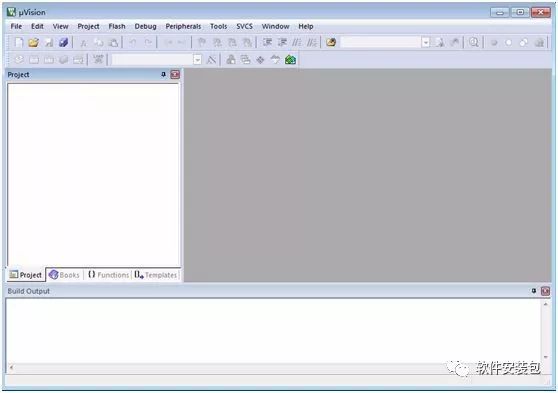
Keil5 (32/64) Download Link:
Link: https://pan.baidu.com/s/18XrnzZJJm8gEJ6ulb8jtMw
Password: 8mwa
If you encounter issues during installation, contact QQ: 236346343
Software Introduction:
Keil C51 is a software development system for the 51 series compatible microcontrollers in C language. Compared to assembly language, C language has obvious advantages in functionality, structure, readability, and maintainability, making it easy to learn and use. Keil provides a complete development solution that includes a C compiler, macro assembler, linker, library management, and a powerful simulation debugger, all integrated into a development environment (μVision). If you are programming in C language, Keil is almost your best choice. Even if you are only using assembly language, its easy-to-use integrated environment and powerful software simulation debugging tools will make your work more efficient.
Installation Method:
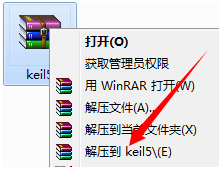
1. Right-click on the software compressed package and select Extract to Keil5.
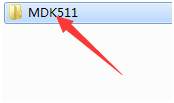
2. Double-click to open the MDK511 folder in the extracted folder.
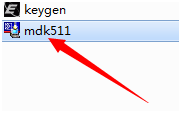
3. Double-click to open mdk511.
4. Click Next.
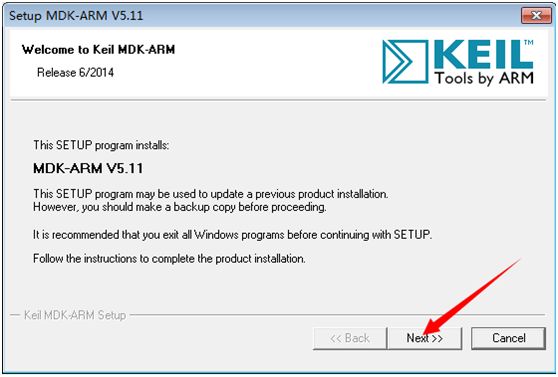
5. Check I accept, then click Next.
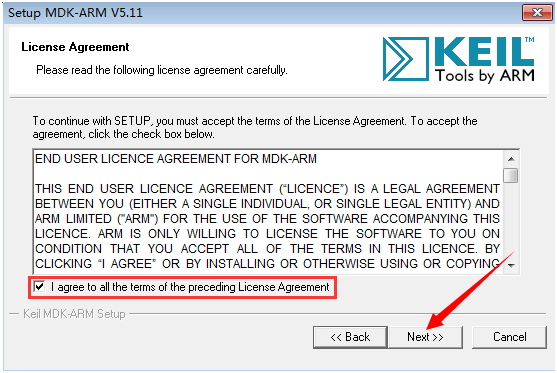
6. Click Browse next to Core and Pack to change the installation path. It is recommended to install it on a disk other than C. You can create a keil5 folder on D or another drive, then click Next.
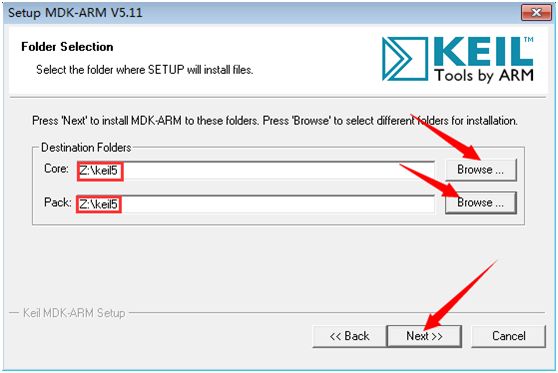
7. Enter arbitrary installation information above, then click Next.
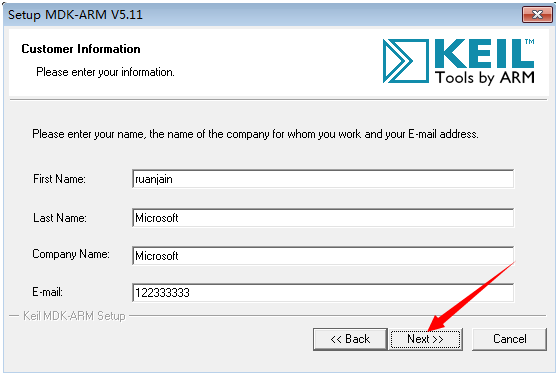
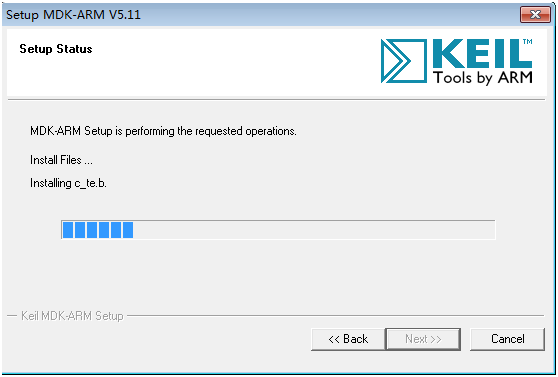
8. Installation in progress (wait about 1 minute).
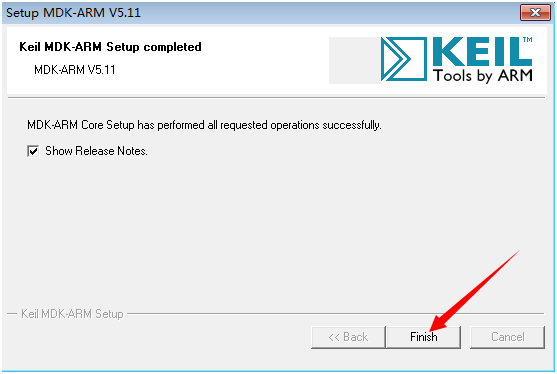
9. Click Finish.
10. Double-click the desktop icon for Keil uVision5.

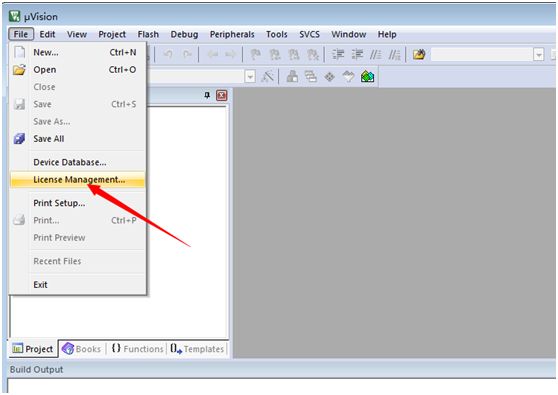
11. Click File in the menu bar, then click the License option.
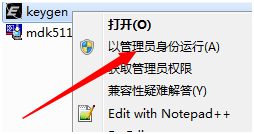
12. Find keygen in the extracted folder, right-click and run as administrator.
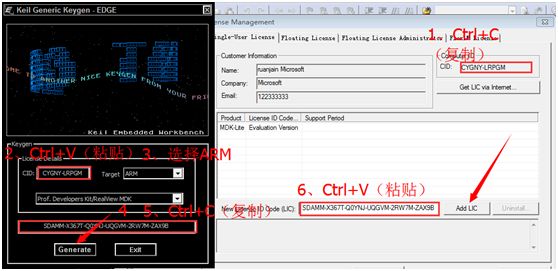
13. Copy the content from CID and paste it into the CID field in step 2. Then select the ARM option in the Target checkbox, click Generate, copy the content from step 5, paste it into the New license field in step 6, and then click Add LIC.
14. Click Close.
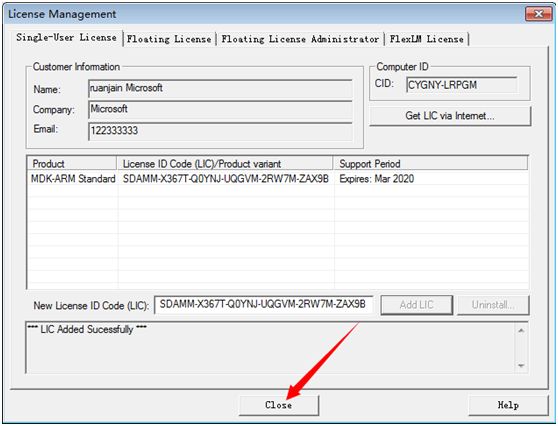 15. Installation completed.