SoftwareIntroduction
Keil uVision 5 MDK is an integrated development environment (IDE) developed by KEIL. Keil MDK, also known as MDK-ARM, Realview MDK, I-MDK, KEIL MDK-ARM, KEIL ARM, uVision5 (the older versions are uVision4 and uVision3), is a microcontroller software development platform developed by the well-known German software company Keil (now acquired by ARM). It is currently supported by three domestic agents providing technical support and related services.
InstallationRequirements[Software Name]: Keil uVision 5 MDK[Software Size]: 405MB[Software Language]: Simplified Chinese[Installation Environment]: Windows 7 and above[Download Link]:Reply in the public account:KeilMDK[Unlimited Speed Download]:Free download tool for Baidu Cloud without speed limit.Reply in the public account: Unlimited Speed[Notes]:Pleaseturn off the network, antivirus software, and firewall before installation, otherwise, installation may fail.Reply in the public account: 1[Decompression Software]:The decompression software used by the editor is Bandizip. Get the Bandizip software installation package.Reply in the public account: 2InstallationTutorial
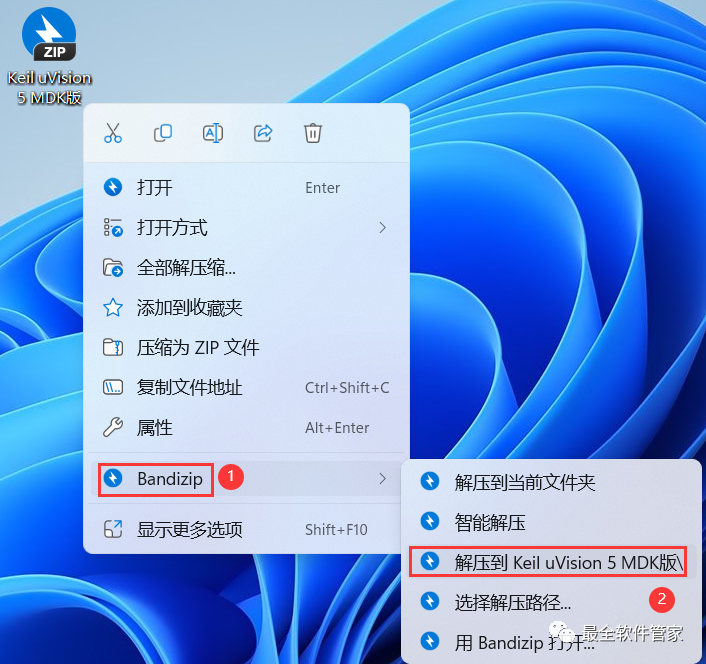
1. Download the Keil uVision 5 MDK software installation package to your computer, right-click and select 【Extract to Keil uVision 5 MDK】
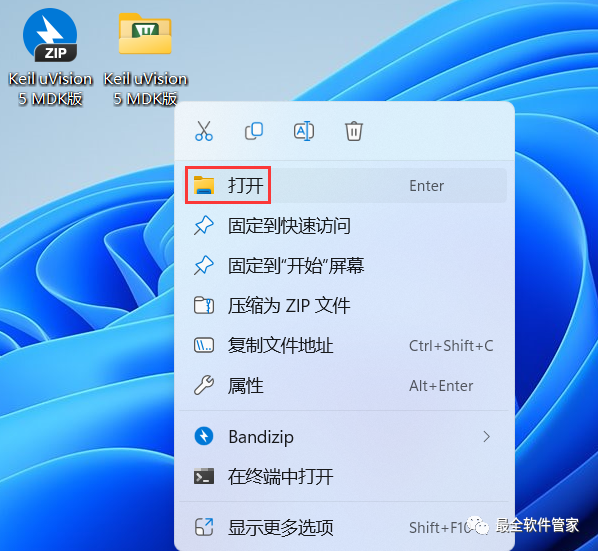
2. Right-click 【Open】 the extracted folder
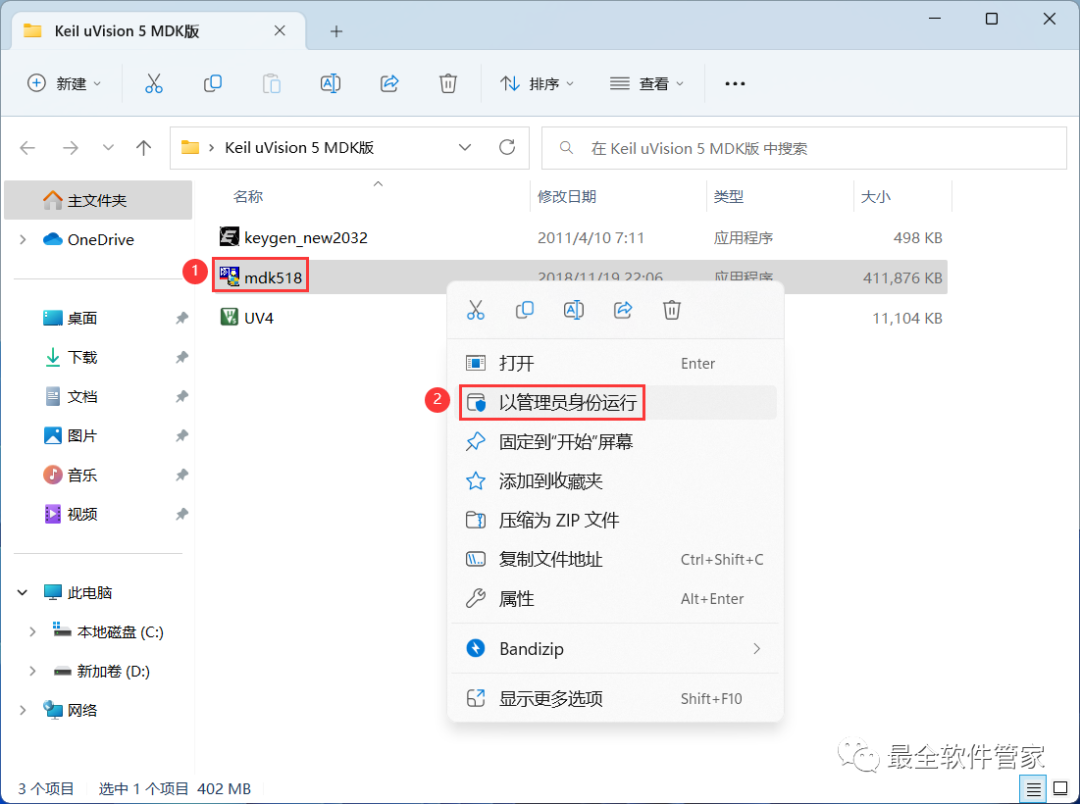
3. Find the 【mdk518】 application, right-click and select 【Run as Administrator】
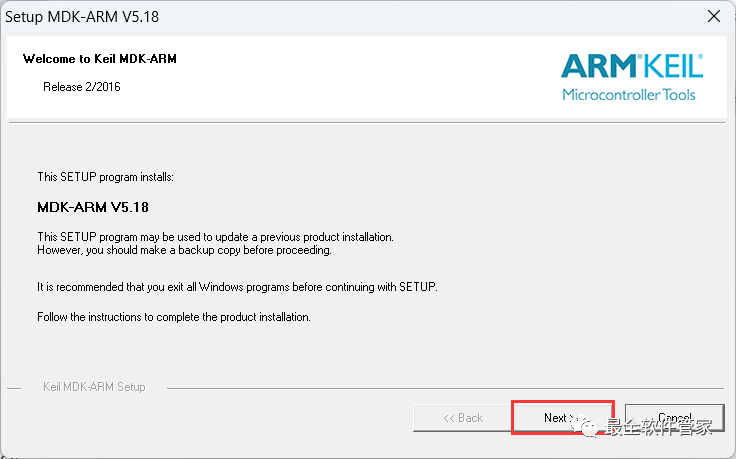
4. Click 【Next】
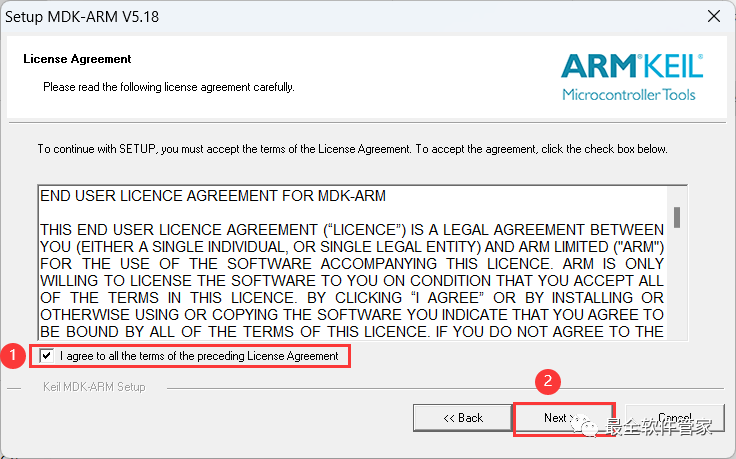
5. Check 【I Accept】 and then click 【Next】
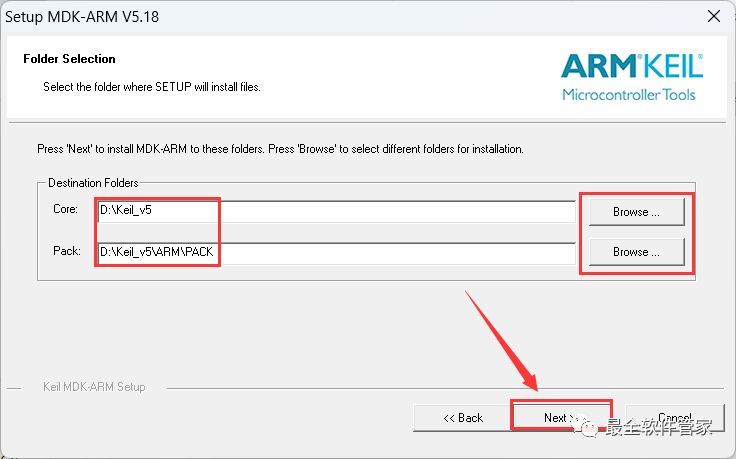
6. The software is installed by default on the C drive, you can customize the installation location; here the editor chooses to install on the D drive; click 【Next】
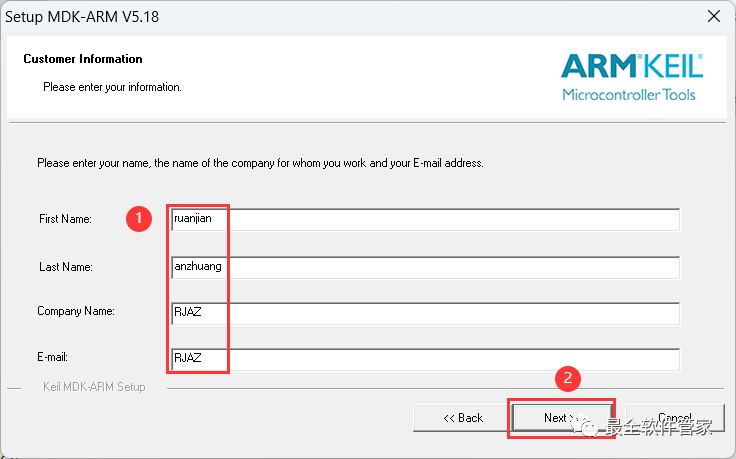
7. Enter any English text, then click 【Next】
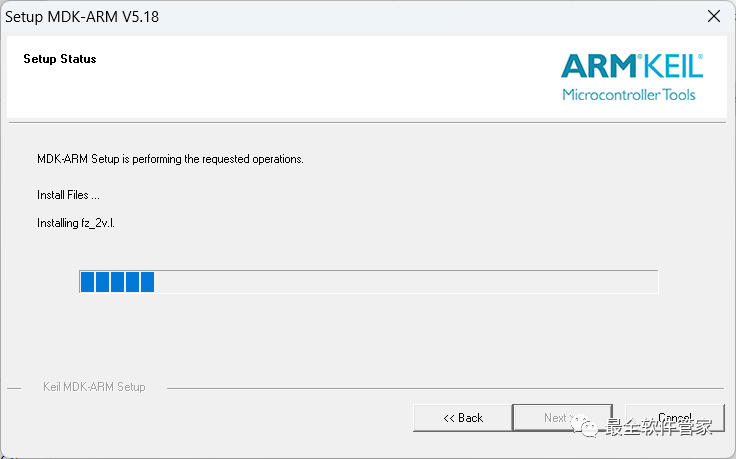
8. The software is installing, please wait a moment
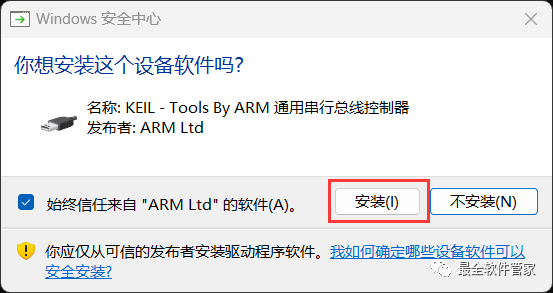
9. Click 【Install】
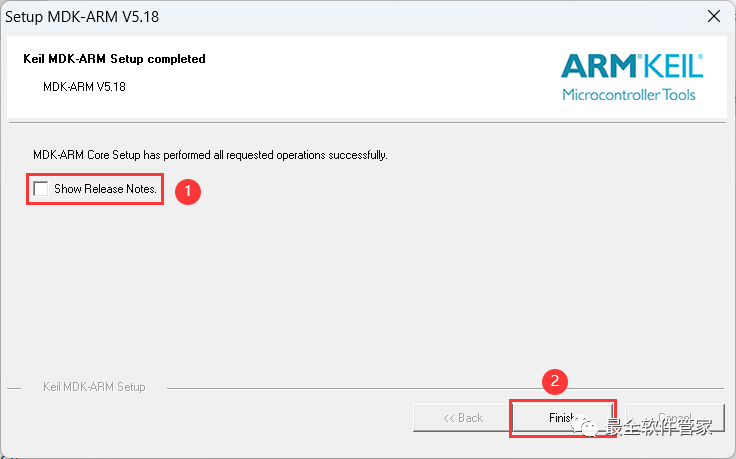
10. Do not check 【Show Release Notes】, then click 【Finish】
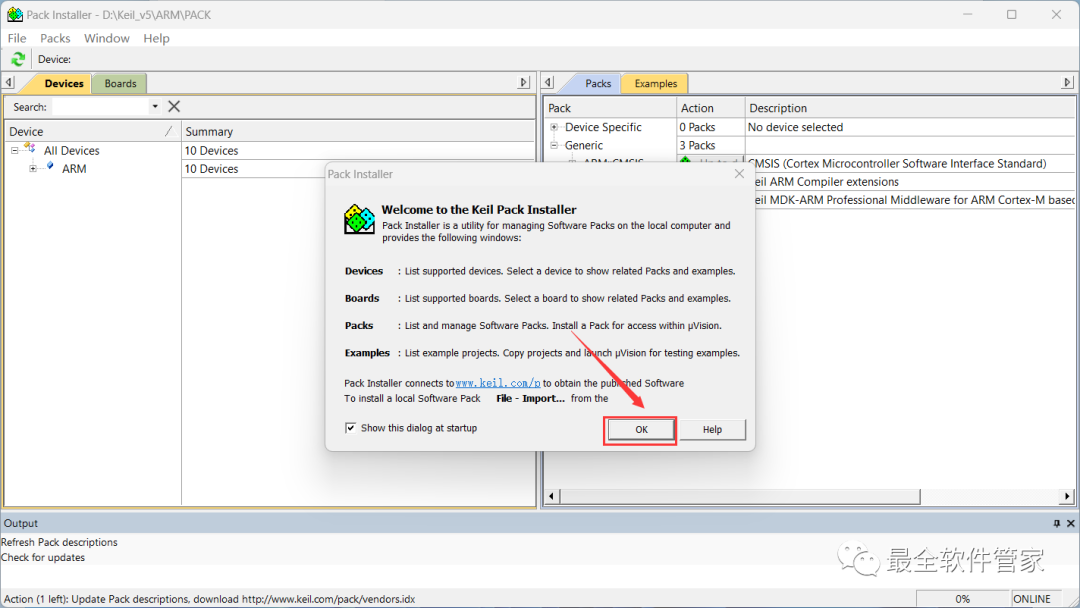
11. Click 【OK】
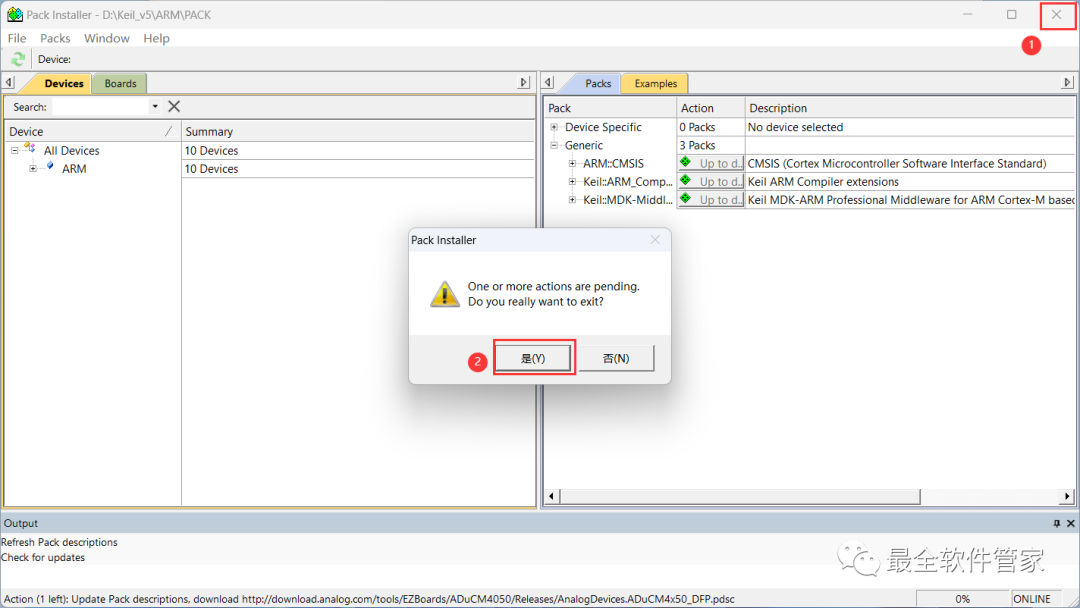
12. Click the 【Close Button】 in the upper right corner of the software, then click 【Yes】
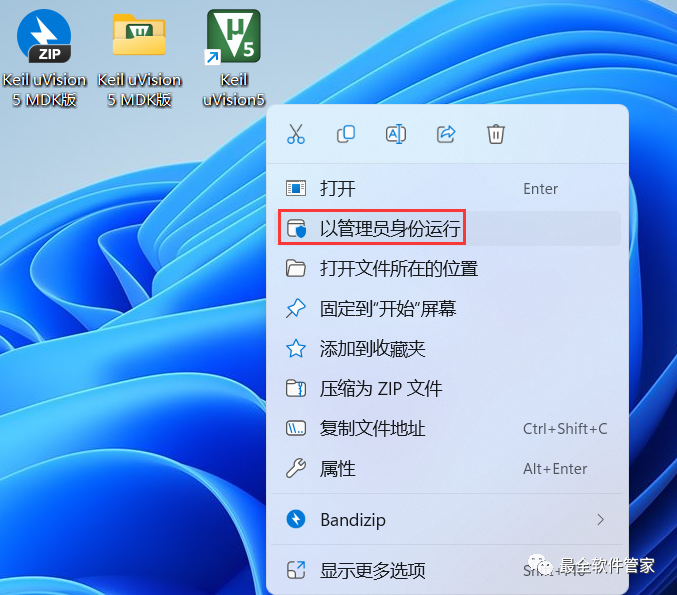
13. Return to the desktop, right-click the 【Keil uVision5 icon】 on the desktop, and click 【Run as Administrator】
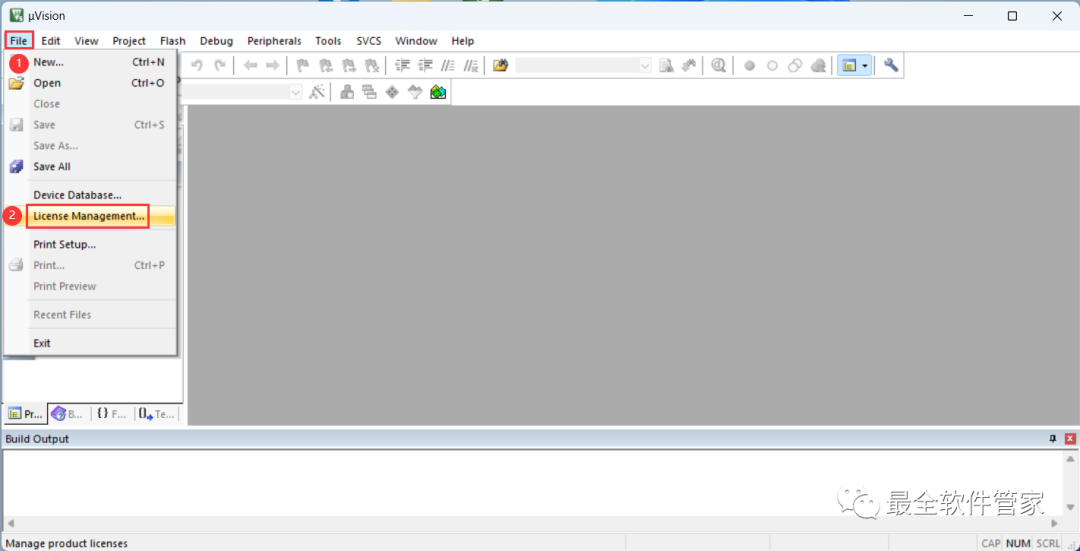
14. The software is opening, the startup interface is as follows:

15. Click 【File】 and then 【License Management】 in the upper left corner of the software
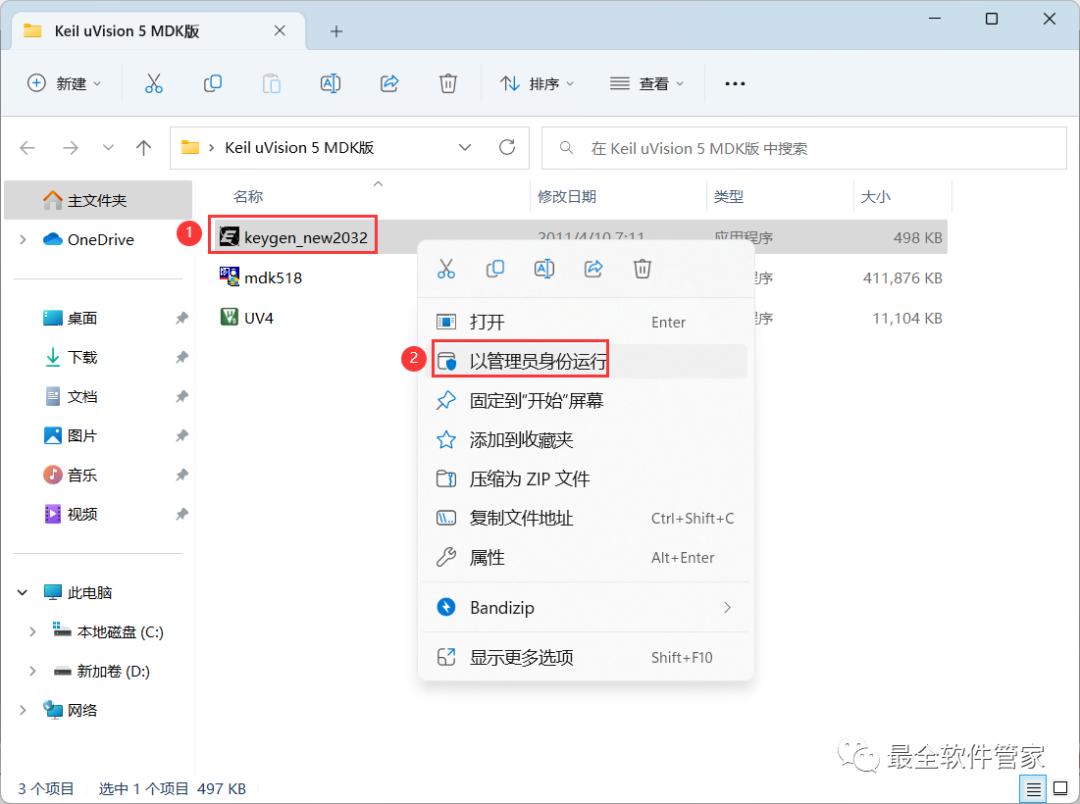
16. Return to the Keil uVision 5 MDK folder, find the 【keygen_new_2032】 application, right-click and select 【Run as Administrator】
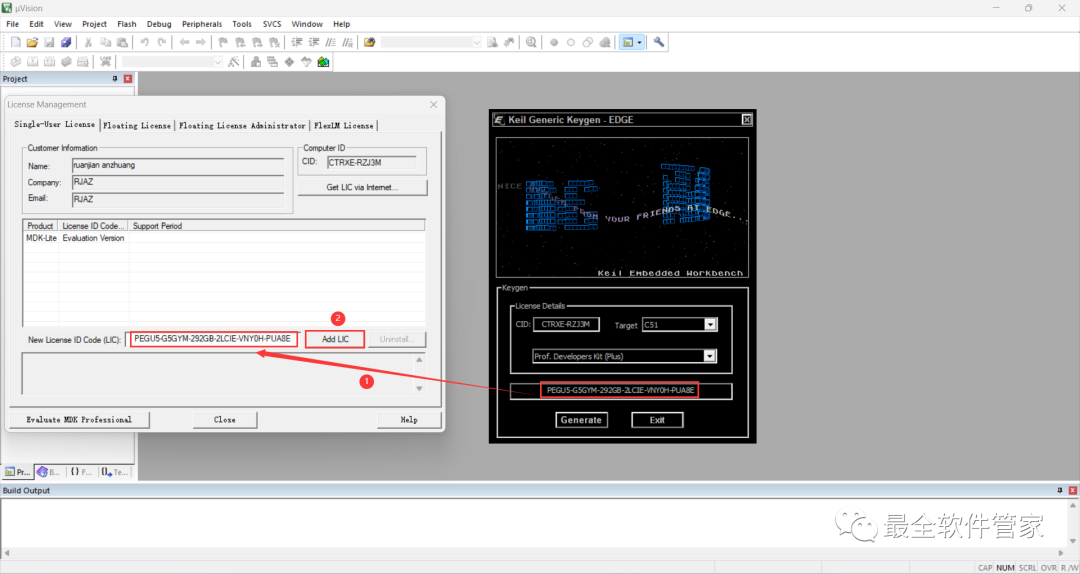
17. Back to the Keil uVision 5 MDK software interface, enter the software’s CID code into the keygen program’s CID field, then click 【Generate】
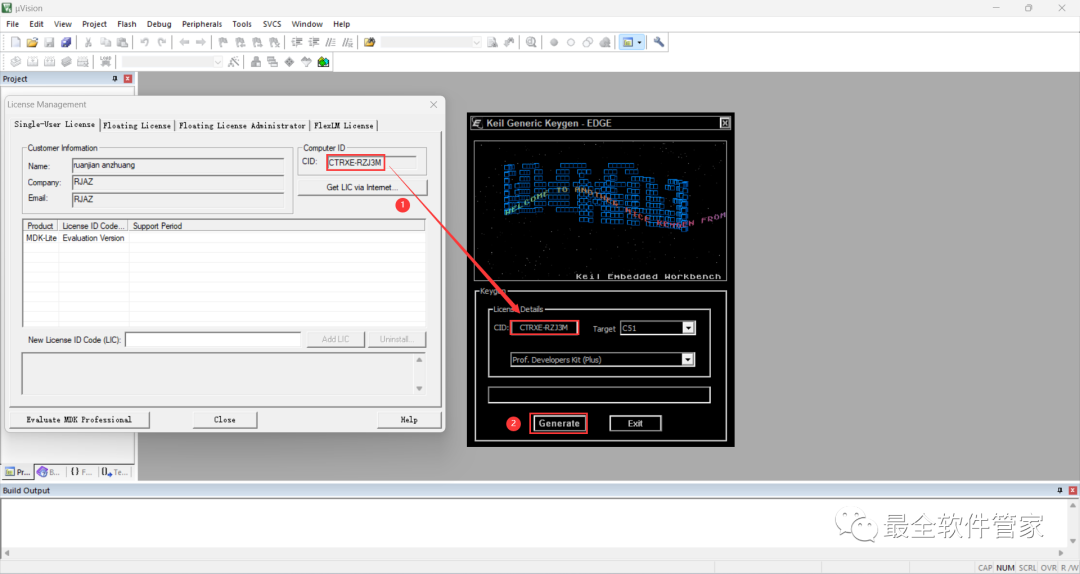
18. Enter the activation code obtained from the keygen program into the software’s New License ID Code field, then click 【Add LIC】
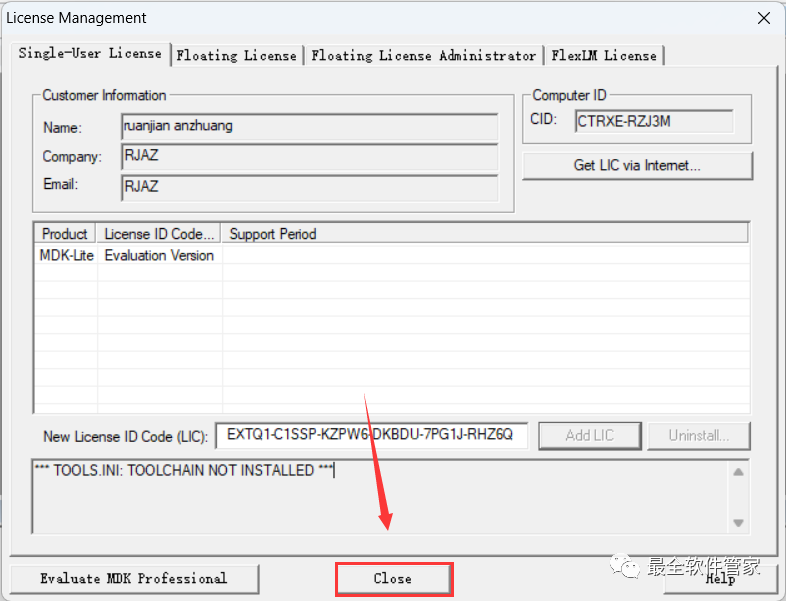
19. Click 【Close】
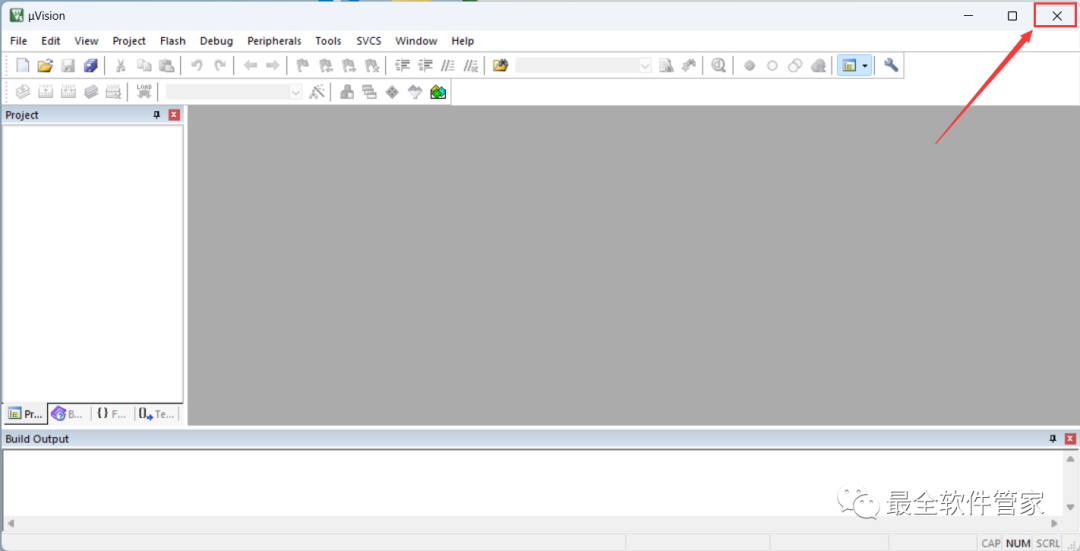
20. Click the 【Close Button】 in the upper right corner of the software
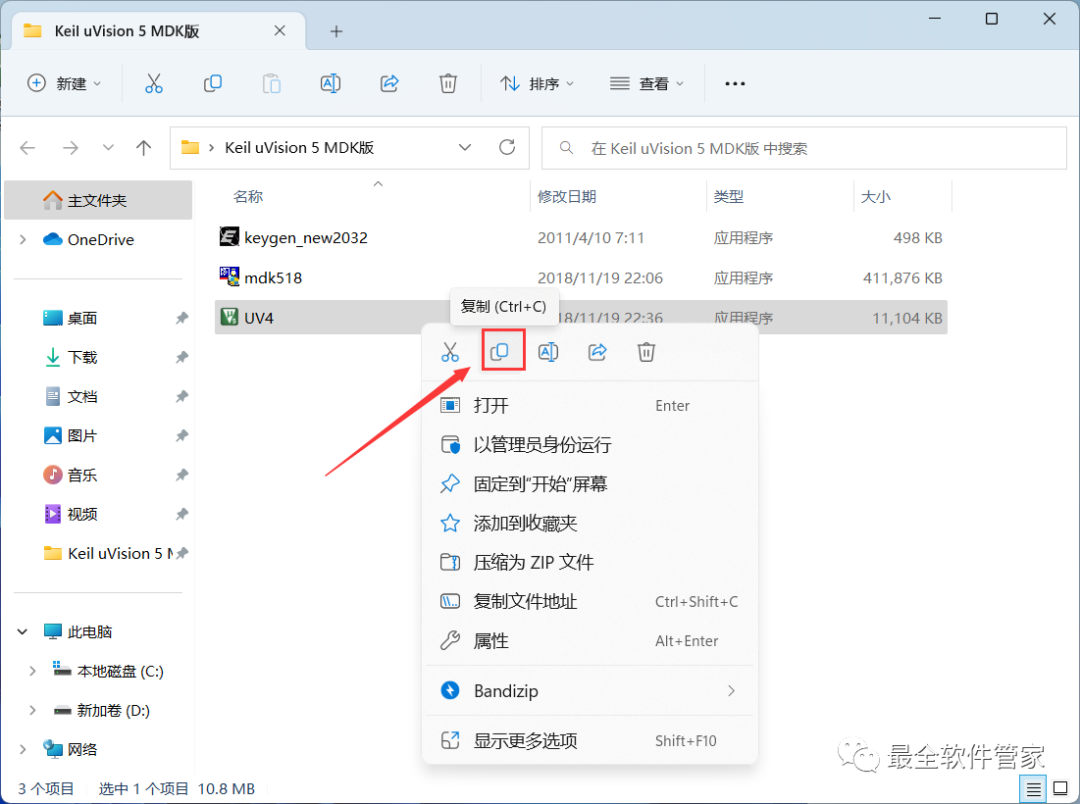
21. Return to the Keil uVision 5 MDK folder, find the 【UV4】 application, right-click and click 【Copy】
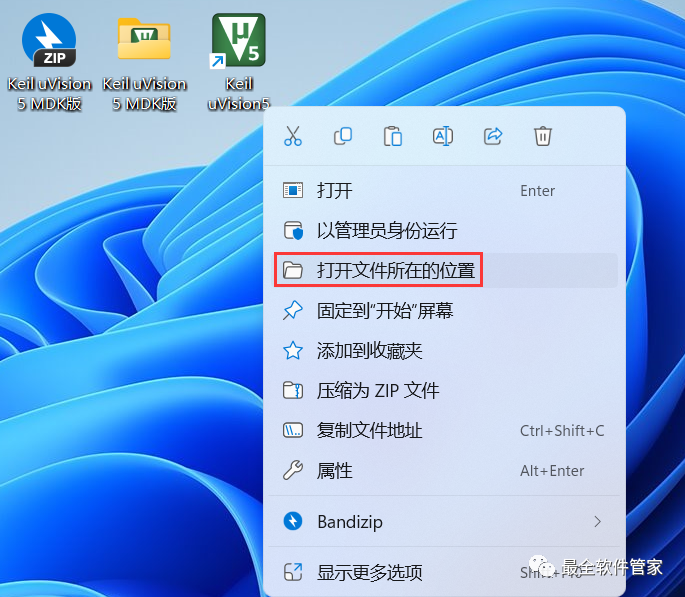
22. Back on the desktop, right-click the 【Keil uVision5 icon】 on the desktop, and click 【Open File Location】
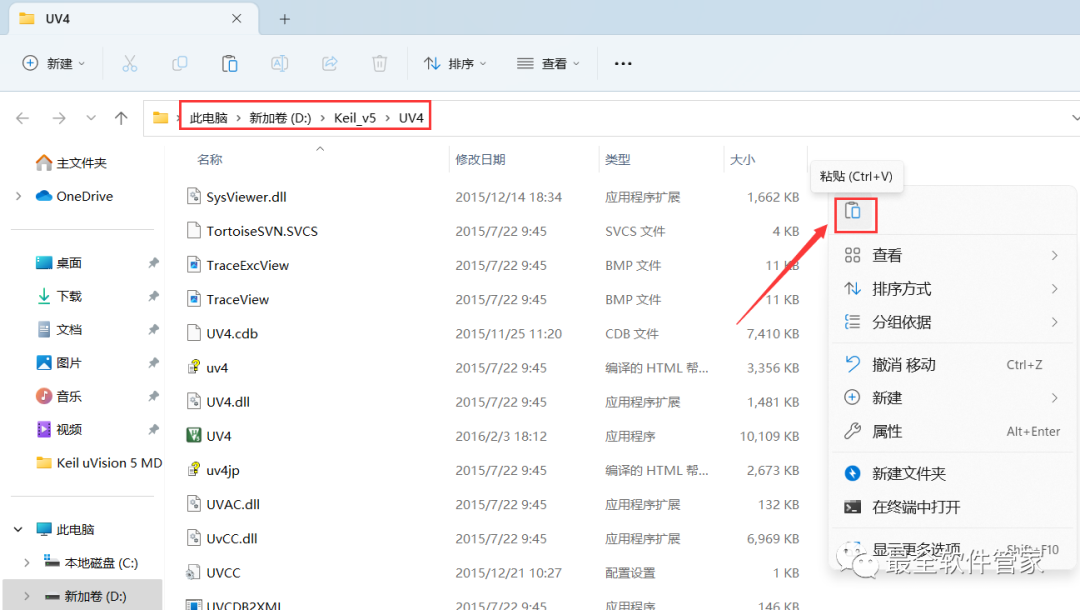
23. Right-click on the blank area of the folder and click 【Paste】
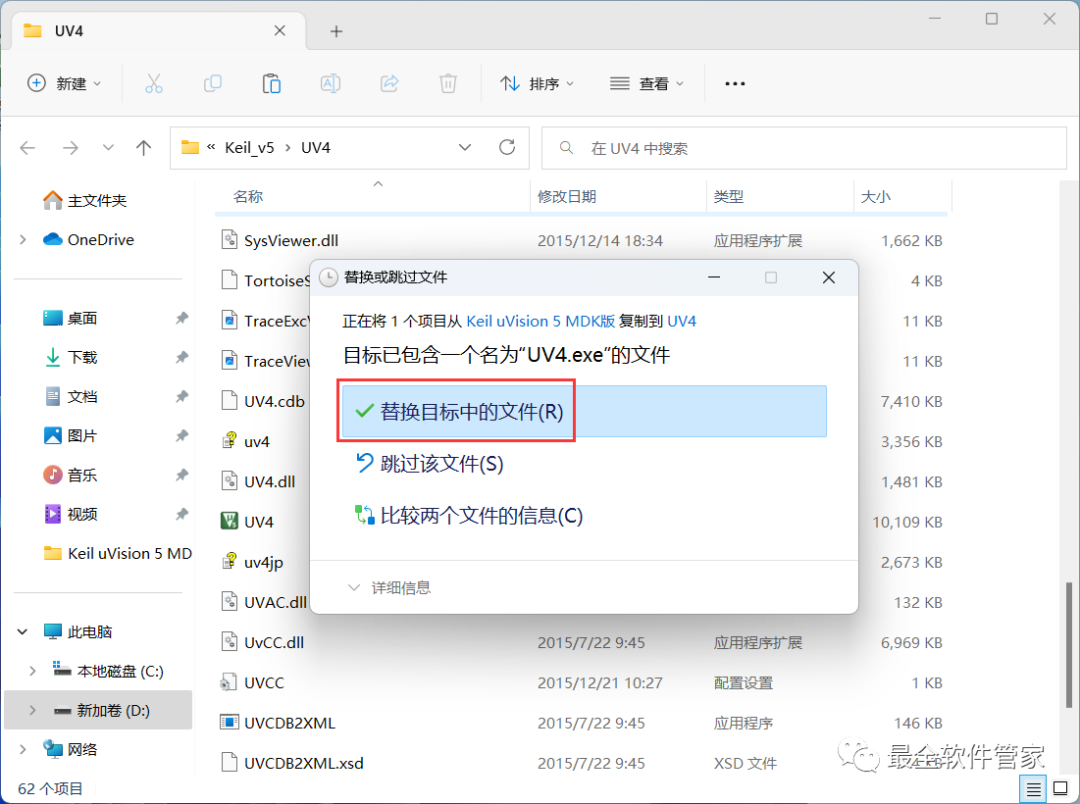
24. Click 【Replace the files in the destination】
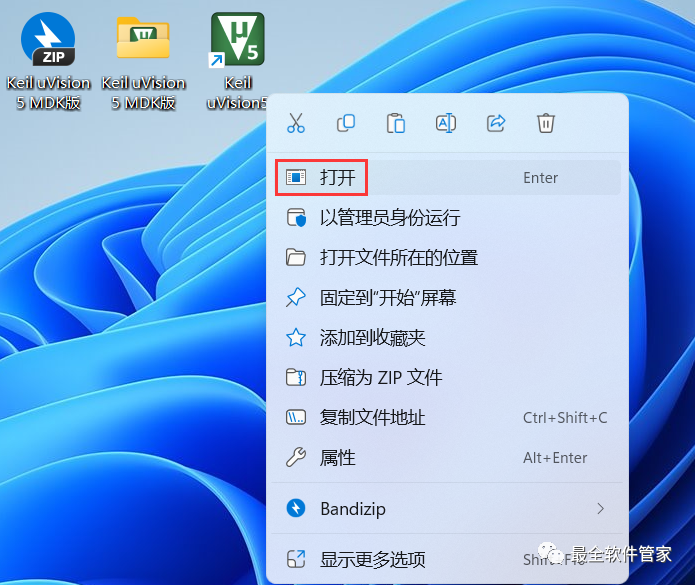
25. Back on the desktop, right-click the 【Keil uVision5 icon】 on the desktop, and click 【Open】
26. The software is opening, the startup interface is as follows:
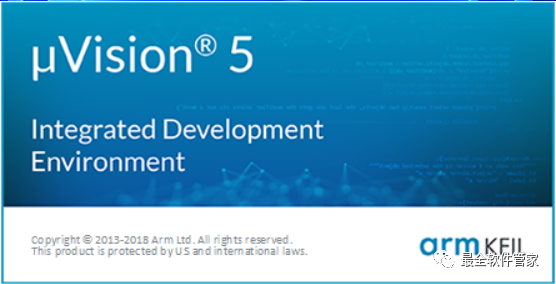
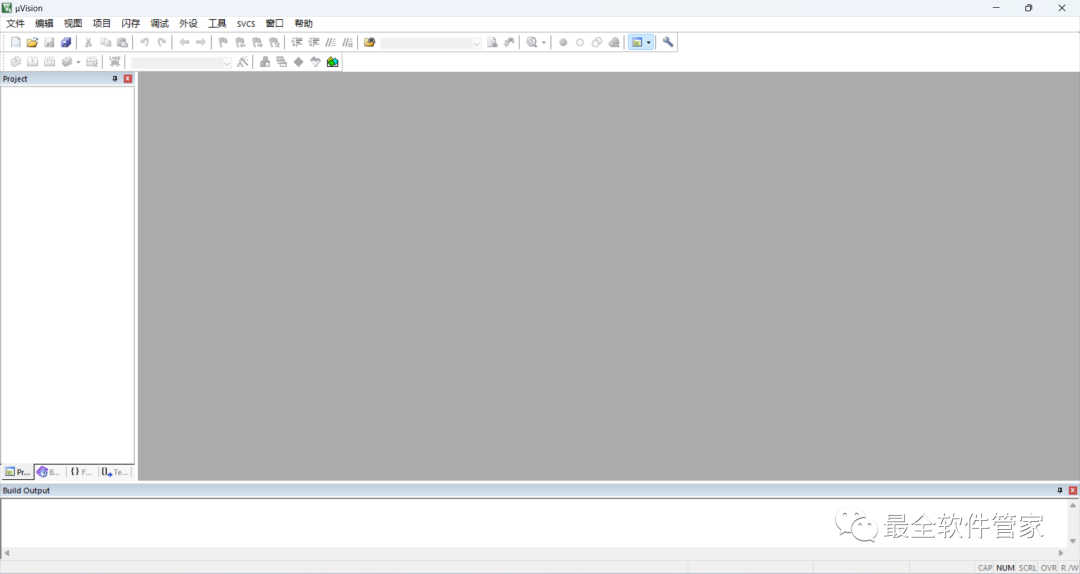
27. The software opens successfully, the running interface is as follows:
This is the complete process of installing the Keil uVision 5 MDK software. If this helps you, please give the editor a thumbs up!
Disclaimer: The software resources are sourced from the internet and are for users’ communication, learning, and research purposes only. The copyright belongs to the original copyright holder. Any copyright disputes are not related to this public account. Users must not use the downloaded files for commercial or illegal purposes; otherwise, the users will bear the consequences. If you visit and download this file, it means you agree to use this software for reference and learning purposes only, and not for other purposes. Otherwise, all consequences will be borne by you. Please delete it within 24 hours after downloading, and it is not allowed for commercial use; otherwise, you will bear legal responsibilities. If you like this software, please support the original software by purchasing a license for better services.