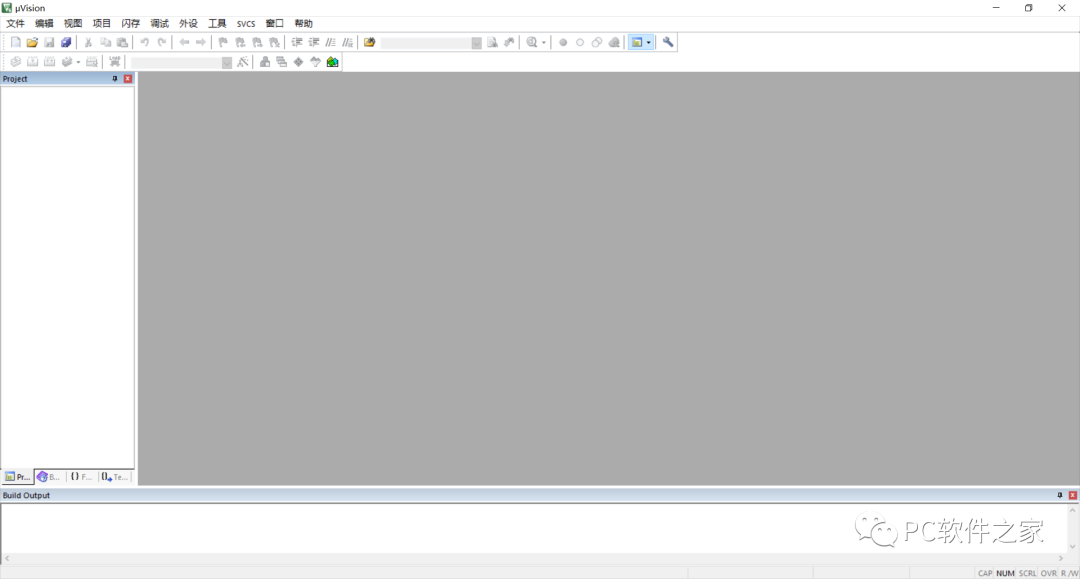
Software Introduction
Keil 5 MDK is a complete software development environment for various Arm Cortex-M based microcontroller devices.
This software is provided for educational purposes only. Please delete it after downloading and do not use it for commercial purposes.

Software Download
Name: Keil 5 MDK
Size: 382MB
Baidu Cloud Link: https://pan.baidu.com/s/1K8wPEcZktqEaSPadcmWe2w
Extraction Code: eypi
Xunlei Cloud Link: https://pan.xunlei.com/s/VMUpy67utTxp_T4jVY6SHn_oA1
Extraction Code: zdhs
If the link is invalid, please send a private message to the official account: K9
Software Installation
1. Disconnect from the internet, close antivirus software, and unzip the package.
2. Double-click the installer as shown in the image.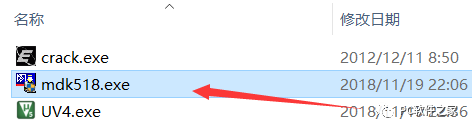
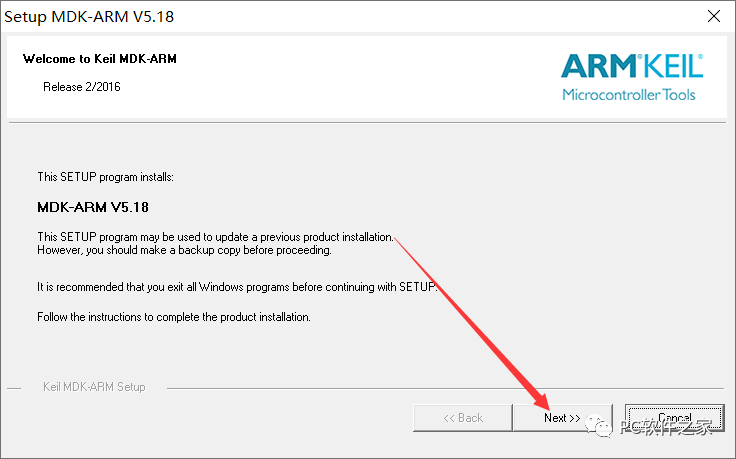
3. Click [Next]
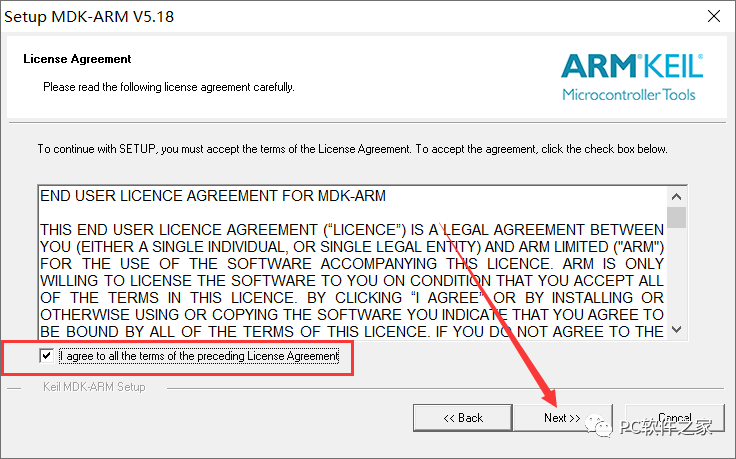
4. Check the box and click [Next]
5. It is recommended to set the installation location outside of the C drive. You can manually enter a different drive letter. Remember the installation location and click [Next]
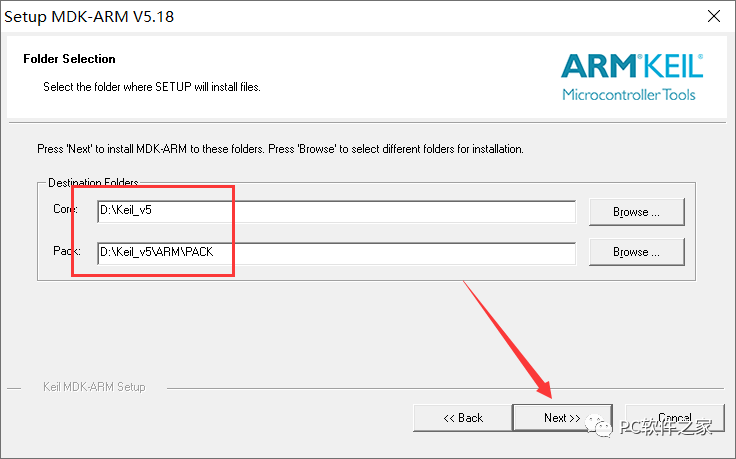
6. Click [Next]
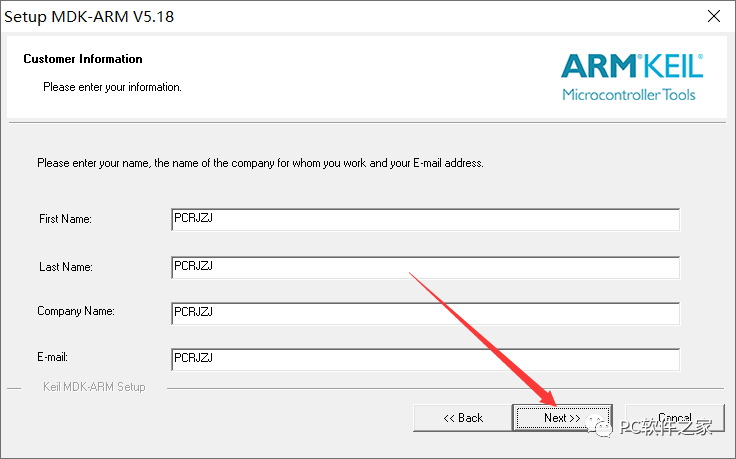
7. Wait for the installation
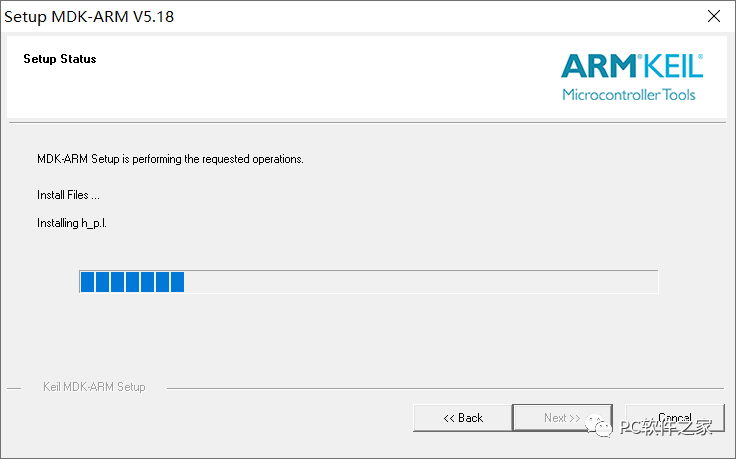
8. Click [Install]
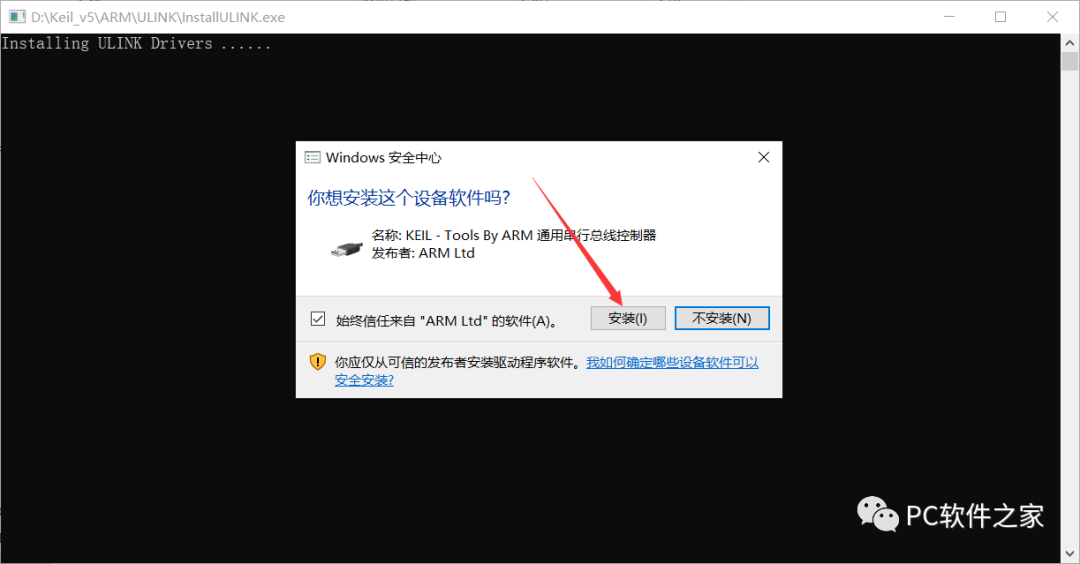
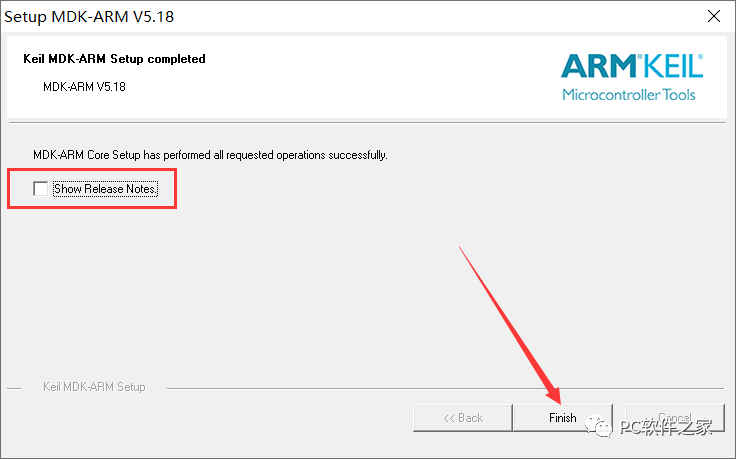
9. After installation is complete, uncheck the box and click [Finish]
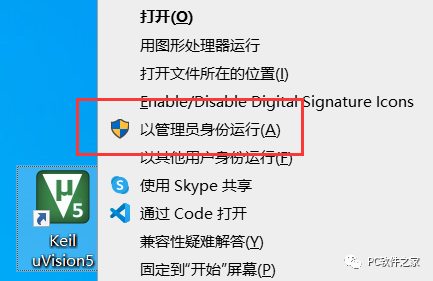
10. Right-click the program and select ‘Run as Administrator’
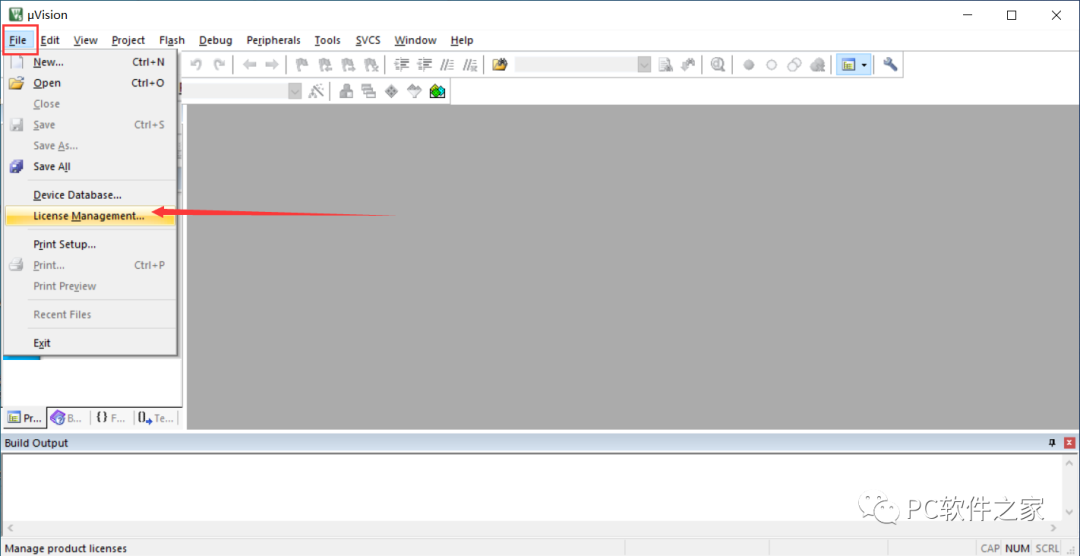
11. Click as shown in the image
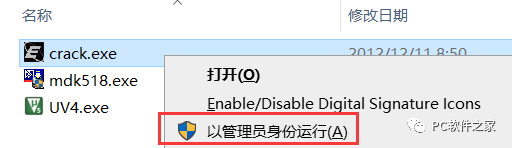
12. Go back to the installation package and run the program as administrator as shown in the image
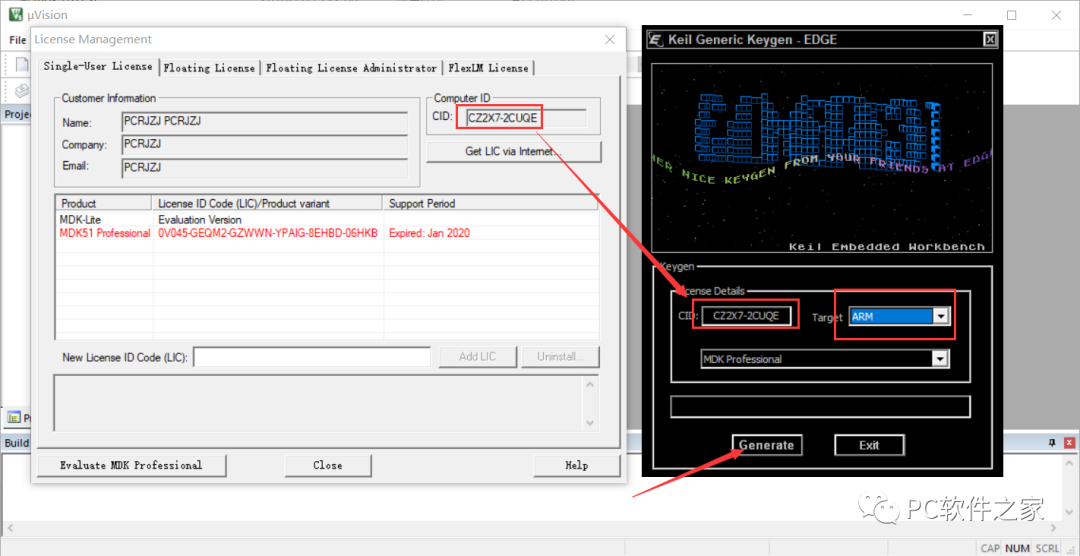
13. Copy and paste the CID, then click [Generate] (the shortcuts for copying and pasting are Ctrl+C and Ctrl+V)
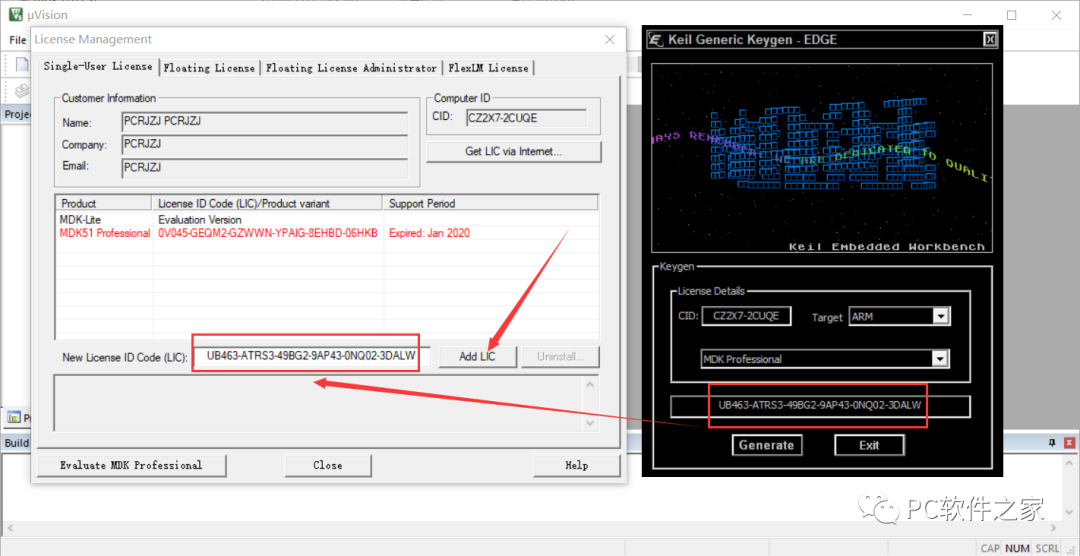
14. Copy and paste the generated code into the box as shown in the image, and click [Add LIC]
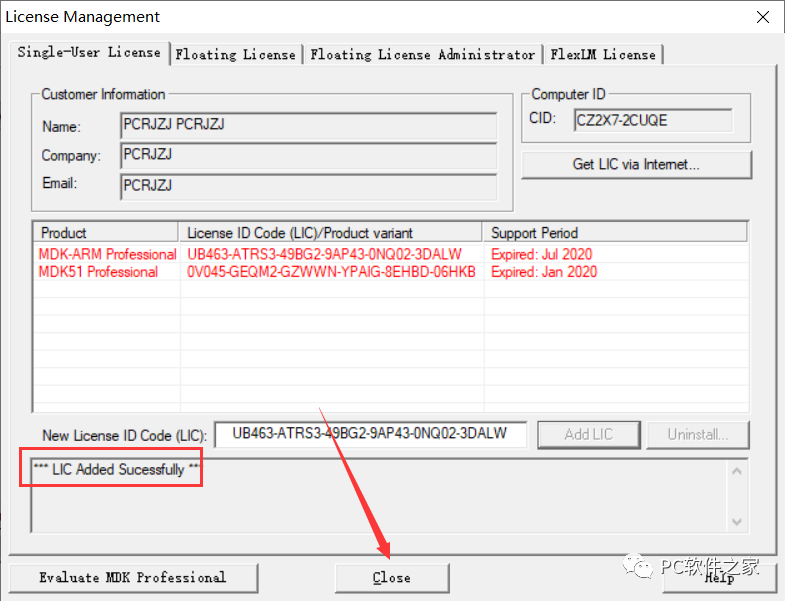
15. If successful, click [Close]
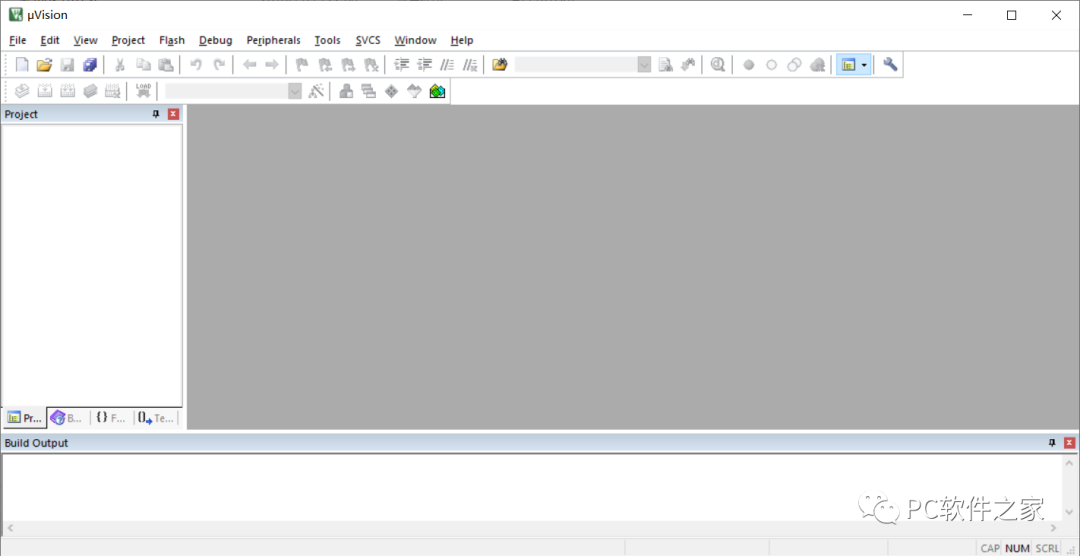
16. The English version installation is complete, and the following steps are for localization
17. Copy the program from the installation package as shown in the image
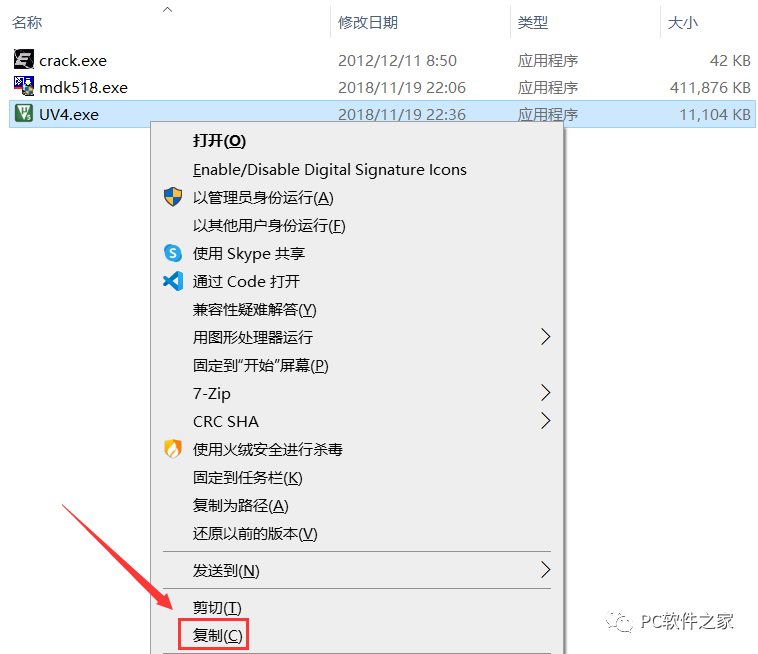
18. Paste it to the installation path as shown in the image and replace it
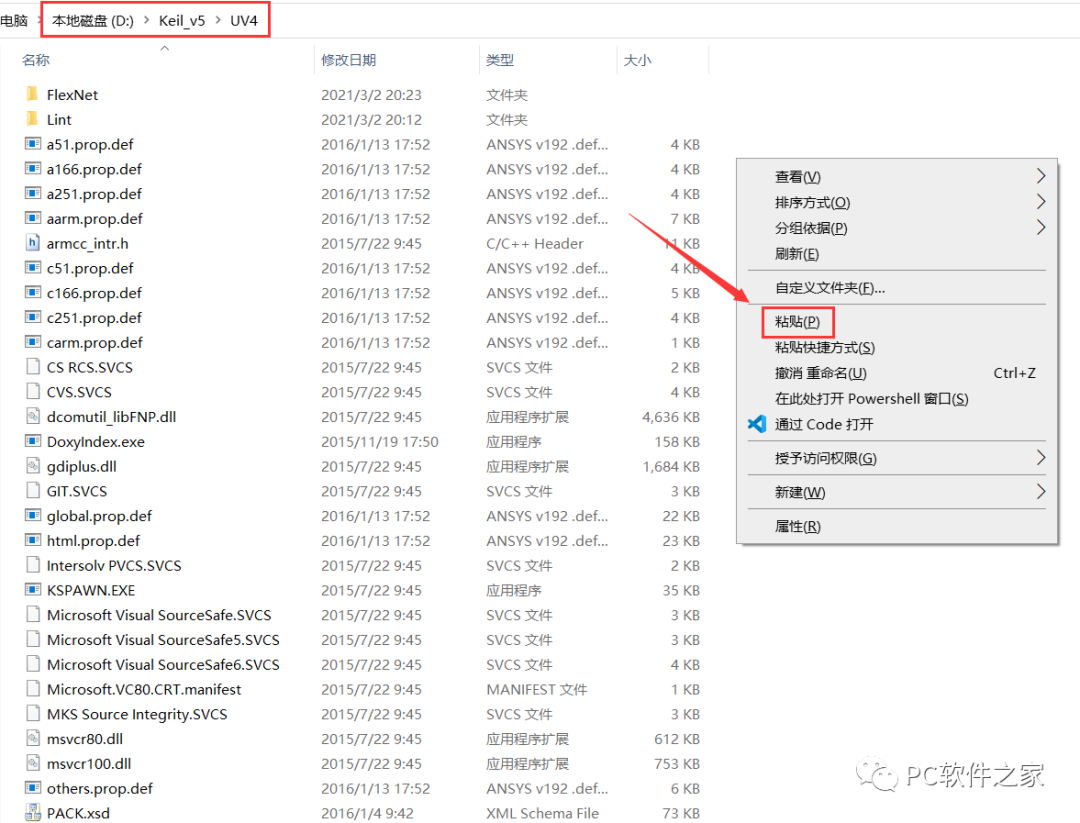
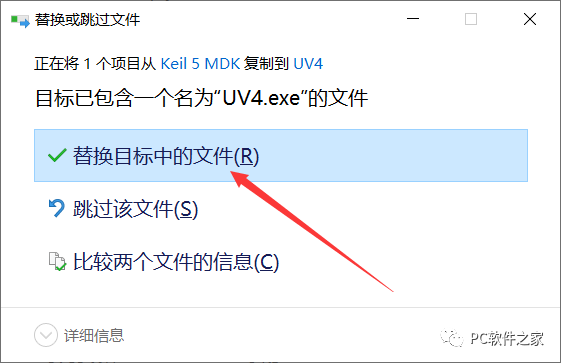
19. Restart the software, localization complete