Have you ever heard the advice: to save battery, you must turn off Wi-Fi and Bluetooth when your iPhone is not in use? 🔋
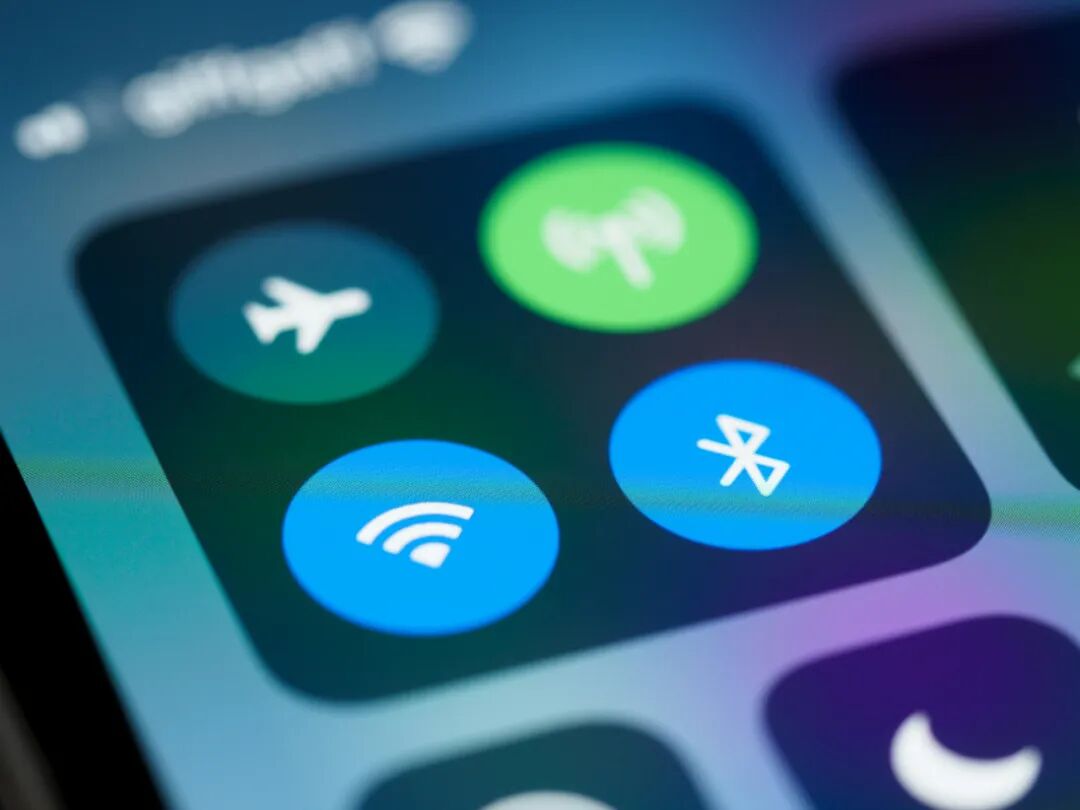
Is this somewhat unreliable “battery-saving tip” true, or are we just wasting our efforts?
Today, we will explore this common question. 🤔
For a long time, we have habitually believed that turning off Wi-Fi, Bluetooth, cellular data, NFC, GPS, and other functions can significantly extend the battery life of our phones.
These functions continuously search for devices or perform tasks in the background, which indeed consumes power.
However, for iPhone users, the situation may not be that simple.
The Truth About Turning Off in Control Center
First, a key point is: if you simply “turn off” Wi-Fi or Bluetooth through the iPhone’s Control Center, they are not actually completely turned off.
They only enter a 24-hour sleep mode. 😮
This means that if your iPhone is connected to CarPlay or an Apple Watch, they will still maintain the connection.
Even when using AirDrop, Wi-Fi and Bluetooth will work together to help you send and receive files.
Therefore, using the Control Center to turn them off has almost no practical effect on saving battery.
To truly disable these functions, you need to go deep into the Settings menu to make changes.
Low Power Consumption with Modern Technology
So, will turning them off in Settings actually save power?
This “battery-saving trick” can actually be traced back ten years when wireless connection technology was relatively underdeveloped, and power consumption was indeed high.
However, today, whether it’s the iPhone or other modern devices, most are equipped with Bluetooth 5.0 or higher, which includes low-energy Bluetooth technology.
This technology makes Bluetooth power consumption nearly negligible, close to zero. 🔋
The most obvious example is the AirTag, which can easily last a year and a half on a small battery.
Imagine, if Bluetooth consumes so little power, then turning it off in the Settings for that insignificant amount of power might actually consume more power, because accessing the Settings itself requires the screen to turn on and the CPU to run.
The situation with Wi-Fi networks is similar; even if it is constantly searching for connections in the background, we can hardly notice its significant impact on battery life.
Factors That Truly Affect Battery Life
The factors that truly have a significant impact on iPhone battery life are cellular data and network signal coverage.
If you are at home and not expecting important calls, try turning on Airplane Mode, and you will find a noticeable improvement in battery life.
No Need to Worry, Enjoy Freely!
So, next time you are out, there is absolutely no need to stress over turning off Wi-Fi or Bluetooth to save that almost nonexistent battery 🙅♂️.
This is an outdated notion that does not provide any real improvement in battery life. Enjoy all the features of your iPhone! 📱✨
Dear Apple fans, have you ever turned off Wi-Fi and Bluetooth to save battery on your iPhone?
Please open in the WeChat client