Effect Preview – Please follow our official account to obtain the source code or exe file
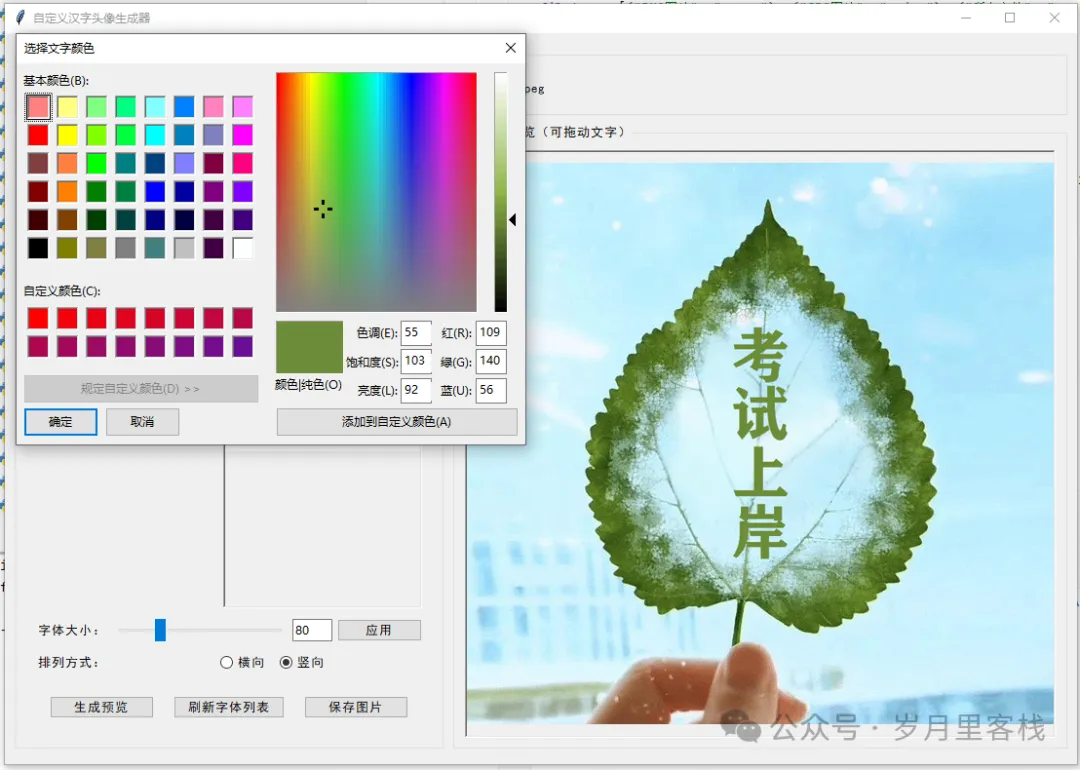
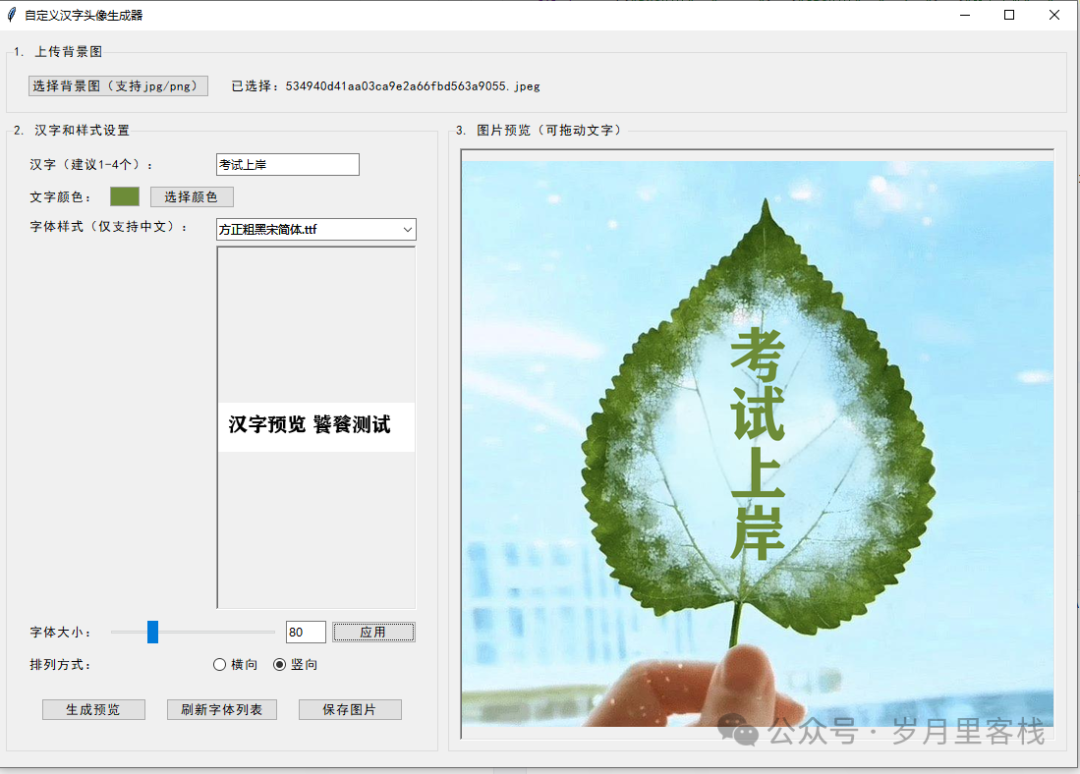
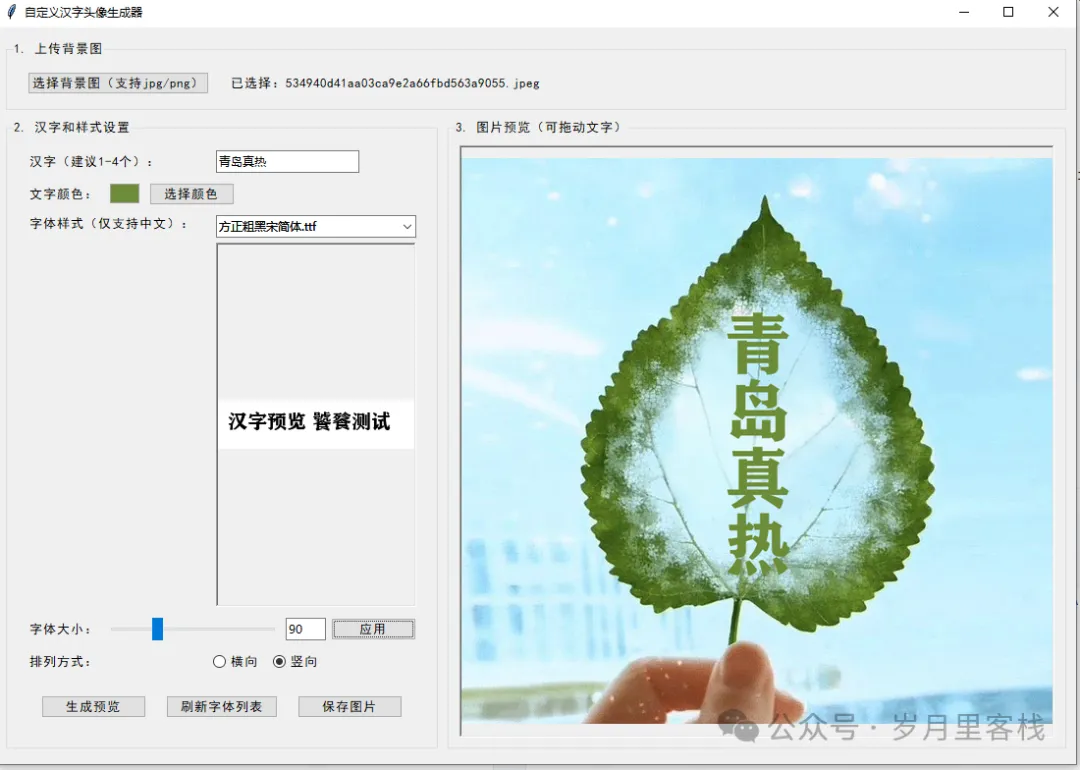
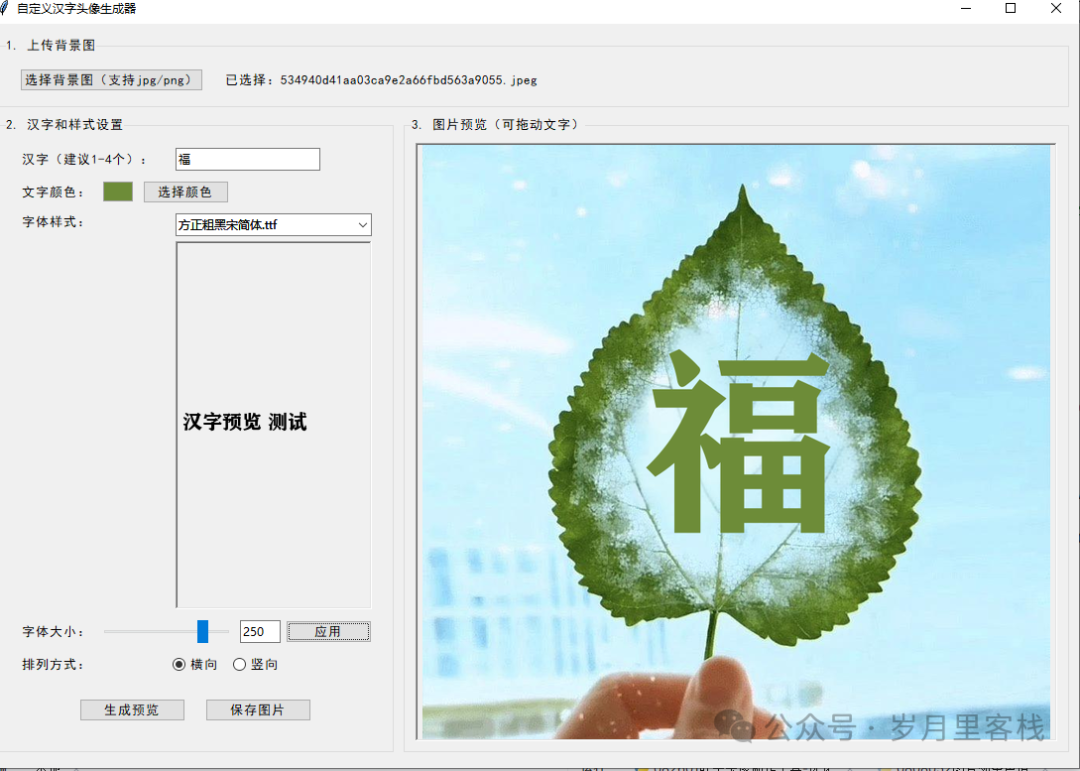
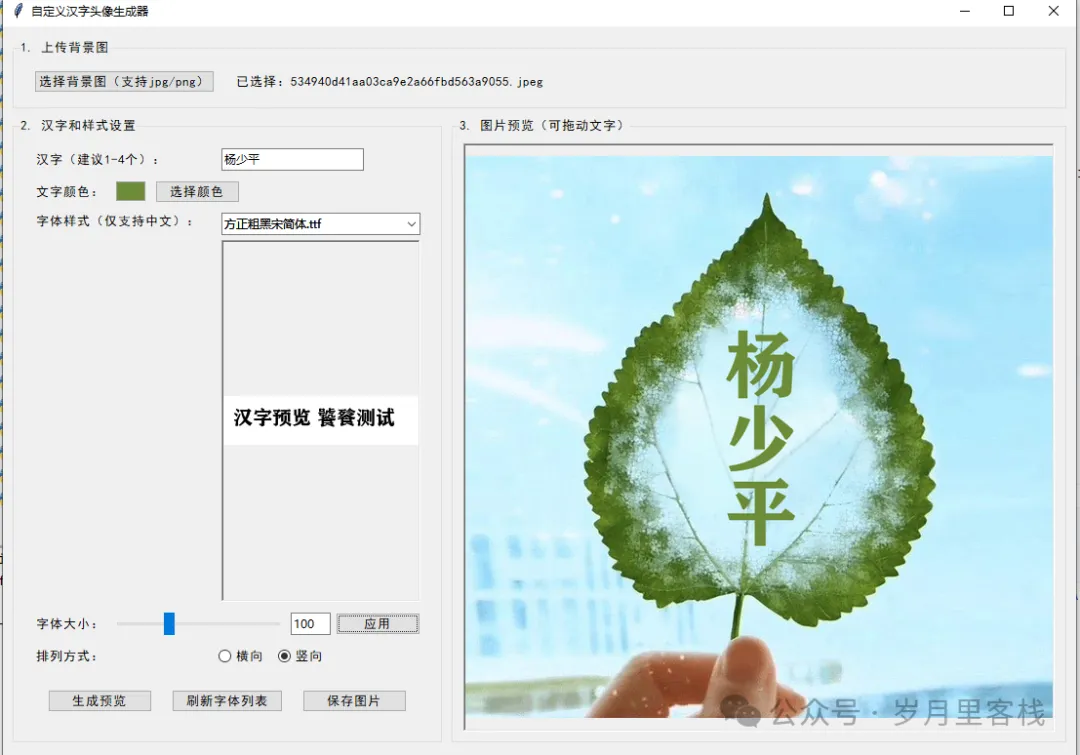
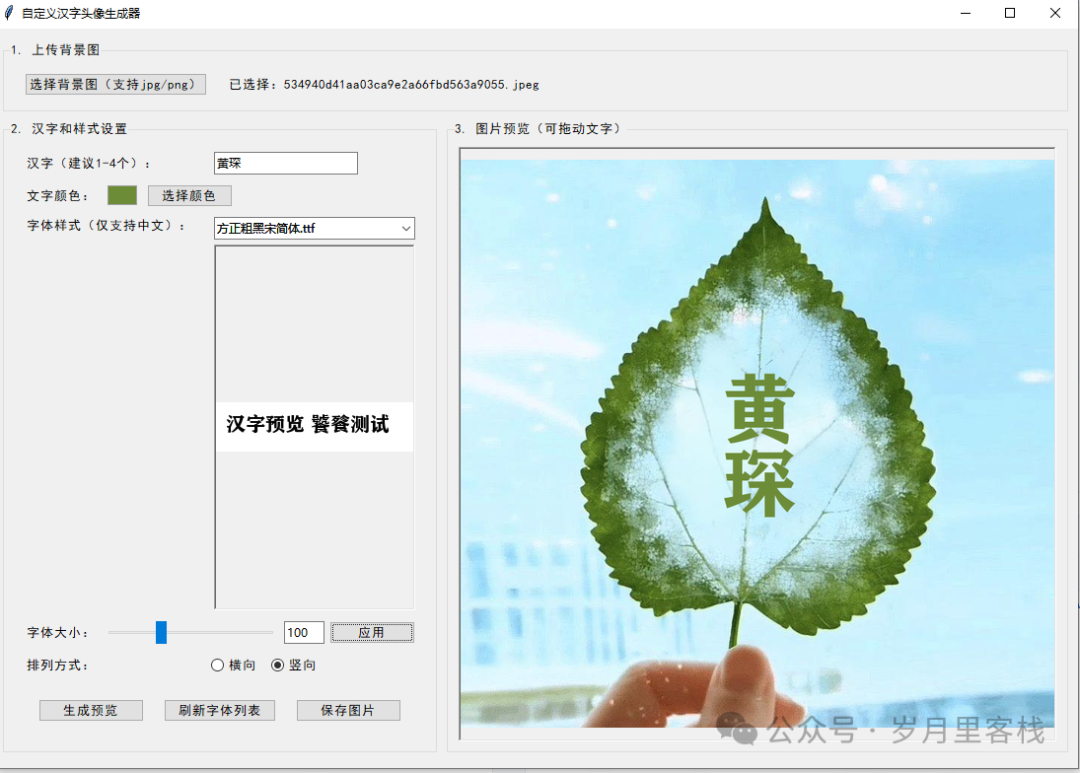
Leaf Avatar Creation Tool: Transform Your Photo into a Cartoon Leaf from “Head” to “Toe”!
“Good morning, good afternoon, good evening to all workers, fishers, and bald stars! Are you tired of the monotonous real avatars in WeChat groups? Do you envy others using cartoon leaves as avatars, appearing both mysterious and eco-friendly? Today, this code acts like a Tony teacher, armed with scissors, gel, and a bunch of numpy and pillow, snipping your selfie into a cartoon leaf that can blink! From now on, when you speak in the group, you’ll have a ‘photosynthesis’ buff, and even the boss will say: ‘Who is this, so green!’”
Project Overview
leaf-avatar/
│
├─ 1️⃣ Configuration Center (config.py)           —— Repository of all magical parameters
├─ 2️⃣ Face Detection Radar (face_detector.py) —— Locate your face
├─ 3️⃣ Leaf Material Arsenal (leaf_bank.py)   —— Choose from 100+ leaf designs
├─ 4️⃣ Beauty Filter Factory (filter_engine.py)—— Slimming, big eyes, highlights
├─ 5️⃣ Avatar Composition Workshop (composer.py)     —— Stick the face onto the leaf
├─ 6️⃣ One-click Export & Social Sharing (exporter.py) —— Generate 1080P high-definition show-off images
└─ 7️⃣ Main Cockpit (main.py)             —— One-click start, a blessing for the lazy
Next, we will peel back each layer for you, like peeling an onion, ensuring it stimulates your technical taste buds.
1️⃣ Configuration Center: The Starting Point of All Magic (config.py)
# config.py
from pathlib import Path

class Config:
    # Path configuration
    ROOT_DIR = Path(__file__).resolve().parent
    DATA_DIR = ROOT_DIR / "data"
    OUTPUT_DIR = ROOT_DIR / "output"

    # Model configuration
    FACE_DETECTION_MODEL = "yunet"           # Supports yunet / retinaface
    FACE_DETECTION_THRESH = 0.85

    # Leaf material pool
    LEAF_DIR = DATA_DIR / "leaf_png"
    LEAF_CANDIDATES = list(LEAF_DIR.glob("*.png"))

    # Export specifications
    EXPORT_SIZE = (1080, 1080)              # 1:1 square
    EXPORT_QUALITY = 95
Structure Analysis
| Level | Description | Example |
|---|---|---|
| Path Layer | Use <span>pathlib</span> for seamless compatibility across Windows, Mac, and Linux |
<span>Path(__file__).resolve()</span> |
| Model Layer | The face detection model can be hot-swapped at any time | <span>yunet</span> → <span>retinaface</span> |
| Material Layer | In the future, you can add “maple leaves” or “ginkgo leaves” by simply dropping them into the folder | <span>LEAF_CANDIDATES</span> automatically collects |
| Export Layer | The product manager said “it needs to be high definition,” hence the quality of 95 | 1080P is no pressure for social media |
2️⃣ Face Detection Radar: Locate Your Face (face_detector.py)
# face_detector.py
import cv2
from config import Config

class FaceDetector:
    def __init__(self):
        self.model = cv2.FaceDetectorYN.create(
            model=str(Config.ROOT_DIR / "models" / f"{Config.FACE_DETECTION_MODEL}.onnx"),
            config="",
            input_size=(320, 320),
            score_threshold=Config.FACE_DETECTION_THRESH
        )

    def detect(self, bgr_img):
        self.model.setInputSize((bgr_img.shape[1], bgr_img.shape[0]))
        _, faces = self.model.detect(bgr_img)
        return faces if faces is not None else []

    @staticmethod
    def crop_face(img, face):
        x, y, w, h = map(int, face[:4])
        return img[y:y+h, x:x+w]
Structure Analysis
- Layer 1: Initialization Layer Feeds the ONNX model to OpenCV DNN, completing GPU/CPU adaptation in one line of code.
- Layer 2: Inference Layer
<span>detect</span>returns<span>ndarray</span>, shaped like<span>[[x, y, w, h, score, five_points...]]</span>. - Layer 3: Utility Layer
<span>crop_face</span>extracts the face ROI, preparing for the beauty module downstream.
3️⃣ Leaf Material Arsenal: Choose from 100+ Leaf Designs (leaf_bank.py)
# leaf_bank.py
import random
from PIL import Image
from config import Config

class LeafBank:
    def __init__(self):
        self.leaf_paths = Config.LEAF_CANDIDATES

    def random_leaf(self, size=(1080, 1080)) -> Image.Image:
        path = random.choice(self.leaf_paths)
        leaf = Image.open(path).convert("RGBA")
        leaf = leaf.resize(size, Image.LANCZOS)
        return leaf

    def seasonal_leaves(self, season="autumn"):
        mapping = {
            "spring": "*spring*",
            "summer": "*green*",
            "autumn": "*autumn*",
            "winter": "*snow*"
        }
        pattern = mapping.get(season, "*")
        return [p for p in self.leaf_paths if pattern in p.name.lower()]
Structure Analysis
- Layer 1: Random Layer
<span>random_leaf()</span>makes the program spin the leaves like a slot machine, curing indecision. - Layer 2: Seasonal Layer
<span>seasonal_leaves()</span>filters using wildcards<span>*</span>, seeing tender buds in spring and snow leaves in winter. - Layer 3: Cache Layer In actual production, you can add LRU caching to avoid slowing down the experience with IO every time.
4️⃣ Beauty Filter Factory: Slimming, Big Eyes, Highlights (filter_engine.py)
# filter_engine.py
import cv2
import numpy as np

class FilterEngine:
    @staticmethod
    def skin_smooth(face_bgr, radius=10):
        blur = cv2.bilateralFilter(face_bgr, radius, 75, 75)
        return blur

    @staticmethod
    def big_eye(face_bgr, landmarks, scale=1.15):
        # Simple big eye: radial scaling centered on the midpoint of the eyes
        le, re = landmarks[0], landmarks[1]
        center = ((le[0] + re[0])//2, (le[1] + re[1])//2)
        M = cv2.getRotationMatrix2D(center, 0, scale)
        warped = cv2.warpAffine(face_bgr, M, (face_bgr.shape[1], face_bgr.shape[0]))
        return warped

    @staticmethod
    def add_highlight(face_bgr):
        # Highlight: randomly draw two white semi-transparent lines on the forehead
        h, w = face_bgr.shape[:2]
        overlay = face_bgr.copy()
        cv2.line(overlay, (w//3, h//5), (2*w//3, h//5), (255,255,255), 2)
        cv2.addWeighted(overlay, 0.5, face_bgr, 0.5, 0, face_bgr)
        return face_bgr
Structure Analysis
- Layer 1: Smoothing Layer
<span>bilateralFilter</span>preserves edges and removes blemishes, the “Thermage” of beauty. - Layer 2: Big Eye Layer uses an affine transformation matrix
<span>M</span>for local enlargement, preventing the entire image from exploding. - Layer 3: Highlight Layer
<span>addWeighted</span>performs alpha blending, achieving an effect similar to Photoshop’s soft light layer.
5️⃣ Avatar Composition Workshop: Stick the Face onto the Leaf (composer.py)
# composer.py
from PIL import Image
import numpy as np

class Composer:
    def __init__(self, leaf_bank, detector, filter_engine):
        self.leaf_bank = leaf_bank
        self.detector = detector
        self.filter = filter_engine

    def make(self, user_img: np.ndarray, style="random") -> Image.Image:
        # 0️⃣ Select Leaf
        leaf = self.leaf_bank.random_leaf() if style == "random" \
            else Image.open(style).convert("RGBA")

        # 1️⃣ Detect Face
        faces = self.detector.detect(user_img)
        if not faces:
            raise ValueError("No face detected, consider using a frontal photo or enabling beauty filters")

        # 2️⃣ Crop + Beautify
        face_crop = self.detector.crop_face(user_img, faces[0])
        face_crop = self.filter.skin_smooth(face_crop)
        face_pil = Image.fromarray(cv2.cvtColor(face_crop, cv2.COLOR_BGR2RGBA))

        # 3️⃣ Calculate Paste Coordinates (Centered and Lower)
        lw, lh = leaf.size
        fw, fh = face_pil.size
        paste_x = (lw - fw) // 2
        paste_y = lh // 3

        # 4️⃣ Paste Face
        leaf.paste(face_pil, (paste_x, paste_y), face_pil)
        return leaf
Structure Analysis
- Layer 0: Material Layer Dynamically selects leaves, supporting
<span>random</span>or user-defined paths. - Layer 1: Detection Layer Throws an error if no face is detected, preventing a cat face from being pasted onto the leaf.
- Layer 2: Beauty Layer Converts the OpenCV processed ndarray back to PIL, ensuring the RGBA transparency channel is preserved.
- Layer 3: Geometry Layer Uses simple ratio calculations to place the face at the “golden ratio” on the leaf.
- Layer 4: Composition Layer
<span>paste(..., mask=face_pil)</span>utilizes the transparency channel to perfectly cut out the face.
6️⃣ One-click Export & Social Sharing (exporter.py)
# exporter.py
import json
from datetime import datetime
from PIL import Image
from config import Config

class Exporter:
    def __init__(self):
        Config.OUTPUT_DIR.mkdir(parents=True, exist_ok=True)

    def save(self, img: Image.Image, user_id="Unknown"):
        ts = datetime.now().strftime("%Y%m%d_%H%M%S")
        filename = Config.OUTPUT_DIR / f"{user_id}_leaf_{ts}.jpg"
        img = img.convert("RGB")
        img.save(filename, quality=Config.EXPORT_QUALITY)

        # Generate share JSON
        meta = {
            "user": user_id,
            "created": str(datetime.now()),
            "file": str(filename.name)
        }
        (Config.OUTPUT_DIR / f"{user_id}_meta.json").write_text(json.dumps(meta, indent=2))
        return filename
Structure Analysis
- Layer 1: Directory Layer
<span>mkdir(parents=True)</span>ensures no errors on the first run. - Layer 2: Naming Layer Timestamp + user ID to avoid overwriting when multiple users generate simultaneously.
- Layer 3: Compression Layer
<span>quality=95</span>ensures details are retained even after WeChat compression. - Layer 4: Metadata Layer JSON facilitates future personal center “My Leaves” list.
7️⃣ Main Cockpit: One-click Start for the Lazy (main.py)
# main.py
import cv2
import argparse
from composer import Composer
from leaf_bank import LeafBank
from face_detector import FaceDetector
from filter_engine import FilterEngine
from exporter import Exporter

def main():
    parser = argparse.ArgumentParser(description="Leaf Avatar One-click Generator")
    parser.add_argument("-i", "--input", required=True, help="Input photo")
    parser.add_argument("-o", "--output", default=None, help="Output directory")
    parser.add_argument("--style", default="random", help="Leaf style path or keyword")
    args = parser.parse_args()

    # Initialization
    detector = FaceDetector()
    leaf_bank = LeafBank()
    filter_eng = FilterEngine()
    composer = Composer(leaf_bank, detector, filter_eng)
    exporter = Exporter()

    # Read
    img = cv2.imread(args.input)
    if img is None:
        raise FileNotFoundError("Image cannot be opened, please check the path")

    # Composition
    avatar = composer.make(img, style=args.style)

    # Export
    out_path = exporter.save(avatar, user_id=args.input.stem)
    print(f"🎉 Leaf avatar generated: {out_path}")

if __name__ == "__main__":
    main()
Usage Example
python main.py -i ./selfie.jpg --style autumn
In ten seconds, your
<span>output/selfie_leaf_20250826_143022.jpg</span>will be freshly baked, ready to change your avatar, and your colleagues will be asking for the link!
Project Knowledge Points Overview
| Dimension | Knowledge Point | Summary in One Sentence |
|---|---|---|
| Image Processing | OpenCV DNN Face Detection | One line of code handles side faces, occlusions, and low light |
| Image Processing | PIL/Pillow Transparency Channel Composition | Sticking without cutting, RGBA is key |
| Engineering Architecture | Single Responsibility + Dependency Injection | Each class does one thing, composer coordinates everything |
| Performance Optimization | LANCZOS Resampling | Scaling without blurring edges, 10 times better than NEAREST |
| User Experience | CLI + argparse | Programmers can get started in 3 seconds, and later can seamlessly switch to GUI |
| Scalability | Seasonal Wildcards + Material Pool | Add cherry blossoms in spring, lotus leaves in summer, zero code intrusion |
| Deployment and Maintenance | pathlib + Automatic Directory Creation | Windows paths won’t crash, beginners won’t hit pitfalls |
Ultimate Goal: Make “Avatar Anxiety” a Thing of the Past
- Individual Players: Generate a unique leaf avatar in 30 seconds, rarer than NFTs.
- Community Operations: Integrate into the official account backend, allowing fans to upload photos to instantly become “brand-customized leaves.”
- Commercial Extensions: Generate couple leaves, family leaves, holiday limited leaves, and enjoy paid downloads.
“Code runs, avatars turn green, and popularity rises!”
Easter Eggs: Three Future Iteration Directions
- Web Version: Gradio + FastAPI, upload in the browser to see results instantly.
- AI Stylization: Integrate Stable Diffusion to let leaves sprout cyber neon edges.
- Mini Program: Cloud development for one-click deployment, viral spread in social circles.
“Today, be kinder to your code; tomorrow, let your code make you look better.”
Python’s 20-Day Learning Plan
Python’s 7-Day Learning Plan
Top 10 Basic Libraries in Python
Developing a Ping Pong Game with Pygame Module
Python Tic-Tac-Toe Game
Python Implementation of Opening Local Files Like a Browser
Python Implementation of Instant Photo Transformation into “Sakura Cardcaptor”
Python Implementation of Image Color Extractor
Python Implementation of Text-to-Speech Assistant
Python Implementation of Multifunctional 2D Generator
Python Implementation of Foolproof GIF Meme Generator
Python Implementation of Local Camera Viewer
Python Simple Implementation of DeepSeek Q&A Chat
Python Implementation of Video Player
Python Implementation of Simple Notepad
Python Implementation of Multifunctional Applications
Python Implementation of Idiom Matching Game
Python Implementation of Process Termination System
Python Implementation of Multifunctional Desktop Application
Python Implementation of Volcano API Call to Automatically Generate Text Content
Python Implementation of Doubao AI to Generate Text Stories
Python Implementation of Simple Notepad
Python Implementation of Drawing Browser Tool Code
Python Implementation of Simple Drawing Tool Code
Python Implementation of To-Do Reminder Tool
Python Implementation of Local Camera Viewer
Python Implementation of Markdown to HTML Tool Code
Python Implementation of 163 Email Push
[Follow for More Updates]
Python: A Very Interesting Game – Source Code for 2048
Python: A Very Interesting Mini Game – Snake
Python: A Super Useful Tool – Word Frequency Statistics Tool
Python: A Practical Tool – Simple Web Scraper Weather Tool
Python: A Super Useful Tool – Timed Task Reminder Tool
Python: “Guess the Number Game Code Analysis”
Python: “Password Generator Code Analysis”
Python: “Batch Rename Tool Code Analysis”
Python: “Student Grade Management System Code Analysis”
Python: “Stock Data Analysis Tool Code Analysis”
Python + AI Implementation of Intelligent Voice Assistant
Python: “Simple Calculator Code Analysis”
Python + AI Implementation of Online Document Generation Assistant
Python: A Practical Tool – Simple Web Scraper Weather Tool
Python Implementation of Process Termination System
Python Implementation of Link Game Code
Python Implementation of AI Sentiment Analysis Tool
Python Implementation of Local Camera Viewer
Python Implementation of a Simple Real-World Scenario (like a simple intelligent Q&A system, text summary generation, etc.)