
Strengthening Security Defenses
Protecting Cybersecurity
Smart Manufacturing Academy

Have you ever experienced these scenarios? Receiving a text from the “bank” urging you to click a link to verify information; seeing a “scan to receive gifts” sign on the street and feeling tempted; encountering ads in groups claiming “earn hundreds daily with just a few clicks”…
Behind the convenience often lies the entrance to traps.Cybersecurity is no small matter; a careless click or a tempting link can lead to privacy breaches and financial losses.
Today, let’s break down four of the most common online traps to strengthen your cybersecurity firewall!

Risks of Public Wi-Fi


You may not be connecting to the internet, but rather to a hacker’s “listening device”. Data transmission is like a postcard, fully visible to hackers.

Common Tricks
Fake Wi-Fi: Setting up phishing hotspots with similar names (e.g., Starbucks2 vs. Starbucks).
Man-in-the-Middle Attack: Eavesdropping and tampering with your data on a real network.

Protection Strategies
Refuse: Do not connect to public Wi-Fi without a password.
Turn Off: Disable the automatic Wi-Fi connection feature on your phone.
Check: When visiting important websites, ensure the URL starts with https and has a lock icon.
Use: Use a VPN to encrypt all network traffic when necessary.

Identifying Phishing Links


By forging official information, they trick you into voluntarily giving up your account password and money.

Common Tricks
SMS/Email Phishing: Impersonating banks, social security agencies, or courier companies, sending messages like “account abnormality” or “package delivery failure” with links.
High-Fidelity Websites: Interfaces identical to real sites, but with slight differences in the URL (e.g., using the number 0 instead of the letter O).

Protection Strategies
Do Not Trust Easily: Remain vigilant about any urgent notifications containing links.
Do Not Click: Never click on unfamiliar links directly, especially short links.
Verify:Check through official apps or websites for verification instead of using the channels provided by the other party.

Malicious QR Codes

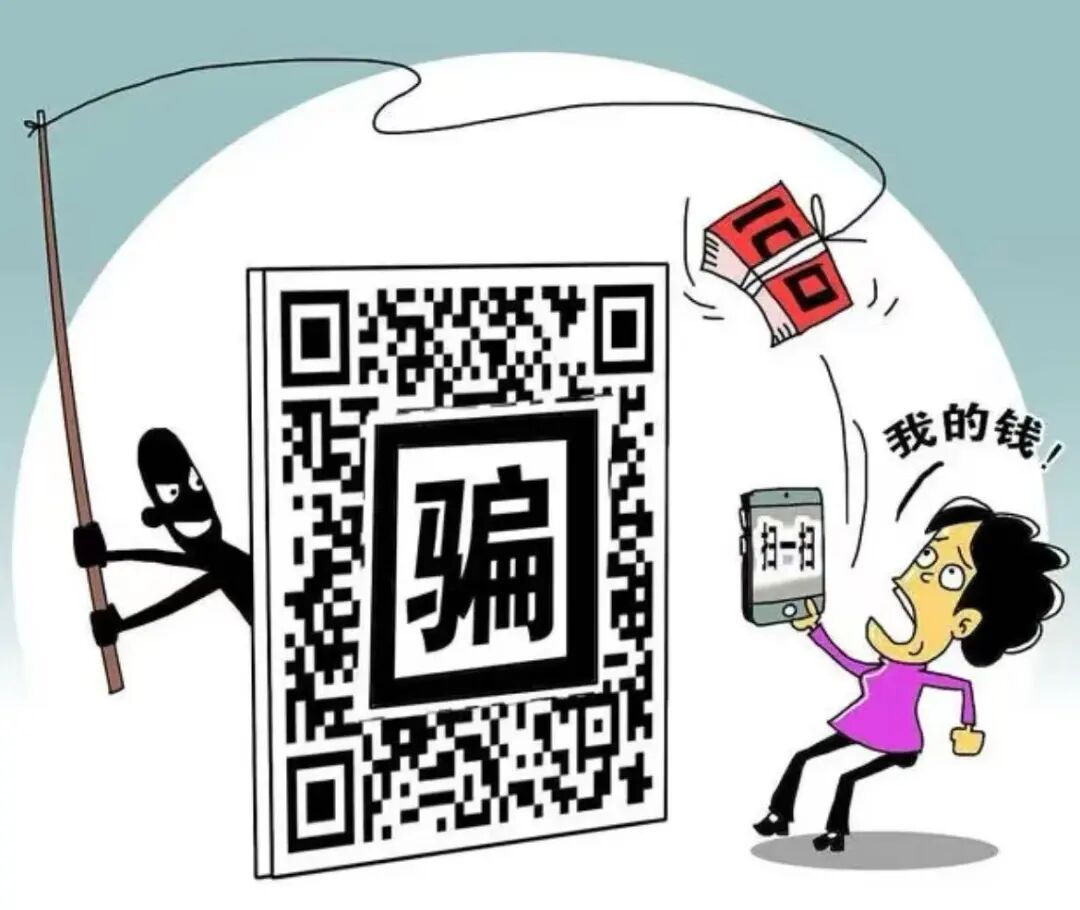
QR codes are the “highway of information”, but at the end of the road may lie viruses or phishing websites.

Common Tricks
Fake Benefits: Impersonating “scan to receive red envelopes” or “win an iPhone”, enticing users to scan.
Malicious Downloads: Automatically downloading trojan-infected apps after scanning.
Fake Payment: Forging utility bills or fines with payment codes.

Protection Strategies
Source Judgment: Only scan QR codes from trusted sources (e.g., official public accounts).
Preview Habit: Some scanning tools will display the link address, preview before visiting.
Permission Vigilance: If an app needs to be downloaded after scanning, be cautious about granting phone permissions.

Order Scams


Exploiting people’s desire for small gains, implementing precise “pig farming” scams.

Common Tricks
Bait and Switch: Posting “high salary, easy” part-time job ads on social platforms.
Small Gain Temptation: Immediate cashback on the first few small tasks to build trust.
Harvesting Funds: Demanding large upfront investments under the guise of “task upgrades” or “sequential orders”, then disappearing with excuses like “operation timeout” or “system error”.

Protection Strategies
Remember the Essence: Order brushing is illegal; any order brushing that requires upfront investment is a scam!
Break the Illusion: Firmly believe that “there’s no such thing as a free lunch”, and reject temptations of “high returns with low investment”.
Official Channels: Look for part-time jobs through legitimate recruitment platforms.
In summary, online risks are ever-changing, but the core strategies remain the same:
1. Stay away from the temptations of “free lunches” and “high returns”.
2. Be cautious when connecting to public networks and scanning unfamiliar QR codes.
3. Remain skeptical of all requests for personal information and funds, and verify through official channels.
Cybersecurity is like a lock; complacency is the biggest vulnerability. I hope everyone stays vigilant and protects their personal information and financial security.

Images: All sourced from the internet
Editor: Liu Dingjing
Editor-in-Chief: Ji Ran
Proofreader: Chen Jiahui
Reviewer: Chen Gang