The official download link for MDK-ARM is: https://www.keil.com/download/product/
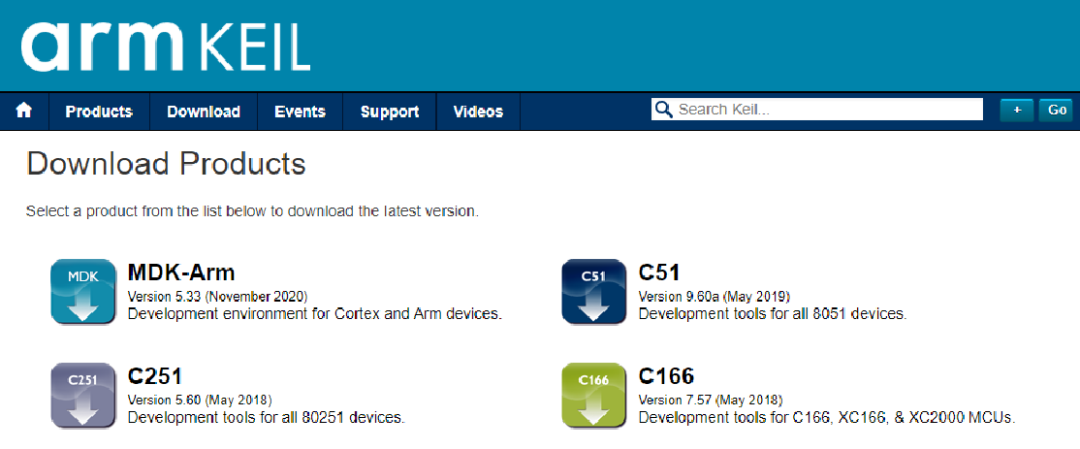
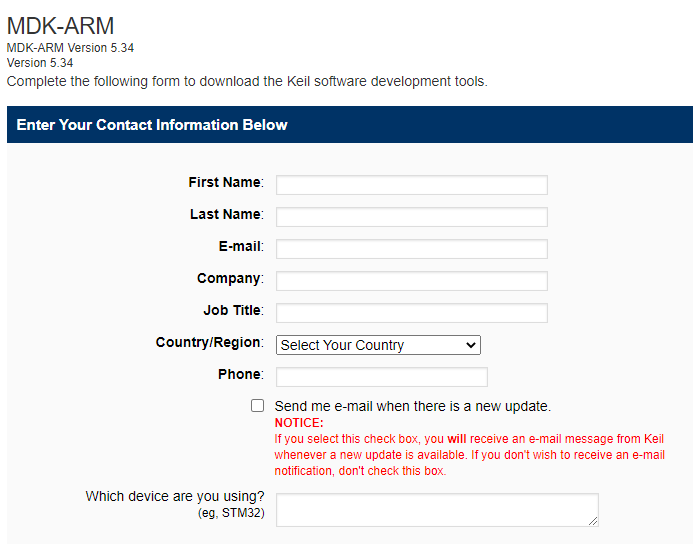
However, it is not that simple. To obtain it, you need to fill out a series of information below:
Then you will enter the download page, where the latest version (timestamp 2021/3/29) is MDK534.
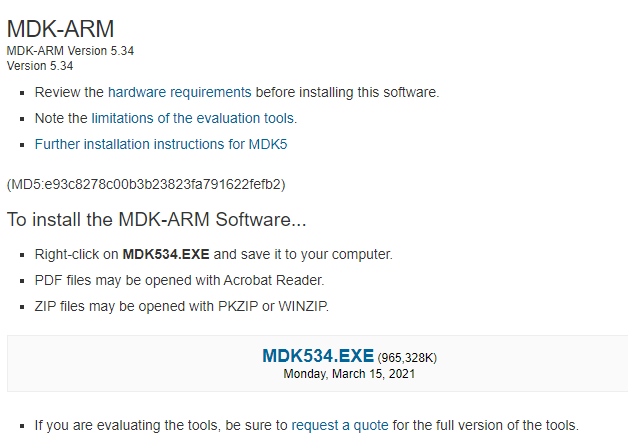
You may encounter a frustrating download speed, suitable for some Zen students to meditate.

Another way is to reply with the keyword “MDK” (note not to input double quotes, or you will suffer) in the backend of this magical public account to obtain the download link. The speed is slightly faster, but it is said that recharging VIP can allow for instant downloads; whether this is true or not is uncertain.

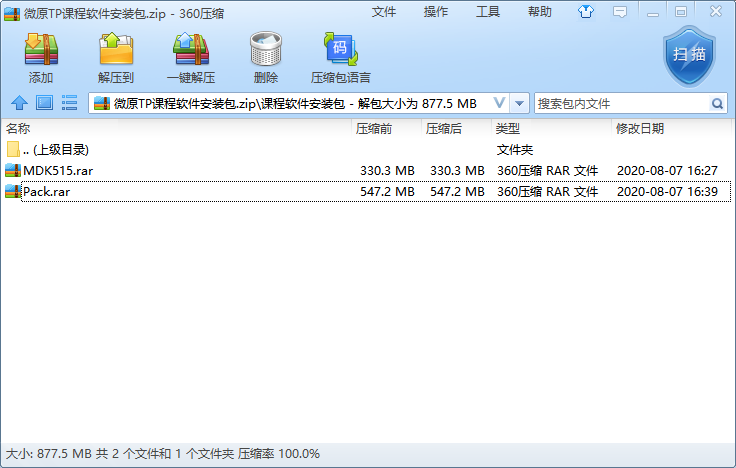
After the download is complete, first run MDK515.rar to install (the version number reveals the age).
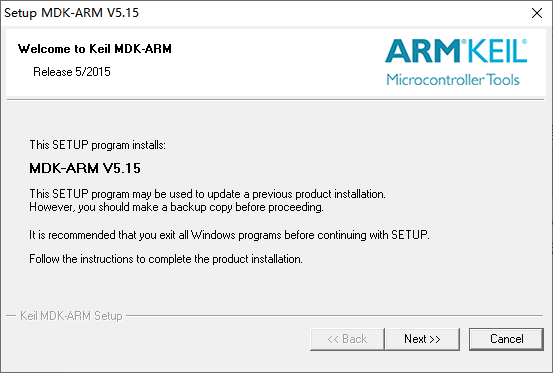
Click Next all the way until there is no way to go.
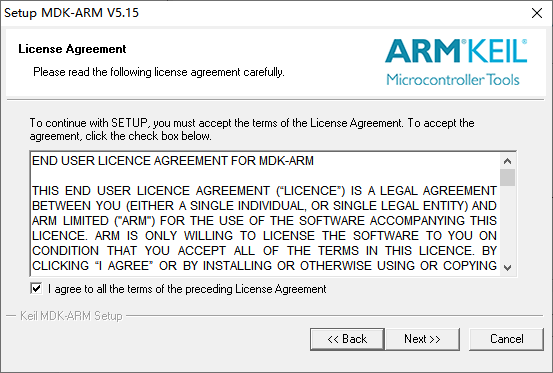
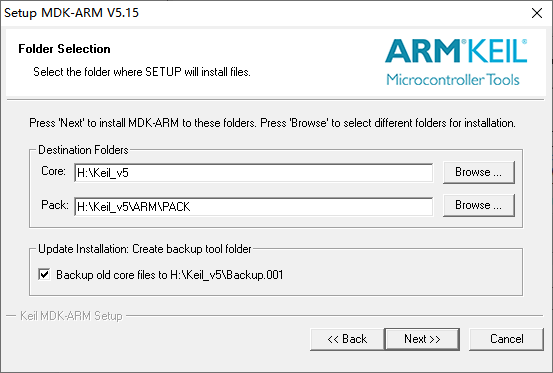
……
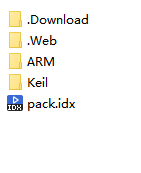
After installation is complete, extract Pack.rar to a folder.
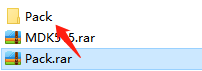
Copy all contents from the Pack folder and paste them into the installation directory of Keil (e.g., D:\Keil_v5_ARM\PACK) to replace the files.
Then, you can quietly wait for the story to unfold…