Software Download
| Please reply ” MDK ” in the public account backend to get the download link. If you encounter any problems during the installation process, feel free to ask in the public account. |
Software Introduction
| MDK5 The MDK-ARM software provides a complete development environment for devices based on Cortex-M, Cortex-R4, ARM7, and ARM9 processors. MDK-ARM is designed specifically for microcontroller applications, making it easy to learn and use, yet powerful enough to meet most demanding embedded application needs. |
Installation Steps
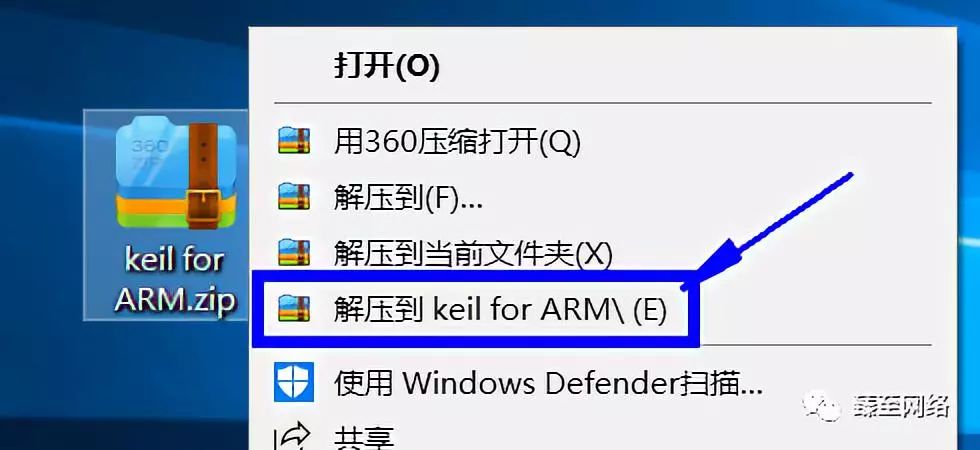
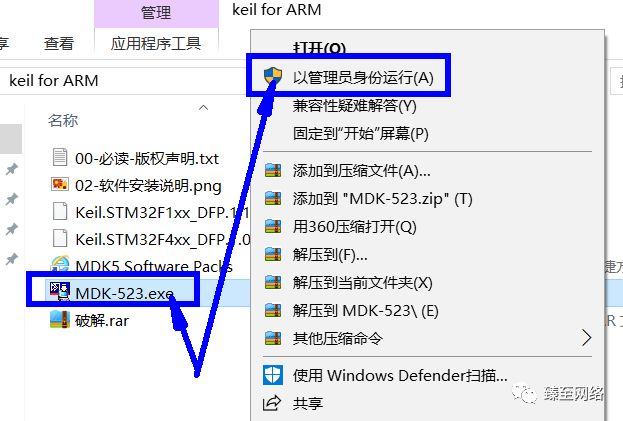
1. After downloading the software, unzip it and run the installation file with administrator privileges by right-clicking.
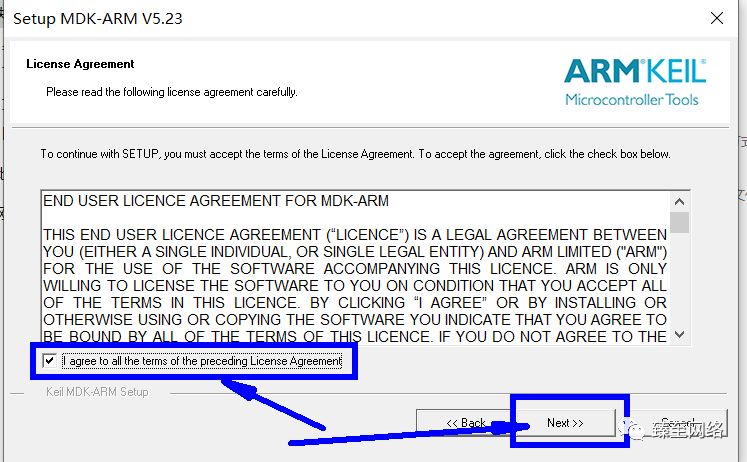
2. Click “I agree” and then click “Next”.
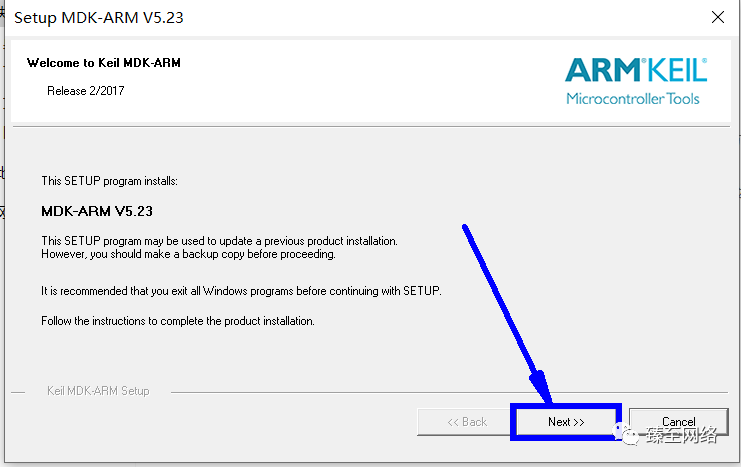
3. Click “Next”.
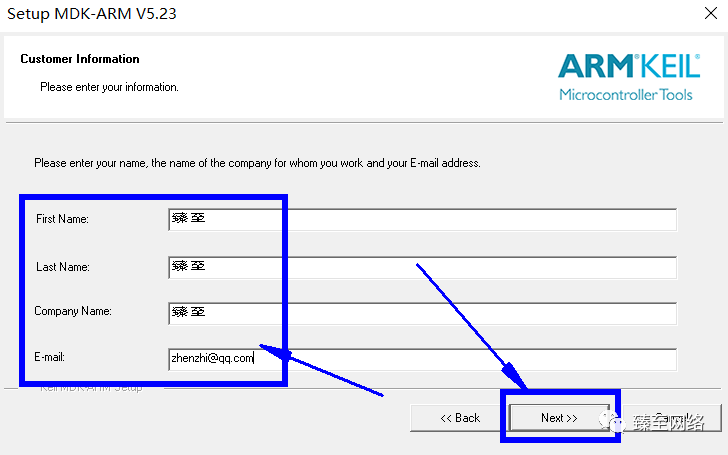
4. Fill in a name as you wish; I filled in ‘Zhen Zhi’.
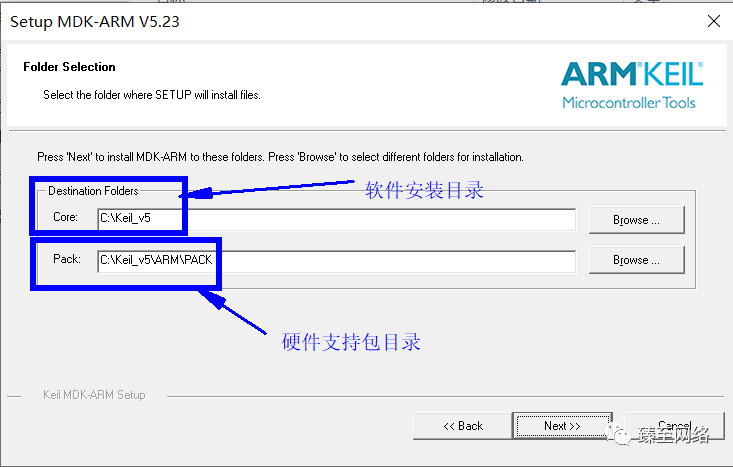
5. Change the software installation directory. Choose your desired installation directory; I chose the default.
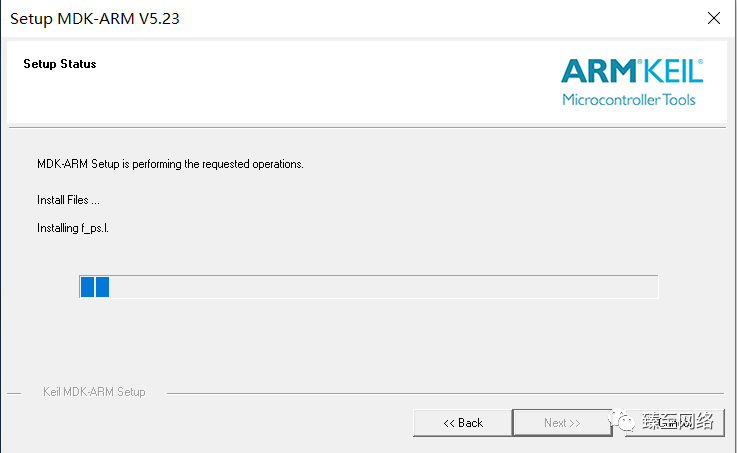
6. Wait for the installation to complete.
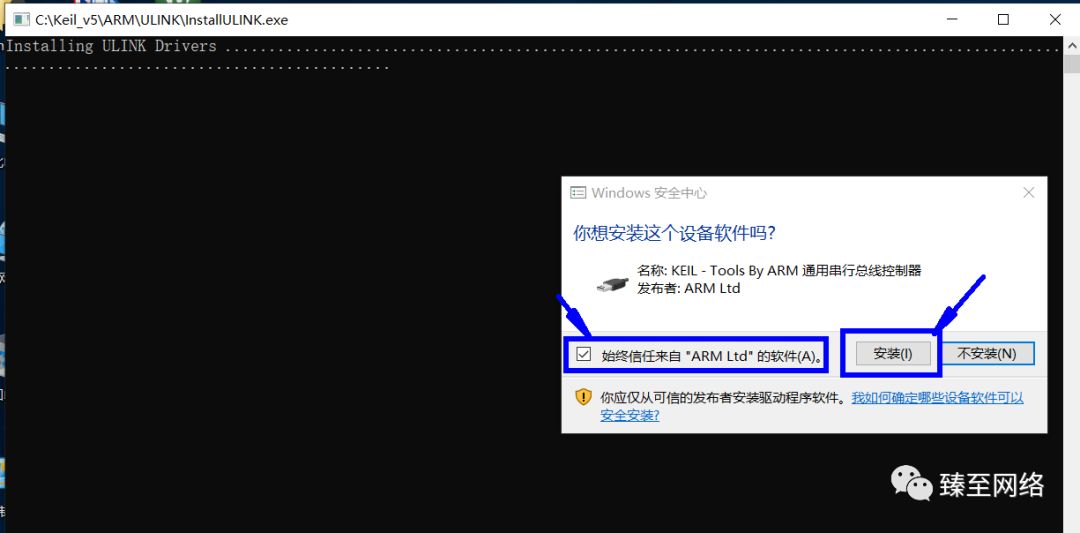
During the process, you may be prompted to install hardware drivers; just agree.
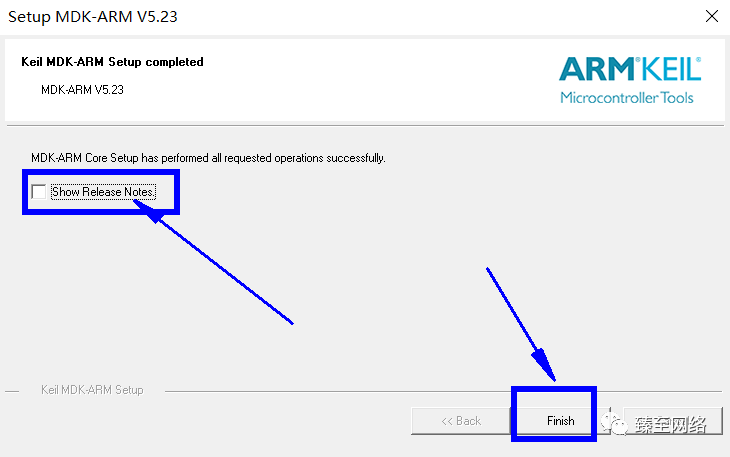
7. Uncheck the checkbox, then click “Next”.
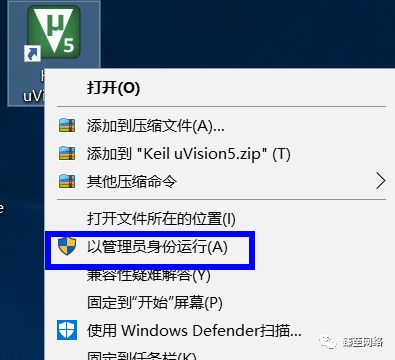
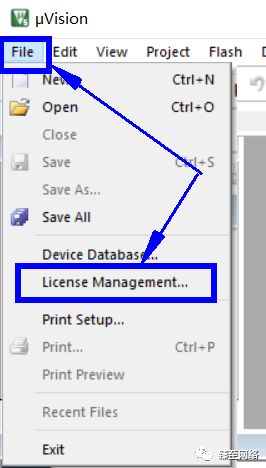
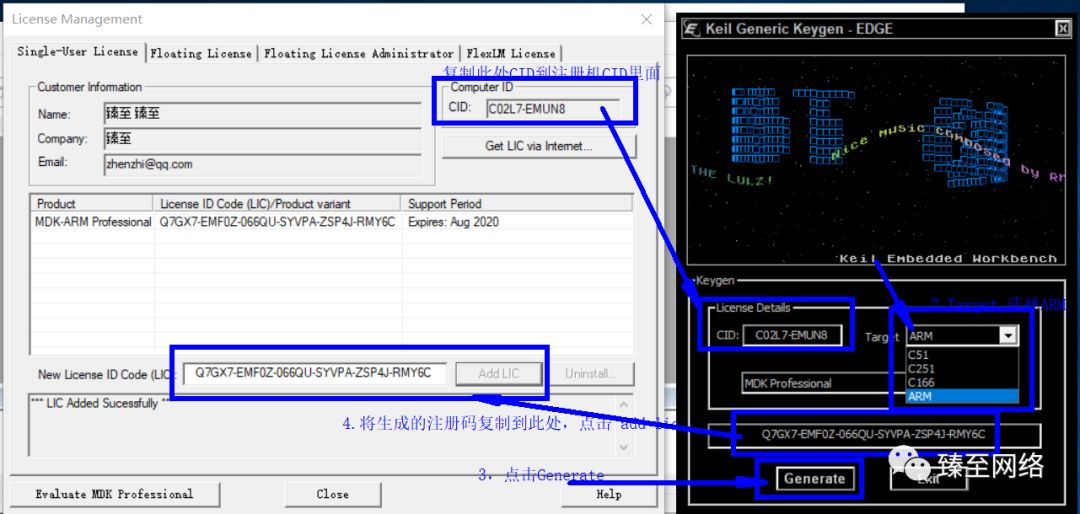
8. Find the shortcut on your desktop and open it with administrator privileges. Then click on the menu bar File -> License Management to open the registration interface.
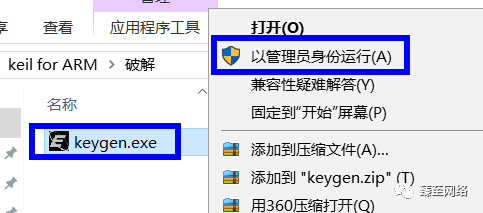
9. Unzip the crack software and run it with administrator privileges.
10. Copy the CID from the registration interface into the cracker,
Select ARM in Target
Click Generate to create the activation code
Copy the activation code into the registration interface LIC, click Add LIC,
Then you can close the cracker, and the software will be successfully cracked.
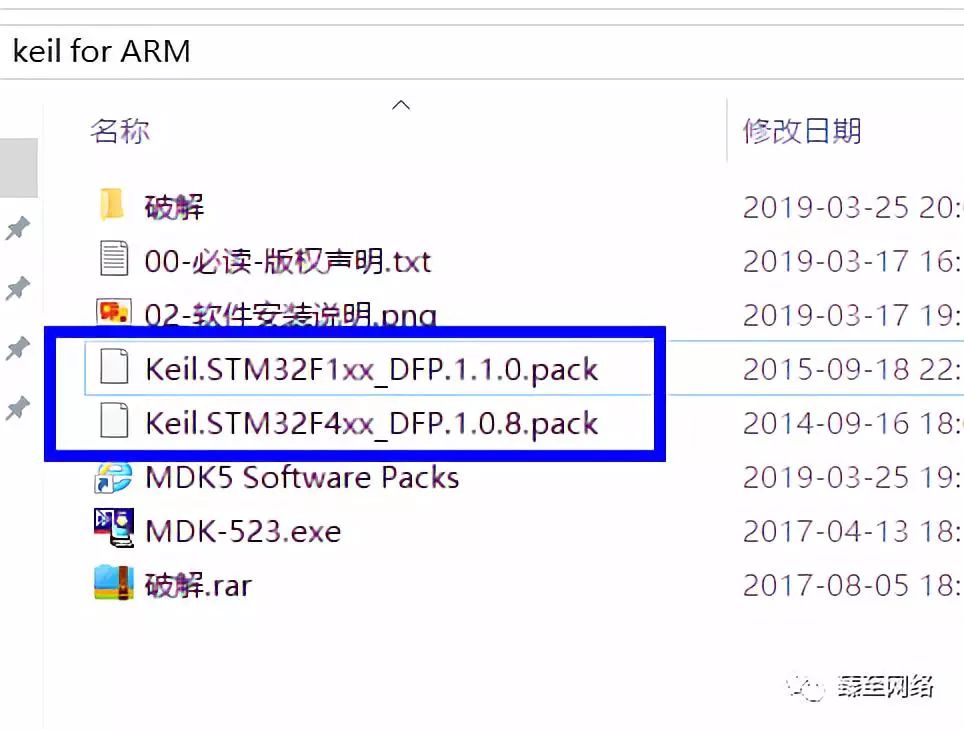
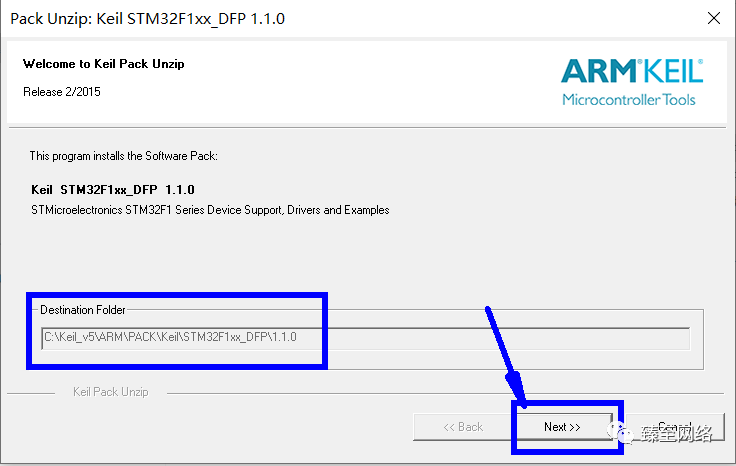
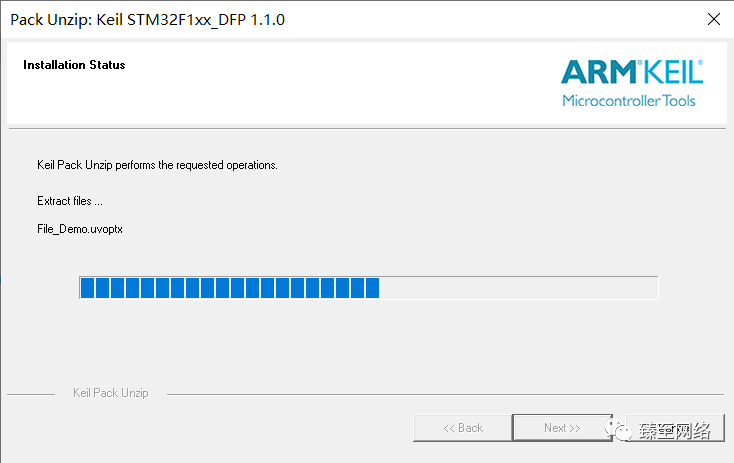
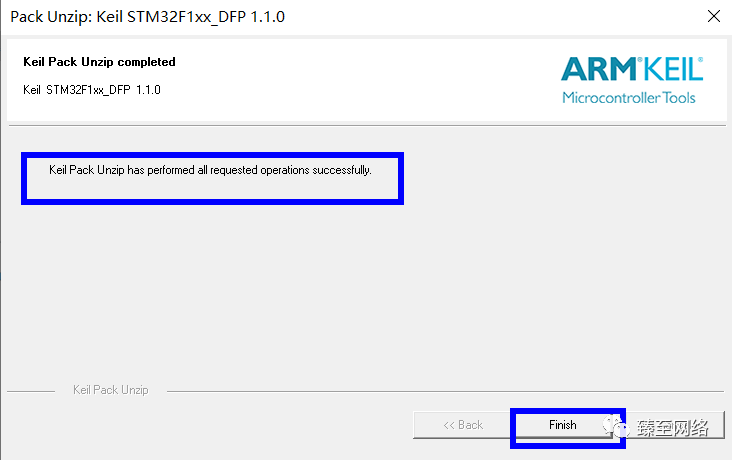
11. Install the package by double-clicking the pack, just click next.
Installation video, The audio was not recorded well, will play next time.
Daily updates of cracked practical software, irregular updates of computer usage tips~
If you find it useful, feel free to recommend it to your friends~