Clickthe blue text to follow us
Welcome to the 163rd session of 【Gao Xun Intelligent Manufacturing】 original professional classroom, presented by teacher Zhong Guanyou, bringing you an impressive 3D printing mini-class.
Creating a Barrett sniper rifle model using 3D printing
Zhong Guanyou
This session of Gao Xun Intelligent Manufacturing brings you the process of creating a Barrett sniper rifle model using light-curing 3D printing (SLA).
1. Drawing and Modeling
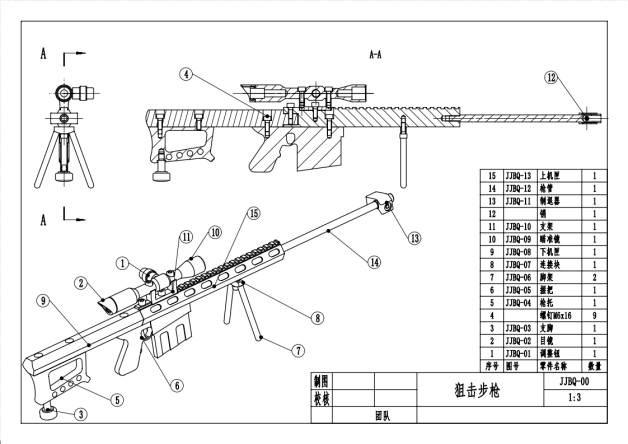
The above image shows the parts diagram of the workpiece to be made. Due to the unique forming method of 3D printing, most workpieces can be formed in one go, so there is no need to print in separate parts and assemble later. All parts can be modeled together.
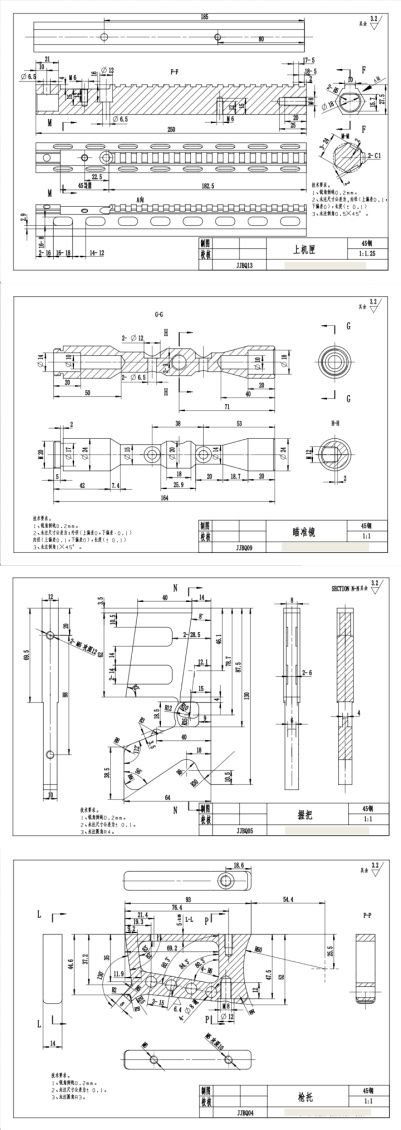
The above image shows the engineering drawing of the main components of the workpiece, scaled down and assembled as a whole, removing threads and unnecessary holes, and modeling in the software. Dimensions can be customized as long as they are appropriate.
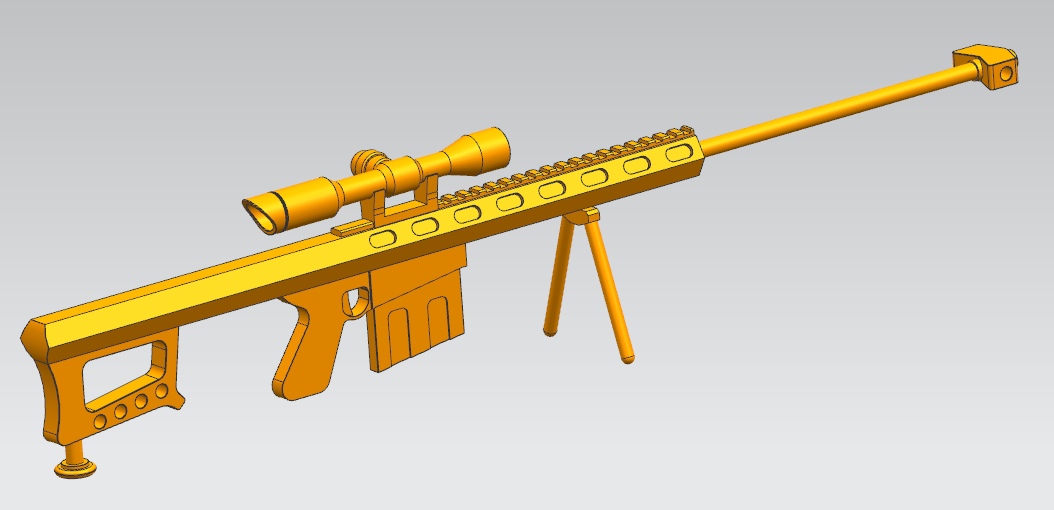
After modeling is complete, export the file in STL format.
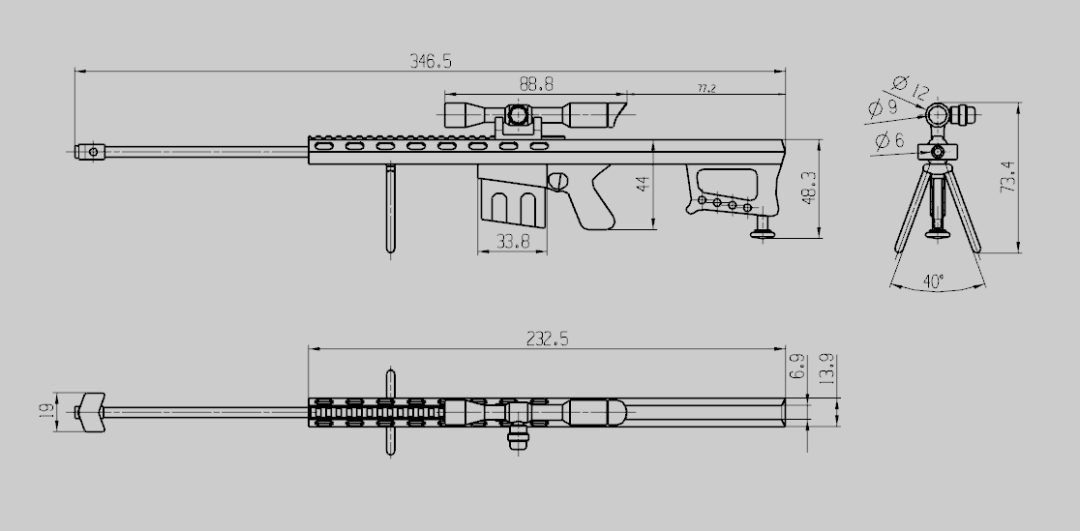
The above image shows the main dimensions after scaling down.
2. File Printing
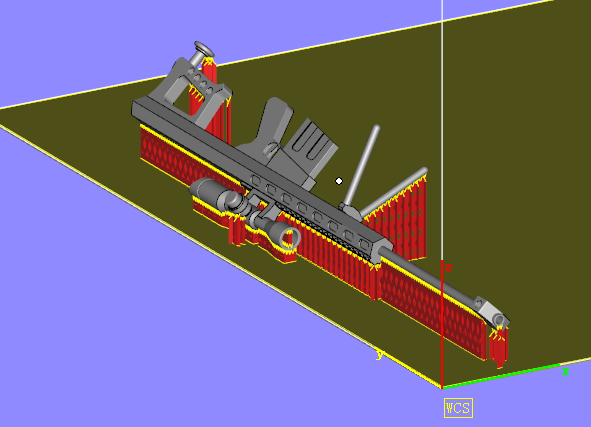
In the slicing software Magics, import the corresponding STL file, adjust the position, angle, and add supports as needed. Ensure the positioning and angle adjustments are reasonable.
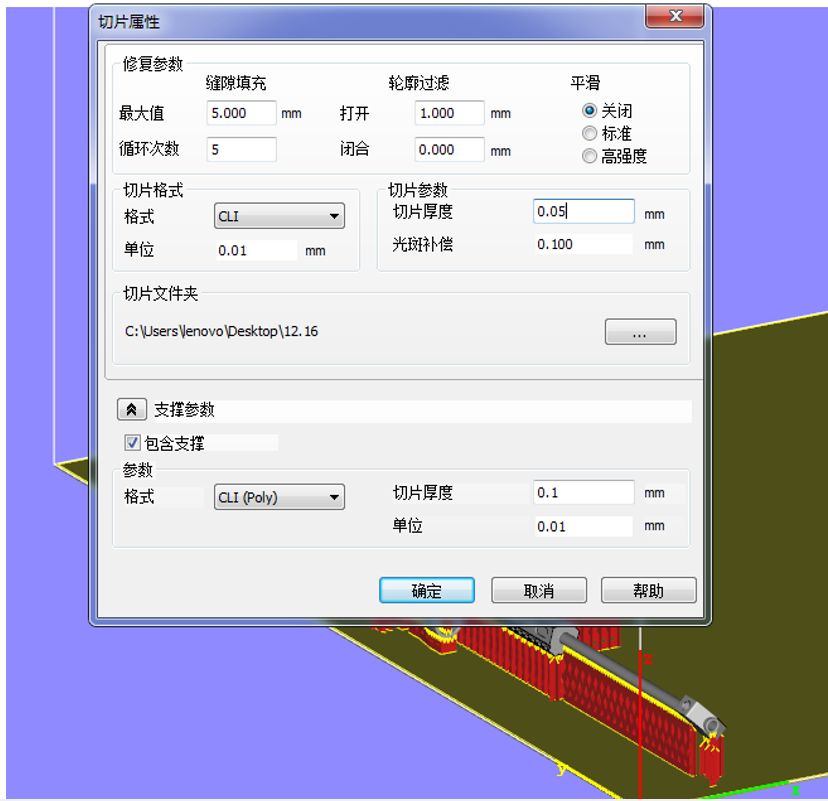
After adjustments, slicing is performed. The above image shows reference values for the slicing file parameters. A recommended slicing thickness of 0.05mm is suggested.
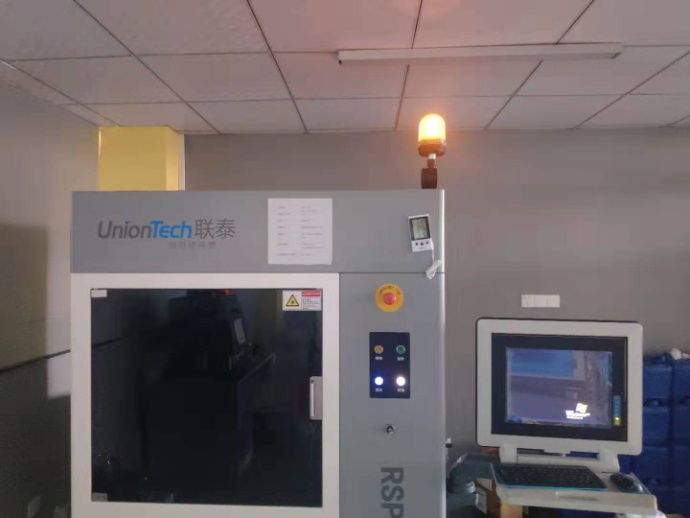
Import the sliced file into the printer for printing. The model of the 3D printer used is Liantai PRO 450, with a forming type of SLA (light-curing forming).
3. Post-Processing of Printed Products
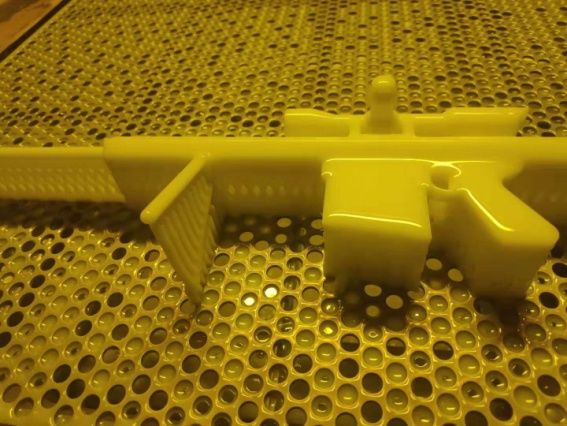
After five hours of printing, the finished product is obtained as shown above.
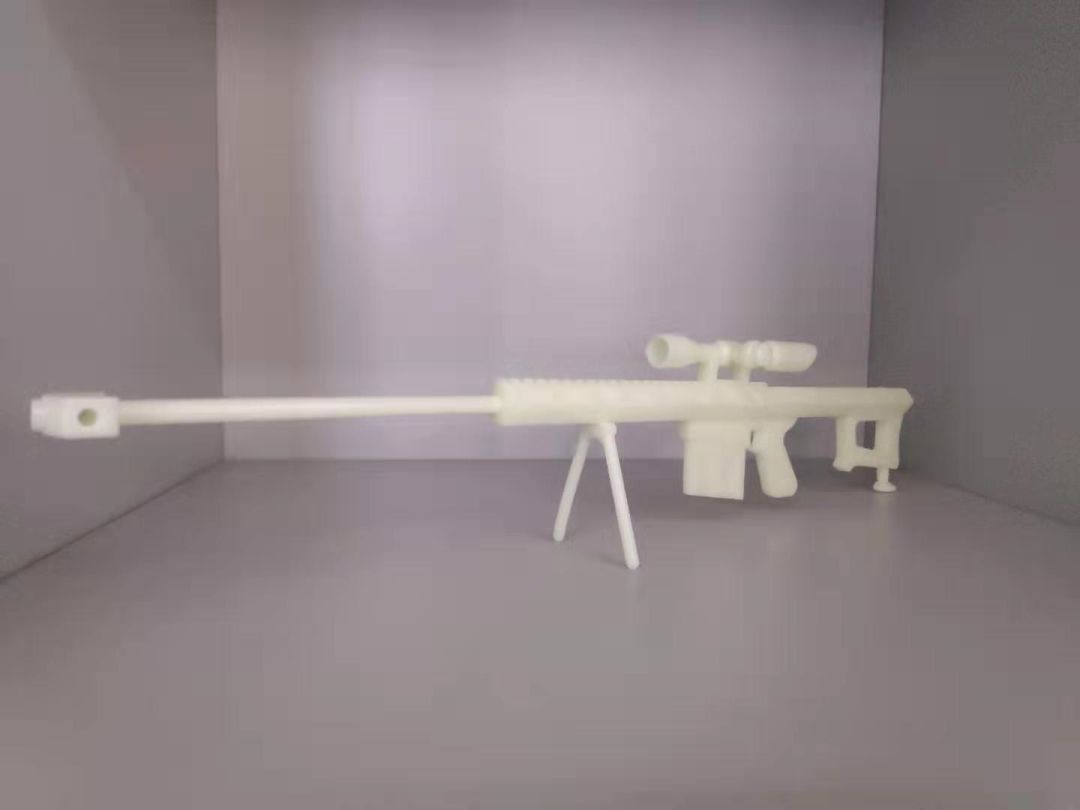
After cleaning, removing supports, and further cleaning, the finished product is obtained. For specific operations, refer to video episode 152.
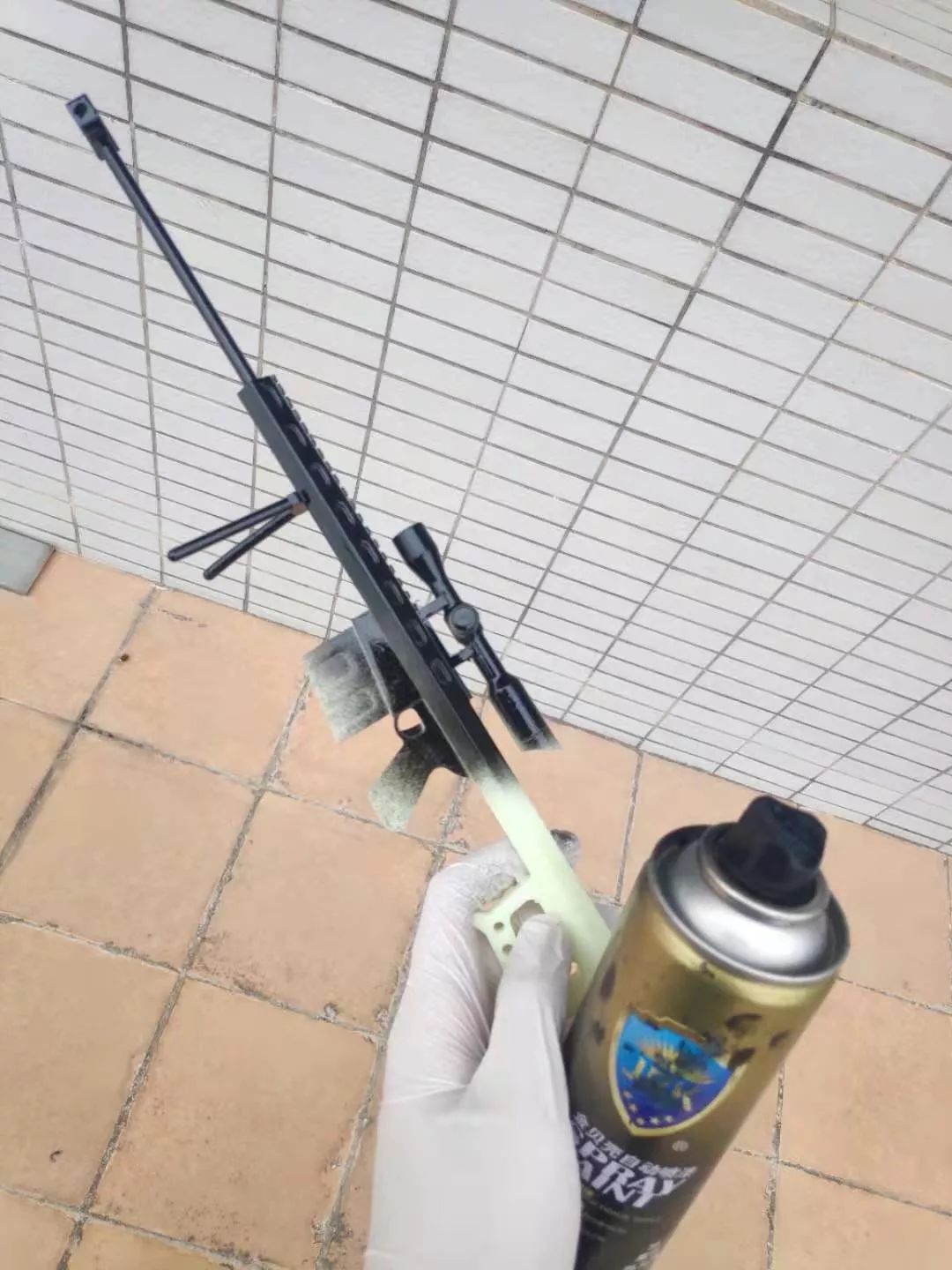
It can also be spray-painted after grinding. When spray painting, be sure to take protective measures and it is recommended to do so in a well-ventilated area.
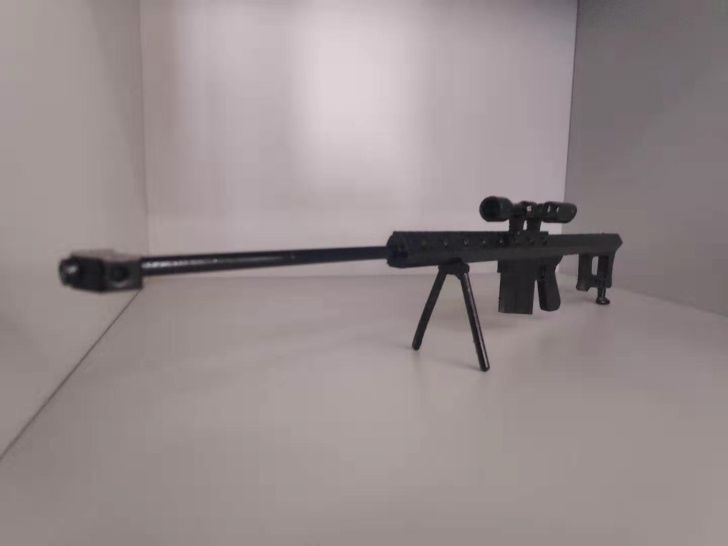
The final product.


Long press to recognize the QR code to follow us