Someone asked earlier: Both MDK-ARM and IAR are commercial software, so why are so many people developing STM32 with them? Are there any other software recommendations?
1. Why do so many people use MDK-ARM and IAR for STM32 development?
They are easy to use and widely adopted.
2. Although they are paid software, why do people still choose them?
Everyone knows Windows is a paid system, but why do so many people still use it?
3. Are there any other software recommendations?
The first two points are well-known, but the key focus of this article is to recommend other software.
Ⅰ Official IDEs
In fact, ST provides up to 20 IDEs for STM32 development, which can be found on the official ST website:
http://www.st.com/en/development-tools/stm32-ides.html
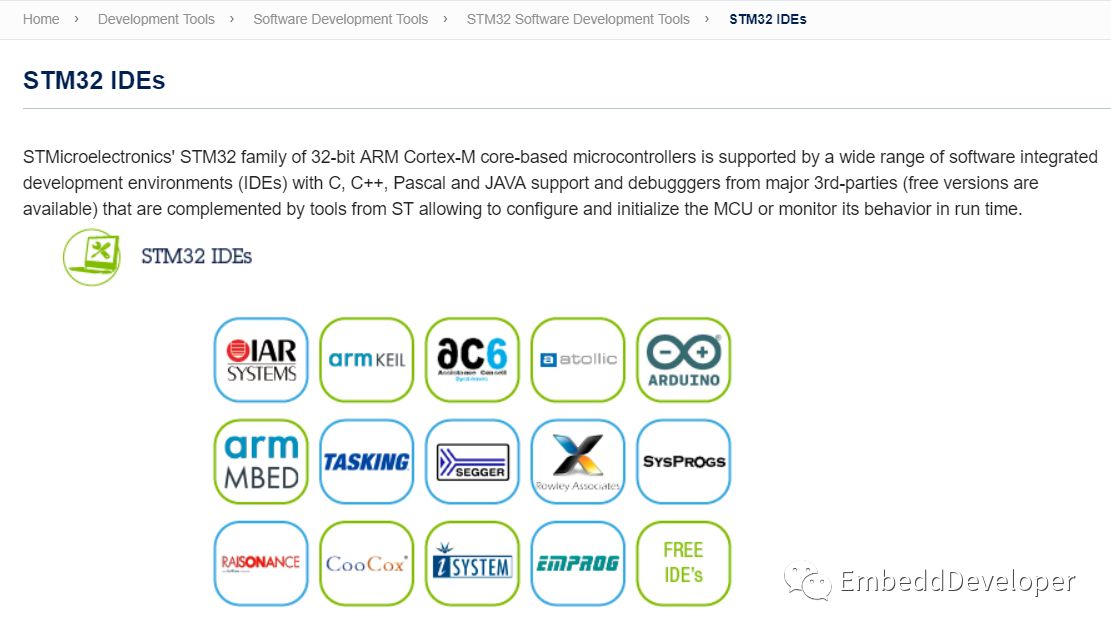
Among these IDEs, the most familiar ones are IAR and ARM Keil. I don’t know if ST ranks them based on usage, but currently, I know that IAR is probably the most used.
Ⅱ Recommended Free IDEs
Everyone knows that using cracked commercial software can lead to copyright disputes (to be honest, my previous company experienced this). However, for small companies, others might not care or are too lazy to check. Once the company grows, others may start checking.
1. MDK-ARM Free Development for STM32F0 and L0
Click on the “ARM Keil icon” from the “STM32 IDEs” page to see the following description:
http://www.st.com/content/st_com/en/products/development-tools/software-development-tools/stm32-software-development-tools/stm32-ides/mdk-arm-stm32.html
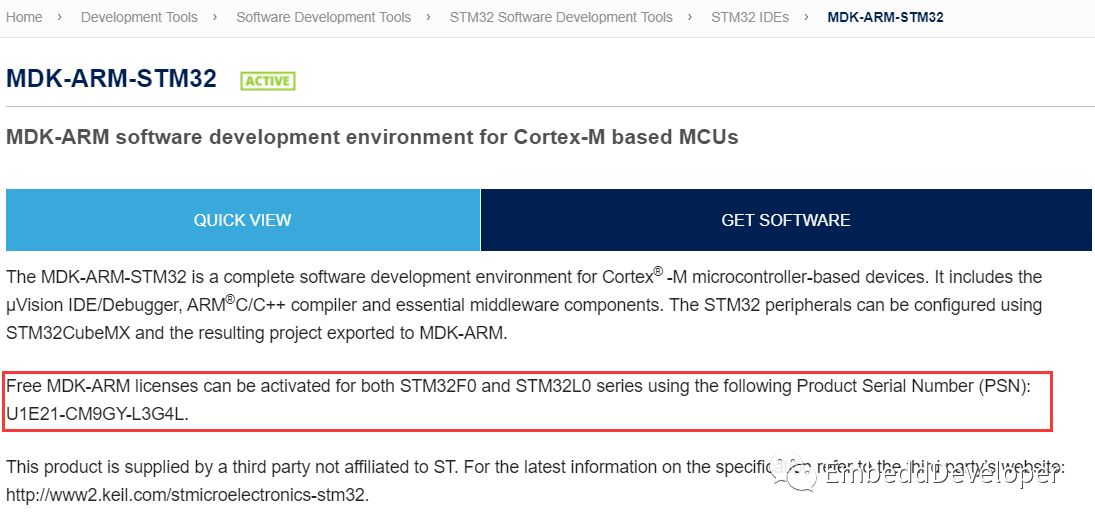
The note states: By registering MDK-ARM with this serial number, you can develop STM32F0 and L0 for free.
For DMK-ARM installation and usage, you can find more detailed content in my “Classic Articles” menu at the bottom, so I won’t elaborate here.
2. Truly Free SW4STM32
Click on the “AC6 icon” from the “STM32 IDEs” page to enter the introduction page for SW4STM32:
http://www.st.com/content/st_com/en/products/development-tools/software-development-tools/stm32-software-development-tools/stm32-ides/sw4stm32.html
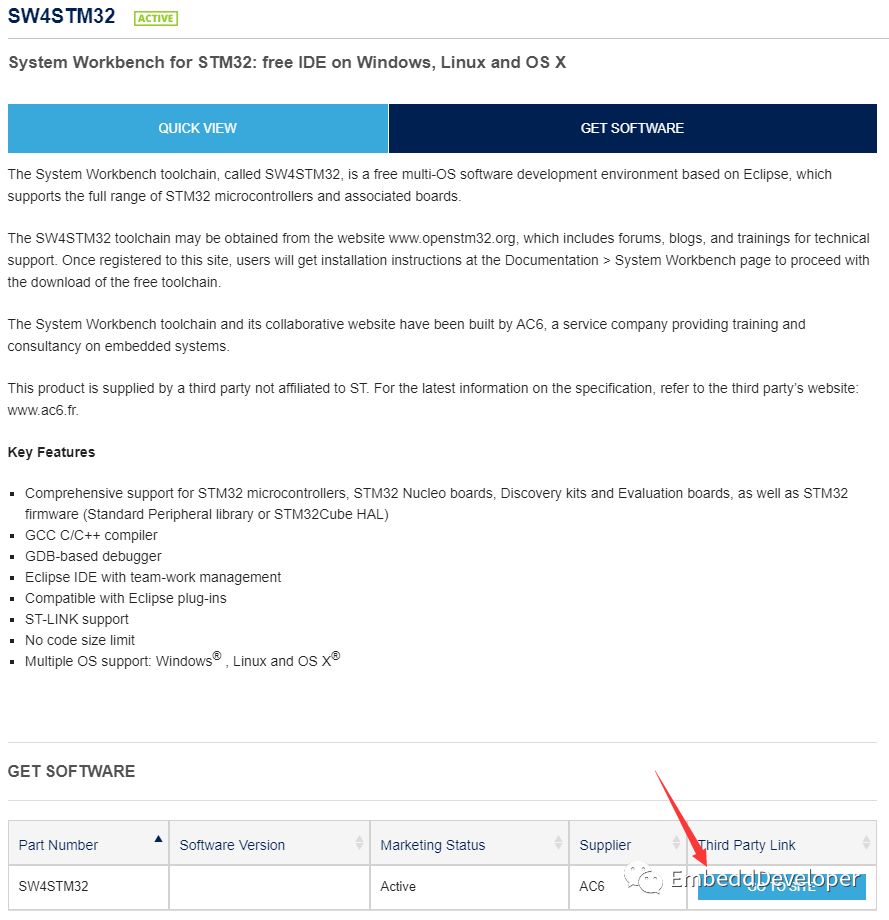
Click on the “GO TO SITE” in the bottom right to visit AC6’s website for comprehensive information.
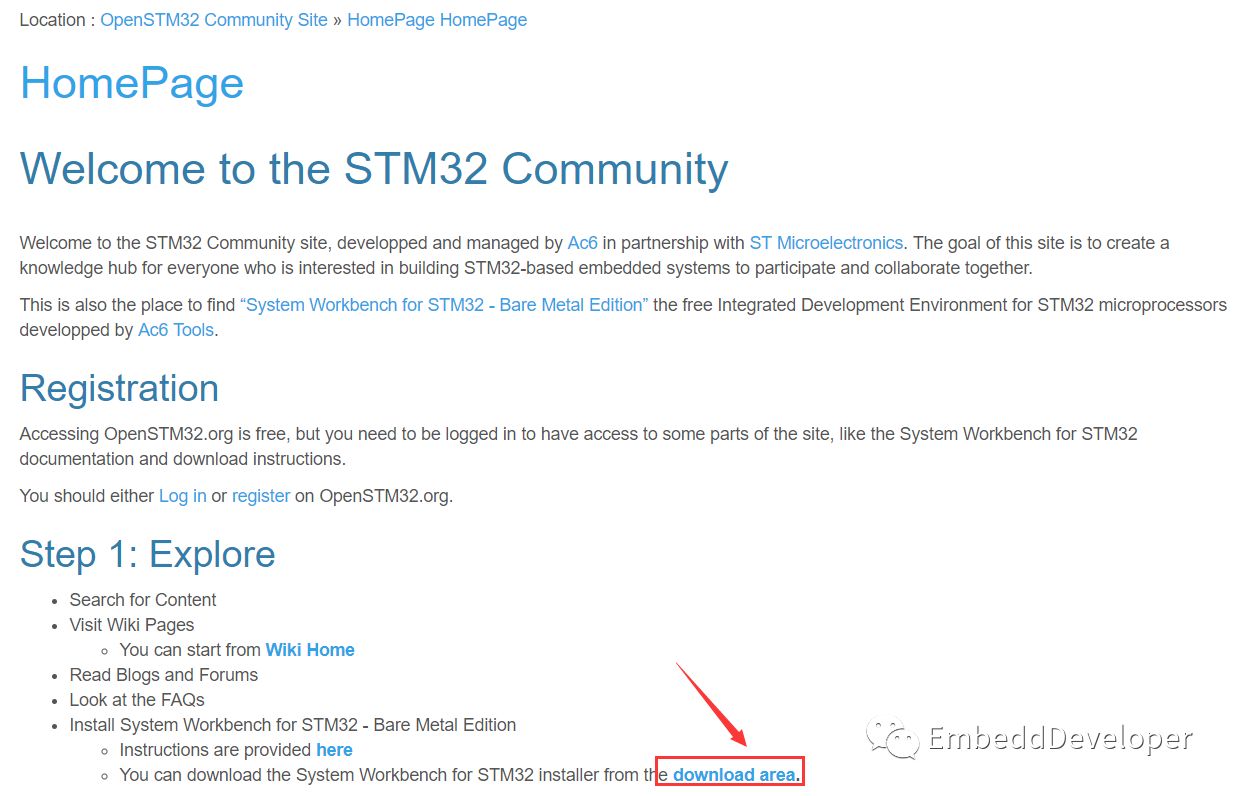
Click on the “Download area” as shown to enter the download page (registration and login required). SW4STM32 supports Windows, Linux, and OS X; download the corresponding installer based on your system.
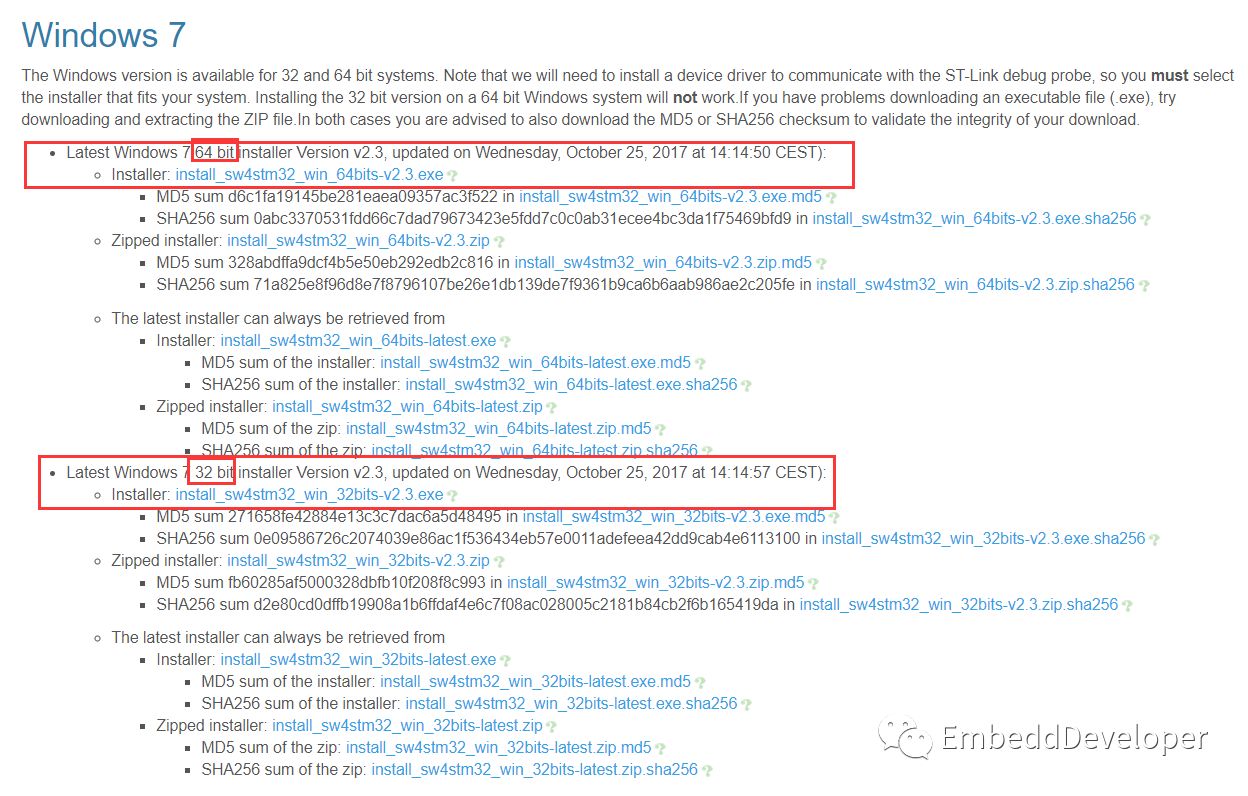
Lastly, I won’t discuss the installation process here, but I will mention that SW4STM32 is a complete integrated development environment based on the Eclipse graphical interface, using a complete gcc-based compilation and debugging toolchain. Therefore, it requires JRE support (similar to STM32CubeProgrammer and STM32CubeMX mentioned in the previous article).
As for usage, I may write some articles later (of course, if you have used Eclipse, you will find it quite familiar).
3. Truly Free TrueSTUDIO
Many friends who develop with the “Standard Peripheral Library” should be familiar with TrueSTUDIO. There is a folder in the templates under Project named “TrueSTUDIO”, meaning that projects developed with TrueSTUDIO have this template.
TrueSTUDIO is a complete integrated development environment developed by Atollic based on the Eclipse graphical interface. Similarly, it also uses a complete gcc-based compilation and debugging toolchain.
Click on the “atollic icon” from the “STM32 IDEs” page to enter the introduction page for TrueSTUDIO. Also, click on the “GO TO SITE” in the bottom right to visit Atollic’s site to download the TrueSTUDIO installer.
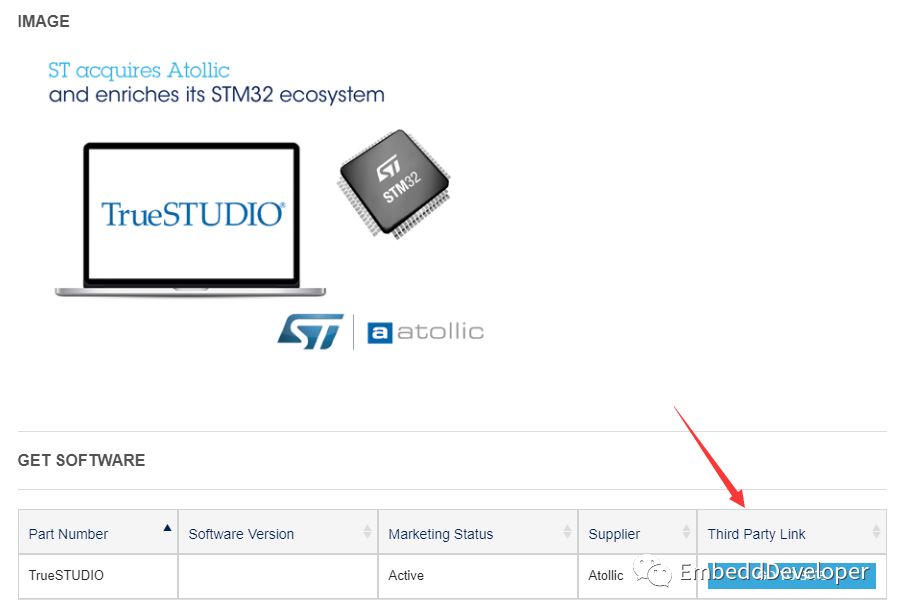
TrueSTUDIO has a paid version called TrueSTUDIO Pro, but it also offers a completely free version called TrueSTUDIO Lite.
TrueSTUDIO Pro has more advanced features, but for regular development, the simple version is sufficient. Therefore, we can choose to download the free version of TrueSTUDIO Lite.
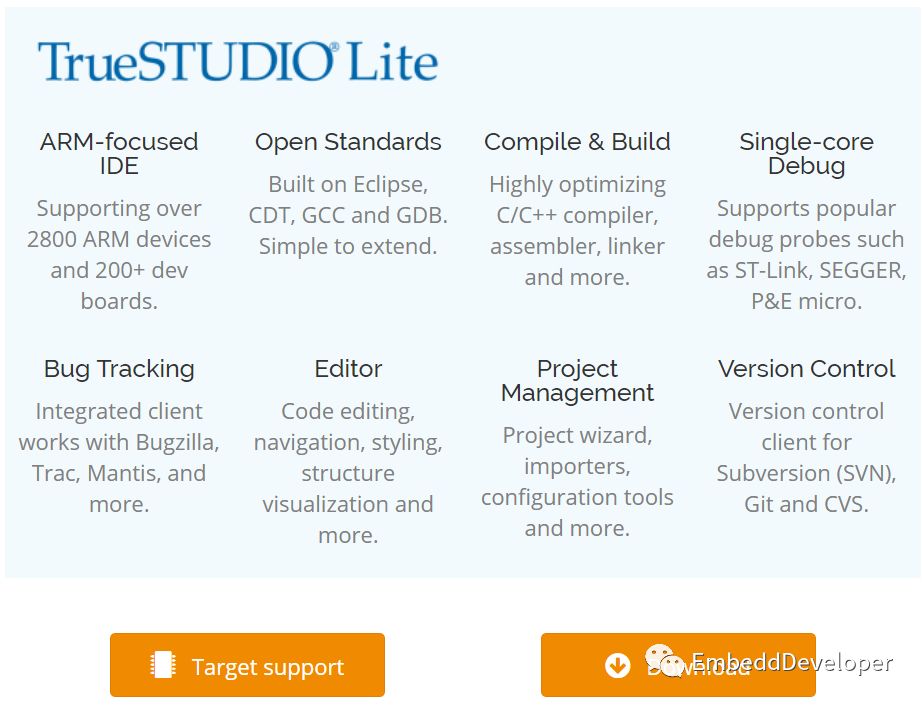
These three tools can be chosen according to your situation, and they won’t involve copyright issues. If your company cannot afford to buy genuine software, you can try these IDEs I mentioned, which will not involve infringement issues for individuals or companies.
ⅢSTM32CubeMX Generates SW4STM32 and TrueSTUDIO Projects
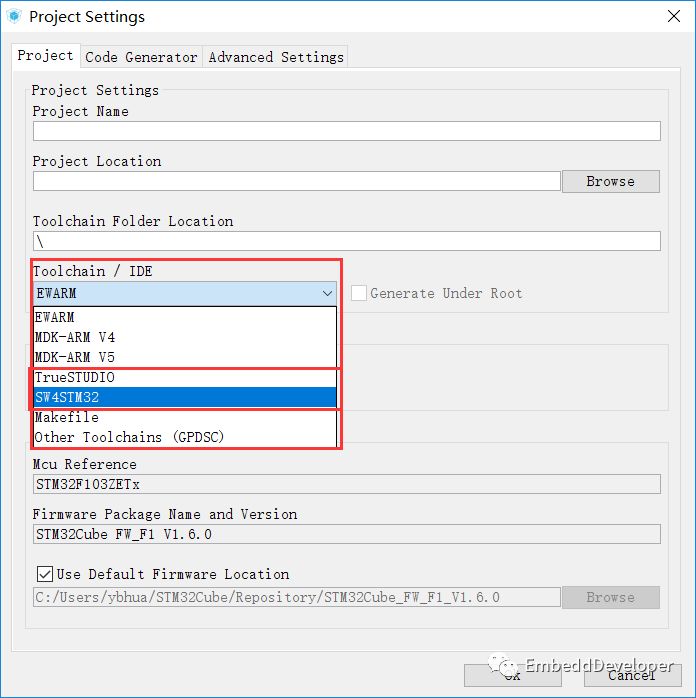
For those who are not very familiar with how to create SW4STM32 and TrueSTUDIO projects, you can directly use STM32CubeMX to generate them; just select the corresponding toolchain in the project settings.
Ⅳ Finally
I would like to know if everyone is interested in learning about SW4STM32 and TrueSTUDIO. If you are, please leave a comment or like. If there are many people, I may consider organizing tutorials similar to those for Keil and IAR later.
Search for “EmbeddDeveloper” on WeChat or scan the QR code below to follow and see more exciting content in my bottom menu!

Long press to recognize the QR code to follow