Memory Space Occupied by Pointers:A pointer is also a data type, so how much memory does this data type occupy?In a 32-bit operating system, it occupies 4 bytes of memory.In a 64-bit operating system, it occupies 8 bytes of memory.Example:
#include <iostream>
using namespace std;

int main(){
	int a = 10;
	int* p = &a;
	cout << "p pointer occupies memory space" << sizeof(p) << " bytes" << endl;
	cout << "p pointer occupies memory space" << sizeof(int*) << " bytes" << endl;
	cout << "p pointer occupies memory space" << sizeof(float*) << " bytes" << endl;
	cout << "p pointer occupies memory space" << sizeof(long*) << " bytes" << endl;
	cout << "p pointer occupies memory space" << sizeof(long long*) << " bytes" << endl;
	system("pause");
	return 0;
}
Running Result: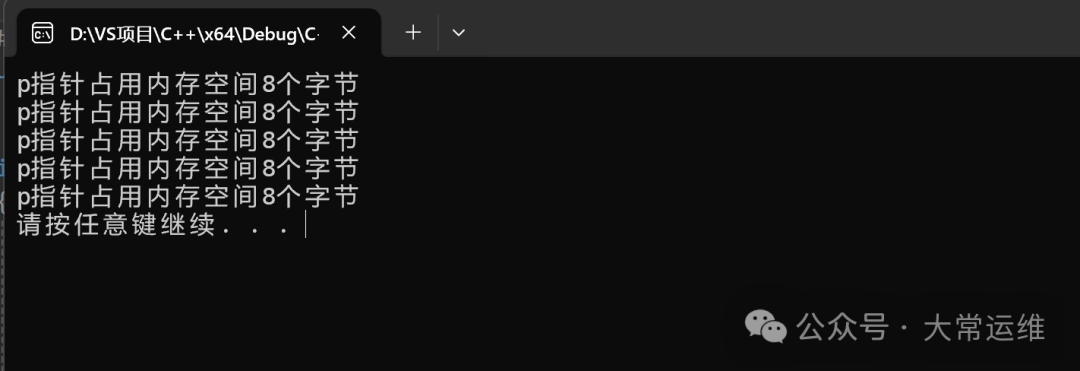 In a 32-bit operating system, a pointer occupies 4 bytes of space, regardless of the data type.In a 64-bit operating system, a pointer occupies 8 bytes of space, regardless of the data type.Null Pointer:A null pointer is a pointer variable that points to the memory space numbered 0.Usage: To initialize a pointer variable.Note: The memory space pointed to by a null pointer cannot be accessed.Example: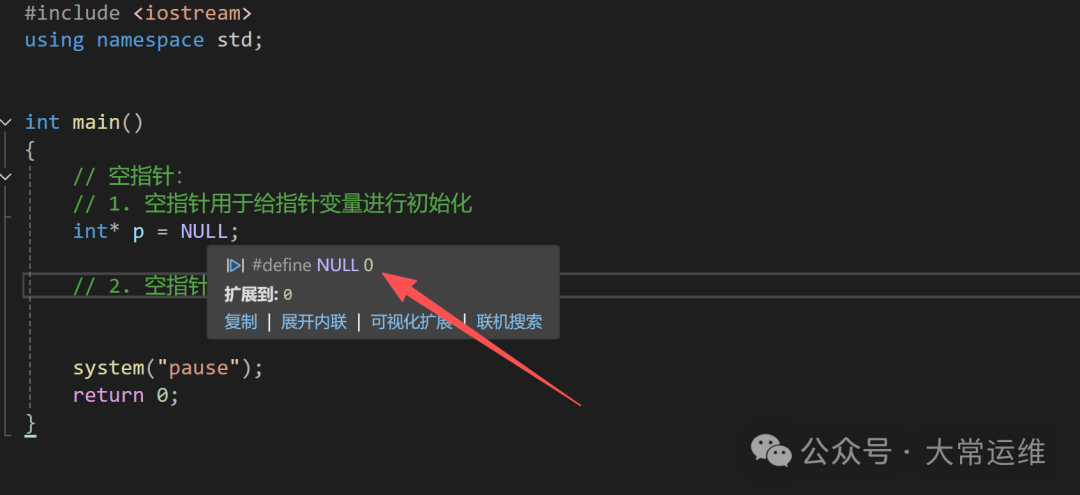
#include <iostream>
using namespace std;

int main(){
	// Null pointer:
	// 1. Null pointer is used to initialize a pointer variable
	int* p = NULL;
	// 2. Null pointer cannot be accessed
	// Memory numbers between 0-255 are occupied by the system, thus cannot be accessed
	// *p = 100;
	// cout << *p << endl;

	system("pause");
	return 0;
}
Dangling Pointer:A dangling pointer is a pointer variable that points to an illegal memory space.
#include <iostream>
using namespace std;
int main(){
	// Dangling pointer
	int* p = (int*)0x1100;
	cout << *p << endl;
	system("pause");
	return 0;
}
In our programs, we should try to avoid dangling pointers.Summary: Both null pointers and dangling pointers do not point to memory we have allocated, so do not access them.Const Modifier for Pointers:There are three cases for const-modified pointers:1. Const-modified pointer – constant pointer2. Const-modified constant – pointer constant3. Const modifies both the pointer and the constantExample:
#include <iostream>
using namespace std;
int main(){
int a = 10;
// Constant pointer
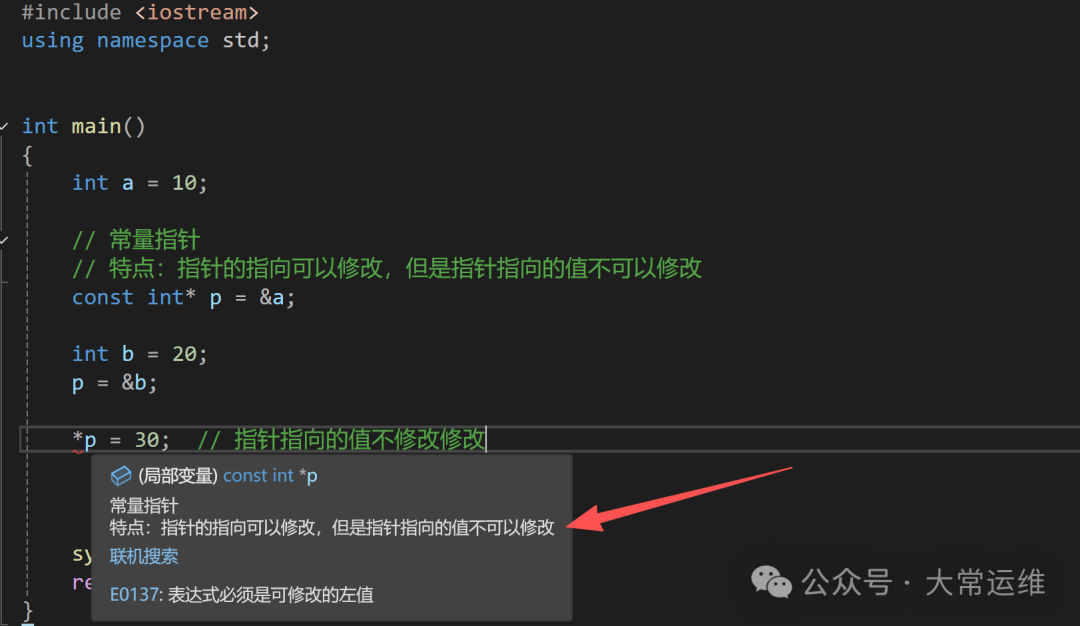
// Feature: The pointer's direction can be modified, but the value pointed to by the pointer cannot be modified
const int* p = &a;
int b = 20;
p = &b; // The pointer's direction can be modified
// *p = 30; // The value pointed to by the pointer cannot be modified
// Pointer constant
// Feature: The pointer's direction cannot be modified, but the value pointed to by the pointer can be modified
int* const p2 = &a;
// Both the pointer's direction and the value pointed to cannot be modified
const int* const p3 = &a;
// *p3 = 100; // p3 = &b;
*p2 = 30; // The value pointed to by the pointer can be modified
// p2 = &b; // The pointer's direction cannot be modified
system("pause");
return 0;
} Pointers and Arrays:Function: Use pointers to access elements in an array.Example:
#include <iostream>
using namespace std;

int main(){
	int arr[] = { 1, 2, 3, 4, 5, 6, 7, 8, 9, 10 };
	cout << "The first element is:" << arr[0] << endl;
	int* p1 = arr;    // arr is the address of the first element
	int* p2 = &arr[0];
	cout << "The first element is:" << *p1 << endl;

	for (int i = 0; i < 10; i++)	{
		cout << *p1 << endl;
		p1++;
	}
	// for (int i = 0; i < 10; i++)	{
	// 	cout << *p2 << endl;
	// 	p2++;
	// }

	system("pause");
	return 0;
}
Pointers and Functions:
#include <iostream>
using namespace std;
void swap01(int a, int b);
void swap02(int* p1, int* p2);
int main(){
	int a = 10;
	int b = 20;
	// Value passing
	swap01(a, b);
	cout << "a = " << a << endl;
	cout << "b = " << b << endl;
	// Address passing
	// If it is address passing, actual parameters can be modified
	swap02(&a, &b);
	cout << "a = " << a << endl;
	cout << "b = " << b << endl;
	system("pause");
	return 0;
}
void swap01(int a, int b){
	int temp = a;
	a = b;
	b = temp;
	cout << "a = " << a << endl;
	cout << "b = " << b << endl;
}
void swap02(int *p1, int *p2){
	int temp = *p1;
	*p1 = *p2;
	*p2 = temp;
}
Summary: If you do not want to modify the actual parameters, use value passing; if you want to modify the actual parameters, use address passing.Pointers, Arrays, Functions:Case Description: Encapsulate a function to implement ascending order sorting of an integer array using bubble sort.For example, the array: int arr[10] = {4, 3, 6, 9, 1, 2, 10, 8, 7, 5}Example Code:
#include <iostream>
using namespace std;
// Bubble sort function
void bubbleSort(int* arr, int len){
	for (int i = 0; i < len - 1; i++)	{
		for (int j = 0; j < len - 1 - i; j++)	{
			if (arr[j] > arr[j + 1])	{
				int temp = arr[j];
				arr[j] = arr[j + 1];
				arr[j + 1] = temp;
			}
		}
	}
}
// Print array
void printArr(int* arr, int len){
	for (int i = 0; i < len; i++)	{
		cout << arr[i] << " ";
	}
	cout << endl;
}
int main(){
	// 1. Create an array
	int arr[10] = { 4, 3, 6, 9, 1, 2, 10, 8, 7, 5 };
	int len = sizeof(arr) / sizeof(int);
	// 2. Create function to implement bubble sort
	bubbleSort(arr, len);
	// 3. Print the sorted array
	printArr(arr, len);
	system("pause");
	return 0;
}
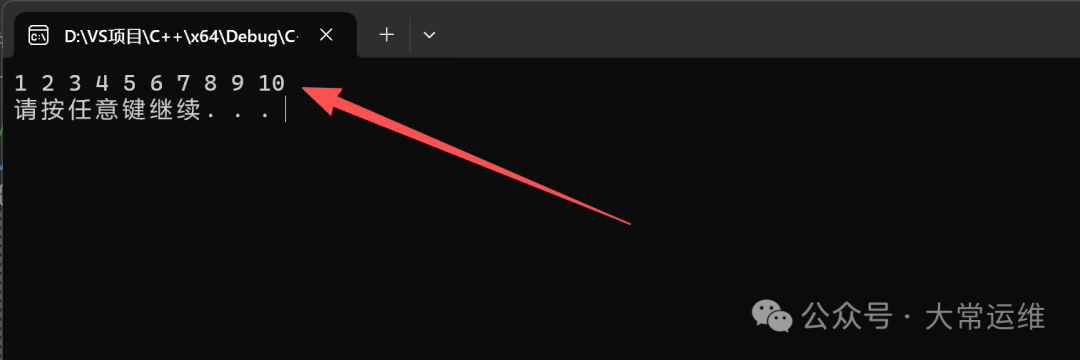
Running Result: