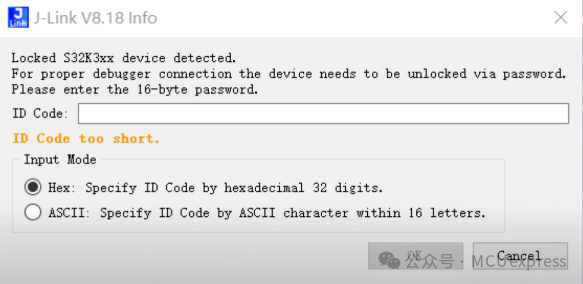
Recently, while using JLINK to debug the S32K3 chip, there were no special operations performed; it was just the normal programming and debugging of basic peripheral routines. The S32K was inexplicably detected as locked, and when using Segger version 7.94, it prompted that the target chip could not be connected. After upgrading to the higher version of Segger V8.18 J-Flash software, a pop-up appeared asking for a password, but no password had been set in the code. It felt like the chip could not be debugged, and I would have to replace the chip.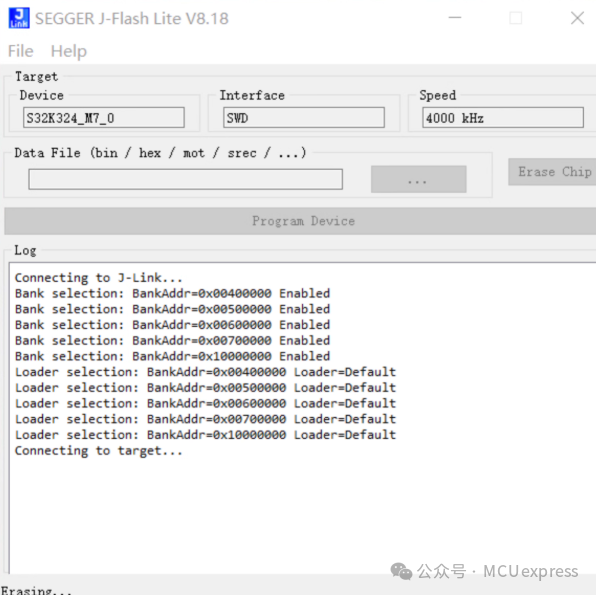
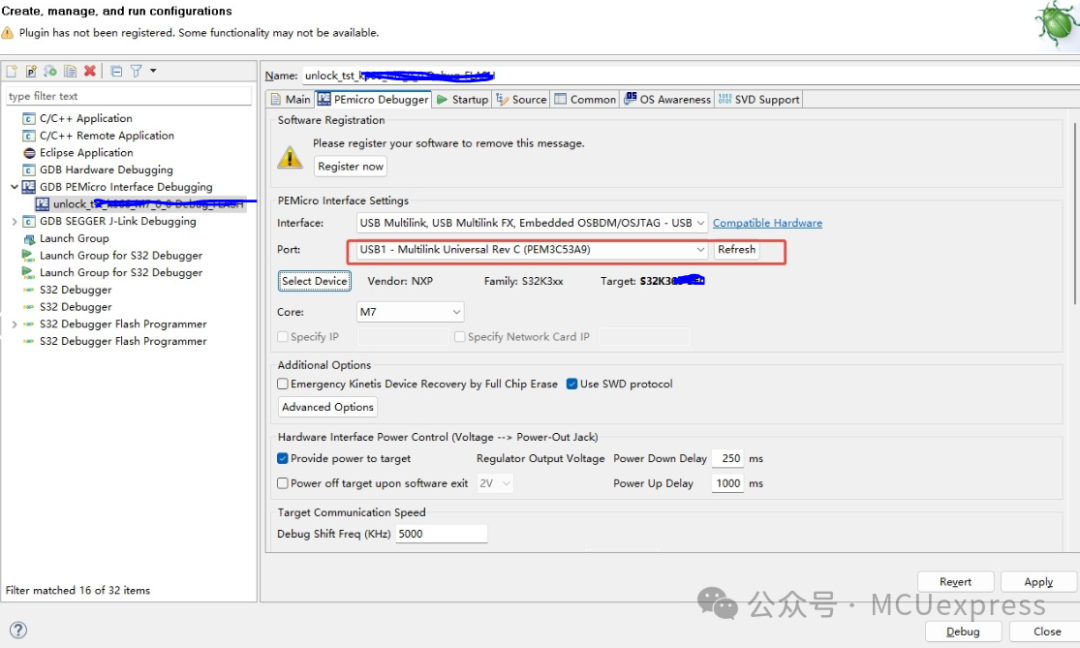
 -> Solution: Use the same target hardware circuit in the S32DS3.6.2 IDE environment, and debug with the PE Multilink tool without any special settings. After selecting the S32K3 target chip, click debug, and it was found that the target chip debugging and programming were all normal. Then, when reconnecting with JLINK, it was surprisingly able to connect to the previously locked S32K3 chip without prompting for a password. It has been functioning normally for several days.