The Lenovo Leez P710 has just been released, and many scenarios still need to be explored by users. Recently, I thought about how to utilize the performance of the RK3399 to create a gaming console. So, I got started right away. First, I needed to prepare a Leez P710 (obviously), an HDMI cable, a monitor, a mouse, keyboard, game controller, USB drive, and Type-C data cable, etc.
First, let’s take a look at the performance specifications of the Lenovo Leez SBC P710. This board is the first single-board computer that supports Android 9.0. It uses the Rockchip RK3399 six-core 64-bit chip solution, with an A72 main frequency of up to 1.8GHz, assisted by an A53 chip, and has 4GB LPDDR4 memory and 16GB eMMC. It features 3G and 4G data communication interfaces, USB 3.0, USB 2.0, HDMI, MIPI, PCIe M.2, Type-C, and DP 1.2 high-performance data transmission and display interfaces.
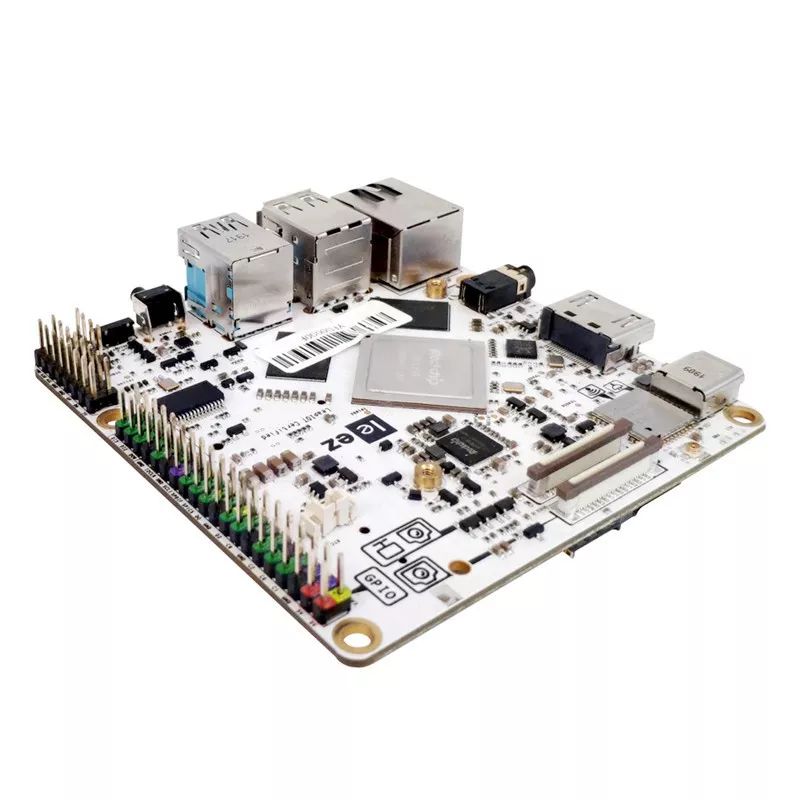
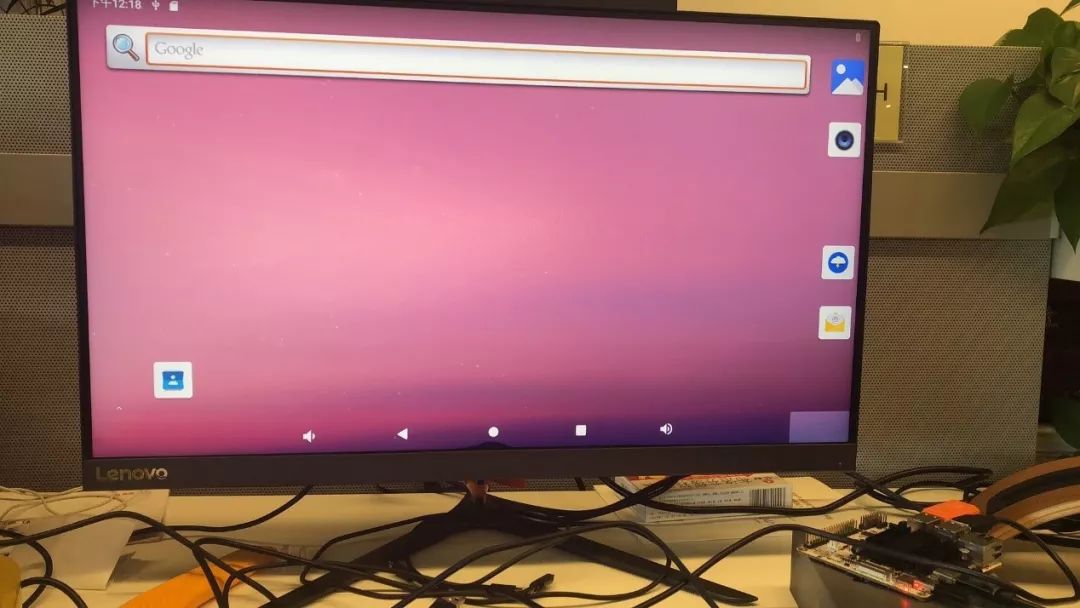
After understanding the specifications, the first step is to set up the system environment. Since the newly acquired board does not have an operating system, I decided to flash the official Android 9.0 version for convenience (download link: https://github.com/leezsbc/resources). Of course, developers can also choose the official Debian system. Using the FactoryTool_v1.63 provided by the official site, I followed the OS burning tutorial to complete the installation of the Android system. After connecting the monitor via HDMI and powering on, the board enters normal operation mode.
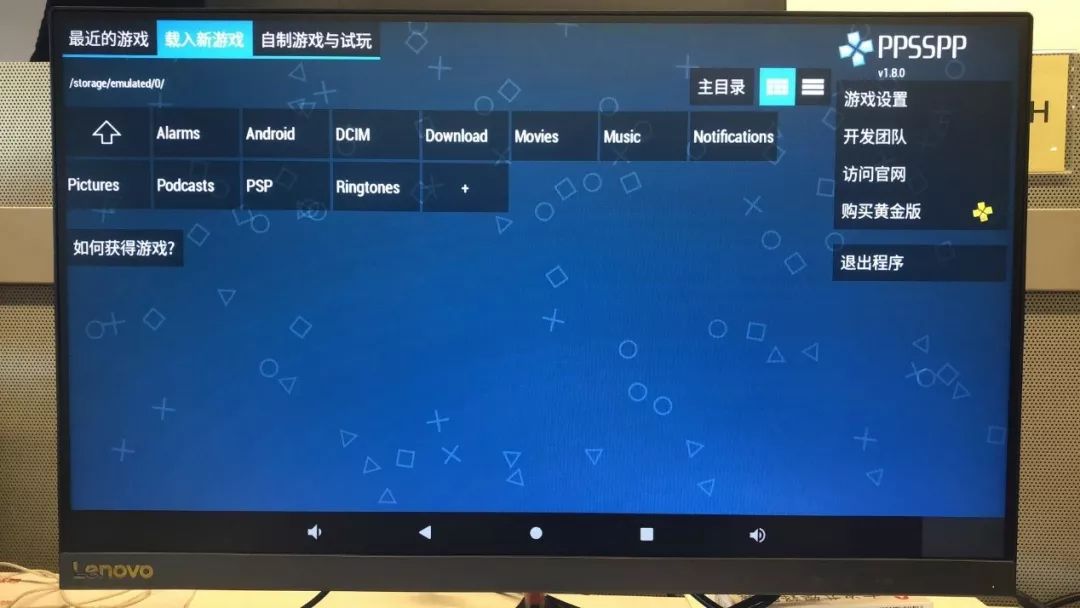
Next, we move on to the installation of the games. To run PSP games, you need to install an emulator. I chose the PPSPP emulator, and you can download the Android 1.8.0 regular APK from the official website. If you want to support their team, you can choose the Gold version, but both versions have the same functionality. If you are installing in a Linux environment, please download the Linux-compatible version; here I will only discuss the steps for Android.
You can install the APK onto the board via ADB, but a simpler method is to use a USB drive or other online software to transfer the APK to the board. The installation process is similar to installing apps on Android phones, and you need to enable installation permissions for third-party applications.
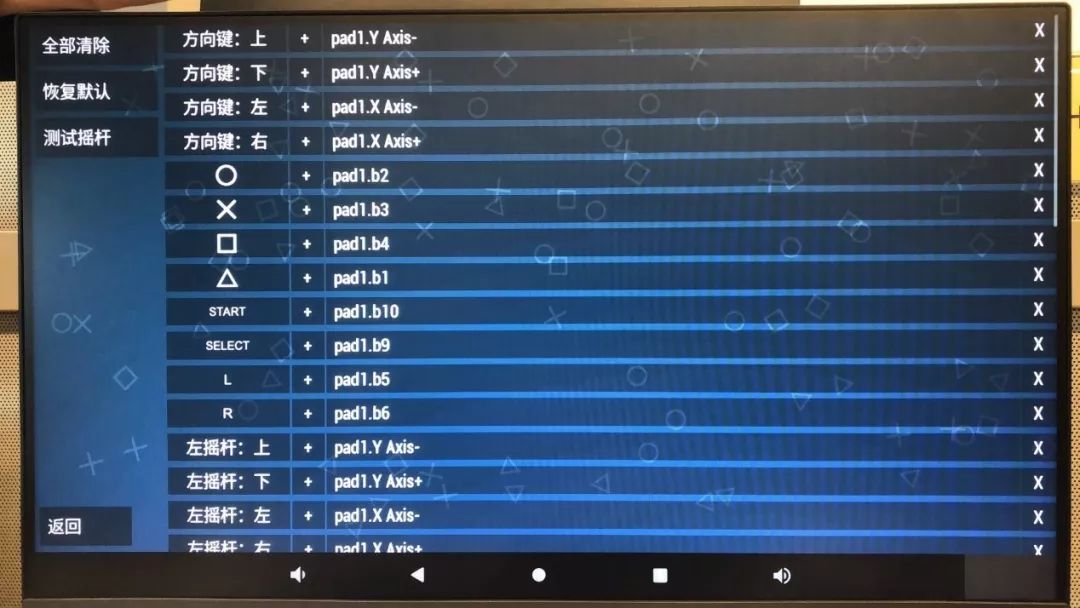
After successful installation, you need to configure the controller. I randomly chose a wired controller, which you can easily find on online shopping platforms.
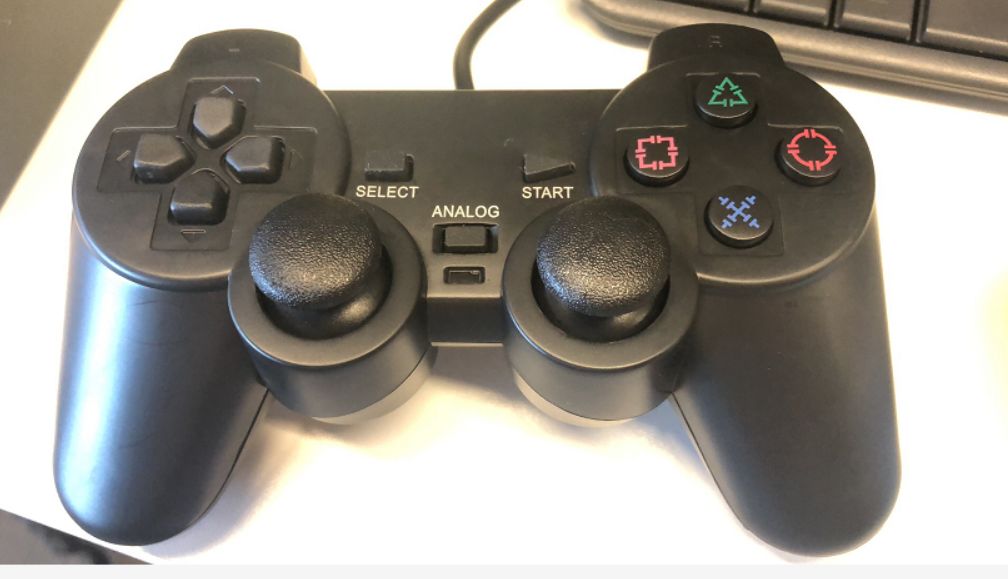
Using the game center’s game settings function, configure the controller buttons.
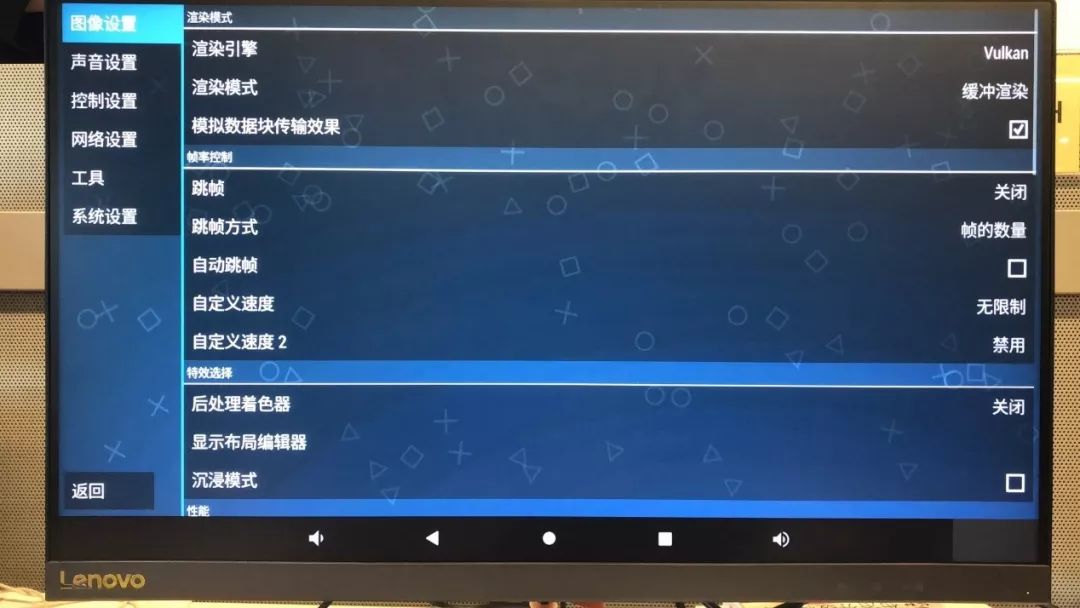
Finally, you can adjust some graphical effects and special effects based on the configuration of the games you wish to play.
Everything is ready, and now you just need to download the PSP games you want to install from the internet. However, currently, there are not many available resources in China, so I found some foreign resource sites. If you’re interested, you can contact me privately. The Leez board comes with 16GB of eMMC memory, and for the Android system, PPSSPP can load ISO images from any folder on the internal storage or directly from a USB drive. To save memory space, I connected the USB drive to the Leez’s USB 3.0 interface to run the games, which works well.
After downloading the games, put the ISO files into the prepared USB drive, connect it to the powered-on board, plug in the mouse, and find the PPSPP application. After opening it, click the upward arrow button in the upper left corner to reach the main directory, click on storage, and you will be able to see the USB drive directory. Click on the ISO image file, and the game will run!
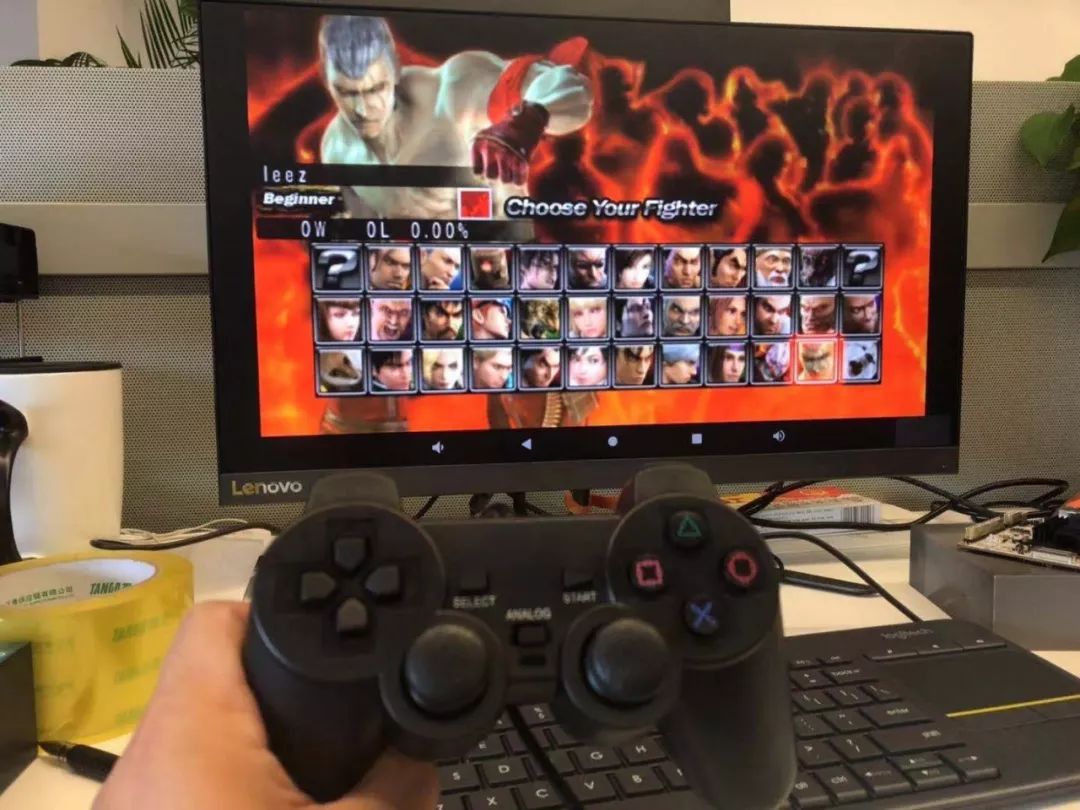
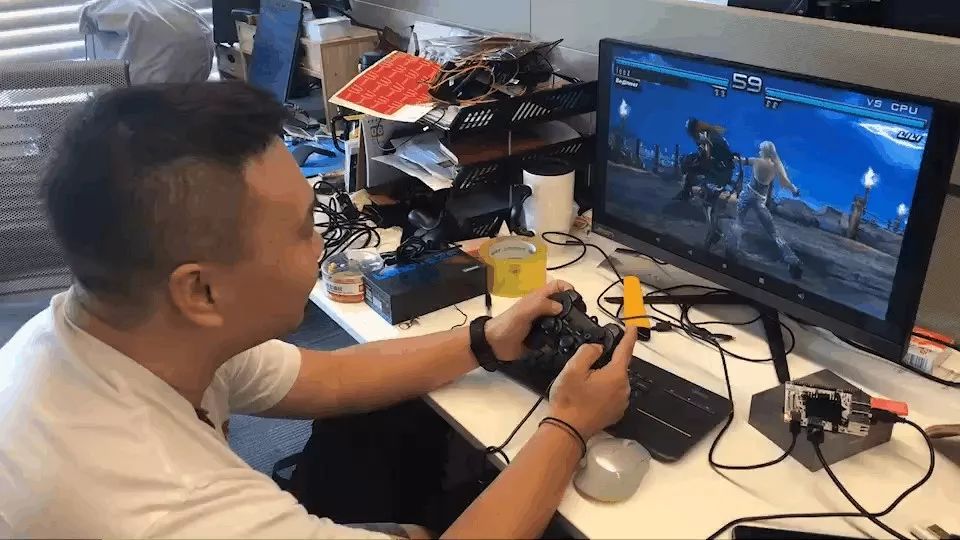
The RK3399’s processing power runs games effortlessly, with excellent smoothness. Although the graphics quality is still inferior compared to games of this era, the classic nature of the PSP is undeniable. Therefore, I plan to continue trying to adapt Nintendo 64 or Lakka. Those interested in this area are also welcome to communicate with me.
That’s all for today’s discussion on the Lenovo Leez P710 running the PSP emulator. For more fun development attempts, feel free to contact me privately. If you want to know more about the performance of the board or wish to purchase it, please continue to follow our official account and online store. Thank you for your support!
If you are interested in this ARM development board from Lenovo, you can directly click the mini-program below to purchase it on JD.
Click “Read the original text” to get developer information and download the firmware.