The communication bridge of fully automated assembly lines: the integration of CANopen and PROFINET
In modern smart manufacturing, the efficient operation of fully automated assembly lines relies on seamless communication between devices. However, due to the different industrial protocols used by devices from various manufacturers, achieving data interoperability has become a significant challenge. Beixun Technology‘s CANopen to PROFINET gateway BX-631-PN is the key to solving this problem. It acts as a bridge, connecting devices that support the CANopen protocol (such as servo motors and sensors) with PROFINET-based automation control systems (such as PLCs), enabling the entire production line to work in harmony.
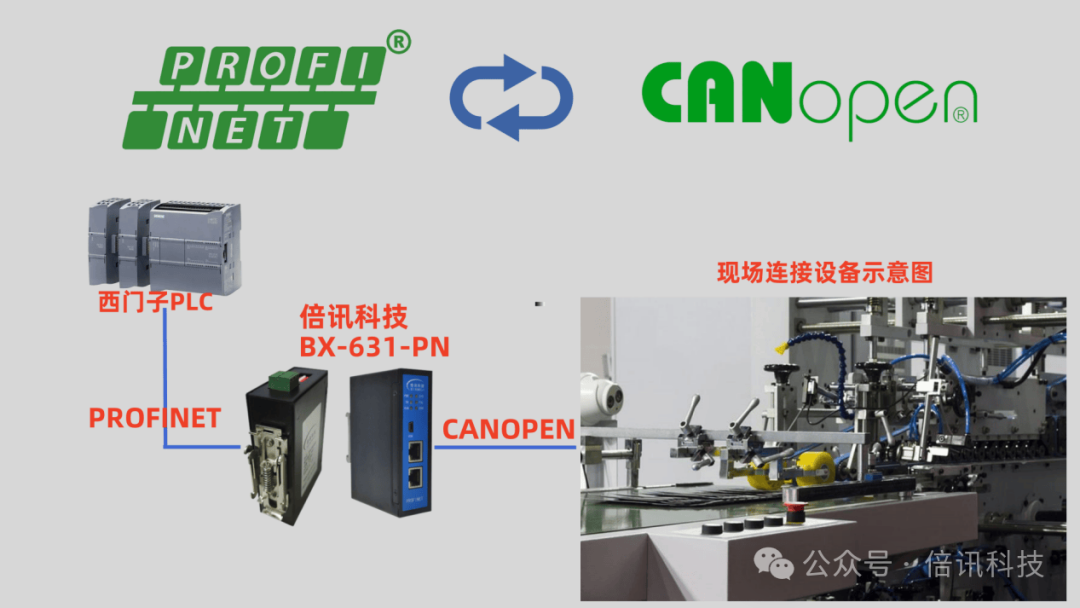
In industries such as automotive manufacturing and electronics assembly, the level of automation on production lines is increasing, and the demand for data exchange between devices is becoming more complex. Traditional single-protocol networks struggle to meet the needs for flexible networking. However, with the Beixun Technology CANopen to PROFINET gateway BX-631-PN, companies can easily integrate devices with different protocols, avoiding system fragmentation caused by technical barriers. Whether it is precise control of robotic arms or data synchronization across multiple stations, this solution ensures smooth information flow and enhances overall production efficiency.
Some tips for configuring the CANopen to PROFINET gateway Beixun Technology in practical applications
1. You can delete unnecessary parameters from the PDO of the slave device, keeping only the required ones.
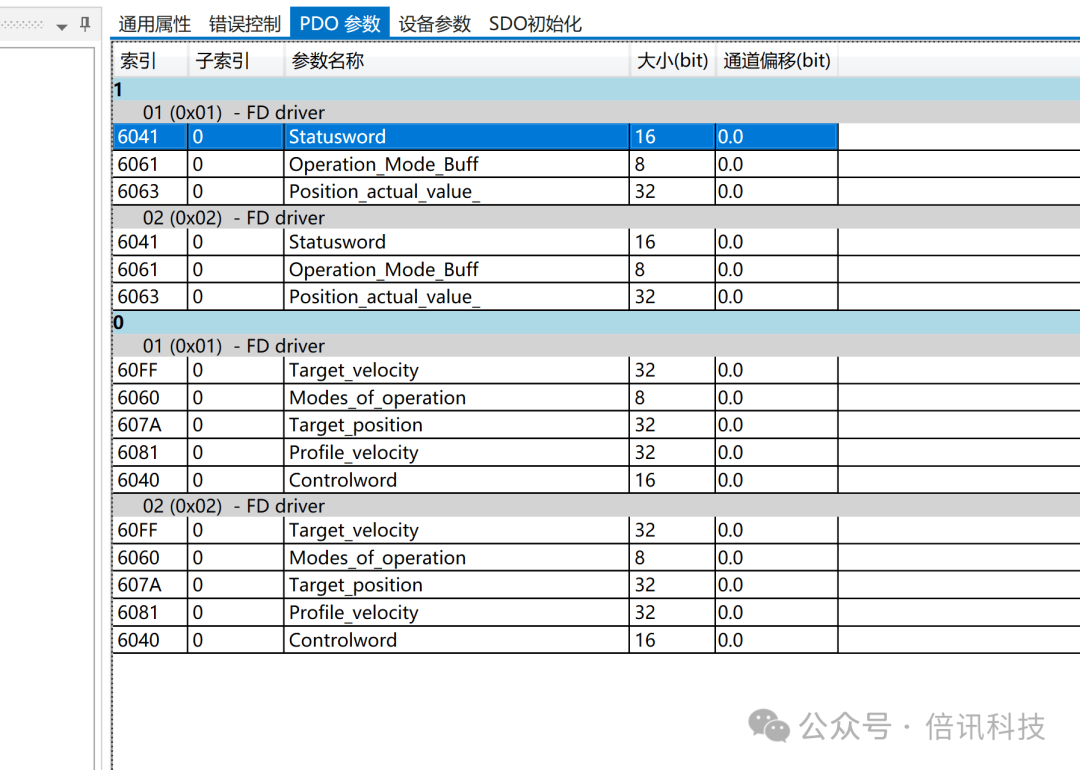
2. It is recommended to connect to one slave device first during testing and configure a few simple PDO parameters.
Only add a second device after confirming that communication is working.
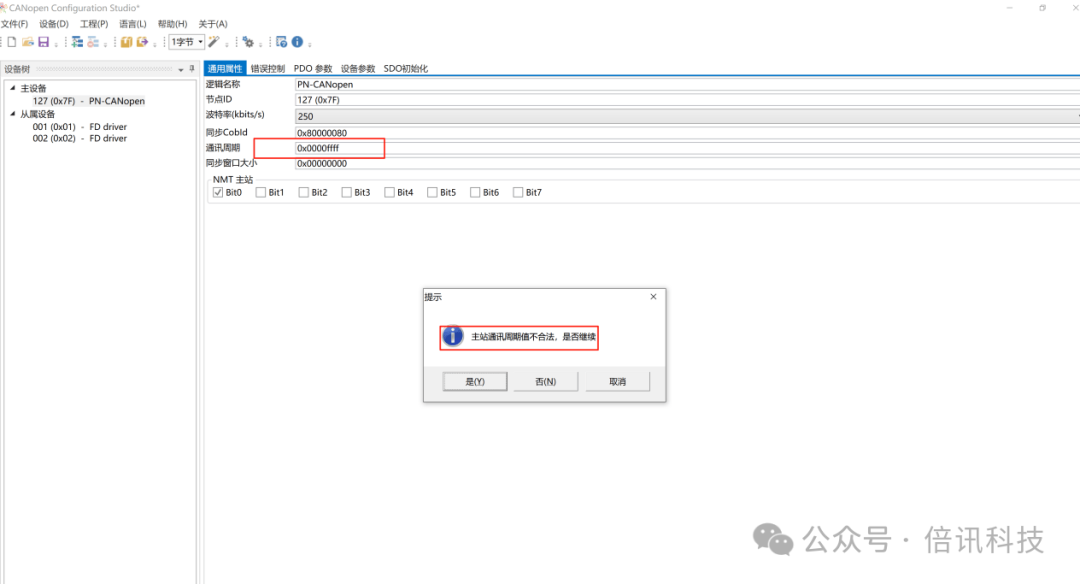
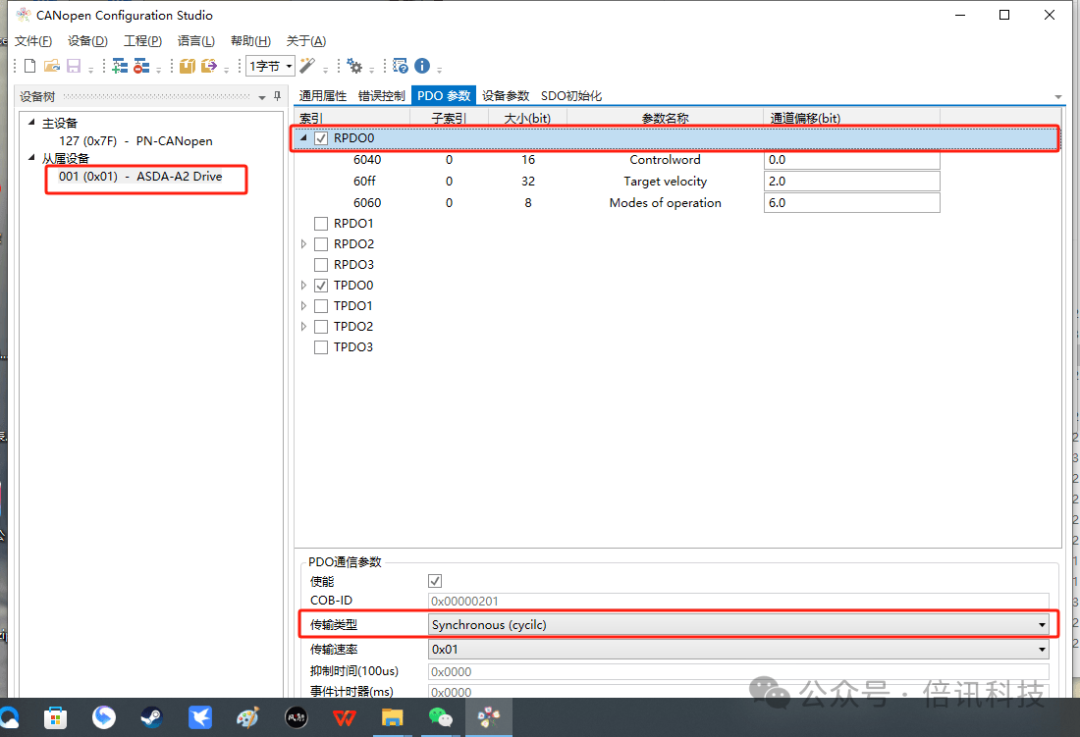
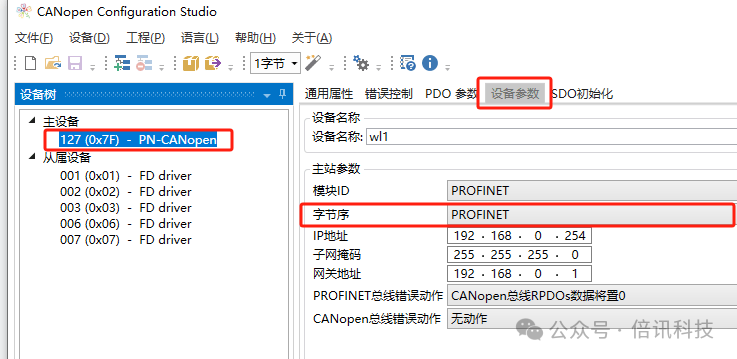
3. The transmission type for all PDOs from the slave must be set to synchronous (cyclic).
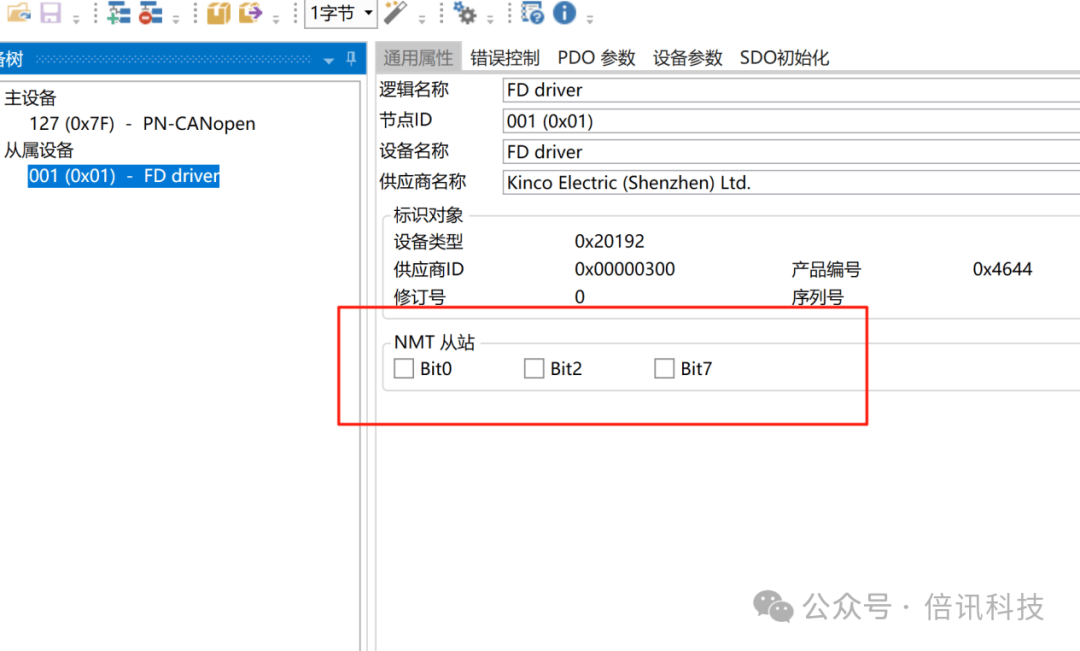
4. Do not check NTM.
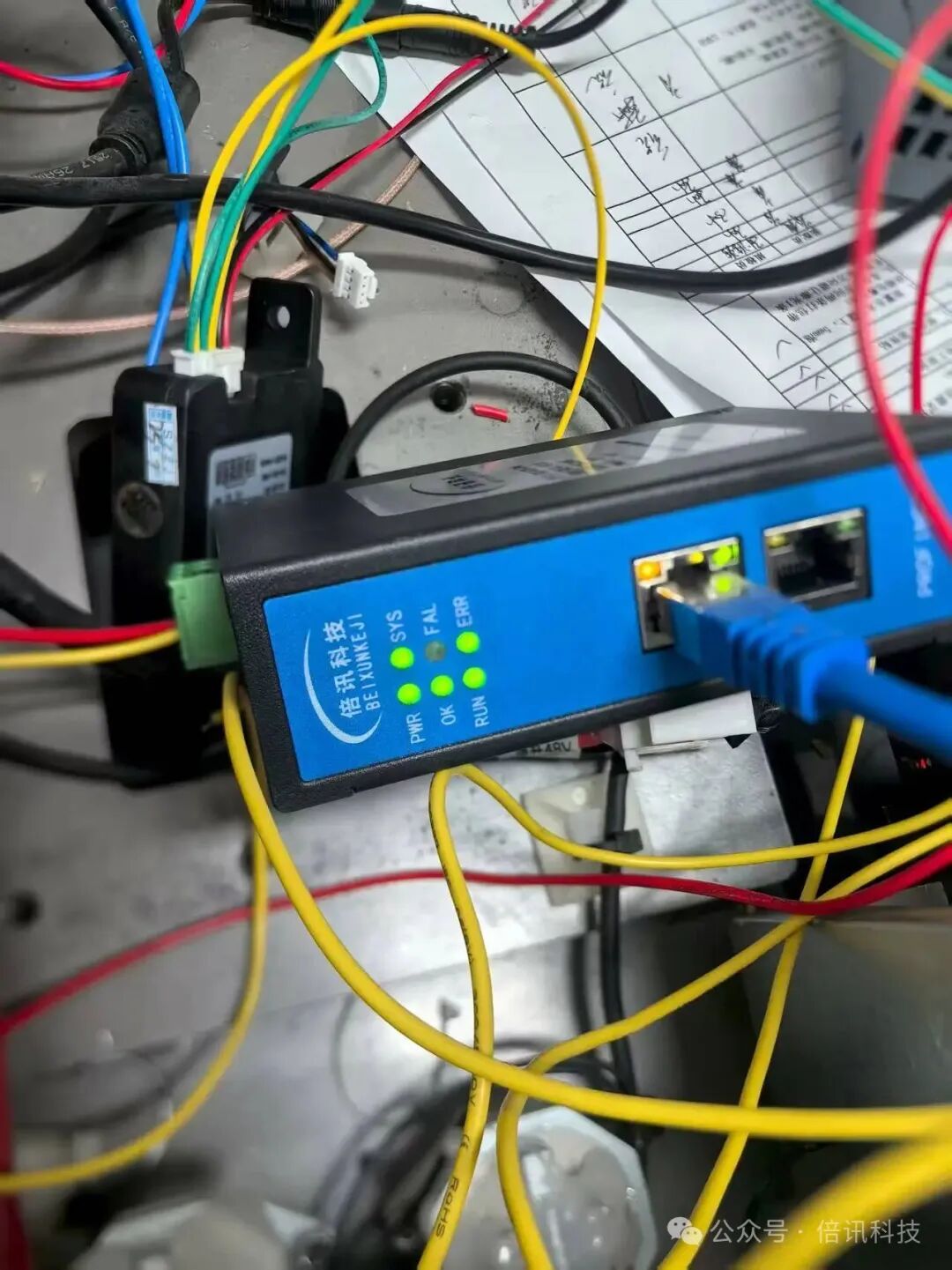
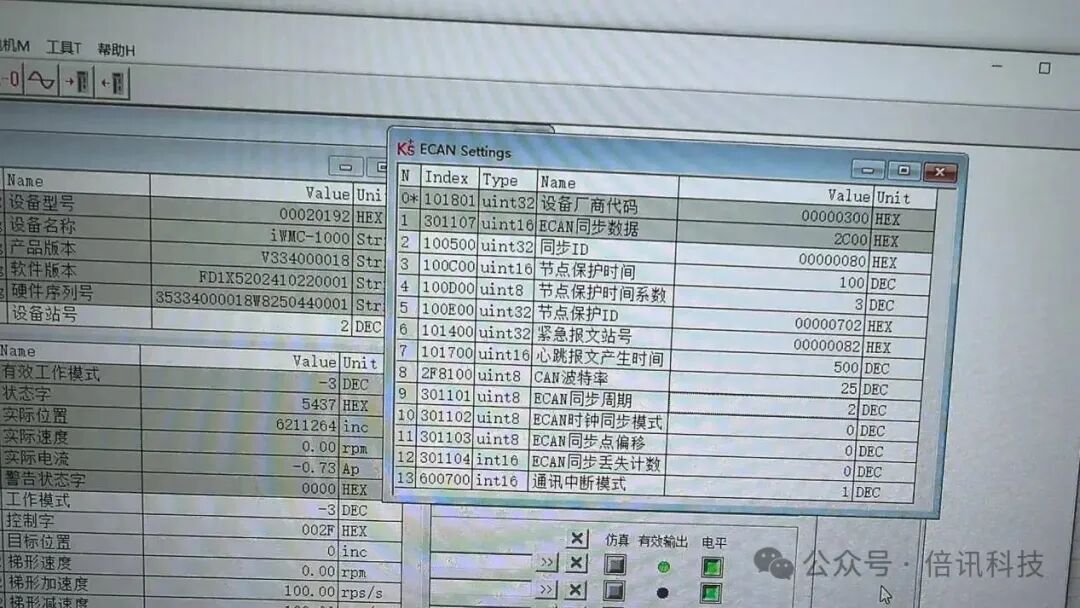
5. Ensure the baud rate and station address match those of the slave device.
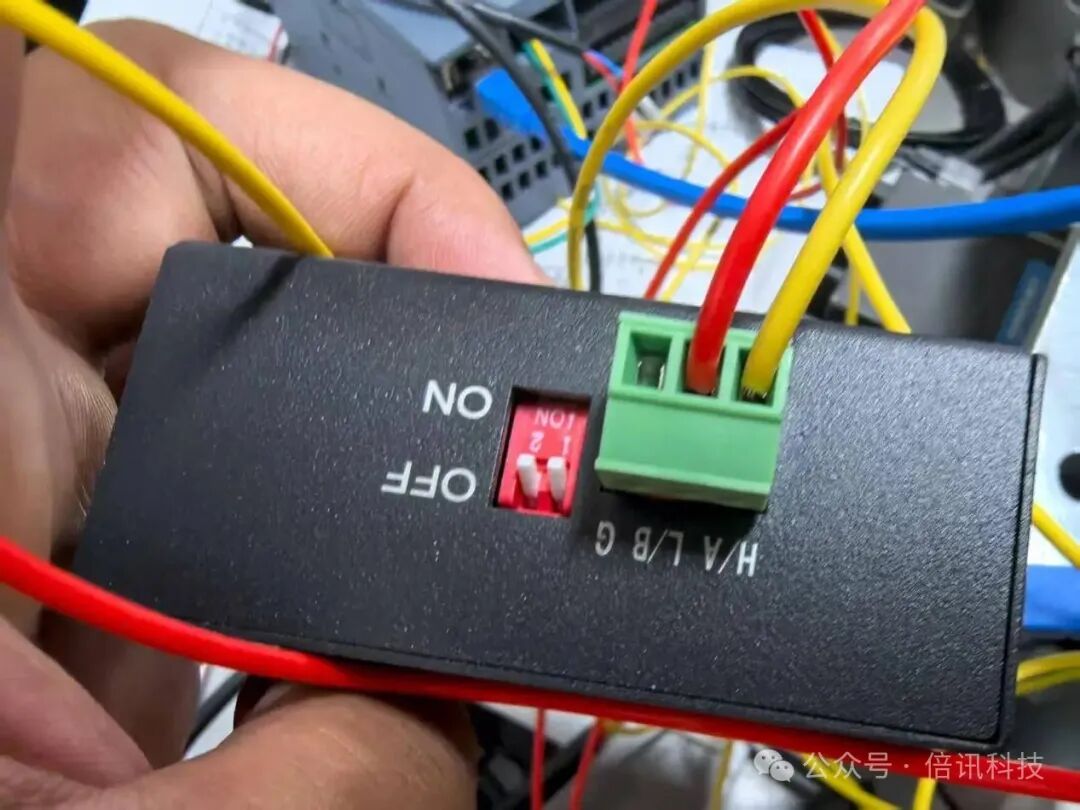
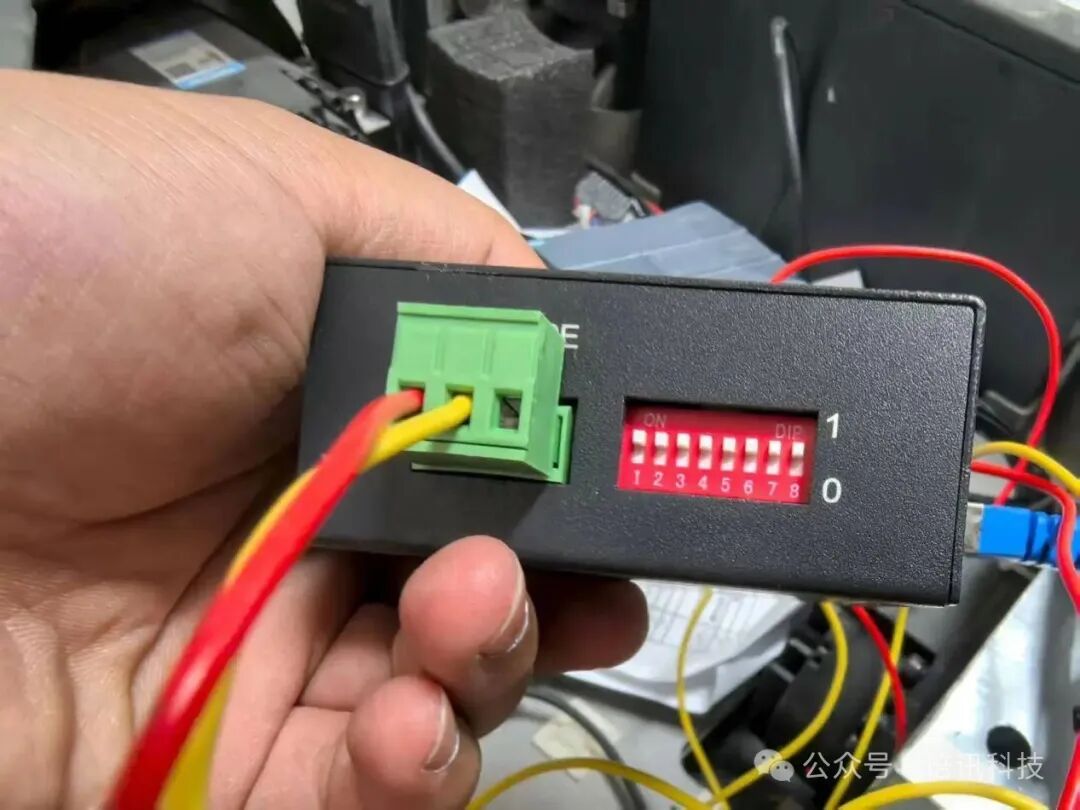
6. The terminal resistor switch needs to be set to ON.
7. For 32-bit high and low bytes, there is no need to swap them on the Siemens PLC side; adjustments can be made in the configuration software instead.
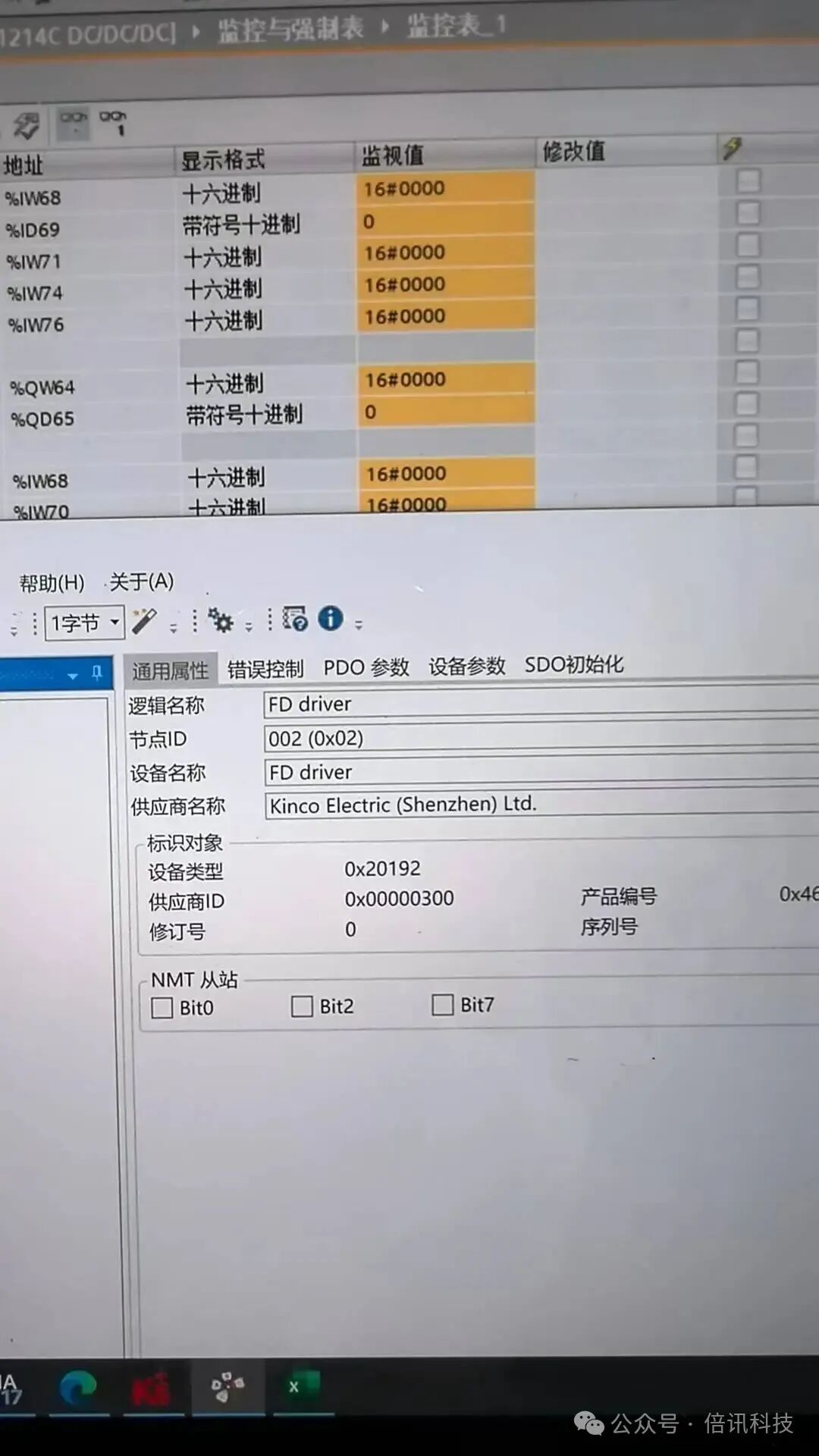
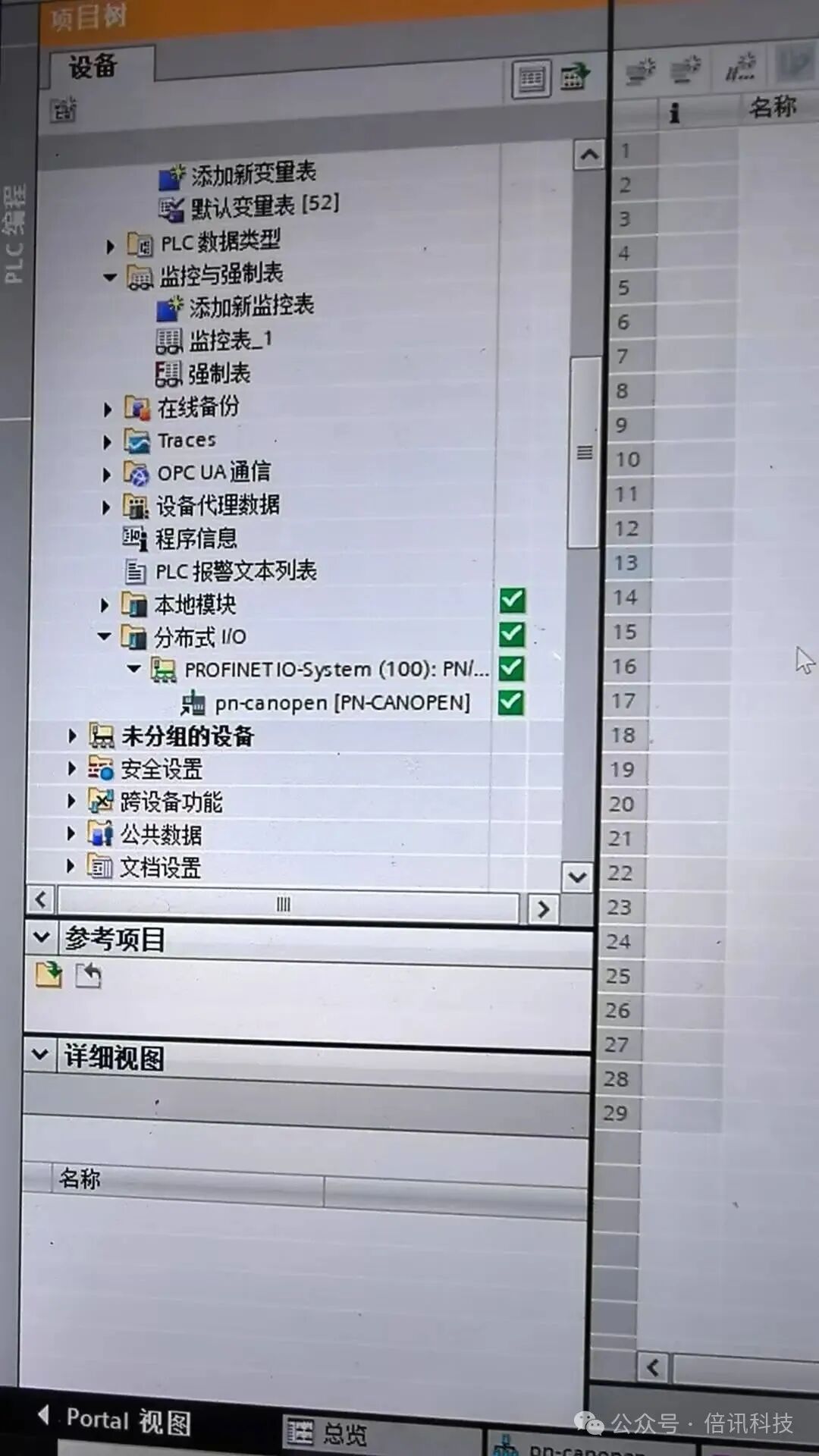
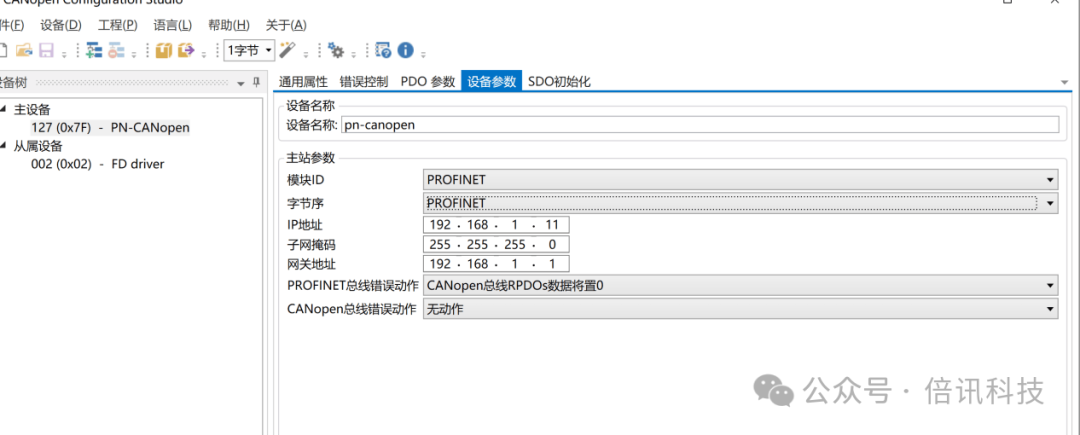
8. You can choose the location and check the data after conversion.