1. Why Write This Topic?
Are you a C++ beginner or a parent wanting to teach your child programming but confused about which development tool to choose for effective learning? Beginners do not need a complex “aircraft carrier”; they just need a lightweight and sharp “Swiss Army knife.” A complicated installation and configuration process can greatly dampen the enthusiasm for learning.
Dev-C++ was created to solve these problems! It is lightweight, free, and easy to use, making it the first choice for countless C/C++ programmers starting out.
This article will provide a comprehensive, step-by-step guide for downloading, installing, and configuring Dev-C++, allowing you to seamlessly embark on your C++ journey.
2. Understanding Dev-C++: A Blessing for Beginners
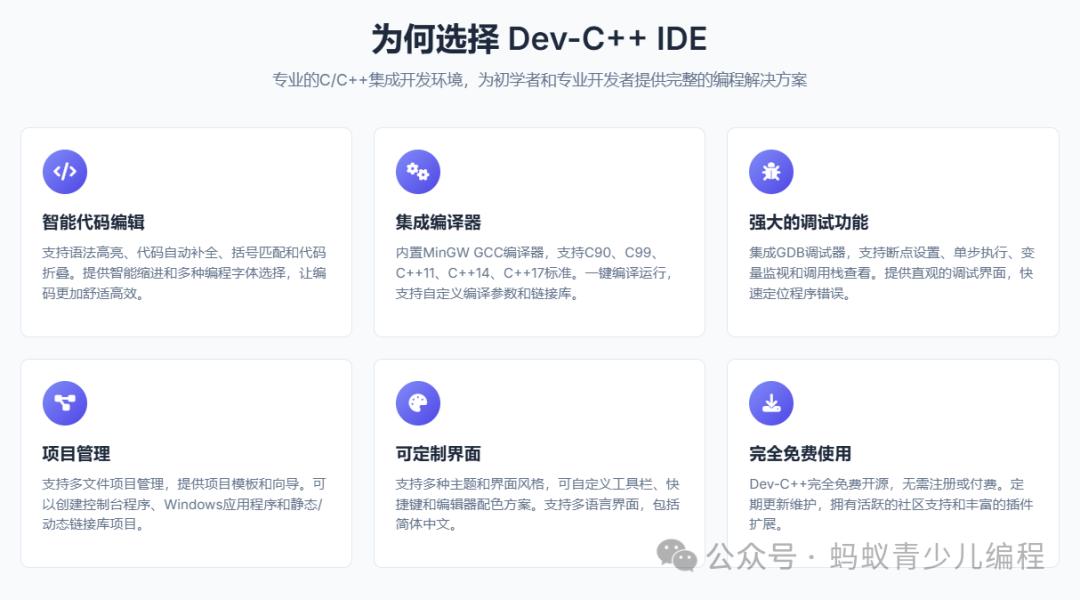
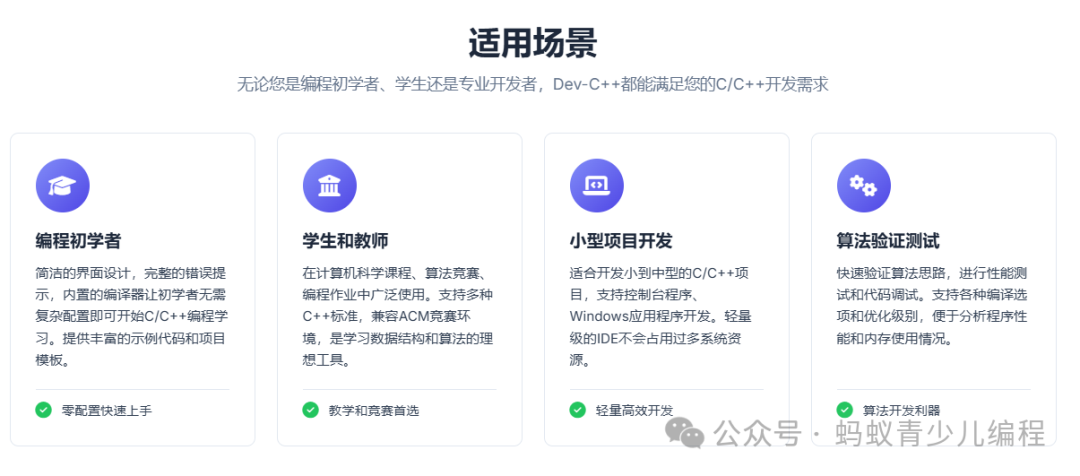
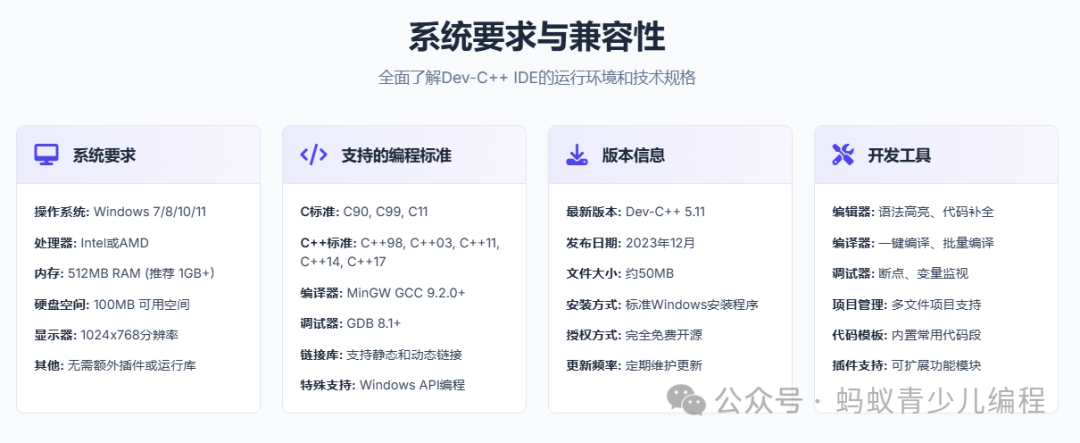
Dev-C++ is a powerful free C/C++ integrated development environment, making it an ideal choice for learning and developing C/C++ programs. In the future, for large projects, you may switch to more professional IDEs like Visual Studio, but during the beginner stage, it is definitely the best choice.
3. Step-by-Step Tutorial: Downloading and Installing Dev-C++
Download Guide
-
Download Steps
(1) Open the download address in your browser
Recommended download address: https://sourceforge.net/projects/orwelldevcpp/
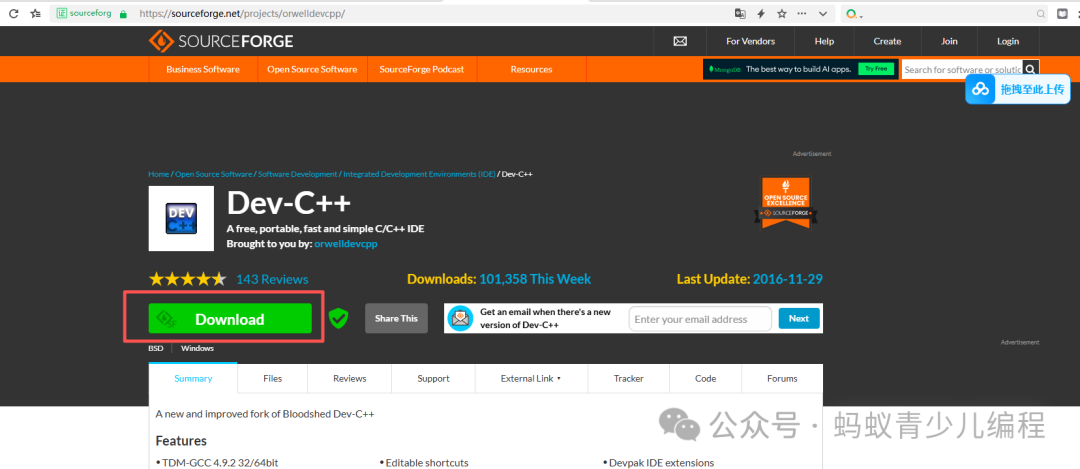
(2) Click the “Download” button in the image above to start downloading
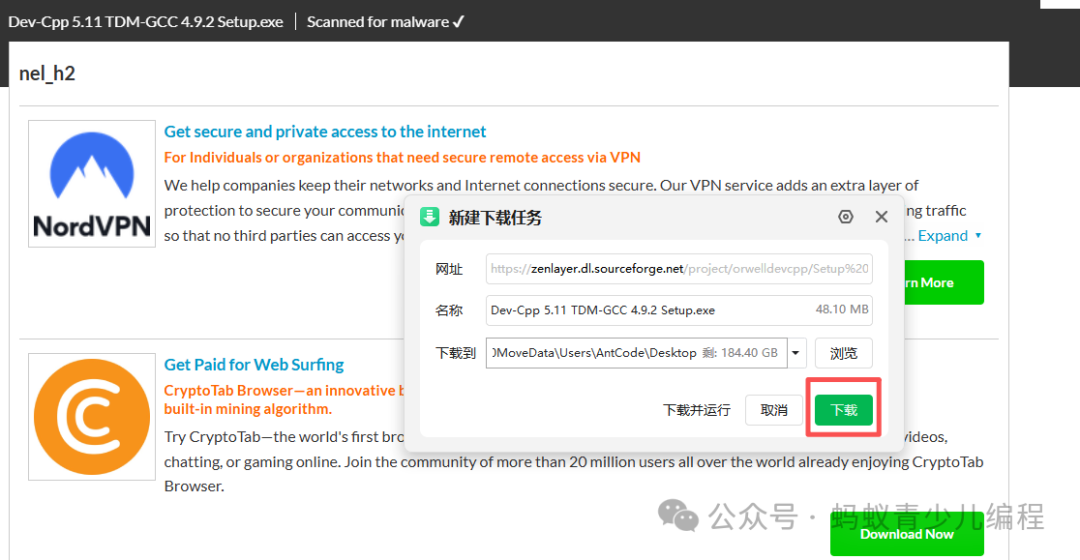
Starting the Installation of DevC++
After downloading Dev-C++, you will get an installation package (.exe file). Double-click this file to start the installation.
-
First, load the installer (it only takes a few seconds)
-
Start the installation
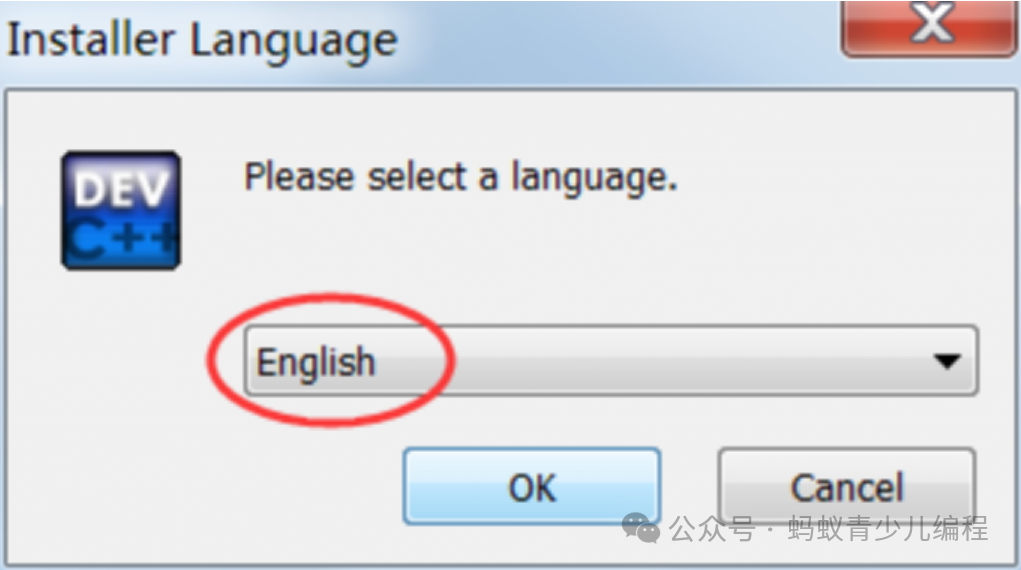
Dev-C++ supports multiple languages, including Simplified Chinese, but you can only set it after the installation is complete. During the installation process, you cannot use Simplified Chinese, so we will choose English.
-
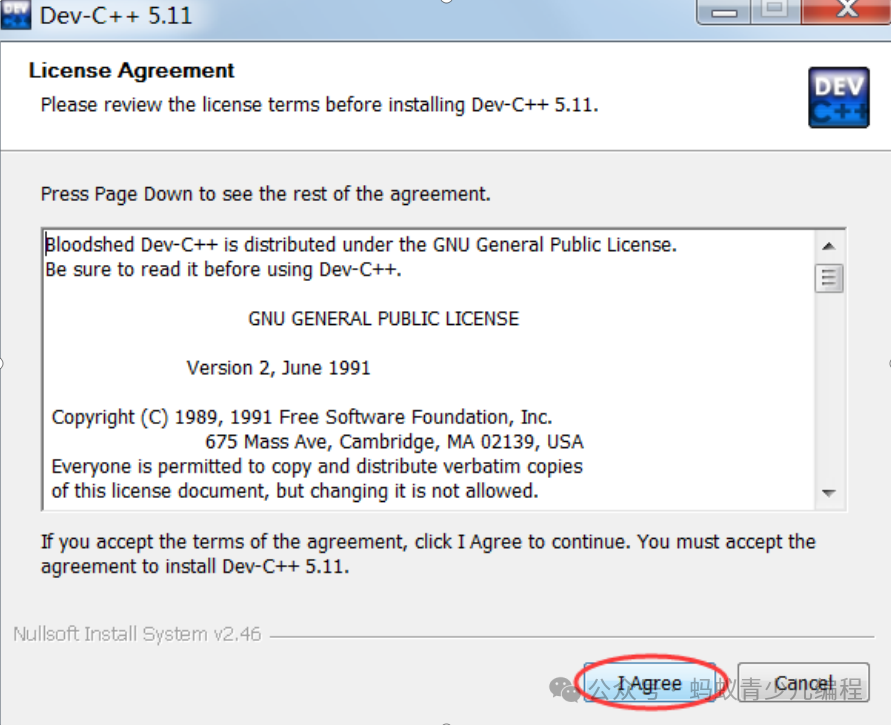
Agree to the terms of Dev-C++
-
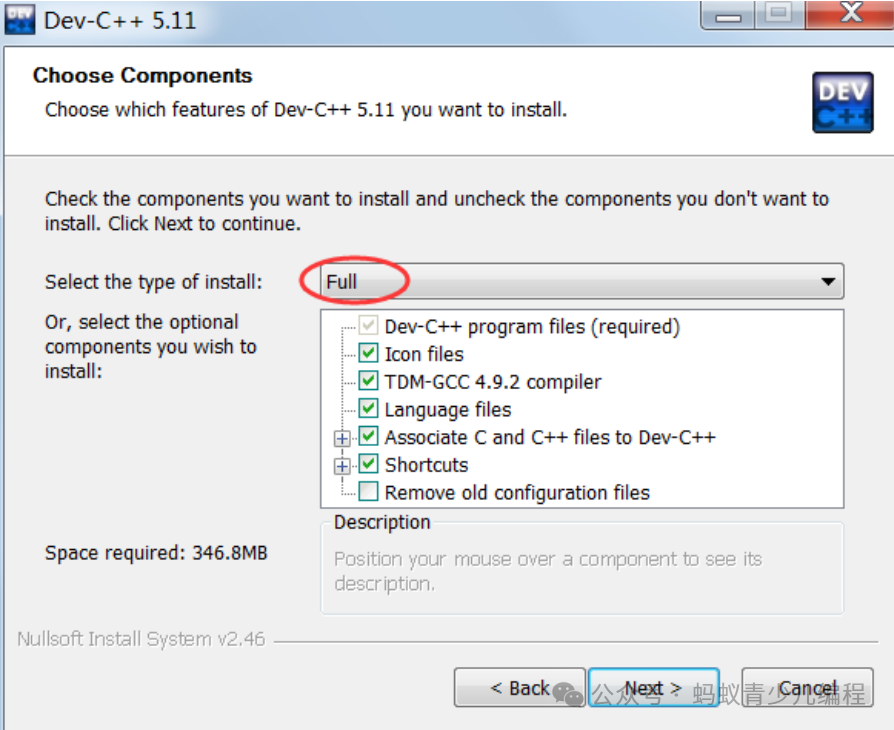
Select the components to install
Select “Full” to install everything.
-
Select the installation path
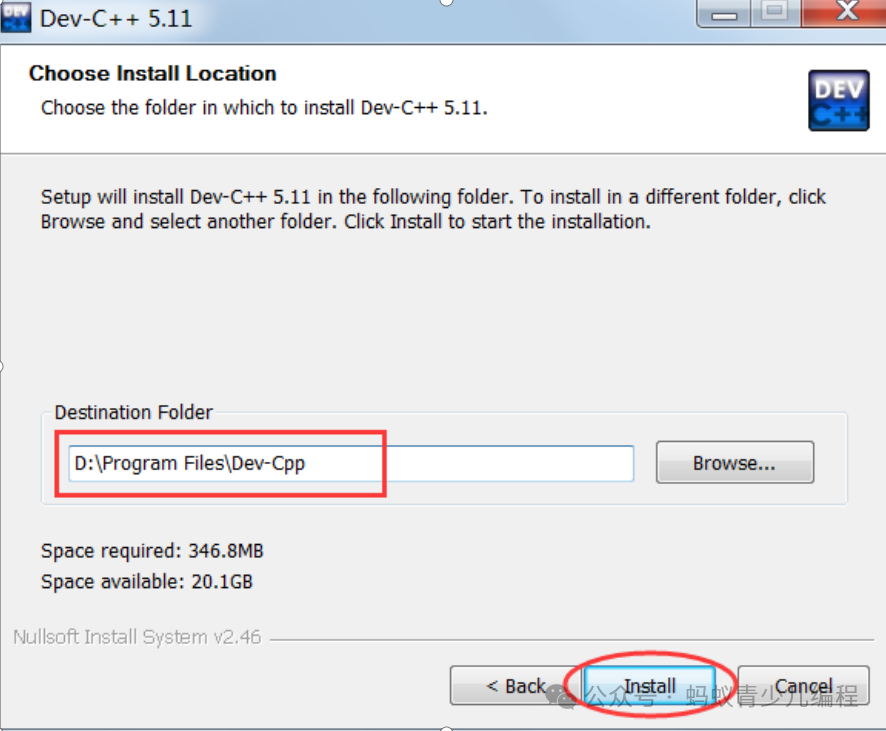
You can install Dev-C++ in any location, but it is best not to include Chinese characters in the path.
-
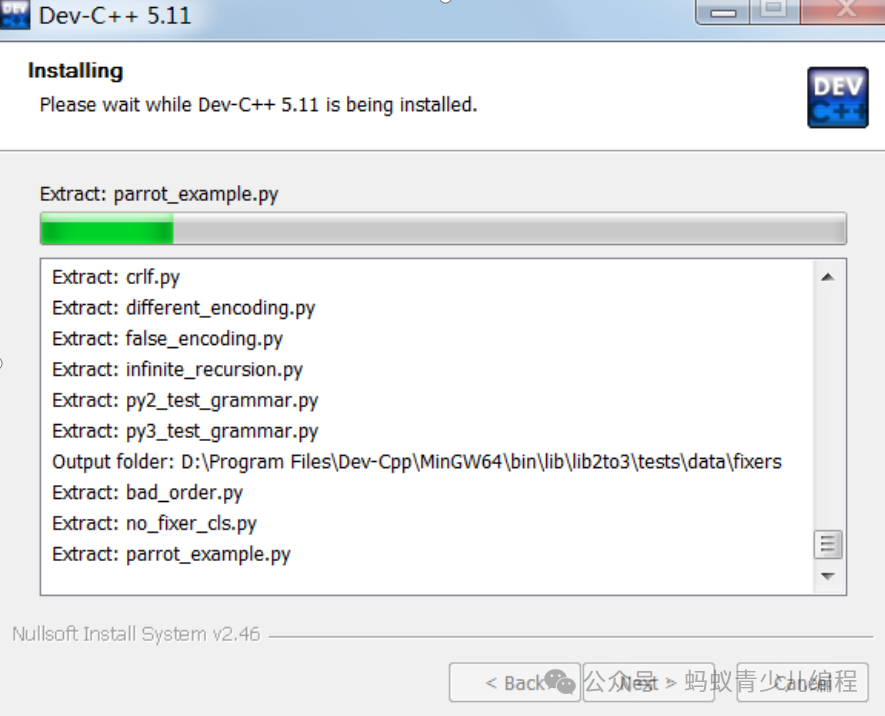
Wait for the installation to complete
-
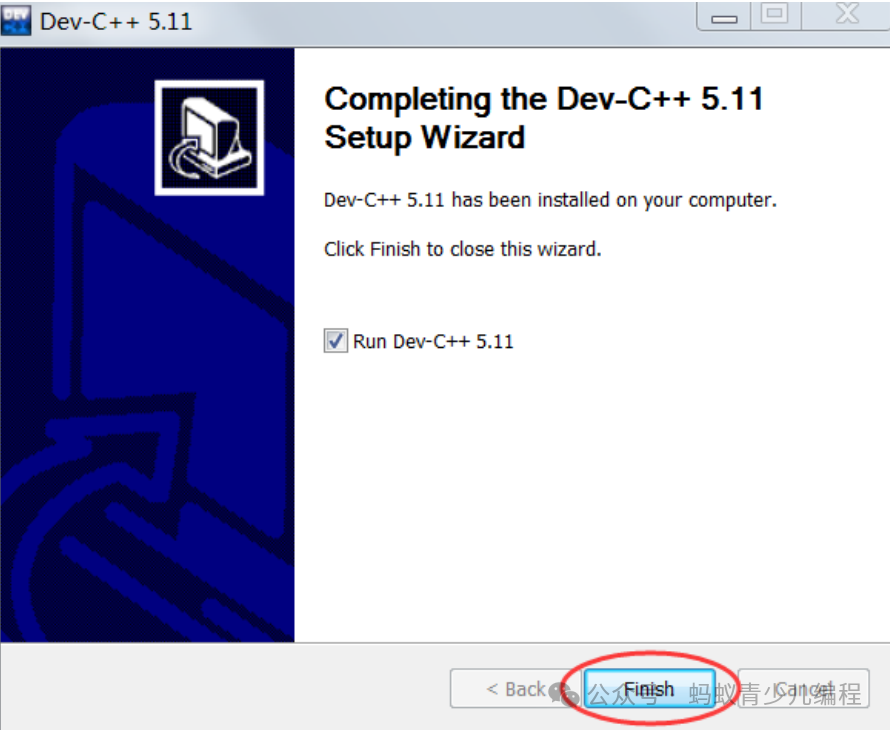
Installation complete
4. Start Configuration
When using Dev-C++ for the first time, some simple configurations are needed, including setting the language, font, and theme style.
-
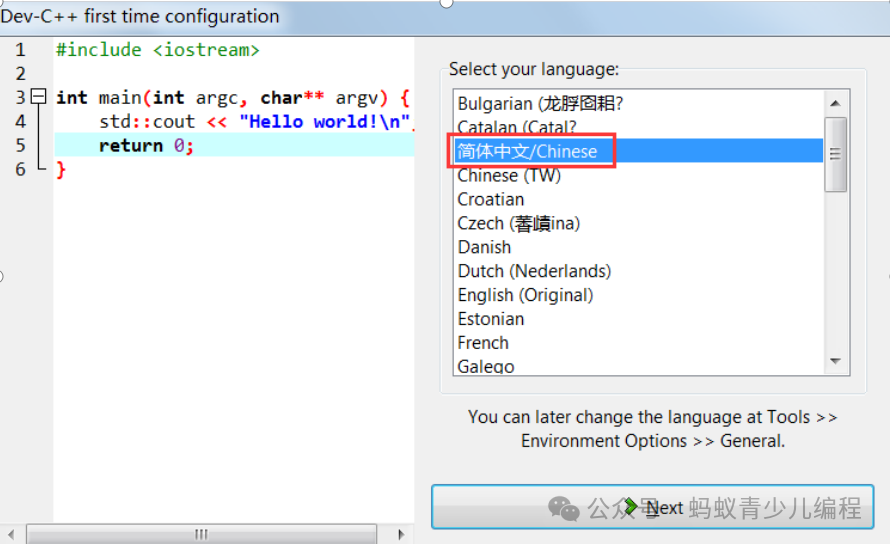
After starting Dev-C++ for the first time, you will be prompted to select a language.
Here we choose Simplified Chinese, but friends who are proficient in English can also choose English.
-
Select font and theme style
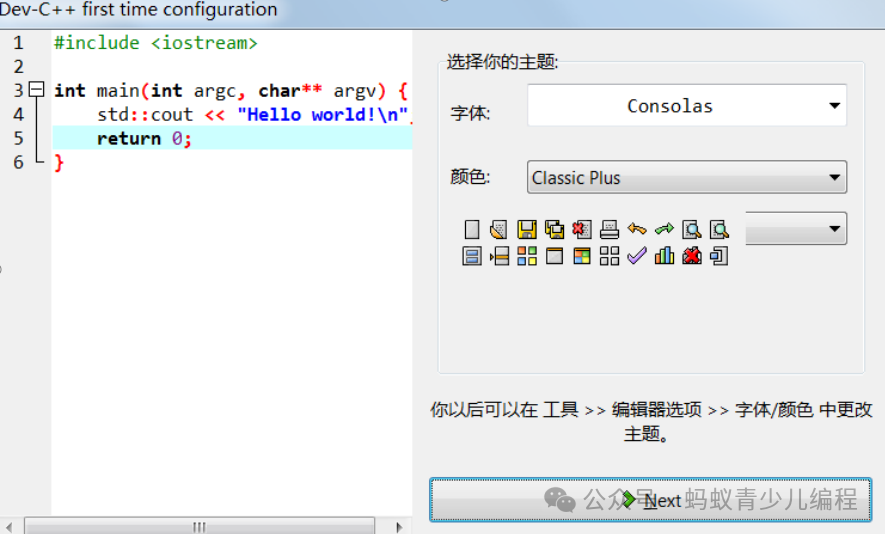
Here, you can keep the default settings.
-
Prompt for successful setup
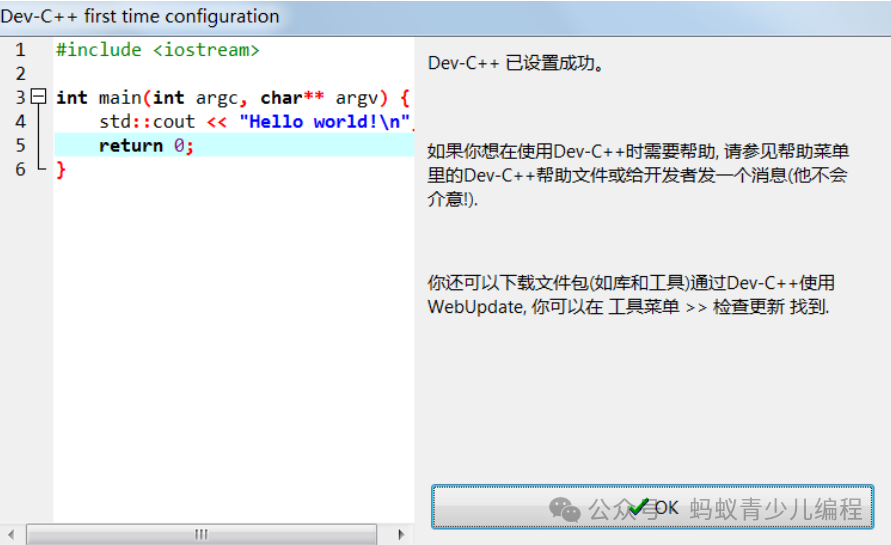
Click the “OK” button to enter Dev-C++, and you can start writing code.
Focus on programming planning | Programming enlightenment | Competitive programming, long press to add WeChat for consultation