In daily C++ development, the conversion between <span>string</span> and <span>wstring</span> is a significant challenge. Many people, when first encountering this issue, might think, “One is a narrow character, and the other is a wide character; just write a loop to cast it.” However, upon running the code, they often find that it either results in garbled text or crashes. This issue arises frequently, especially in cross-platform development, when handling Chinese paths, or when calling Windows API.
In this article, I want to discuss how to correctly and reliably convert <span>std::string</span> to <span>std::wstring</span>. I will present three common methods, ranging from the simplest to more professional solutions, comparing their pros and cons in different scenarios.
📚 The C++ Knowledge Base is now live on ima! The current content covered by the knowledge base is shown in the image below👇👇👇
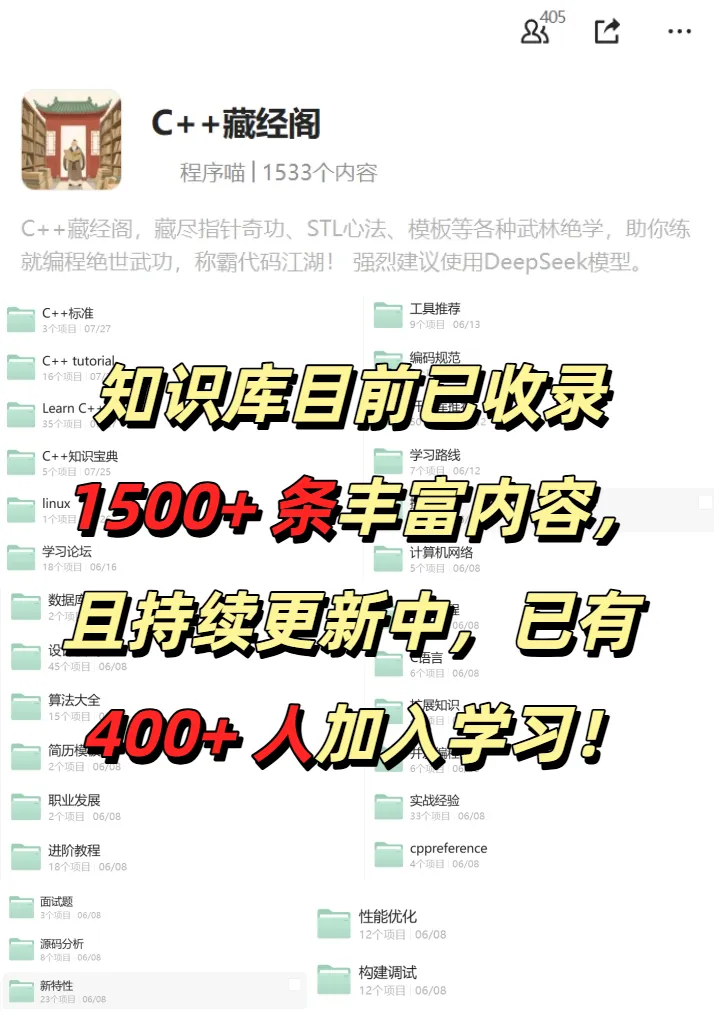
📌 Students interested in the knowledge base can add the assistant vx (cppmiao24) with the note 【Knowledge Base】 or click 👉 C++ Knowledge Base (tap to jump) to view the complete introduction of the knowledge base~
1. The Most Direct Method: Constructor + Loop Encoding
The most “intuitive” approach is: since <span>wstring</span> stores <span>wchar_t</span>, can we directly expand each character of <span>string</span> into <span>wchar_t</span>?
#include <iostream>
#include <string>

std::wstring StringToWString(const std::string& str) {
    return std::wstring(str.begin(), str.end());
}

int main() {
    std::string s = "Hello";
    std::wstring ws = StringToWString(s);
    std::wcout << L"Conversion Result: " << ws << std::endl;
}
This method works perfectly when only ASCII characters are involved. However, once it encounters multi-byte characters such as Chinese, Japanese, or Korean, it will fail. This is because there is no encoding-level conversion here; it merely performs a simple type expansion.
Therefore, this method is only suitable for pure English scenarios, or when you are very sure that the input does not contain non-ASCII characters.
2. C++ Standard Library’s <span>codecvt</span> (Introduced in C++11)
If the project allows the use of C++11 or higher, consider using <span><codecvt></span>. This tool was originally designed for encoding conversion, and although it is marked as deprecated in C++17, it remains the preferred choice for many existing projects.
#include <iostream>
#include <string>
#include <locale>
#include <codecvt>

std::wstring StringToWString(const std::string& str) {
    std::wstring_convert<std::codecvt_utf8_utf16<wchar_t>> converter;
    return converter.from_bytes(str);
}

int main() {
    std::string s = u8"你好,世界";
    std::wstring ws = StringToWString(s);
    std::wcout.imbue(std::locale("")); // Set localization
    std::wcout << L"Conversion Result: " << ws << std::endl;
}
Here, <span>std::codecvt_utf8_utf16<wchar_t></span> means: convert a UTF-8 string to UTF-16 (which is typically 16 bits for <span>wchar_t</span> on Windows). On Linux, <span>wchar_t</span> is usually 32 bits, and the result can still be stored correctly.
The advantages of this method are concise usage and standard library support; the disadvantages are that it is potentially deprecated in future versions, and the width difference of <span>wchar_t</span> between Windows and Linux may lead to inconsistencies.
3. Platform-Specific API: Windows API + ICU/Boost
If you are on the Windows platform, calling the API is the safest method. This is because, many times, the goal of the conversion is to interact with the Windows API.
#include <windows.h>
#include <string>

std::wstring StringToWString(const std::string& str) {
    int len = MultiByteToWideChar(CP_UTF8, 0, str.c_str(), -1, nullptr, 0);
    std::wstring ws(len, L'\0');
    MultiByteToWideChar(CP_UTF8, 0, str.c_str(), -1, &ws[0], len);
    return ws;
}
The <span>MultiByteToWideChar</span> function can safely convert to <span>wstring</span> based on the specified encoding (e.g., UTF-8, GBK). Compared to the previous two methods, this approach is more reliable for Windows system calls.
If it is a cross-platform project, consider introducing ICU or Boost.Locale. These libraries provide complete Unicode handling capabilities and maintain consistency across various platforms. However, they also have significant drawbacks: heavy dependencies and high introduction costs.
Comparison of the Three Methods
| Method | Advantages | Disadvantages | Applicable Scenarios |
|---|---|---|---|
| Direct Constructor | Simple, zero dependencies | Only suitable for ASCII; crashes with Chinese | Only processes English text |
<span>std::wstring_convert</span> |
Concise syntax, cross-platform, standard library support | Deprecated since C++17; not recommended for new projects | Small tools, quick implementations |
| Windows API/ICU | Accurate conversion, complete Unicode support on the platform | Platform-specific or heavy dependencies, more complex code | Industrial-grade projects, cross-platform or multilingual support |
Choosing in Actual Development
If you are just writing a small tool and the text you are processing is mostly in English, the first method is sufficient.
However, if the project involves multiple languages or cross-platform issues, the second method, <span>codecvt</span>, although outdated, is still a pragmatic choice for many projects.
In industrial-grade business code, I prefer native platform APIs or mature libraries, so that even if the standard completely removes <span>codecvt</span>, the code will not be significantly affected.
<span>string</span> to <span>wstring</span> may seem like a simple type conversion, but it involves a host of details related to encoding, platform, and the evolution of the standard library. Many crashes and garbled text issues often arise from carelessness, simply writing a “simple conversion”.
The three methods shared this time each have their pros and cons, and I hope they can help you clarify your thoughts and avoid repeatedly stumbling in the pitfalls of encoding conversion.
If you have encountered similar pitfalls in your projects, feel free to leave a comment for discussion~
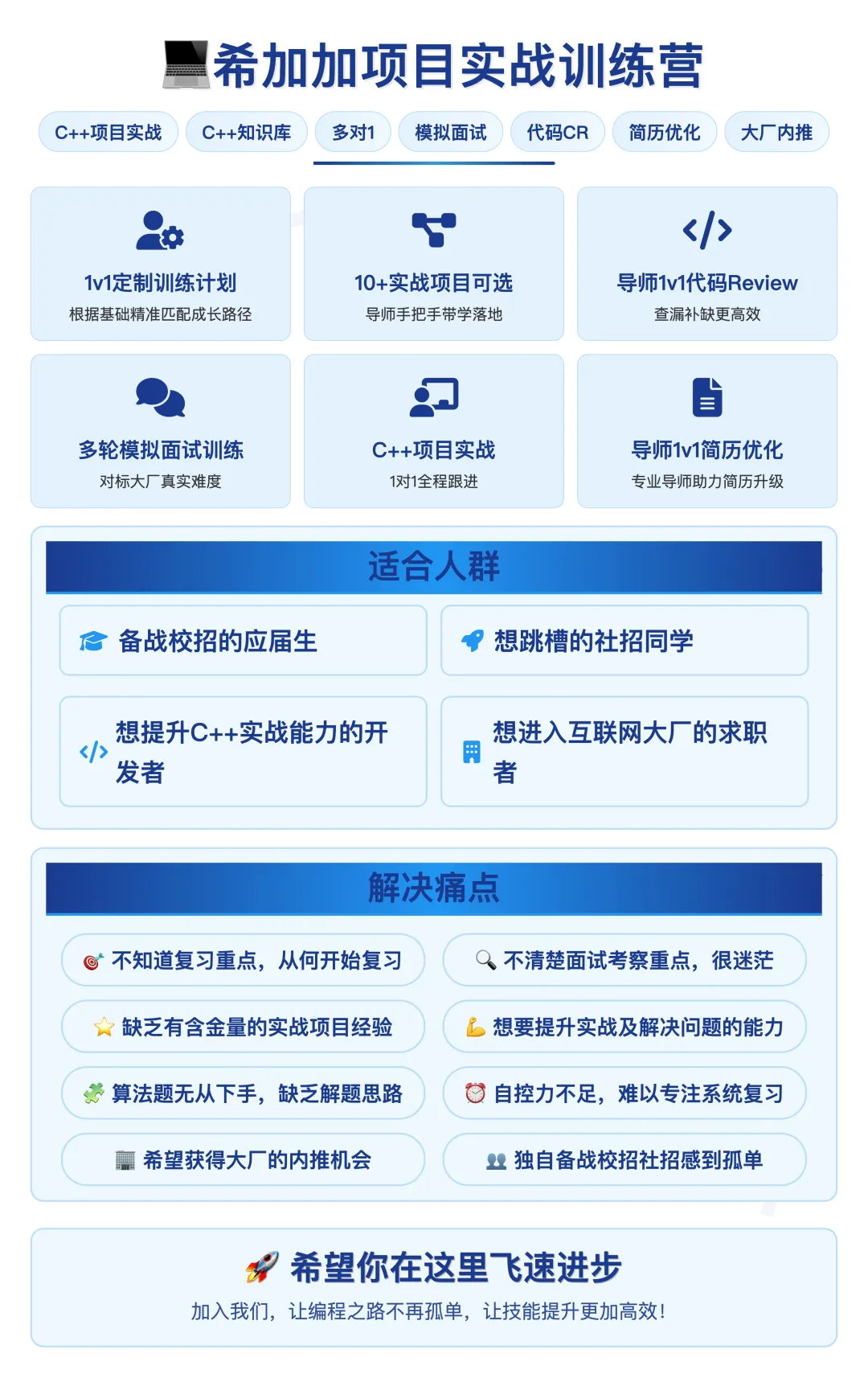
C++ Project Practical Training Camp
A 1v1 practical training camp designed for students preparing for campus recruitment and job changes, providing customized training plans, daily code reviews by mentors, resume optimization, and mock interviews with high-intensity standards from major companies, operating for 10 months, and has helped many students secure offers from major companies!
If you want to know more about the training camp, you can contact the assistant (vx: cppmiao24).
Recommended Reading:
Confused about C++ template metaprogramming? Move semantics + enable_if will guide you to a breakthrough
The truth behind the numerous vulnerabilities in C++ multithreading that 90% of developers are unaware of!
Not understanding this point will lead to significant losses with duplicate keys in `std::unordered_map`!