
In the world of single-board computers, Raspberry Pi has become synonymous with education, maker culture, and embedded development. The core software that supports it is Raspberry Pi OS — an operating system officially maintained by the Raspberry Pi Foundation, based on Debian. It is not only deeply optimized for Raspberry Pi hardware but also comes with a rich set of learning and development tools.
📌 Official Website: Raspberry Pi OS[1]📌 Latest Version: Raspberry Pi OS 6.0 (released in October 2025, based on Debian 13 “Trixie”)
🏞️ Interface Preview
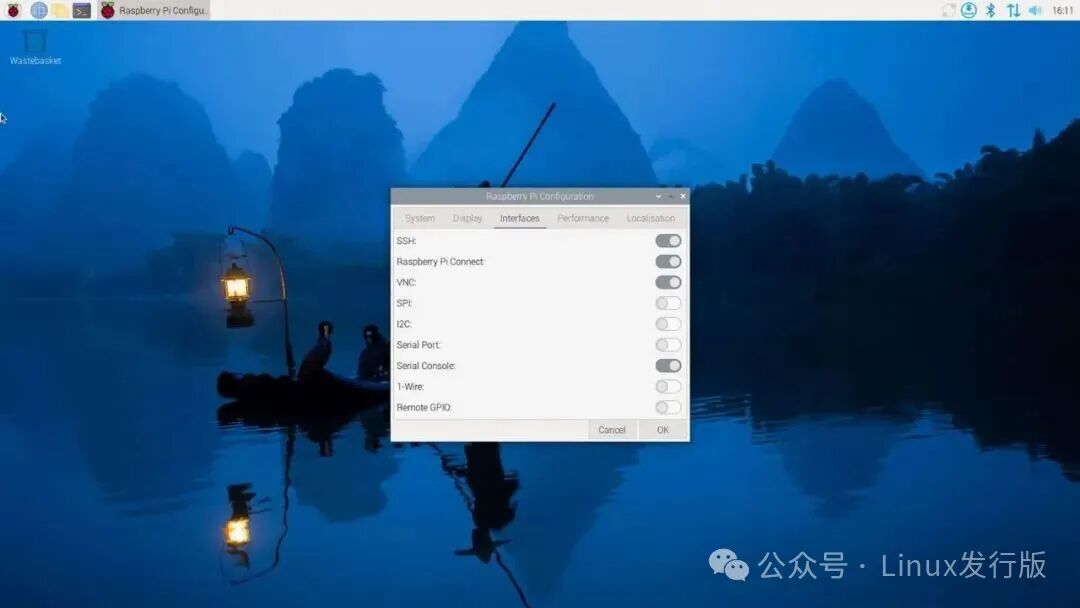
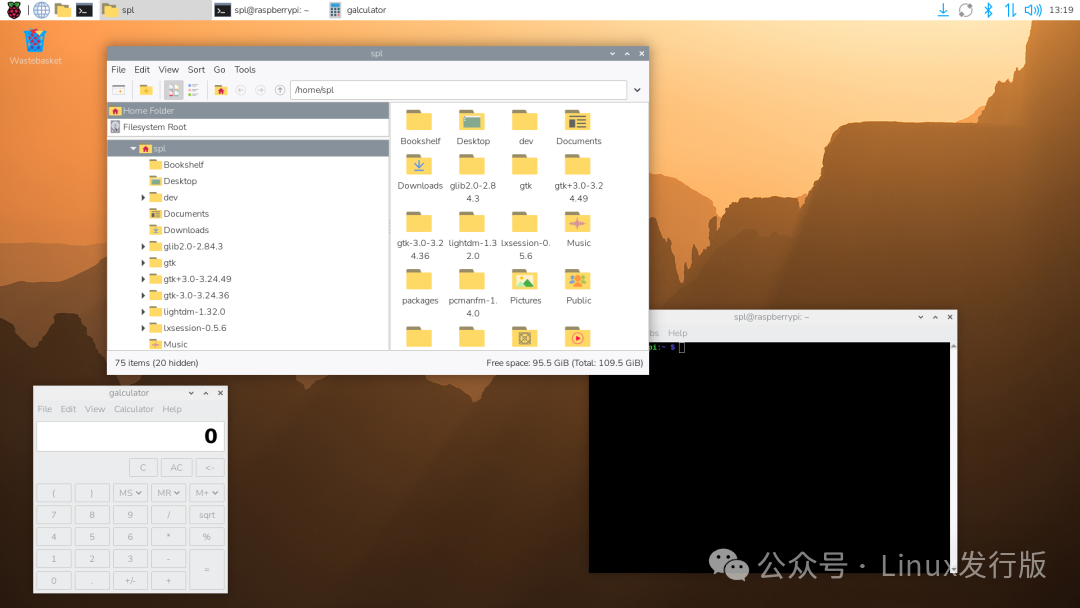
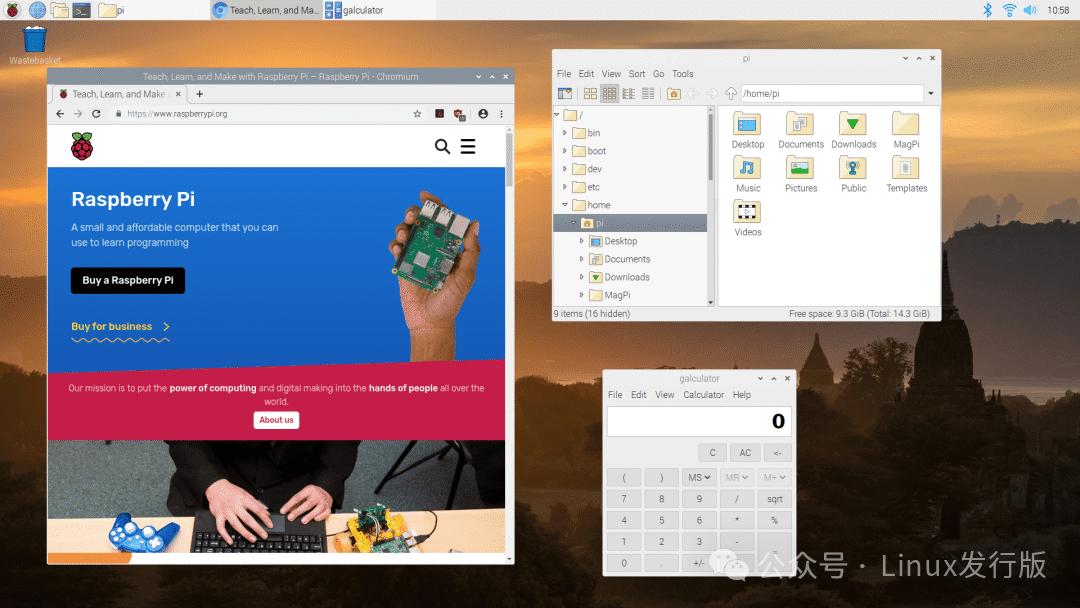
📜 Origin and Development
- • 🕰️ 2012: Initially released under the name Raspbian, created by community developers Mike Thompson and Peter Green.
- • 🔄 2015: The Raspberry Pi Foundation officially adopted Raspbian as the official system.
- • 🌍 2020: Renamed to Raspberry Pi OS to unify the brand.
- • 🚀 2025: The latest version is based on Debian 13, with the kernel upgraded to Linux 6.0, further enhancing performance and compatibility.
🎯 Core Features
- • 🖥️ PIXEL Desktop Environment: A lightweight LXDE + Openbox, optimized for low-power ARM chips.
- • 📦 APT Package Management: Supports over 35,000 Debian packages.
- • 🎓 Educational and Learning Tools: Pre-installed with Thonny Python IDE, Scratch, Wolfram Mathematica, Minecraft Pi, etc.
- • 🌐 Multiple Version Options:
- • Full Version: Includes desktop + recommended software (LibreOffice, KiCad, Scratch, etc.).
- • Desktop Version: Includes desktop environment but no recommended software.
- • Lite Version: No desktop, only command line, suitable for server or IoT projects.
- • 🔒 Long-Term Support: Follows the Debian release cycle, with major version updates every two years.
🧩 Technical Features
| Category | Configuration Details |
| Base System | Debian 13 “Trixie” |
| Kernel | Linux 6.0 |
| Desktop Environment | PIXEL (based on LXDE + Openbox) |
| Package Management | APT + dpkg |
| Architecture Support | ARM (all Raspberry Pi models), x86 (PC version) |
| Default Applications | Chromium, Firefox, VLC, Thonny, LibreOffice (full version) |
⚙️ Installation and Usage Guide
- 1. 💿 Obtain the System: Download and write to an SD card using Raspberry Pi Imager[2].
- 2. 🔧 First Boot: Configure Wi-Fi, language, keyboard layout, and update the system.
- 3. 📦 Common Operations:
# Update the system
sudo apt update && sudo apt full-upgrade

# Install common software
sudo apt install libreoffice gimp vlc
👥 Target Audience and Typical Scenarios
- • 🧑🎓 Educational Users: Learning programming, electronics, and computer science.
- • 🧑💻 Makers and Developers: IoT, robotics, and smart home projects.
- • 🖥️ Desktop Users: Used as a lightweight PC for browsing, office work, and entertainment.
- • 🏫 Laboratories/Schools: Low-cost deployment of teaching environments.
✅ Advantages and ⚠️ Considerations
Advantages:
- • 🎓 Rich educational resources, suitable for beginners
- • ⚡ Optimized for Raspberry Pi hardware, stable performance
- • 📦 Large software ecosystem, compatible with Debian packages
- • 🌍 Official support, active community
Considerations:
- • 🧱 Limited hardware performance, not suitable for large applications
- • 📚 Chinese resources are relatively scattered
- • 🔧 Lite version requires some Linux knowledge
📌 Summary
Raspberry Pi OS is the “soul” of the Raspberry Pi; it is not just an operating system but also an educational and maker ecosystem. From classrooms to laboratories, from maker spaces to home IoT, Raspberry Pi OS unleashes infinite possibilities from a small development board.
In summary: Raspberry Pi OS = Debian Stability + Raspberry Pi Optimization + Educational and Maker Ecosystem.
📎 References:
- • Raspberry Pi Official Documentation
- • Wikipedia: “Raspberry Pi OS”
- • Blog: “Choosing Raspberry Pi OS Versions”
- • Raspberry Pi Official Software Page
Reference Links
<span>[1]</span> Raspberry Pi OS: https://www.raspberrypi.com/software/<span>[2]</span> Raspberry Pi Imager: https://www.raspberrypi.com/software/