
[This article does not provide recommendations or sell products; please point out any errors 🙏]
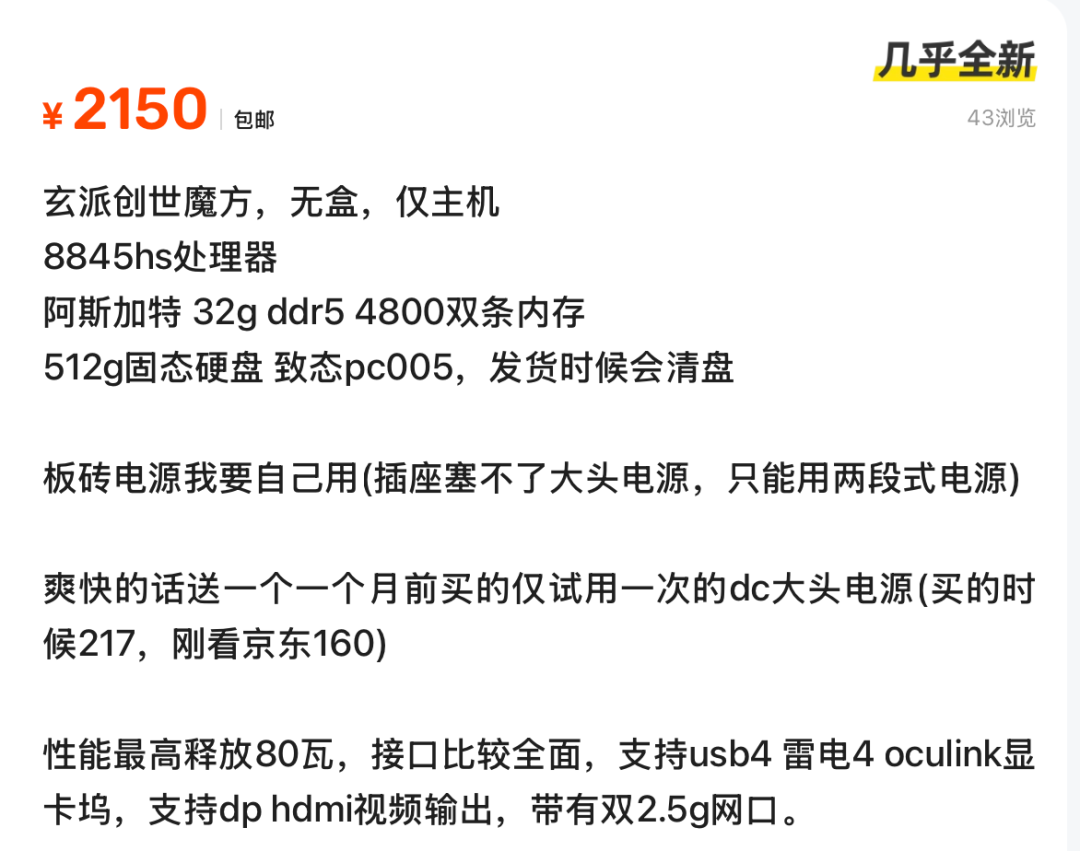
When it comes to “mini PCs,” many people might choose Apple, which is indeed good, but the price is also quite high. Today, I found a “mini PC” that I want to share with everyone. Interested friends can check it out on Xianyu later, and those who have used this model can also share their experiences—玄派创世魔方 (Xuanpai Genesis Cube)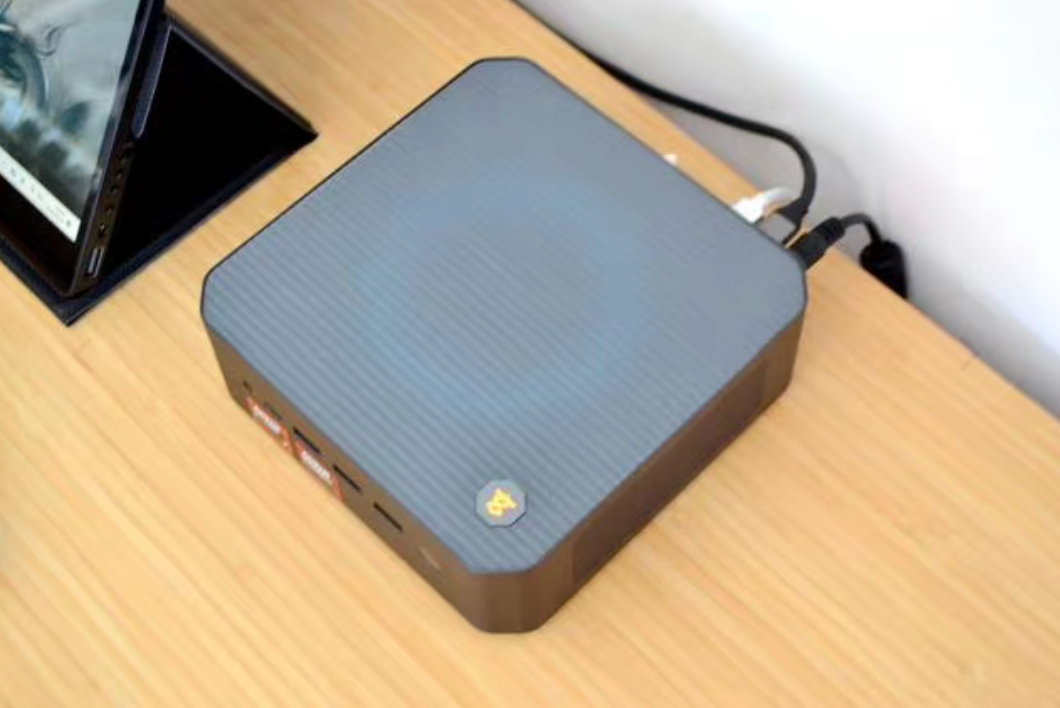 The mini PC, with its “small size + strong performance,” is gradually becoming the choice for desktop minimalists. At first glance, it easily reminds one of Apple’s minimalist design, but it also incorporates more personalized elements in the details. The entire body is made of metal, with a seamless manufacturing process, and the surface feels delicate, closely resembling the metallic texture of Apple laptops. The four corners have been geometrically rounded to avoid the harshness of right angles.
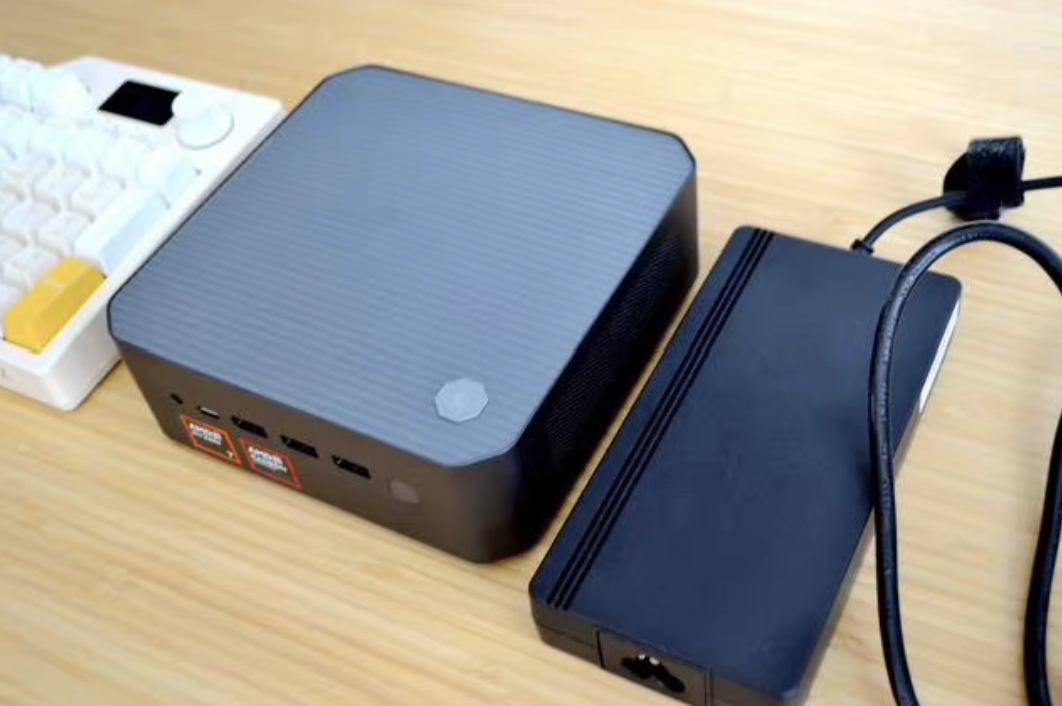
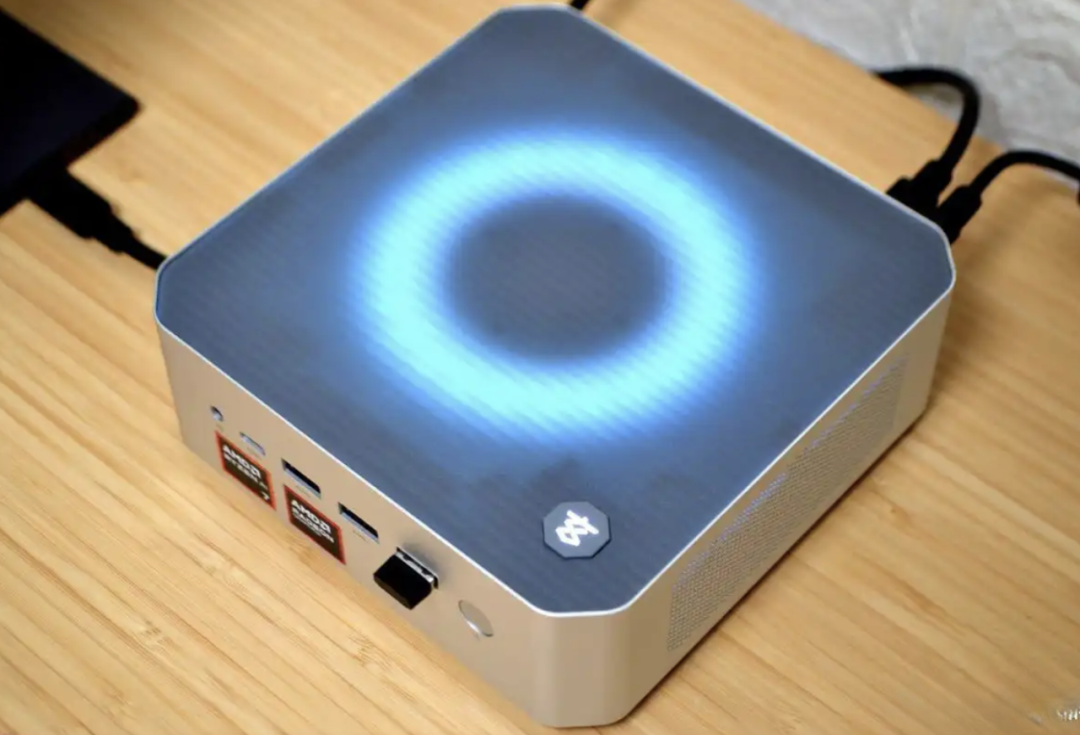 A major highlight of the device is the top cover, which features a tool-free design with a translucent plastic top. No screws are needed; simply press the two corners on the left side of the top cover to pop it open, making routine maintenance very convenient. When the PC is powered on, the RGB light ring inside the top cover emits a soft glow, and with the included control software, various lighting modes such as solid color, breathing, and flowing light can be switched. The logo with the character “玄” printed on the lower right side of the top cover changes color based on the power mode—orange represents 80W Turbo mode, blue represents 45W Sealed mode, and white represents 65W Combat mode. This not only serves as a visual indicator but also as the core button for “one-click performance switching.” Just press this tactile feedback button to switch power modes in real-time, making it particularly user-friendly for novices.
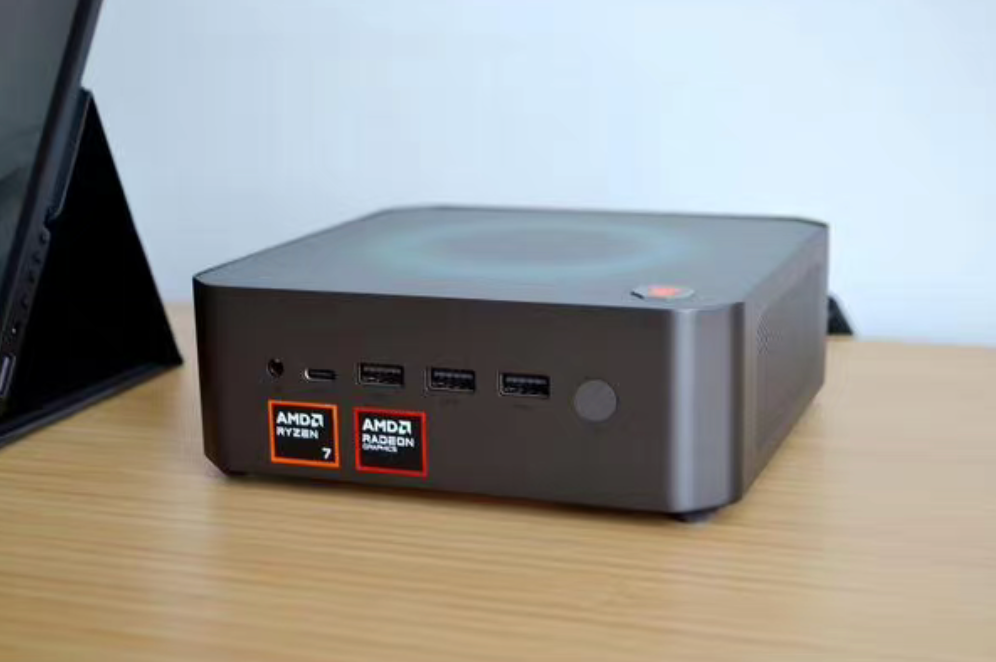 The layout of the ports on the device makes full use of the front and rear sides: On the front, from left to right, there are a 3.5mm audio jack, three USB-A 3.2 Gen1 ports, one USB-C 3.2 Gen2 port, and on the far right is a power fingerprint combo button. This button completely follows the design logic of laptops—when powered on, it simultaneously verifies the fingerprint, eliminating the need to enter a password after booting, making it more efficient than the traditional “power on + separate fingerprint verification” process.
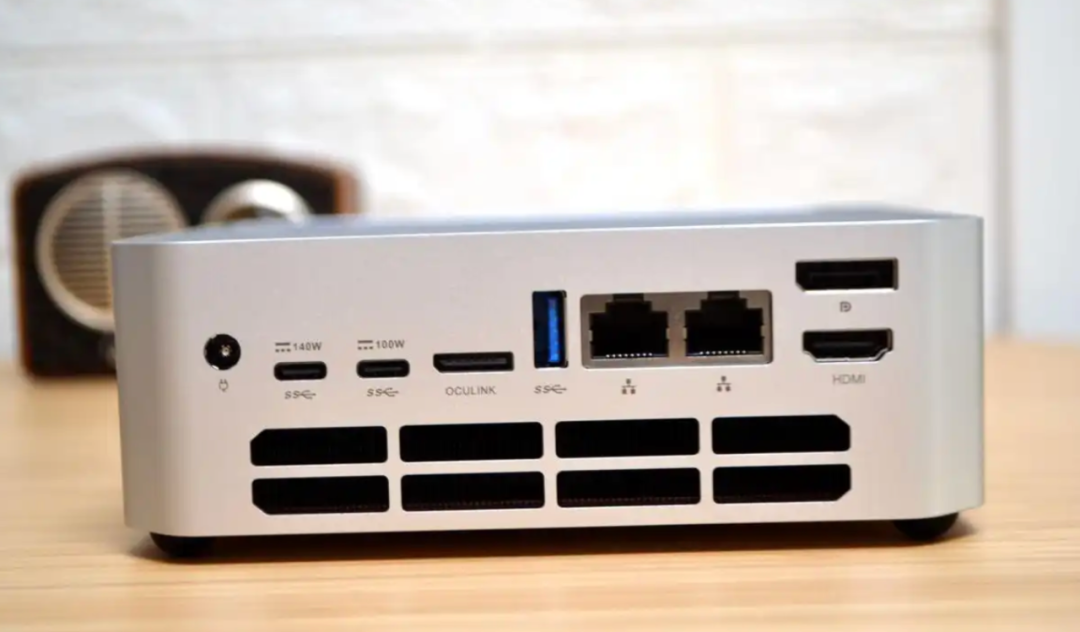 On the back of the device: the port density is even higher, including a power socket, two fully functional USB4 ports, one OCuLink port, one USB-A 3.2 Gen1 port, two 2.5G Ethernet ports, one DP2.0 port, and one HDMI2.1 port, with eight rectangular ventilation holes at the bottom. Among these, the combination of USB4 + DP2.0 + HDMI2.1 supports connecting up to four external monitors simultaneously, which is essential for multi-screen office and design users; the OCuLink port can connect directly to the CPU without occupying M.2 SSD resources, allowing for the future connection of an external graphics dock (officially compatible with RTX 4070 Super level graphics cards), significantly expanding gaming and creative performance.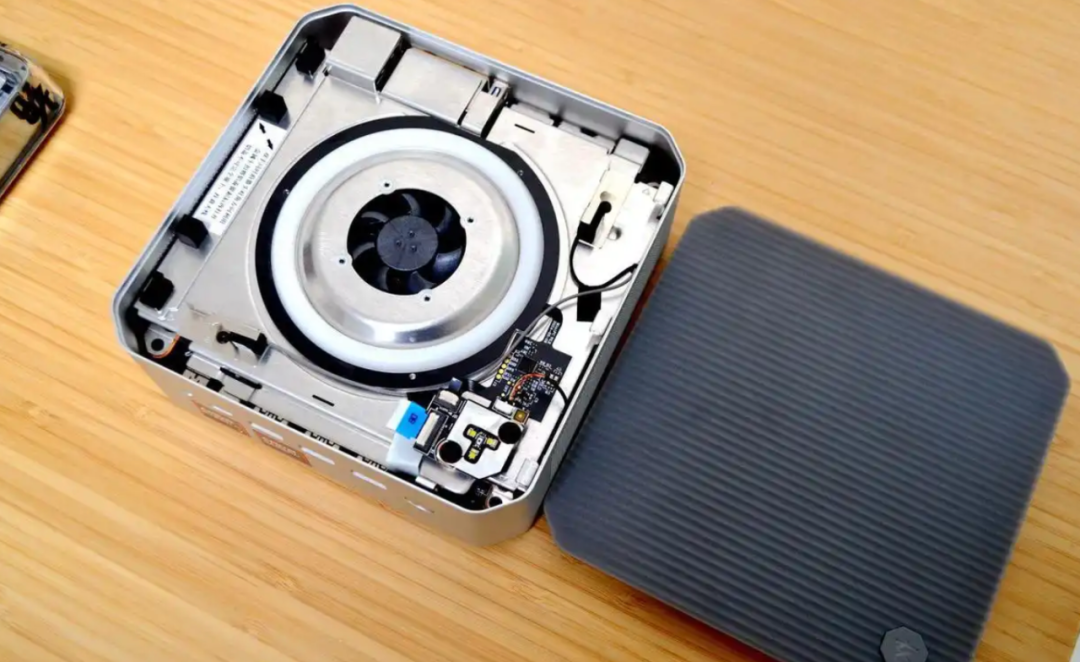
By removing the top metal cover (which requires unscrewing four corner screws, taking care to avoid the cables), the motherboard clearly displays the memory and storage modules without messy wiring. It is equipped with two DDR5 slots, with one 16GB Innodisk DDR5-5600 memory module included, and can later be upgraded to 32GB dual-channel by adding another 16GB module. It provides two M.2 slots of 2280 specification, both supporting PCIe 4.0 protocol, with a standard 1TB SSD. Inside the device, the extended antenna for the wireless network card can be seen, providing better signal stability than built-in antennas.
Powered by the AMD Ryzen 7 8845HS processor, it can maintain a stable TDP of 80W. CPU-Z scores: single-core 662.7, multi-core 7019.5. 3D Mark Time Spy: total score 3275, with the integrated graphics (Radeon 780M) scoring 2915, surpassing the desktop-level discrete graphics card 1050Ti.
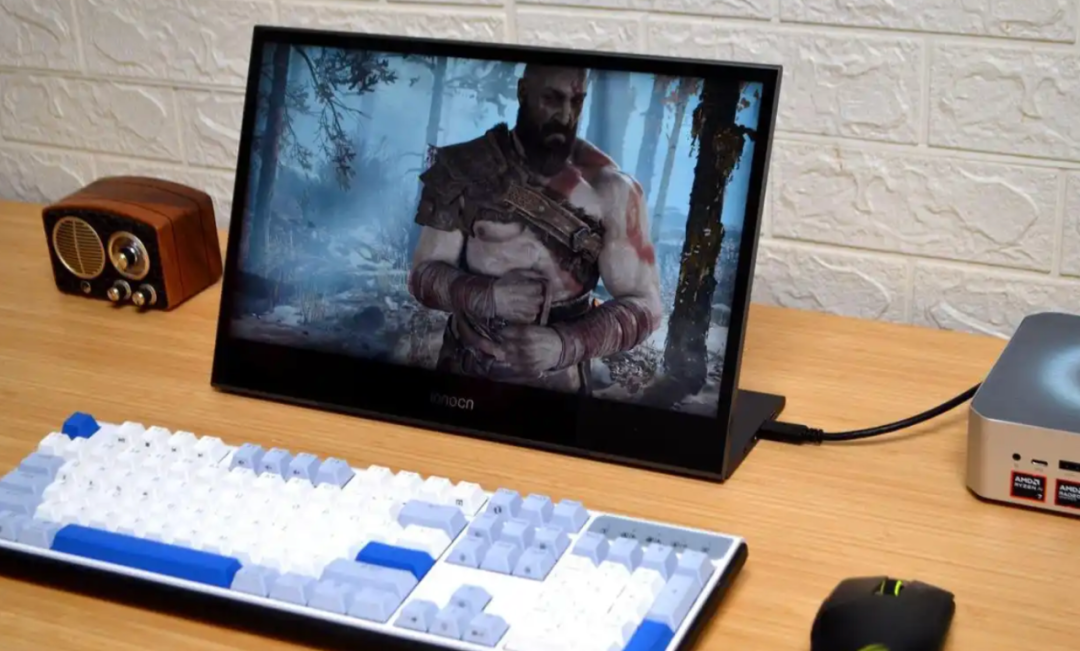
Gaming: Switching to 80W Turbo mode, with a resolution set to 1080P and graphics quality adjusted to low-medium: “God of War”: average frame rate 40 frames, occasionally dropping to 35 frames in battle scenes, stabilizing at 45 frames after enabling AMD FSR 2.0, sufficient for completing the game. “Battlefield 5”: average frame rate 50 frames, with minimal fluctuations during multiplayer, and the visual details (such as smoke and lighting) are more refined than the old GTX 1060. “Shadow of the Tomb Raider”: average frame rate 55 frames, with stable frame rates in tomb exploration scenes, and no screen tearing after enabling vertical sync. If higher graphics quality is required, connecting an RTX 4070 Super graphics dock via the OCuLink port can easily achieve 60 frames at 1080P high quality, and even attempt 2K resolution.
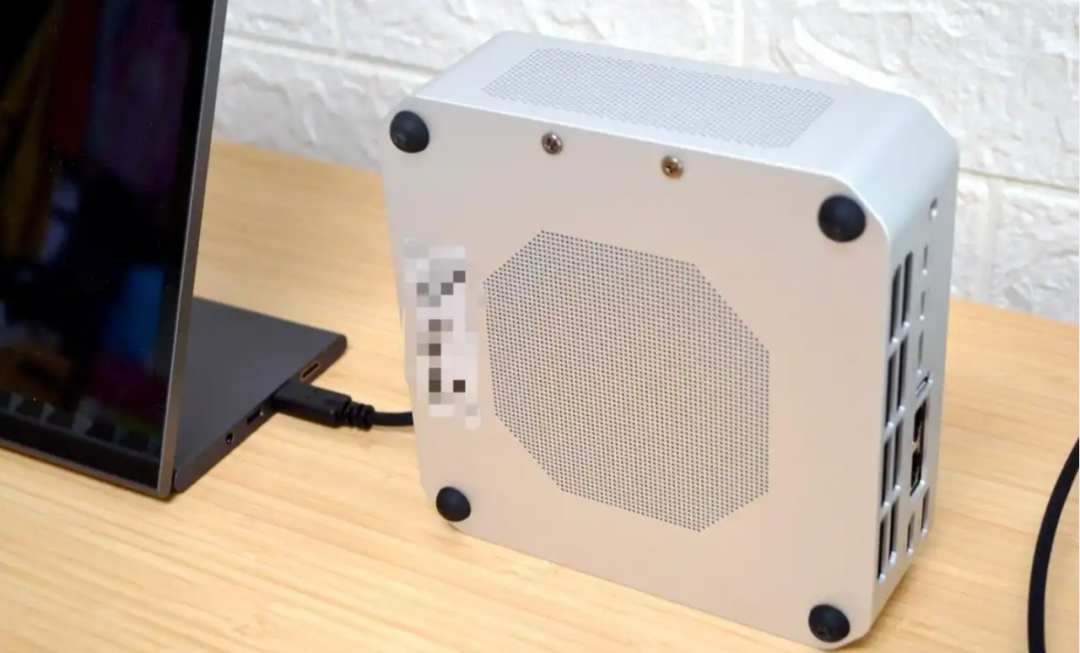
The USB4 port also supports 140W PD charging, and the device is equipped with a 156g copper heat dissipation module + 97 pure copper heat sinks to prevent localized overheating from affecting performance. It employs a “partitioned cooling” design, with the CPU using “bottom intake + rear exhaust” to directly expel heat without circulating through the internal chassis; the memory and storage use “top intake + side exhaust,” completely independent of the CPU airflow path, preventing interference.

Share, like, and arrange for a look?