Hello everyone! This is December!Let’s start today’s learning!Woohoo! Let’s take off!Today we are learning about the Multi Diffusion and ControlNet Tile modelFeels like I’m learning English…1. Using the Multi Diffusion Plugin
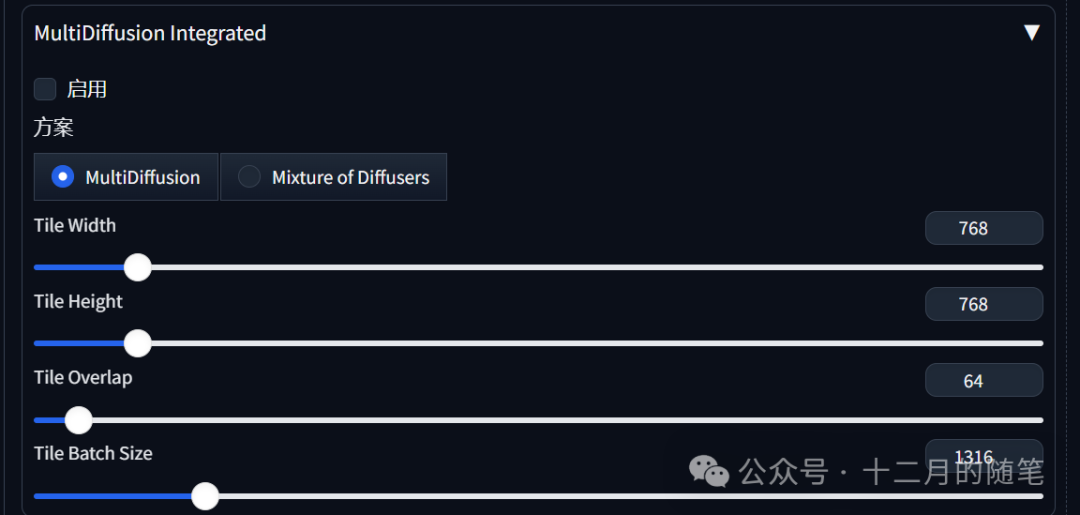
Multi Diffusion is an upgrade to the block processing of images in the upscale pluginCompared to Multi Diffusion, upscale has poorer controllability and slower drawing speedThe advantages of Multi Diffusion are good effects, high efficiency, strong controllability, and effectively reduces GPU consumptionLet me introduce the parameter settings
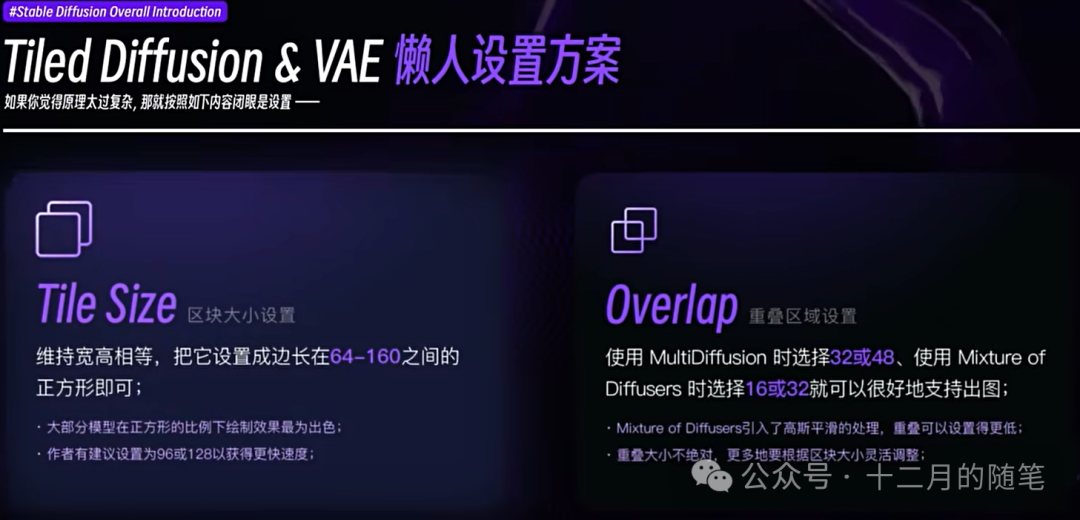
In general, maintaining the default settings is fine to keep the width and height equal. If there is not enough video memory, reduce the size of the tile.
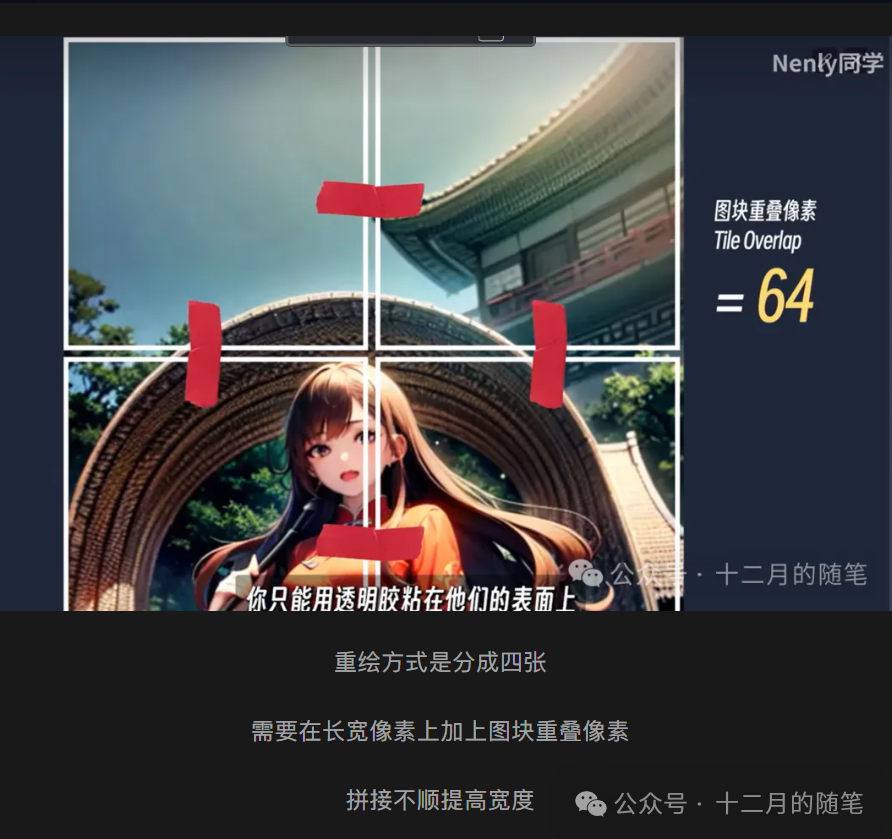

Refer to the corresponding paper (I’ll research it when I have a chance)
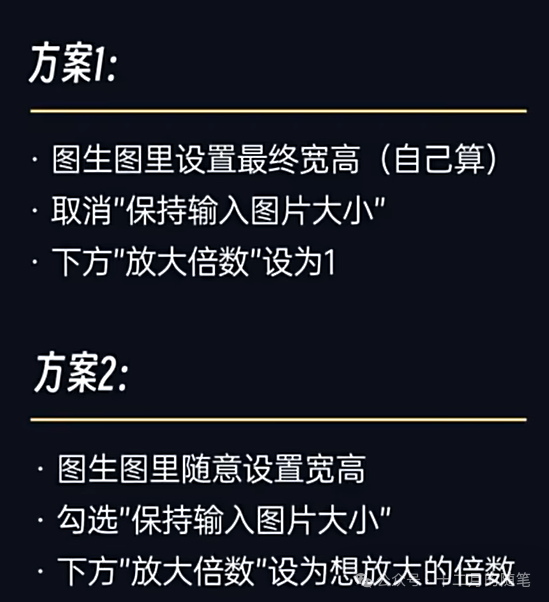
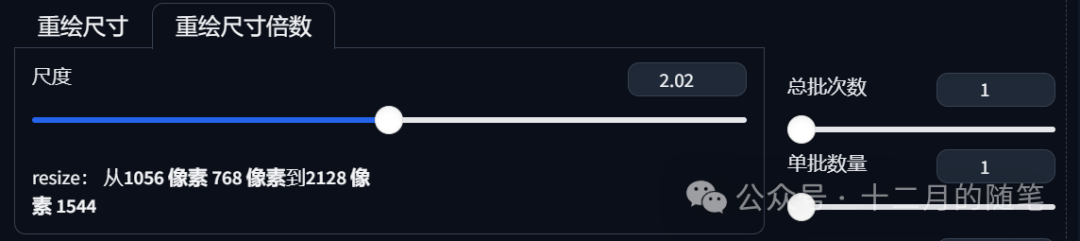
This is it
Note to lower the redraw amplitude a bit when using it, to around 0.3
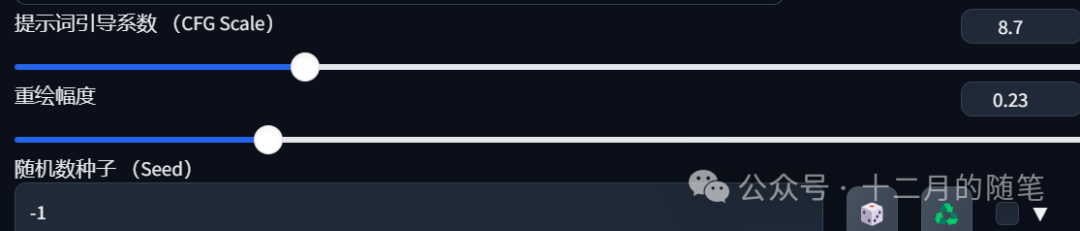
I also tried it
This is the original image


After using

It has indeed become much clearer
2. Generating 6k Images
If you need to generate a high-quality image, in addition to ultra-high resolution, you also need rich details
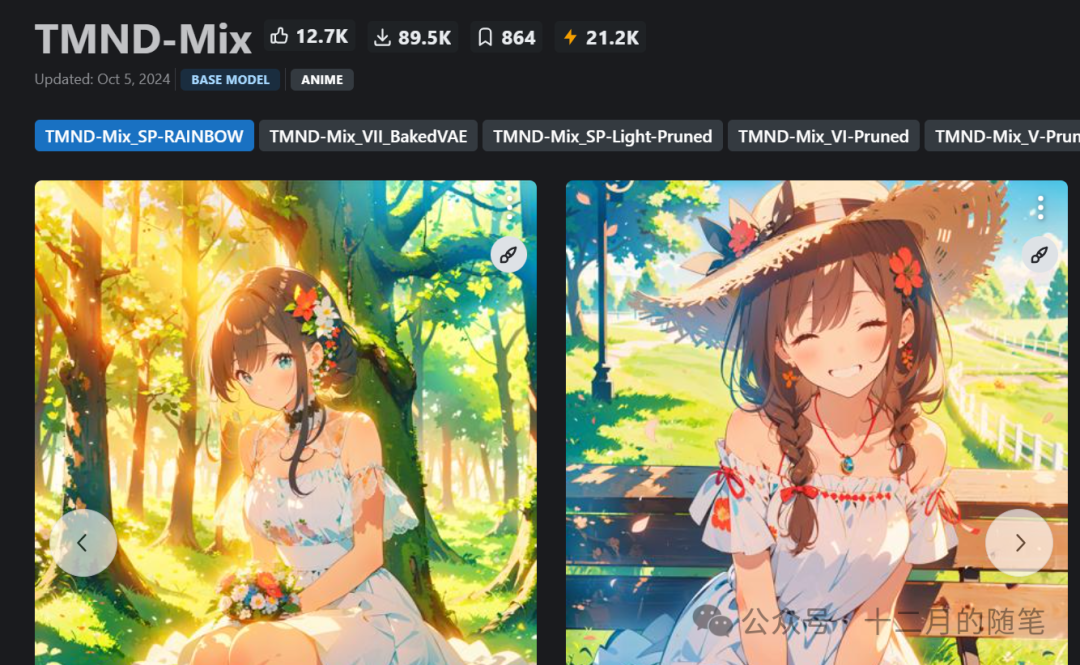
This model can present a lot of details
Okay, let’s get started
First, use the TMND-mix model to generate an image

You can see that the facial features of the person are very blurry
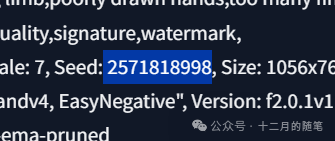
Second, fix the current seed, find the parameters below, copy and paste
Note not to add prompt words at the end, or the image will change

Enable high-resolution restoration, choose the Latent series algorithm, which can express more details

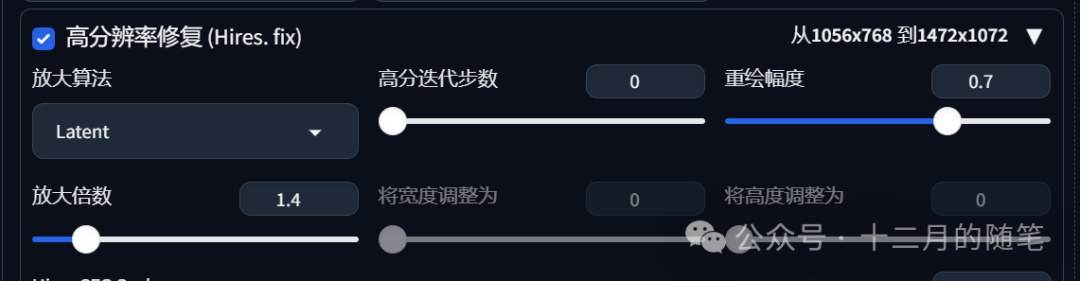
Set the redraw amplitude to around 0.5
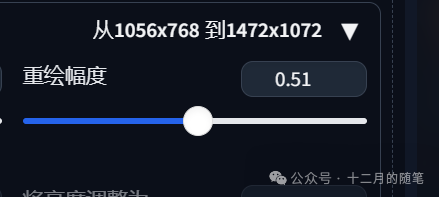
My computer can’t handle it a bit, the fan is whirring

Third, then go to image-to-image and open multi diffusion
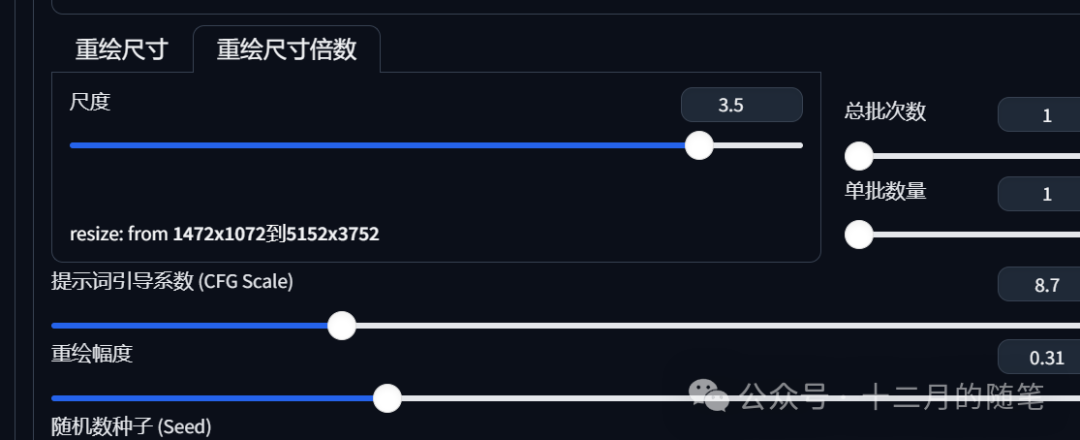

The duration is shocking
My computer is struggling to run it, it crashed twice

I’m exhausted, and produced such an image
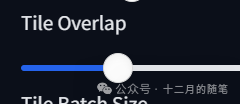
Adjusted this a bit higher

Finally it ran out, I think it’s pretty good, my computer really struggles to run it
Seeing this code makes my heart clench 
3. ControlNet Tile
In multi diffusion, chaotic images like this can easily occur
Such scenes, while ControlNet Tile can avoid such problems
The principle is that ControlNet Tile has the ability to recognize content
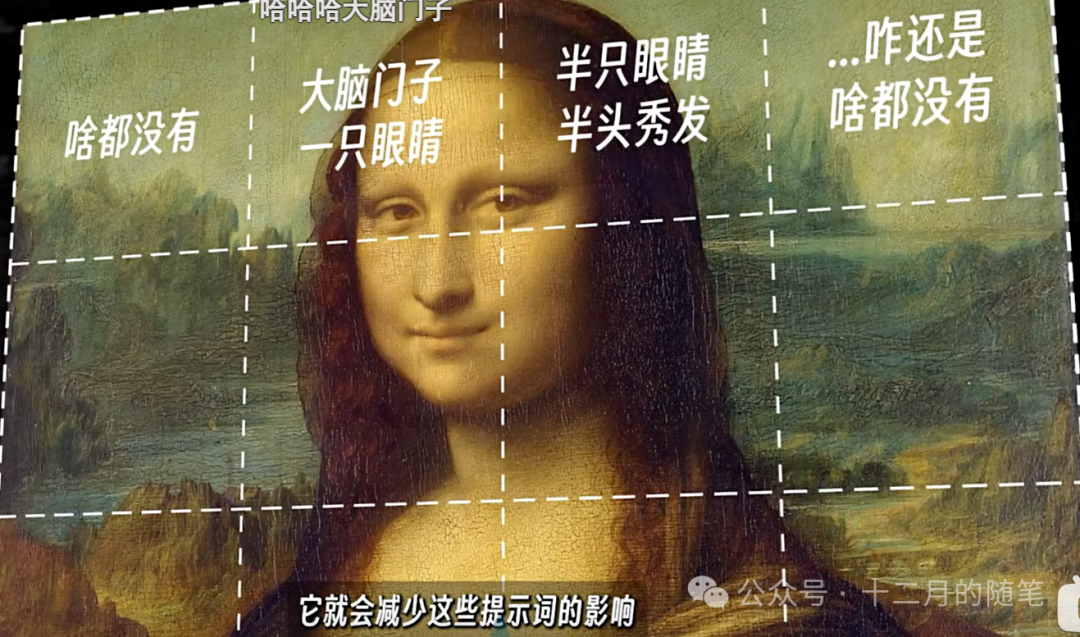
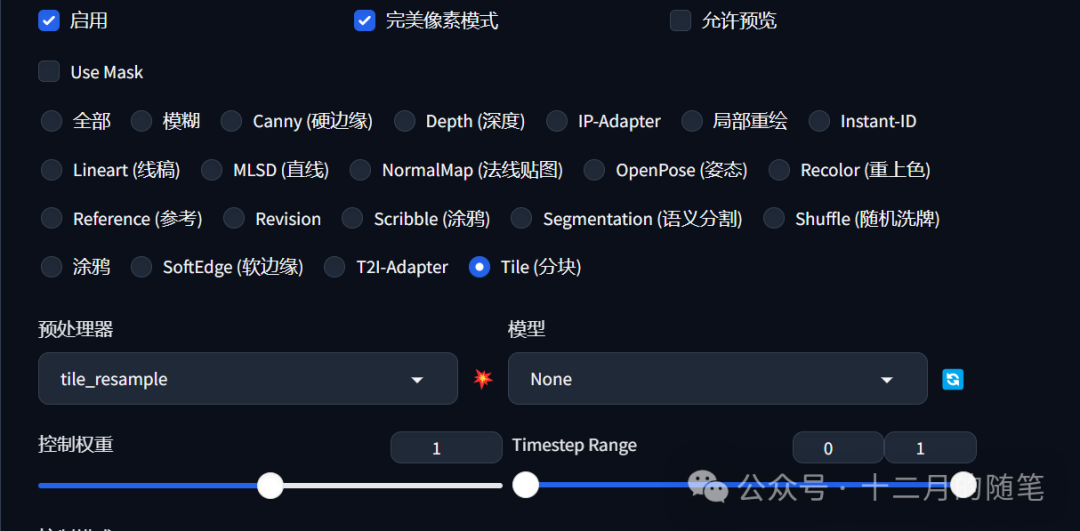
The method of use is to open ControlNet Tile and Multi Diffusion simultaneously
However, it will increase the generation time by 3 to 4 times