Weak Wi-Fi coverage within homes is a common network issue, especially in large houses or multi-story buildings. For instance, certain rooms, corners, or locations may have no signal or the signal strength may be too weak. Below are several solutions that you can refer to:
1. Check the number of devices. If your home is large or a multi-story residence, you may need to appropriately increase the number of devices. Particularly for rooms or locations separated by walls, a router should be placed in each. If you are an FTTR user, you should consider expanding from the FTTR device.

2. Check the placement location. Many friends place their routers or FTTR devices in multimedia cabinets, which is absolutely not advisable. This greatly hinders signal propagation, causing significant weak coverage issues in the living room.
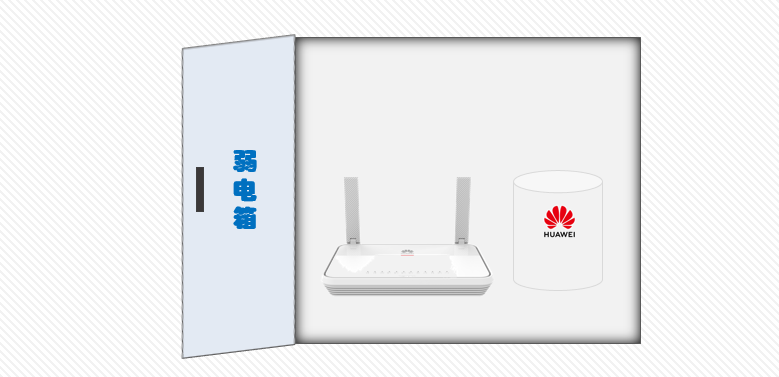
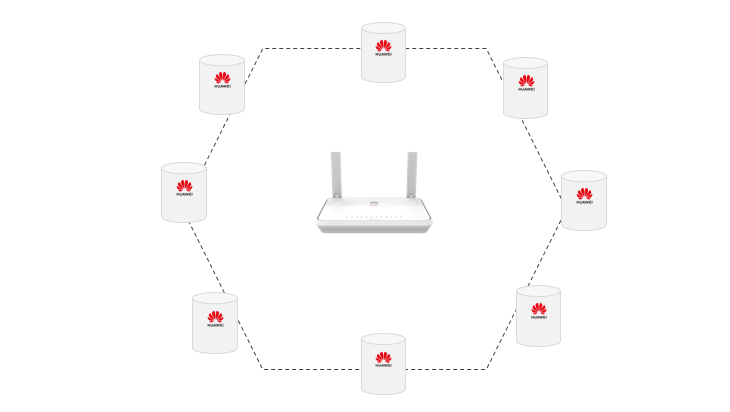
Another situation is when FTTR master and slave devices (or routers) are too close to each other, which can cause Wi-Fi signal interference and lead to significant waste of devices.

3. Set up MESH. If your router supports MESH systems, be sure to enable it, as this allows for seamless roaming. If you haven’t purchased a router yet, make sure to buy one from the same brand that supports MESH or use FTTR devices.
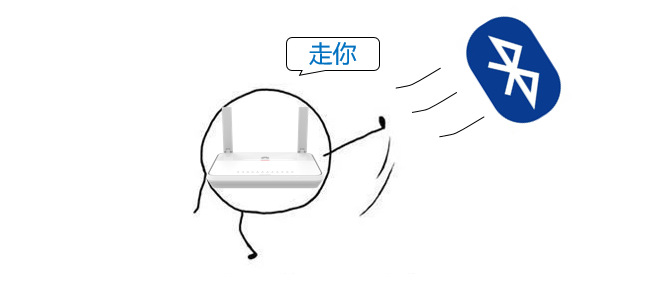
4. Avoid interference. Turn off or keep away from other devices that may cause electromagnetic interference, such as microwaves, Bluetooth devices, and cordless phones. Consider changing the operating channel of the router to a less used frequency band to reduce interference with other Wi-Fi networks.
If these methods still do not work, you may consider hiring a professional network technician to provide on-site services, tailoring network planning and installation based on your home’s specific structure and usage habits.