Basic Knowledge
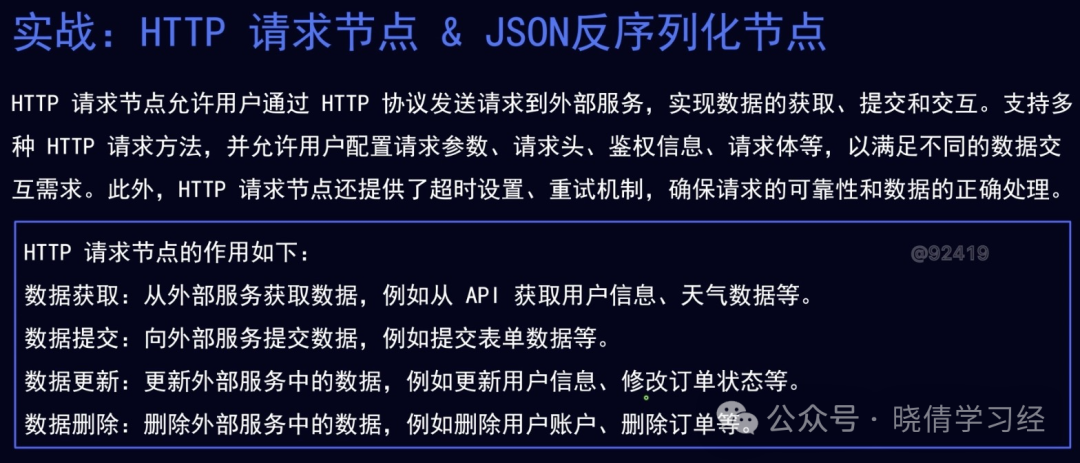
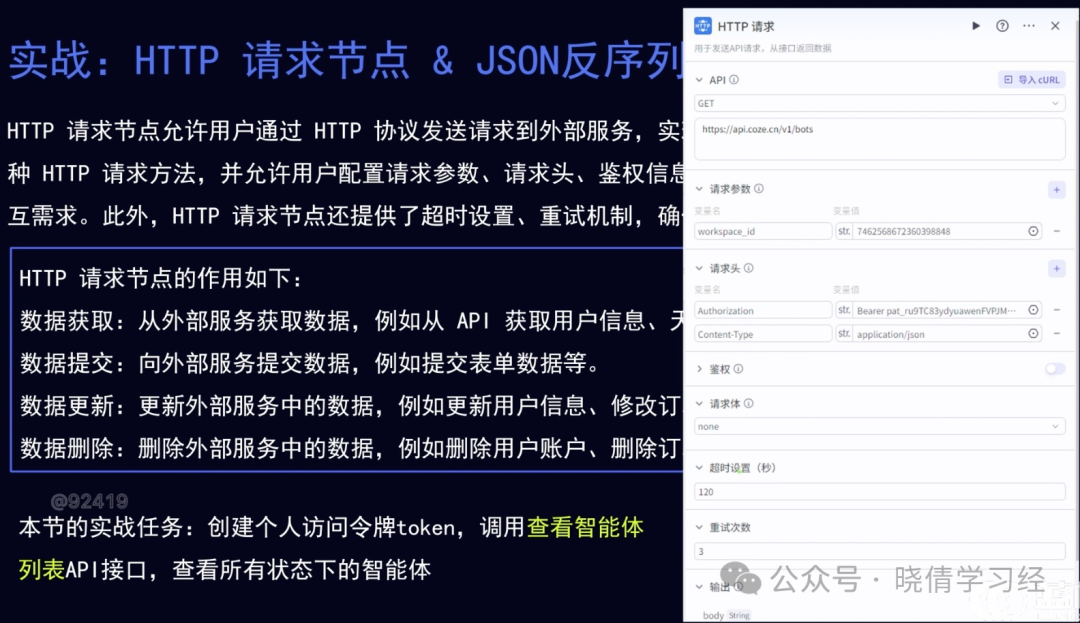
Operational Steps
Step 1: Open the Kousa Development Platform
Step 2: Workspace – Resource Library – +Resource

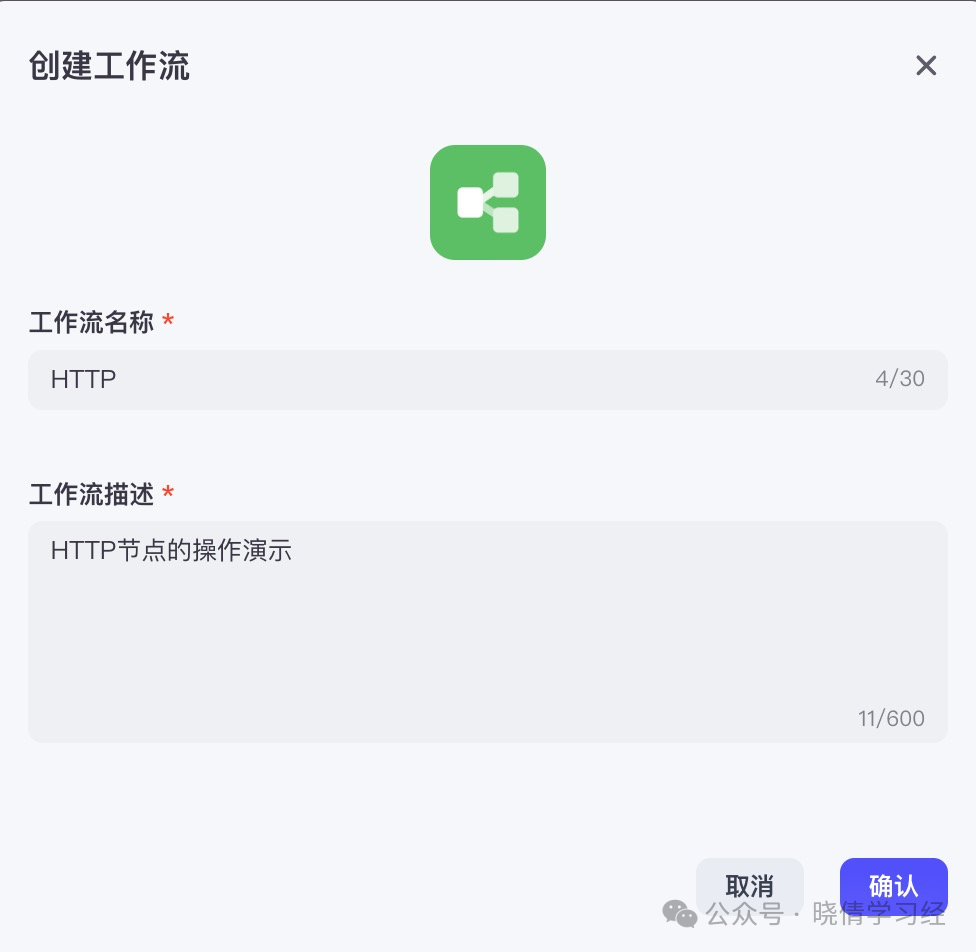
Step 3: Create Workflow
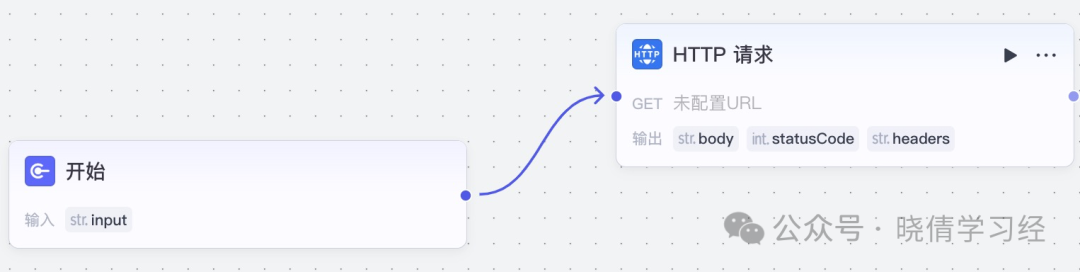
Step 4: Add “HTTP Request”
Step 5: View Official API Documentation
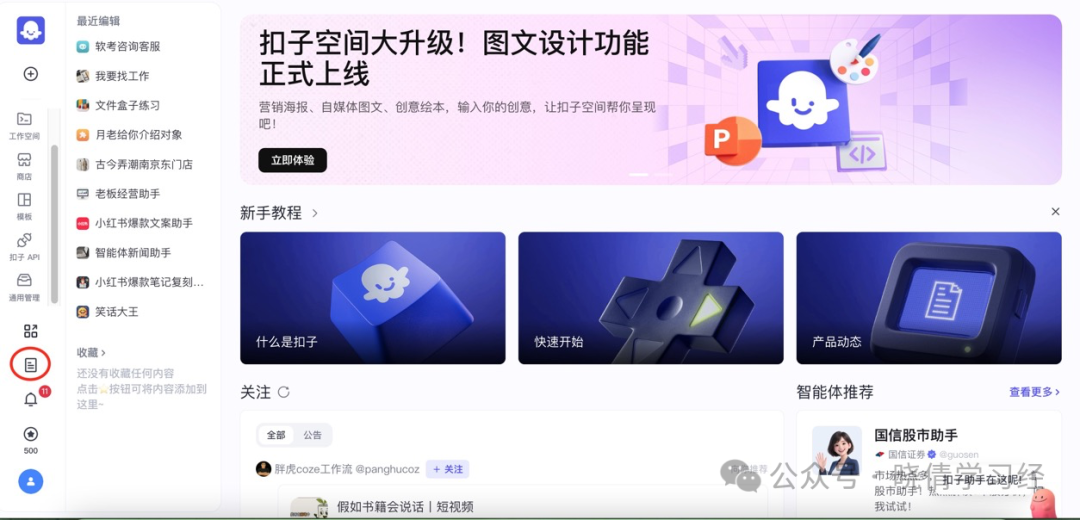
In the browser, open a new tab and access the Kousa Development Platform.
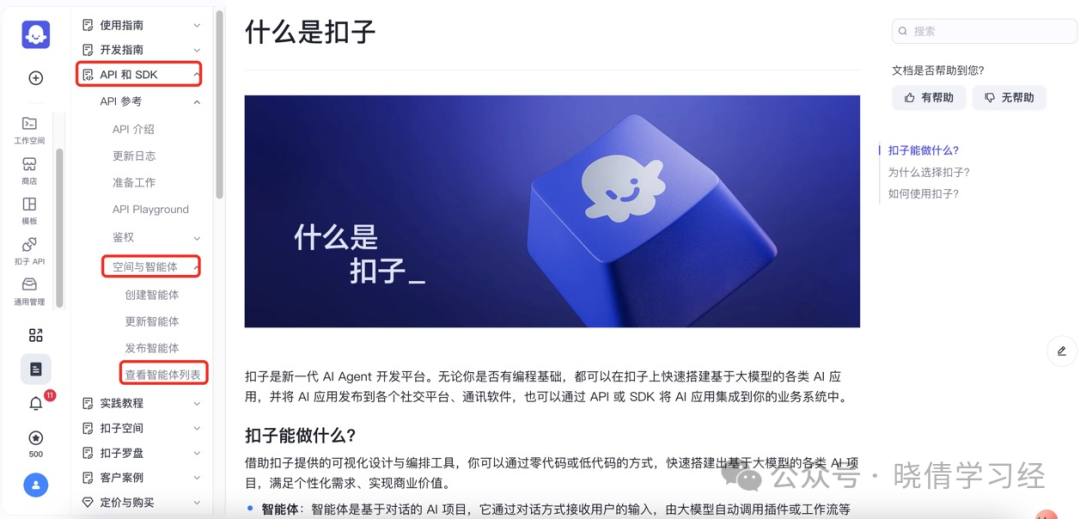
Step 6: API and SDK – Space and Agents – View Agent List
Step 7: Copy Request URL
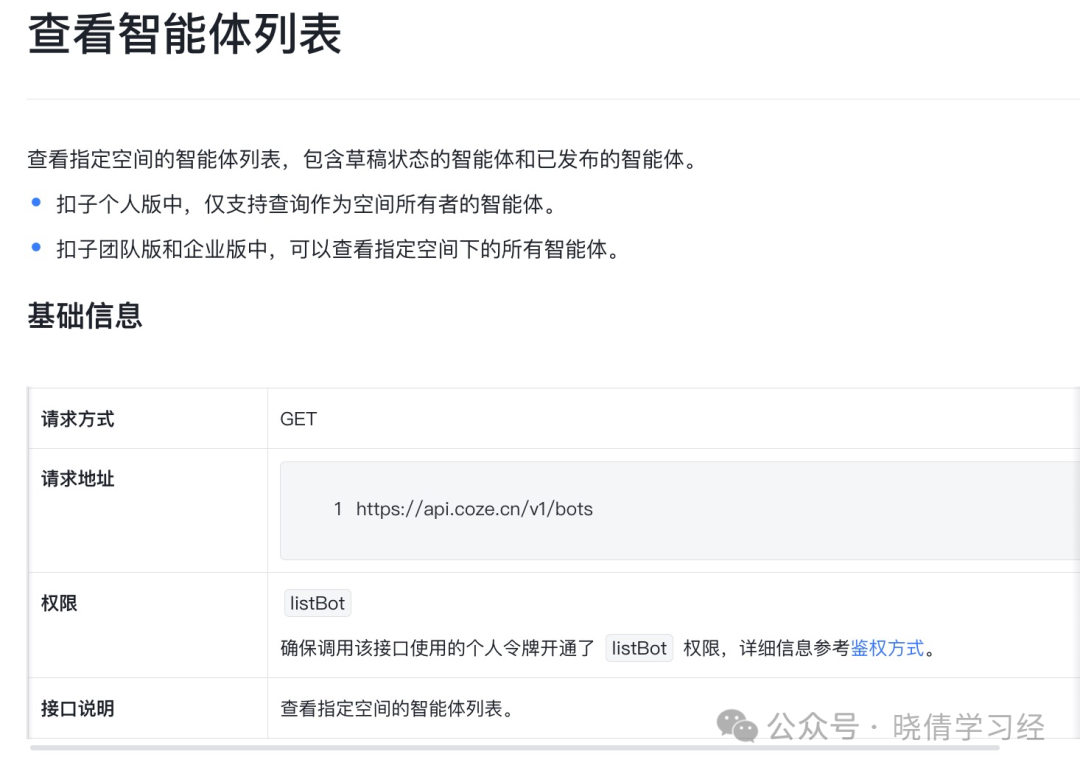
Step 8: Configure “HTTP Request”, paste the request URL
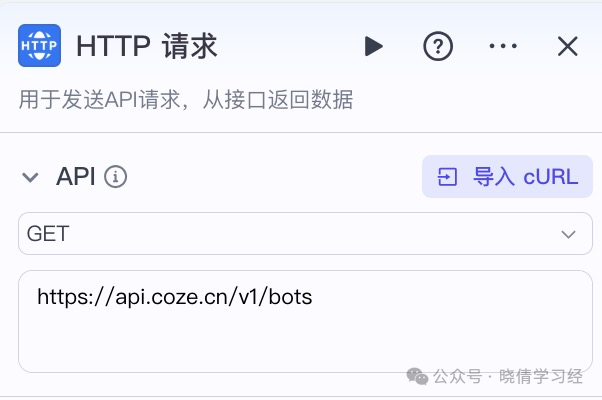
Step 9: Copy the name of the request header
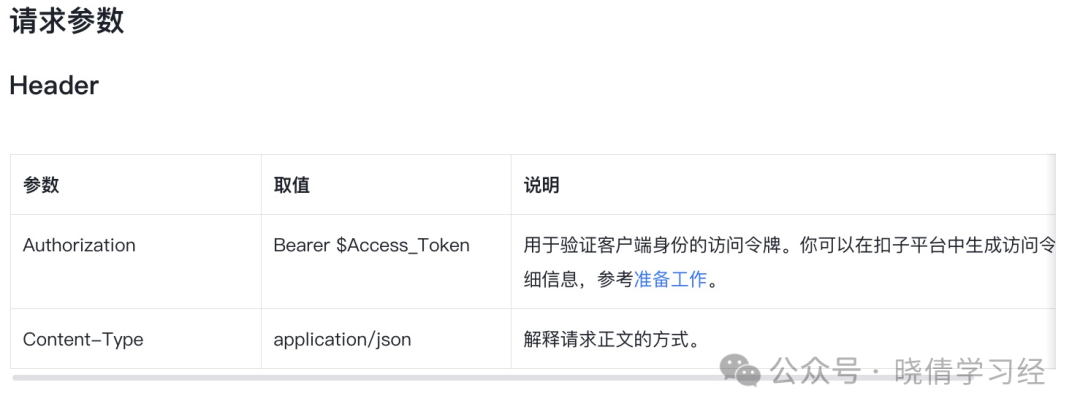
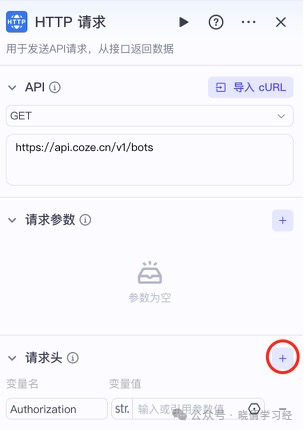
Step 10: Configure the request header of “HTTP Request”
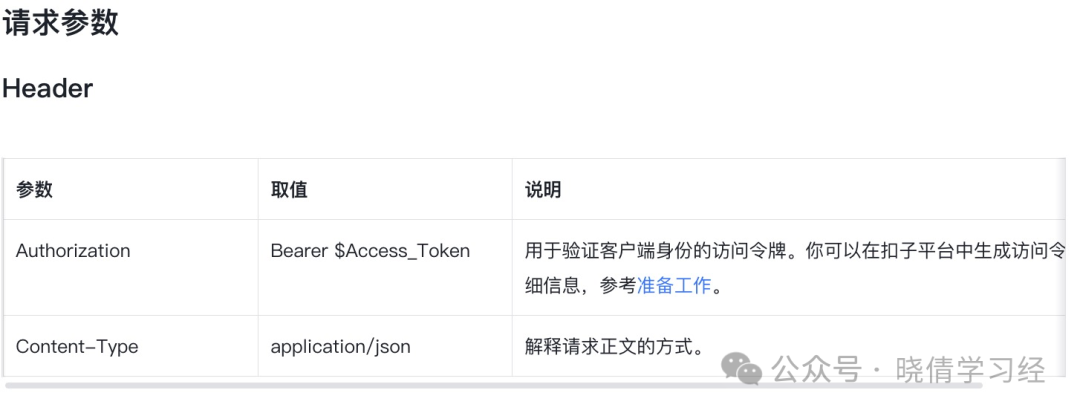
Step 11: Check the value of Authorization in the documentation, open “Prepare Link”
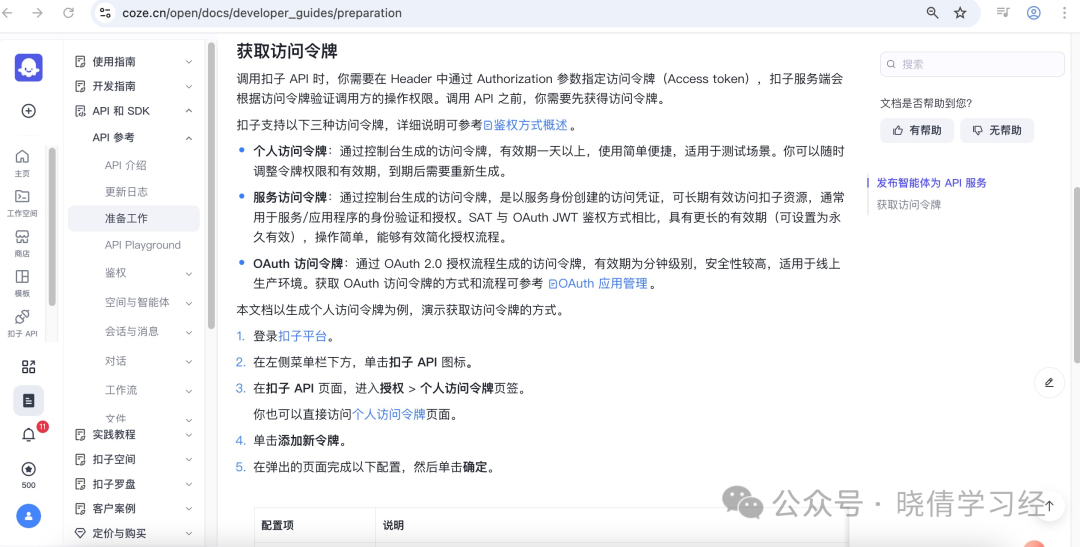
Step 12: Kousa API – Authorization – Personal Access Token – Add
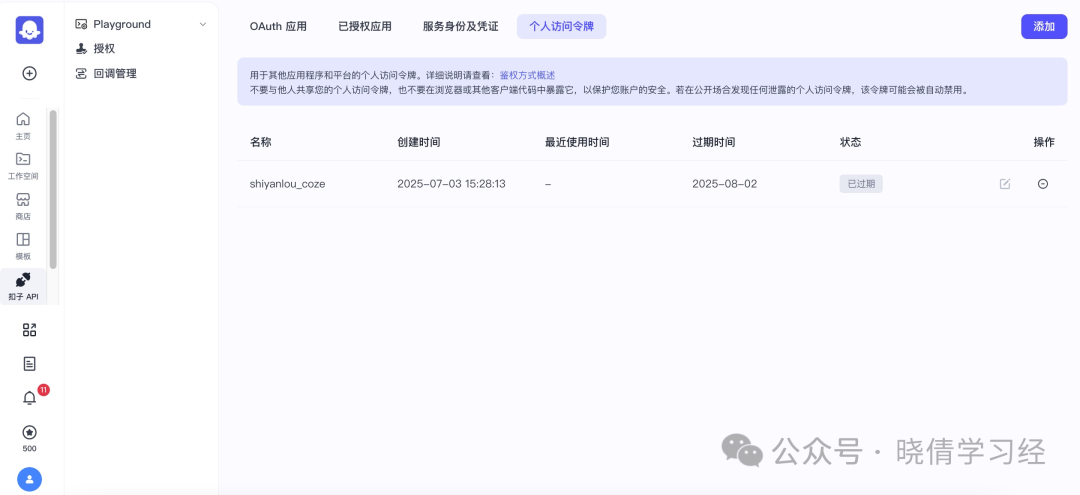
Step 13: Add Personal Token
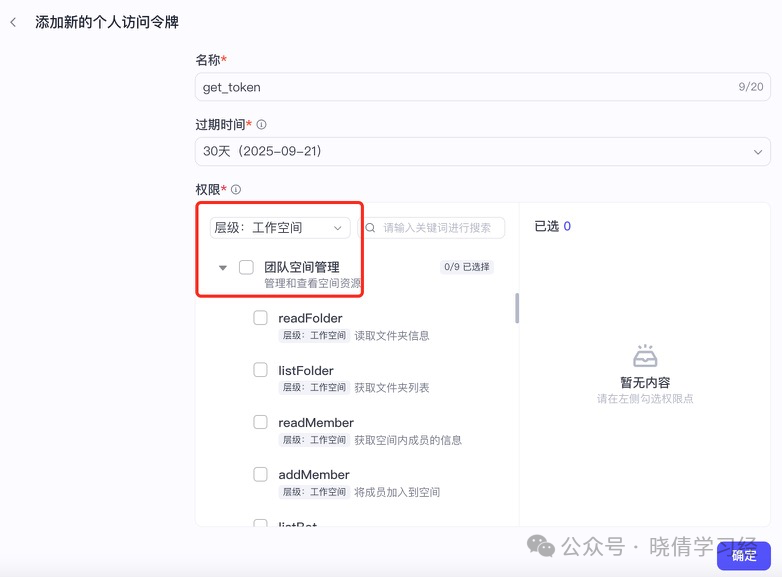
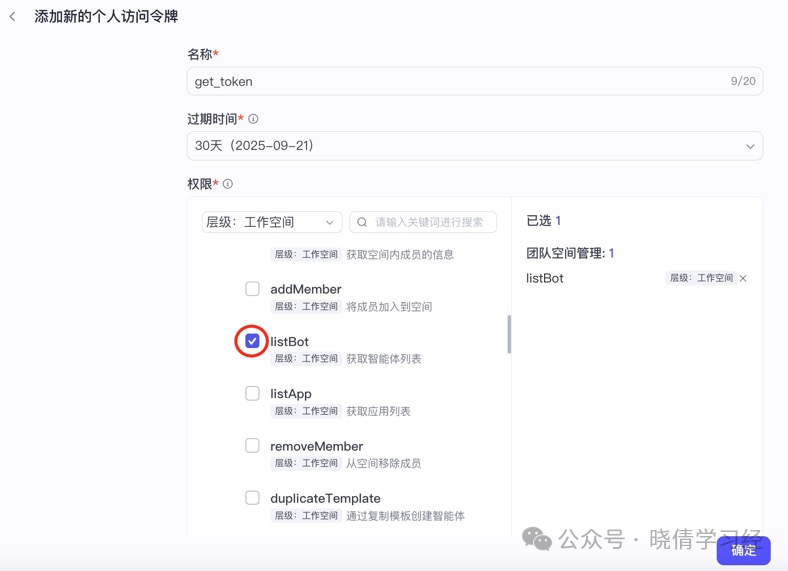
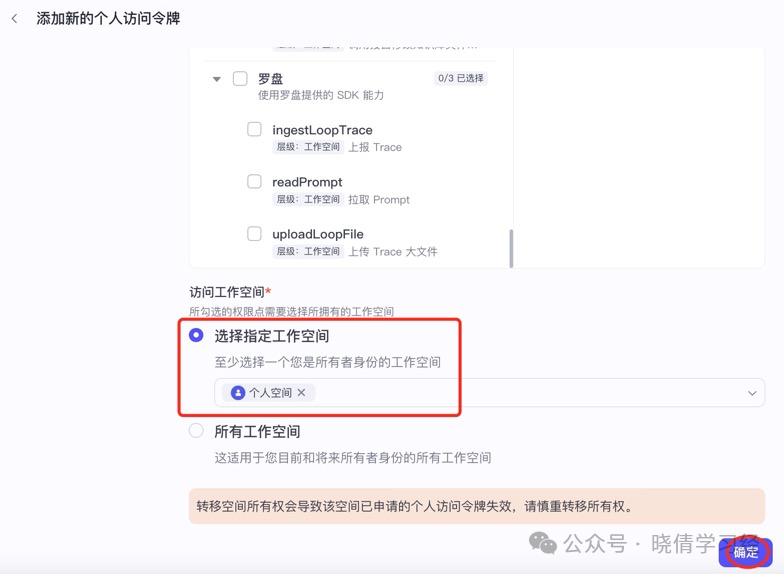
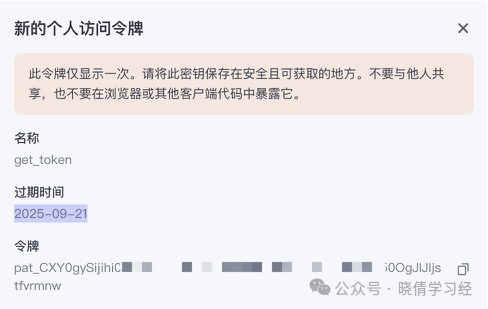
Step 14: The token is displayed only once, please save it
Step 15: Fill in the request header of the “HTTP Request” node
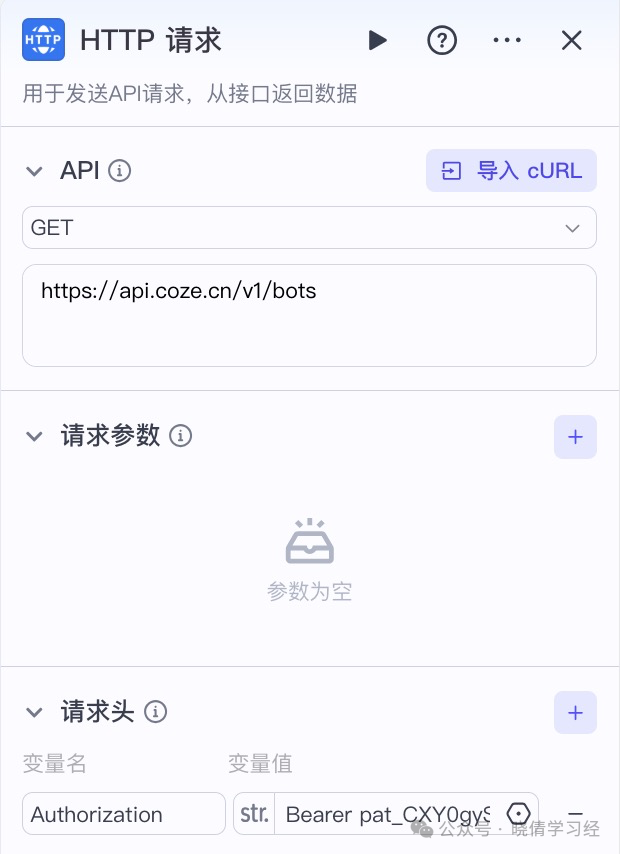
Bearer followed by a space, then the token created earlier.
Step 16: Create a new request header
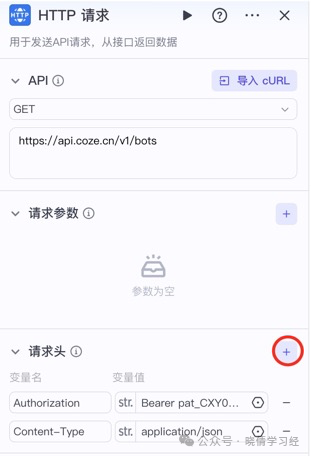
Step 17: Return to the documentation and check the request parameters
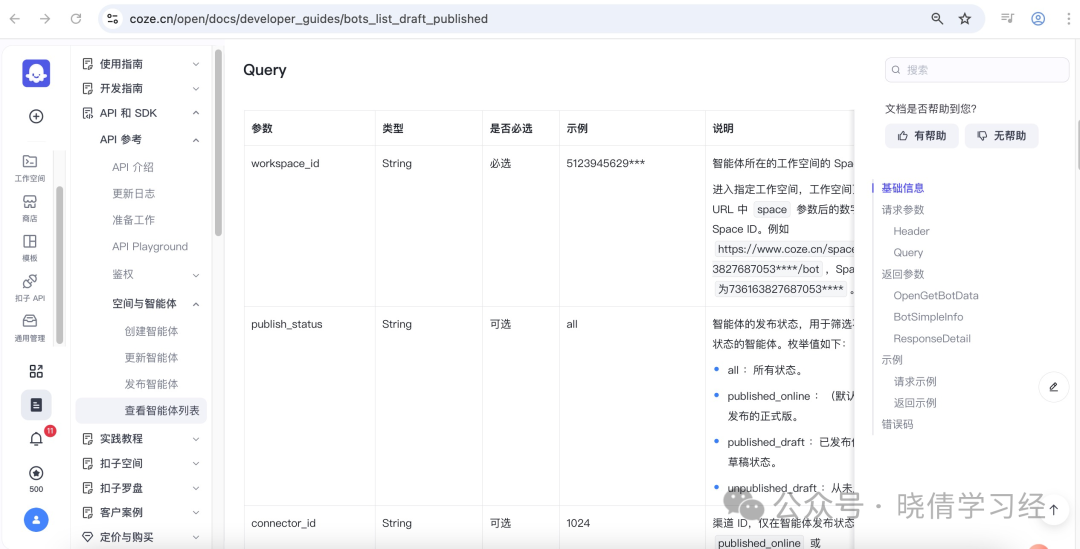
Step 18: Open a new tab in the browser, Kousa Platform – Workspace
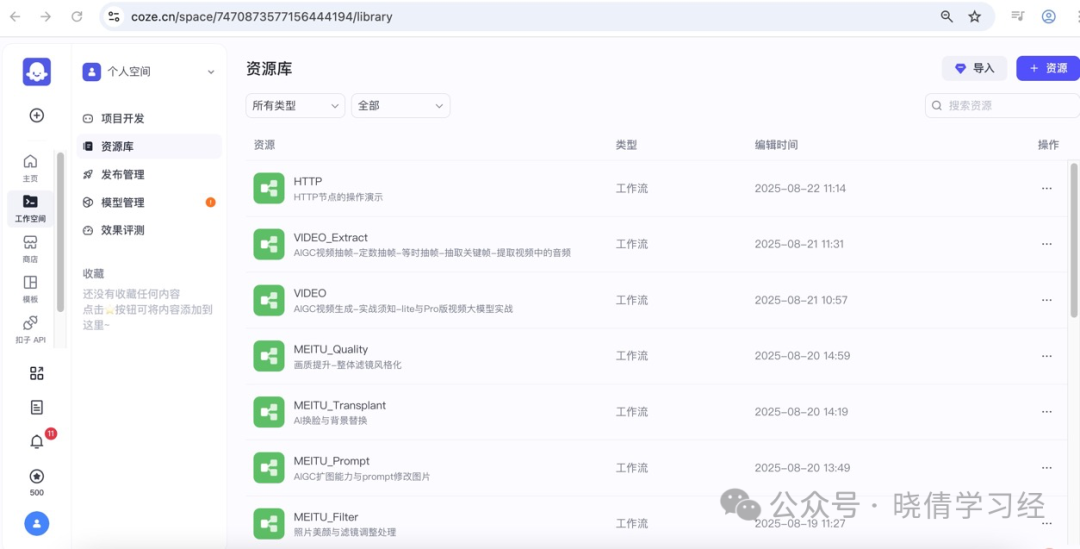
Check the number in the browser address, which is the workspace ID. Copy that number.
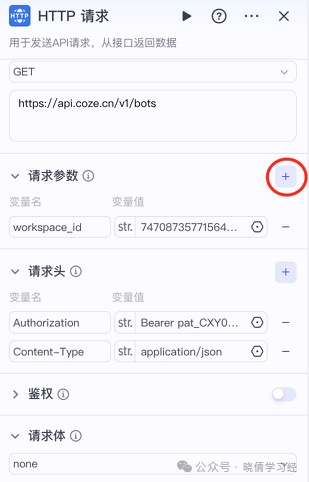
Step 19: Configure the request parameters of the “HTTP Request”
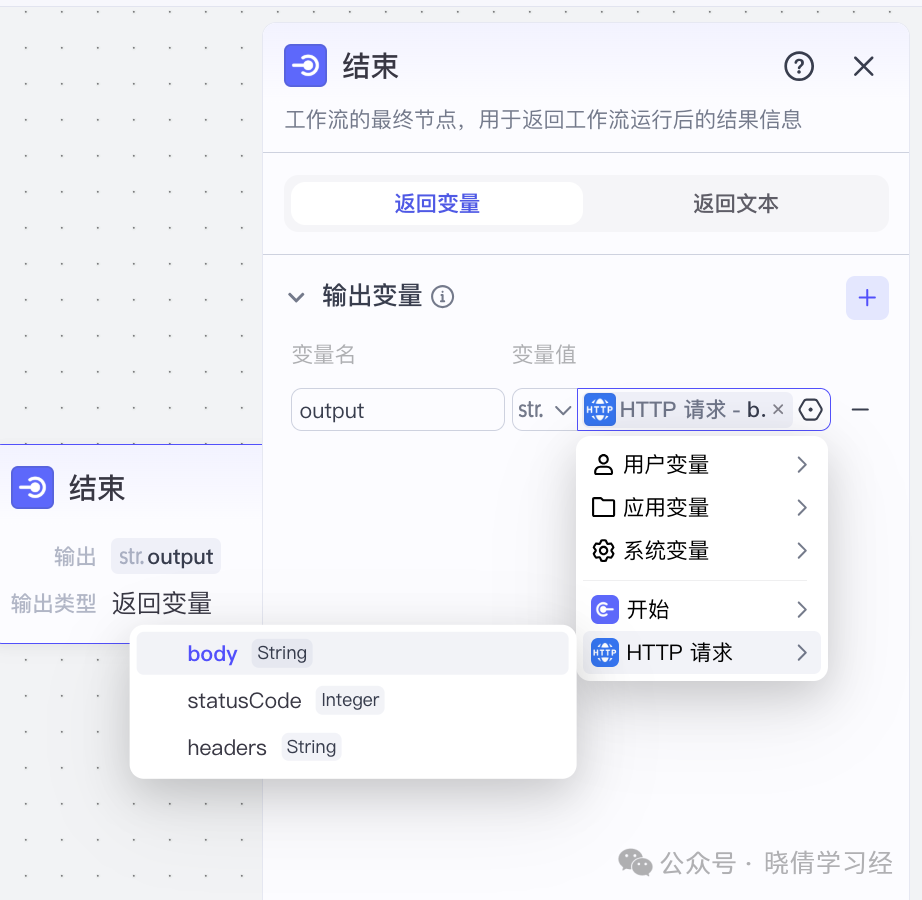
Step 20: Connect the “End Node”

Step 21: Configure the “End Node”
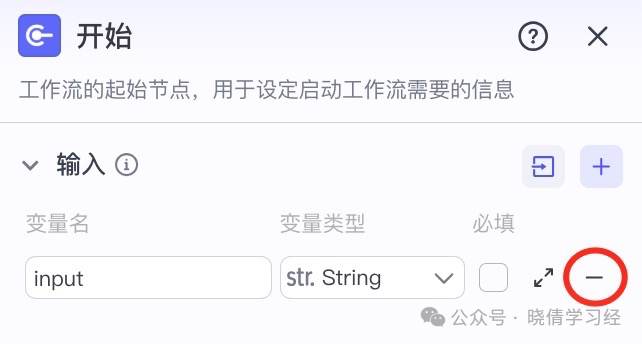
Step 22: Delete the parameters of the “Start Node”
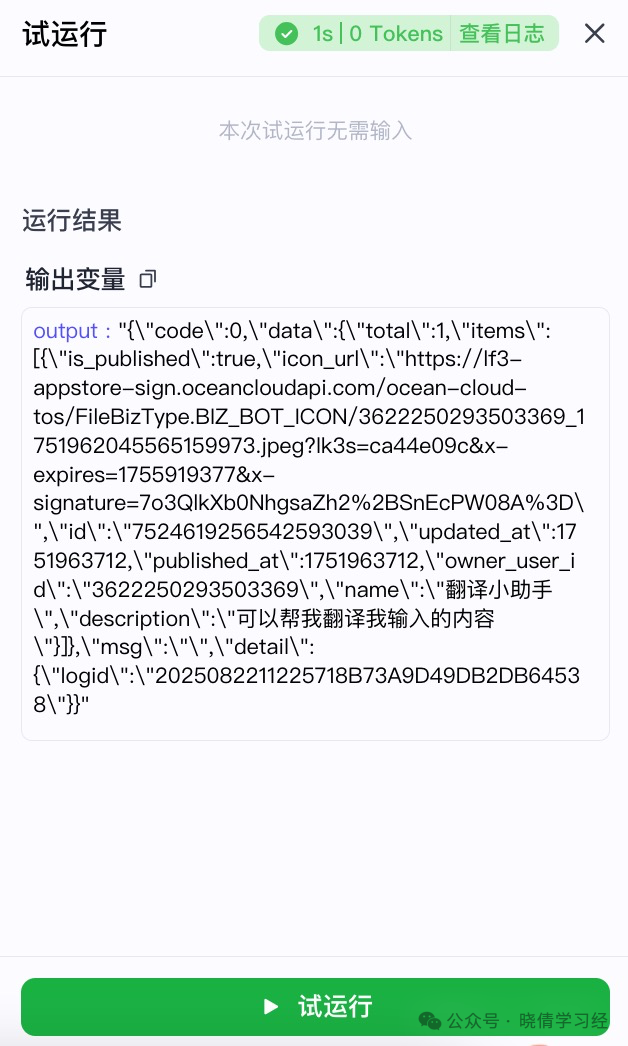
Step 23: Test Run
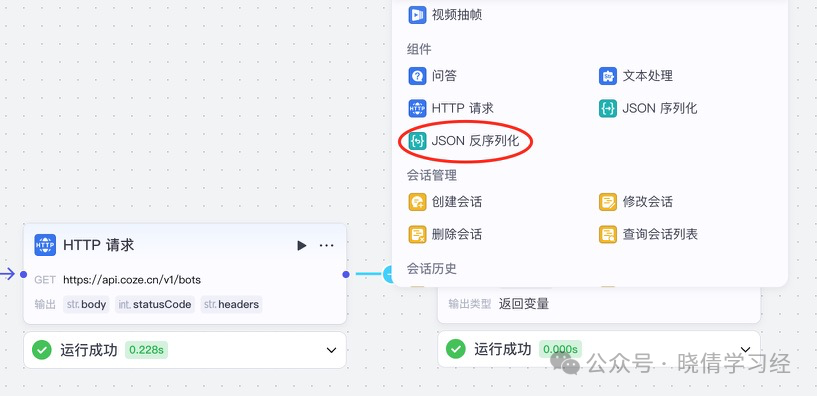
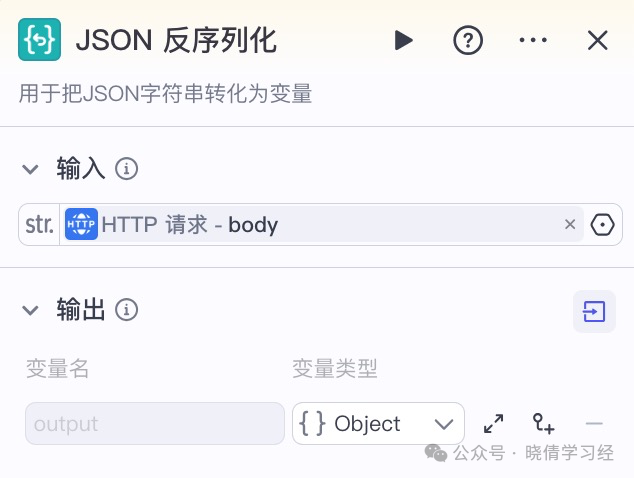
Step 24: Between the “HTTP Request” and “End” nodes, add a “JSON Deserialization” node
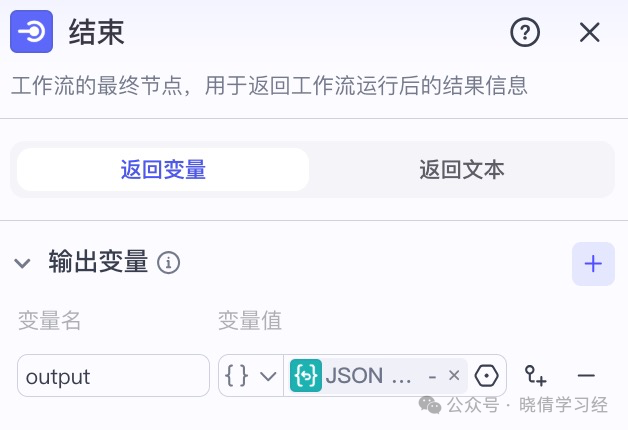
Step 25: Configure the “End” node
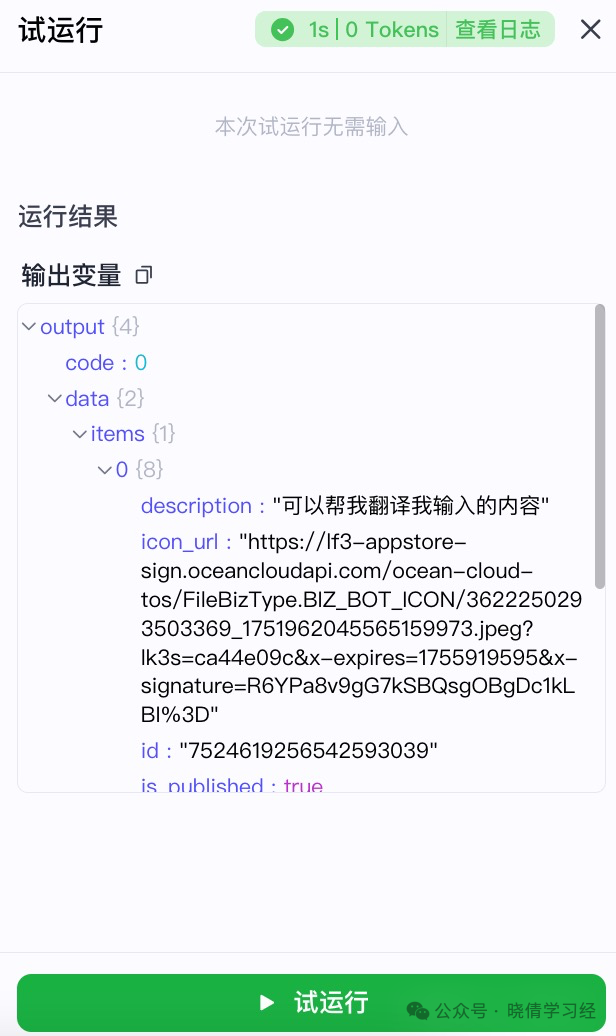
Step 26: Test Run
Step 27: Workspace – Project Development – Agents/Published
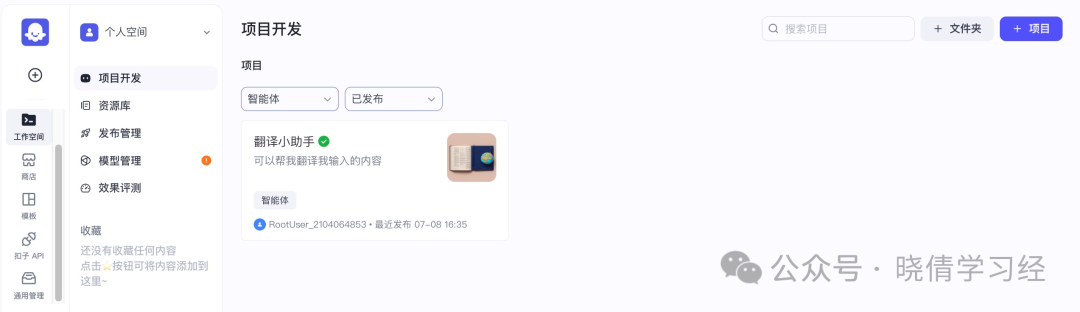
Get the API interface for the agent list, which only returns published agents.