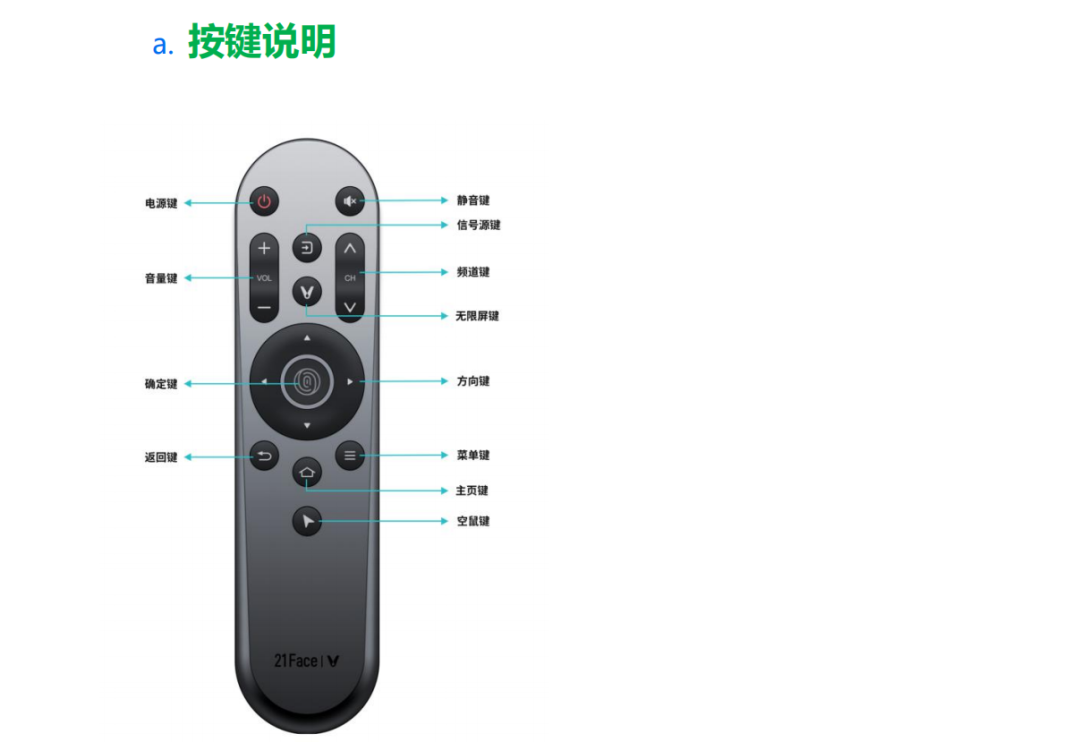
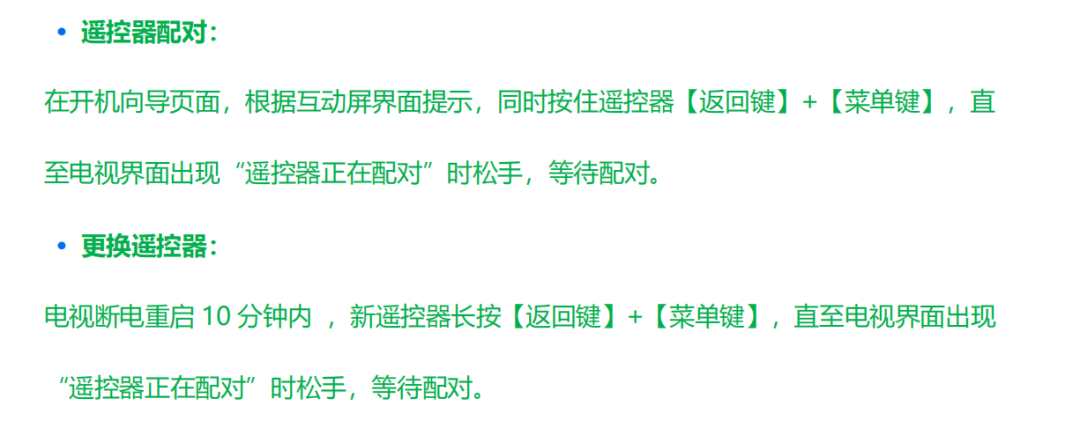
How to pair the Yunmi smart screen remote control via Bluetooth:
Go to Settings – Network Settings – Bluetooth – Discovered Devices interface. Press and hold the remote control’s “Home” and “Menu” buttons for more than 3 seconds to reset the remote. The indicator light at the top of the remote flashing indicates a successful reset. Then press the “Voice” button to start pairing. If pairing is unsuccessful, you can remove the remote’s batteries to restart it and try pairing again.