If you have ever tried to run Windows applications on Linux, you know how challenging it can be.
Many people use Wine or WinApps to solve this problem, but the results are often unsatisfactory, and compatibility issues can arise.
Traditional virtual machines can work, but they feel cumbersome and consume a lot of resources. Dual-booting is also a hassle. We need a better solution.
Thus, WinBoat was born.
WinBoat takes a different approach: it runs a complete Windows virtual machine inside Docker and then uses Microsoft’s own RemoteApp protocol to render individual Windows applications as native Linux windows.
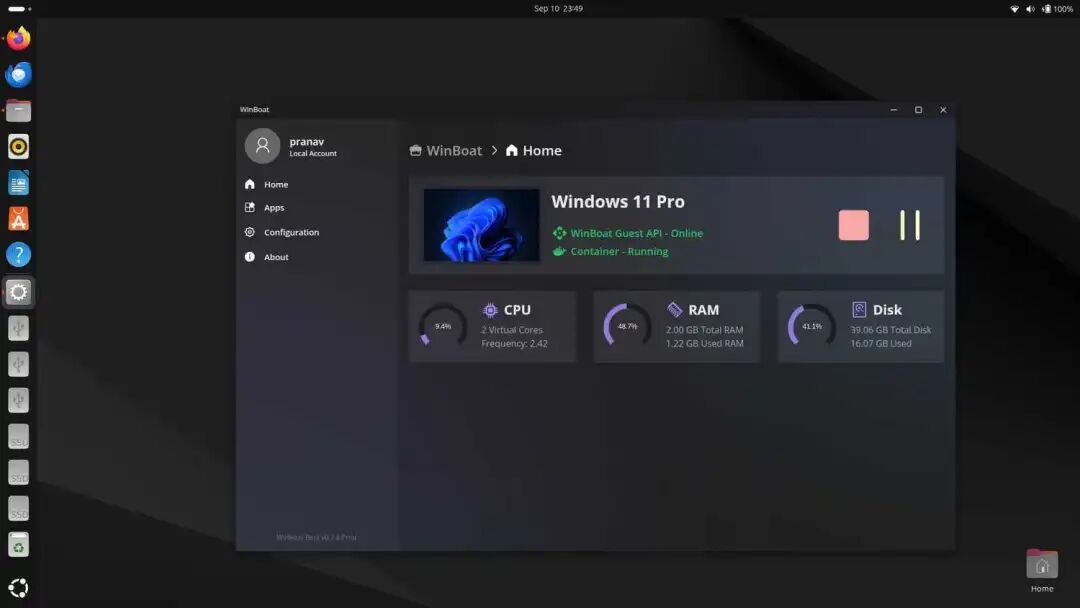
In simple terms, when we are running Ubuntu, Photoshop appears in your Alt+Tab switcher alongside Firefox and VS Code.
Windows applications have a native Linux window frame, displayed in the taskbar, and you can drag files directly from Nautilus into them.
Core Integration Features
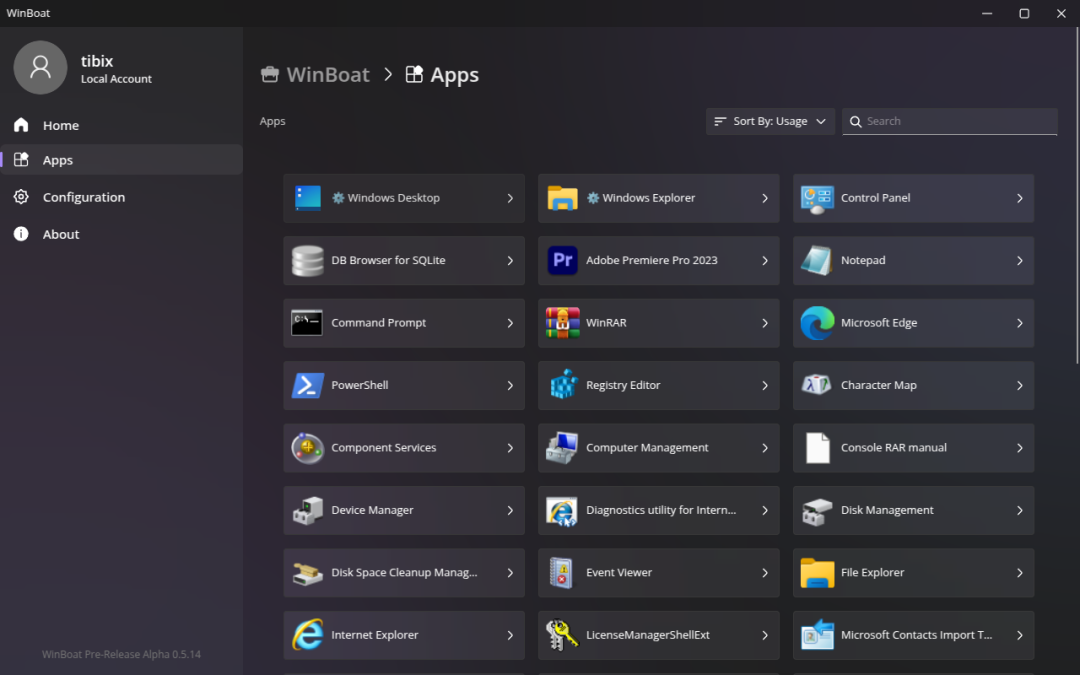
Seamless Window Integration: Windows applications are displayed as standalone Linux windows with a native look and feel.
Each application has its own window, which can be minimized, maximized, and resized like any other Linux application.
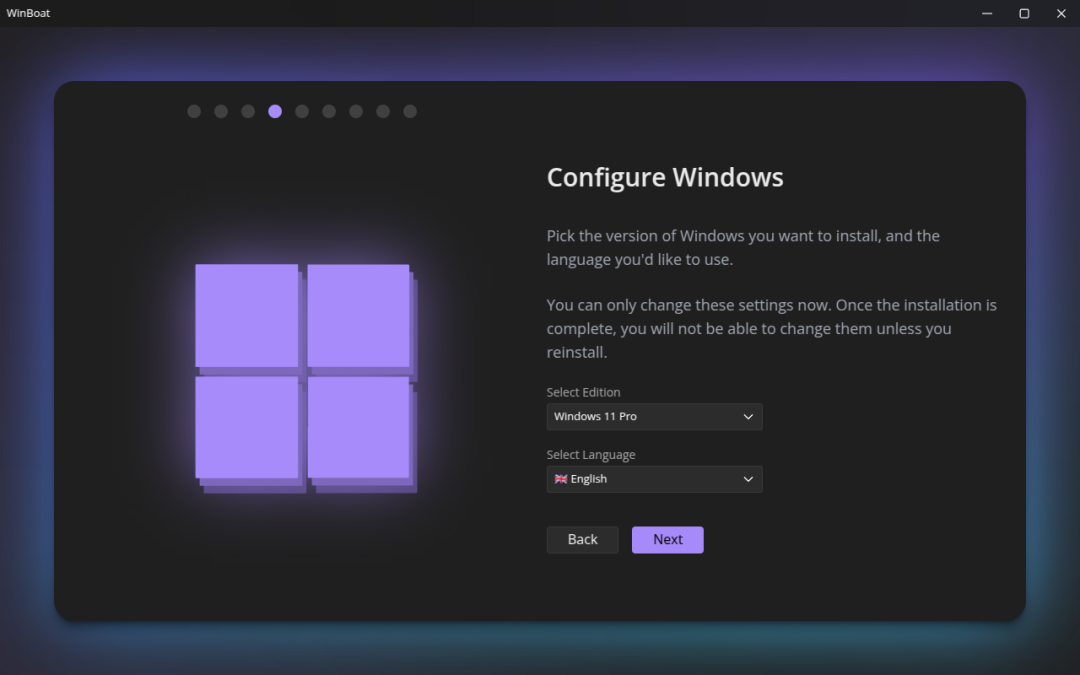
Intuitive Management Interface: WinBoat provides an intuitive and easy-to-use interface to manage the Windows system, allowing you to easily monitor system resources, install new applications, configure settings, and view container status, among other tasks.
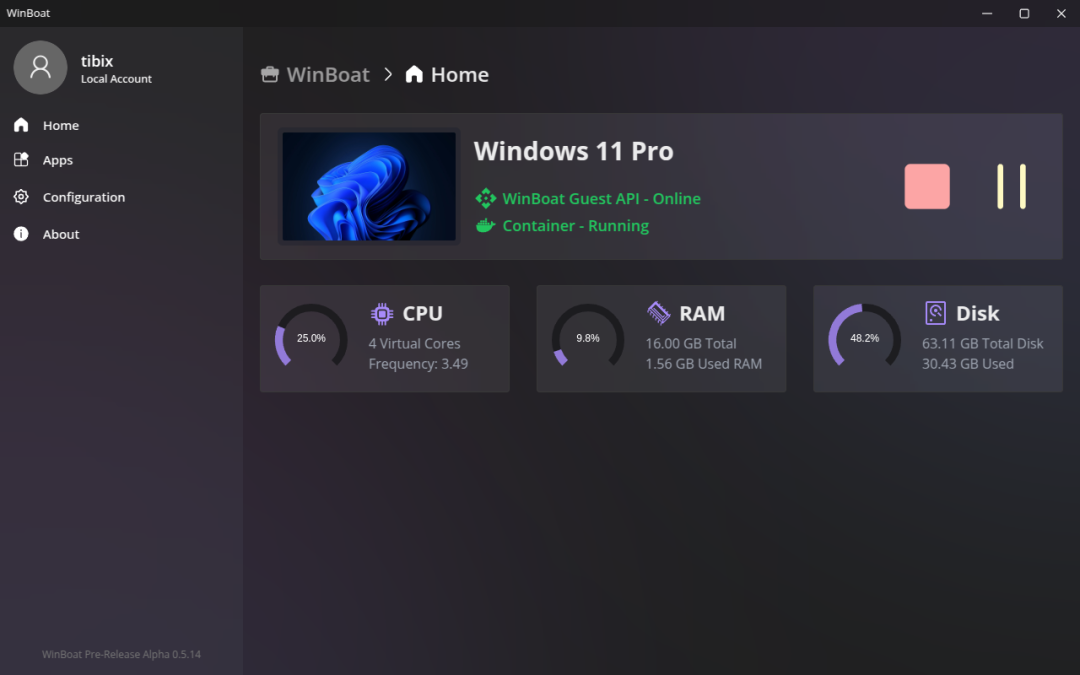
Automated Installation Process: By selecting preferences and hardware specifications through the interface, WinBoat automatically handles Windows image downloads, container configuration, and virtual machine settings. The entire process requires no manual editing of configuration files or memorizing command-line parameters.
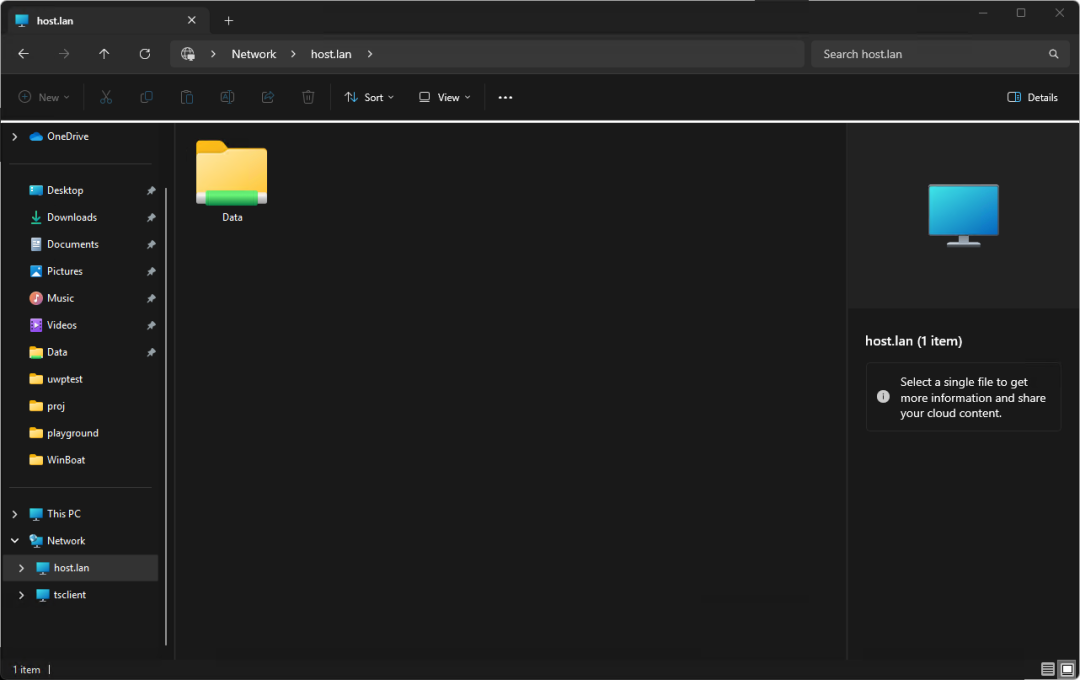
File System Integration: The Linux home directory is automatically mounted in Windows, enabling seamless file sharing between systems.
You can access Linux files directly in Windows applications or save files generated by Windows to Linux directories.
More Features
Smart Card Passthrough: Supports passthrough for smart card devices, suitable for enterprise applications requiring hardware security modules;
USB Device Support: Starting from version 0.8.0, USB passthrough functionality is supported, allowing the use of Windows tools that require specific hardware;
Audio Routing: Seamless audio transmission via RDP protocol;
Resource Monitoring: Real-time monitoring of container CPU, memory, and storage usage;
Clipboard Sharing: Supports clipboard content synchronization between Linux and Windows systems.
Easy to Get Started in Three Simple Steps
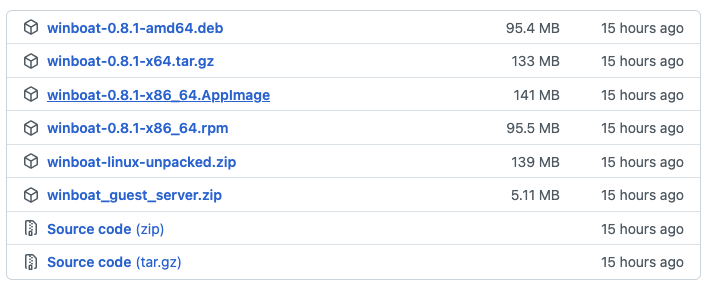
1. Download the appropriate installation package (AppImage, .deb, .rpm, or unpacked version) from the GitHub Releases page;
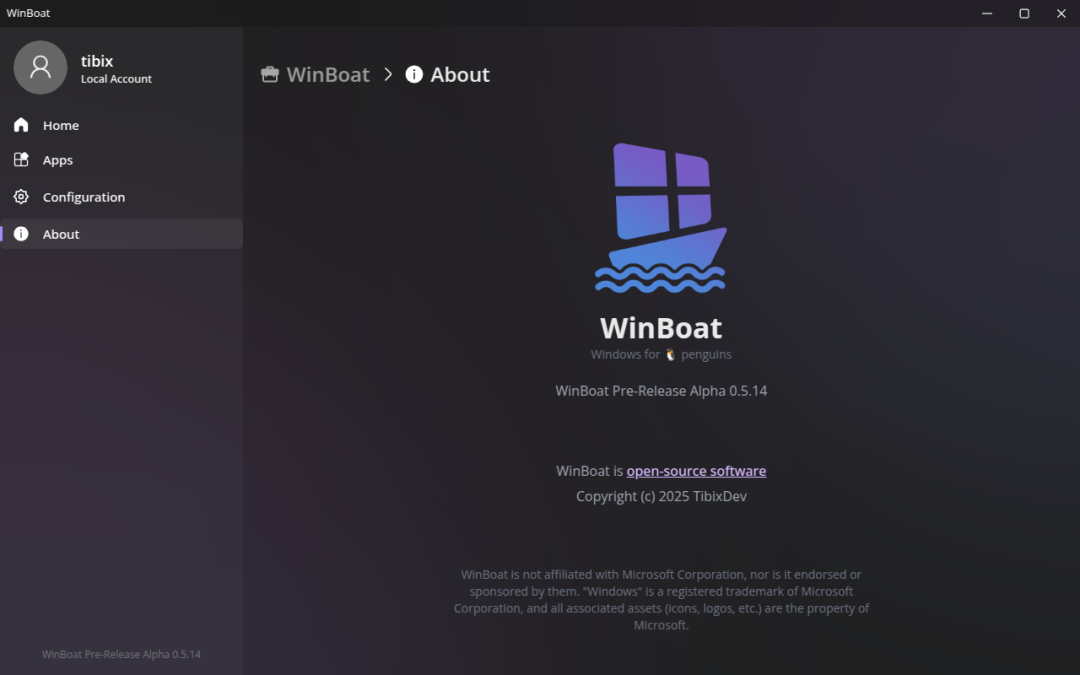
2. Install and run the application, and the system will automatically check for prerequisites;
3. Configure hardware allocation and network settings for the Windows container according to the setup wizard.
Comparing Competitors, Breaking Tradition
Comparison with Wine/CrossOver: WinBoat runs a complete Windows environment, offering better compatibility but higher resource usage;
Comparison with Traditional Virtual Machines: Provides better desktop integration, with applications running like native Linux programs;
Comparison with WinApps: Offers a unified management interface and automated installation, eliminating the need for manual configuration file editing.
In Conclusion
The emergence of WinBoat signifies a significant advancement in Linux desktop compatibility, solving long-standing software compatibility issues for Linux users.
With the simplification of the installation process and the enhancement of features, it is bound to significantly increase the adoption of Linux in professional and enterprise environments.
For those who need specific Windows applications but wish to maintain a Linux workflow, trying out the solution provided by WinBoat is highly recommended.
GitHub project address:https://github.com/TibixDev/WinBoat
That’s all for today’s sharing. Thank you for taking the time to read, and see you next time. Respect!
Previous Popular Articles
-
Goodbye Whisper! The meeting notes tool, completely offline and free!
-
Exploding with 16.8k stars! Absolutely the go-to tool for private work, use discreetly!
-
Goodbye TeamViewer and ToDesk! One-click remote control, smooth operation, any device!