Software Introduction
Matlab (Matrix Laboratory) is a well-known scientific computing software, and it also refers to the programming language used in this software.
Today, I mainly recommend MathWorks MATLAB 2022b. If you need other versions, you can search in the public account; there are detailed installation tutorials available for most of them.
MathWorks MATLAB 2022b Installation Guide (Simplified)
Installation Method
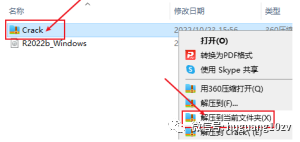
1. Download the resources from the cloud drive to your computer, then right-click the Crack compressed file and choose to extract to the current folder (it is recommended to download the resources to a disk with more than 50G of free space).
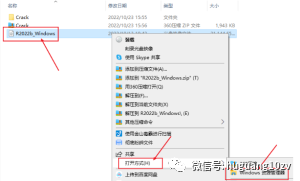
2. Right-click the R2022b_Windows disk image file and select to open with Windows Explorer; (if there is no option for Explorer, mounting or extracting is also fine).
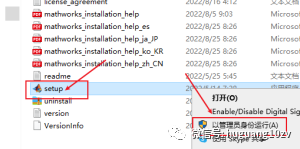
3. Locate the set-up application, right-click and select Run as administrator;
4. Click on advanced options in the upper right corner, then select I have a file installation key;
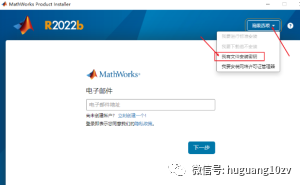
5. Check yes, then click next;
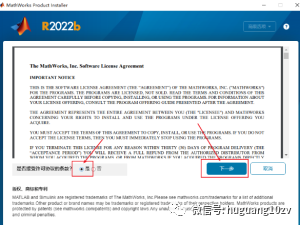
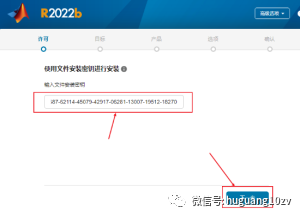
6. Enter the file installation key: 05322-36228-06991-12654-51812-34369-14072-44298-22786-36732-05503-35033-50900-29808-05166-12170-05630-02560-02687-62114-45079-42917-06281-13007-19512-18270, ensure that the key and symbols are entered correctly, otherwise installation will fail. Then click next;
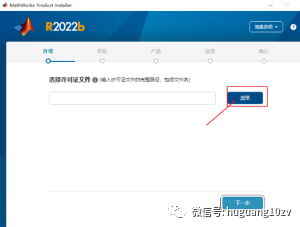
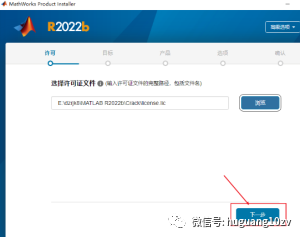
7. Enter the license selection interface, click the Browse button on the right;
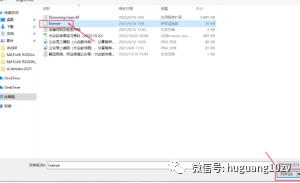
8. Select the Crack folder of the original installation package, find the license.lic file, and then click Open;
9. Return to the license interface, click next;
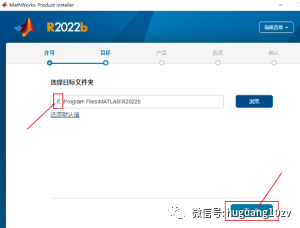
10. Select the installation path, the default installation is on drive C, the software requires 36G+ of space, it is recommended to install it on a disk other than C, click browse to change the installation location; I am installing it on drive E; (remember your installation path), then click next;
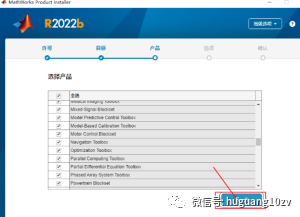
11. Select the installation programs, default is all selected, click next;
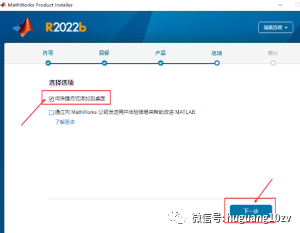
12. Check Add shortcut to desktop, create a desktop shortcut, then click next;
13. Click Start Installation;
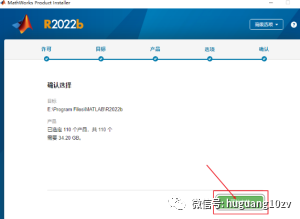
14. The software is installing;
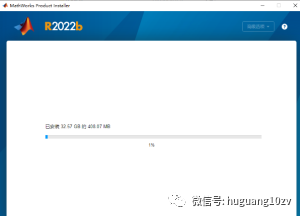
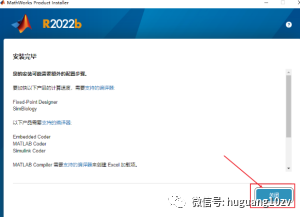
15. After the installation is complete, click Close. After the installation is finished, do not open the software immediately.
16. Return to the original installation package, double-click to open the Crack folder, copy the libmwlmgrimpl.dll folder;
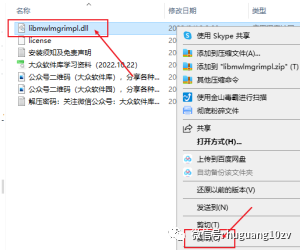
17. Right-click the software and select open file location;
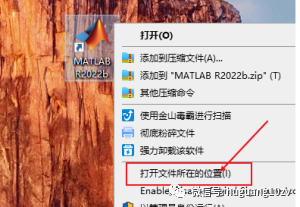
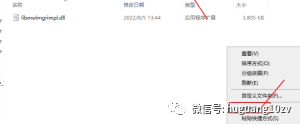
18. Open the win64-matlab_startup_plugins-lmgrimpl folder in order, then paste in the blank space;
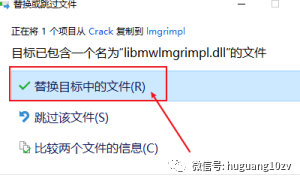
19. Select Replace the file in the destination;
20. Double-click to open the matlab2022b software;
Software Access
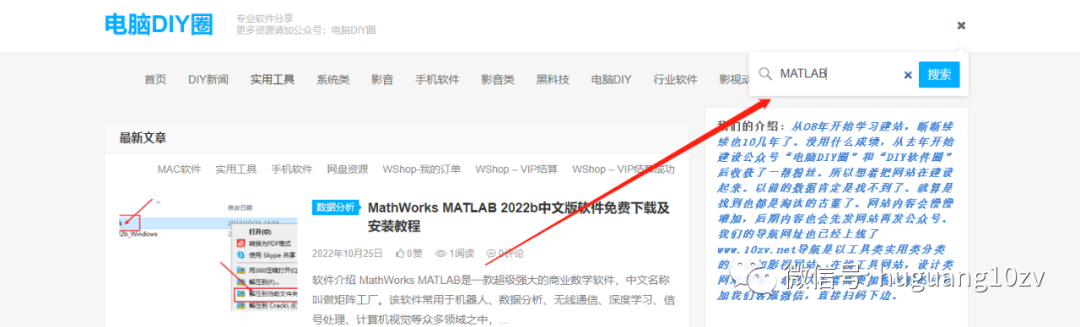
Search for “MATLAB” in the blog address to read the original article and get it. Or visit www.10zv.com
Contact Us to Join the Community for More Benefits: “Add Group Note”