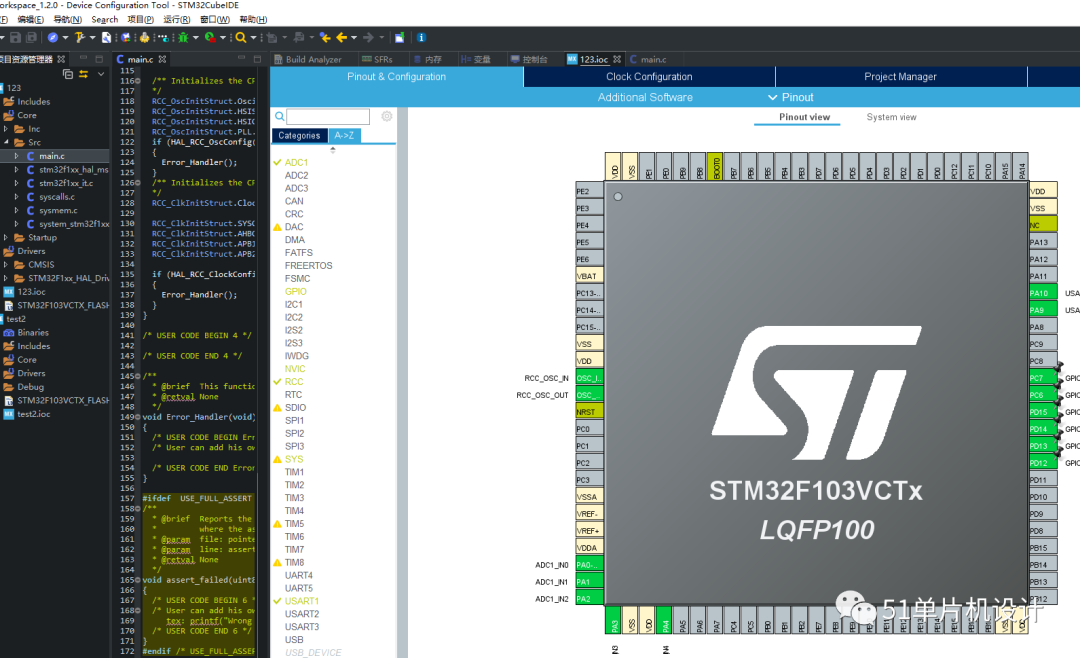
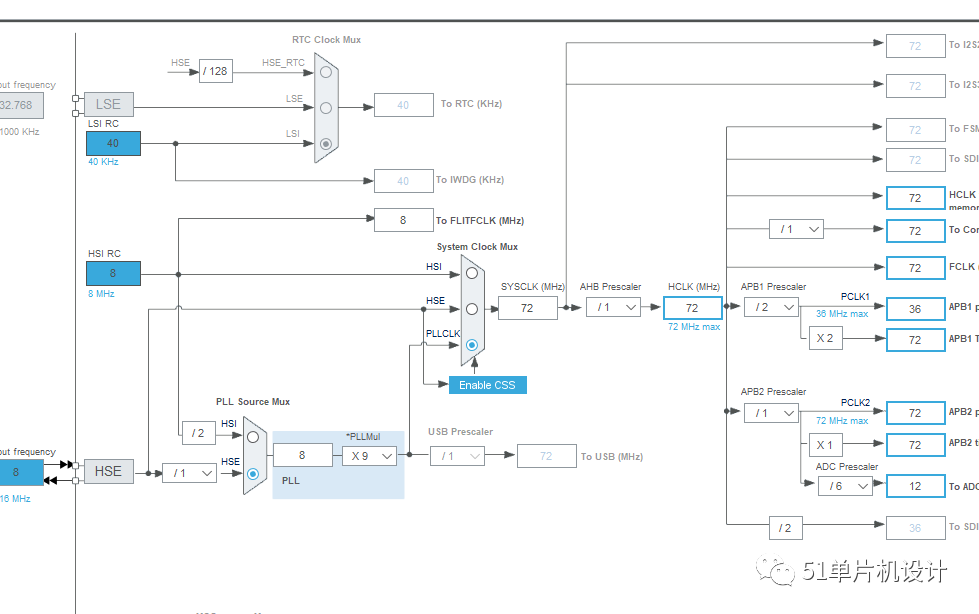
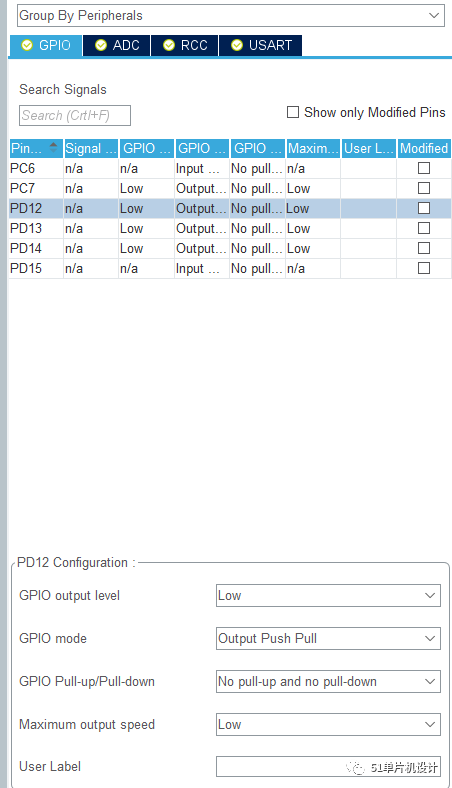
Let’s not introduce the functions of CubeMX, as it is commonly used and most should have experienced it.
Now let’s directly experience the IDE.
This is my first time using it without looking at any tutorials, just trying it out; apologies for any mistakes.
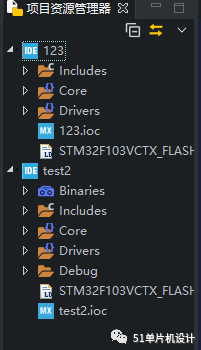
Multiple code projects arranged together.
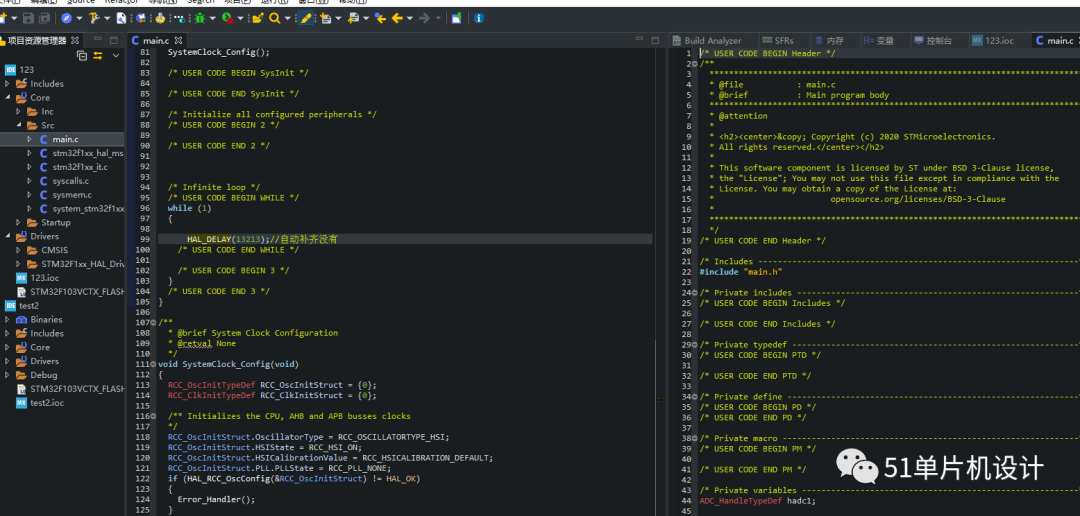
Split screens can be positioned anywhere.
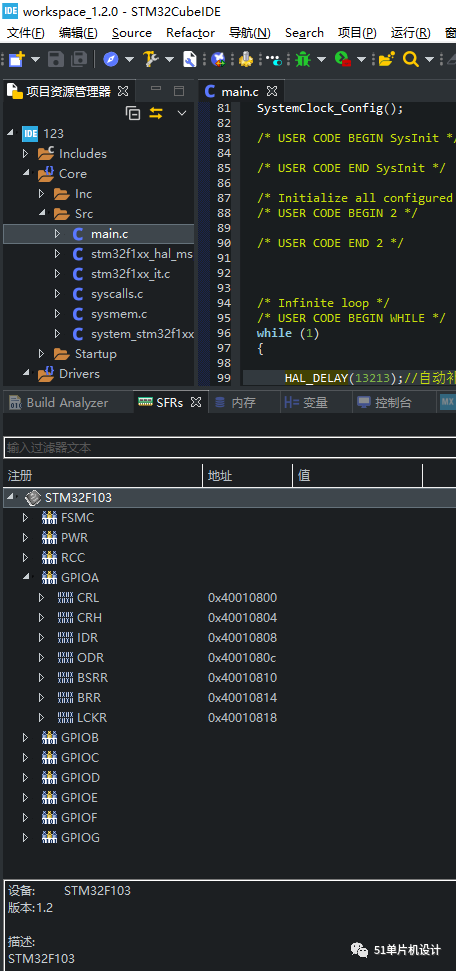
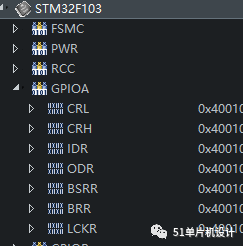
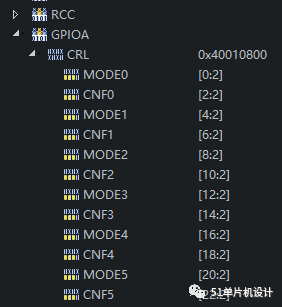
This should be the online view of the registers.

Without a downloader, I won’t use the simulation function for now. However, the simulation does not require any settings for the annoying chip model, and you can directly view IO, serial port, and other functions. The J-Link and ST-Link drivers are automatically downloaded. Just plug and use.

Visual representation of RAM and ROM.
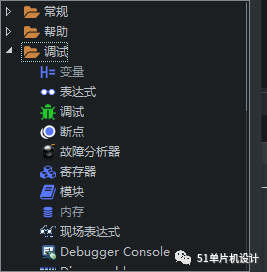

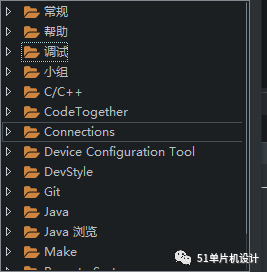
Unfortunately, my experience is limited, and there are too many functions that I don’t know what to try.
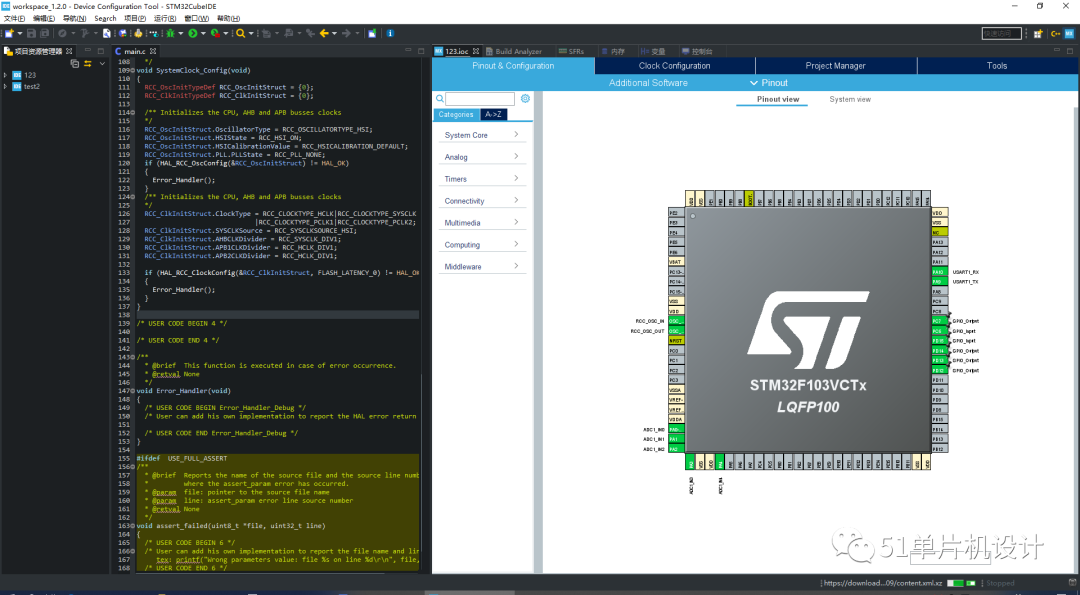
3D rendering of code for integrated development, using the graphics card.
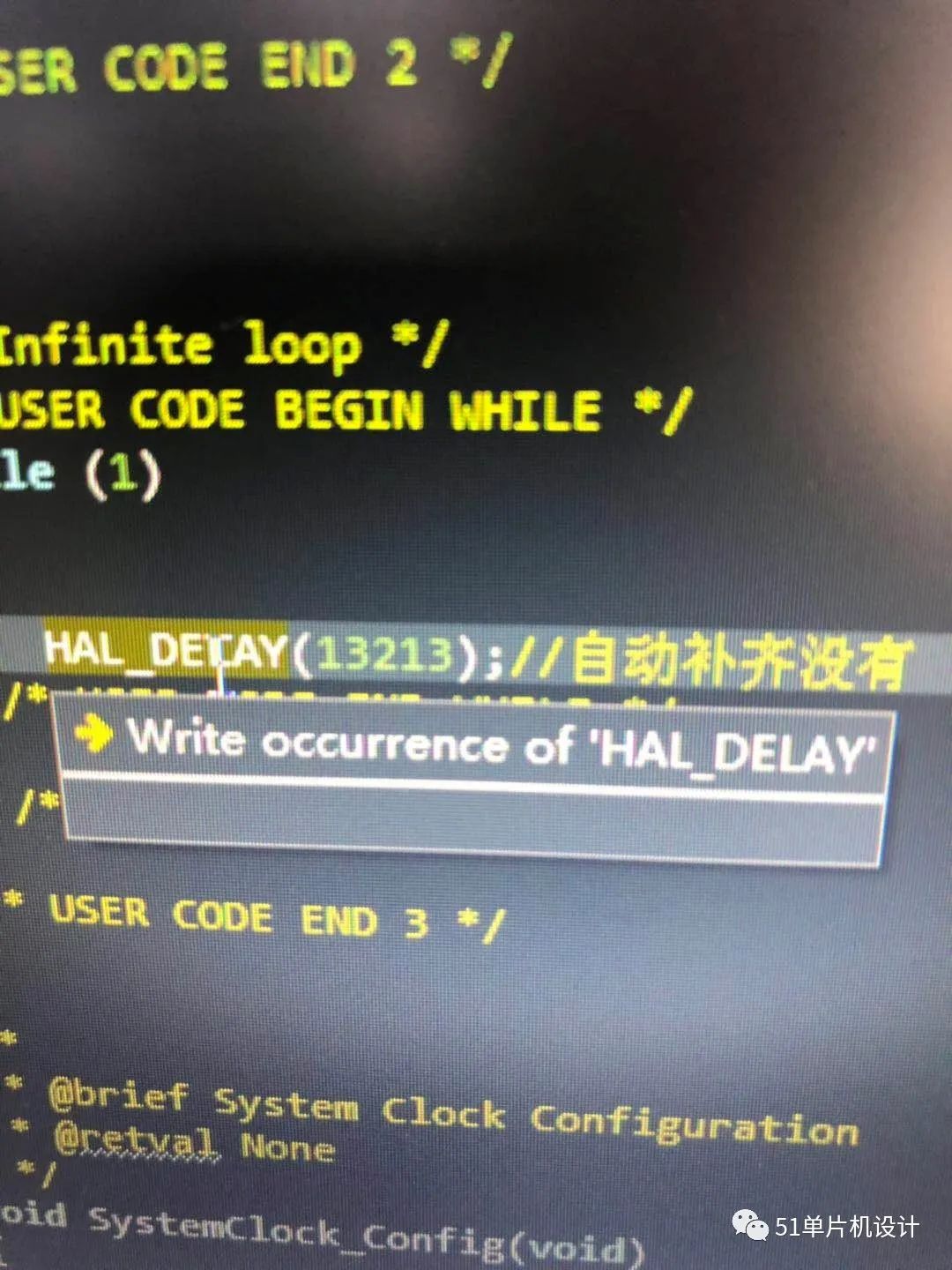
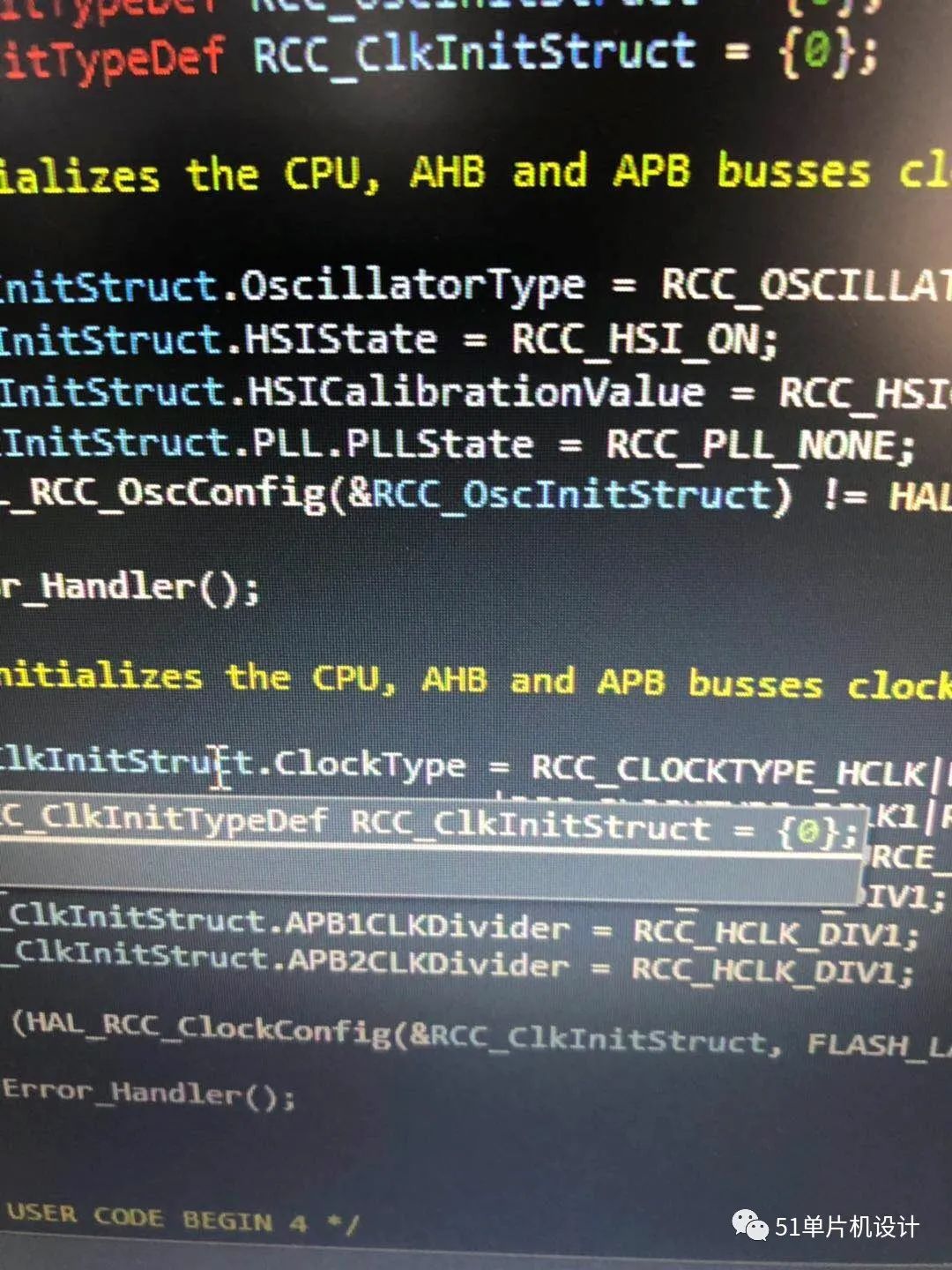
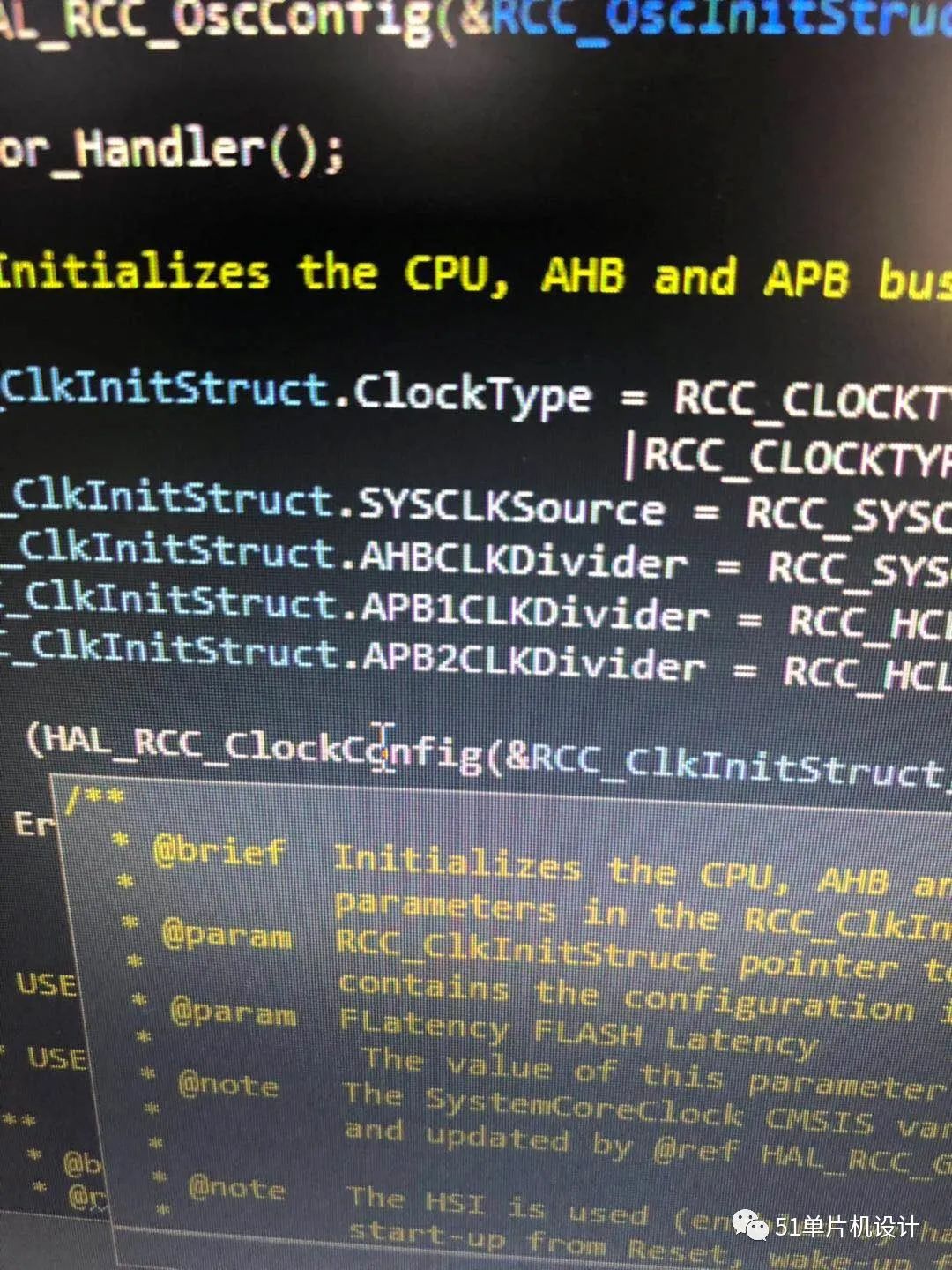
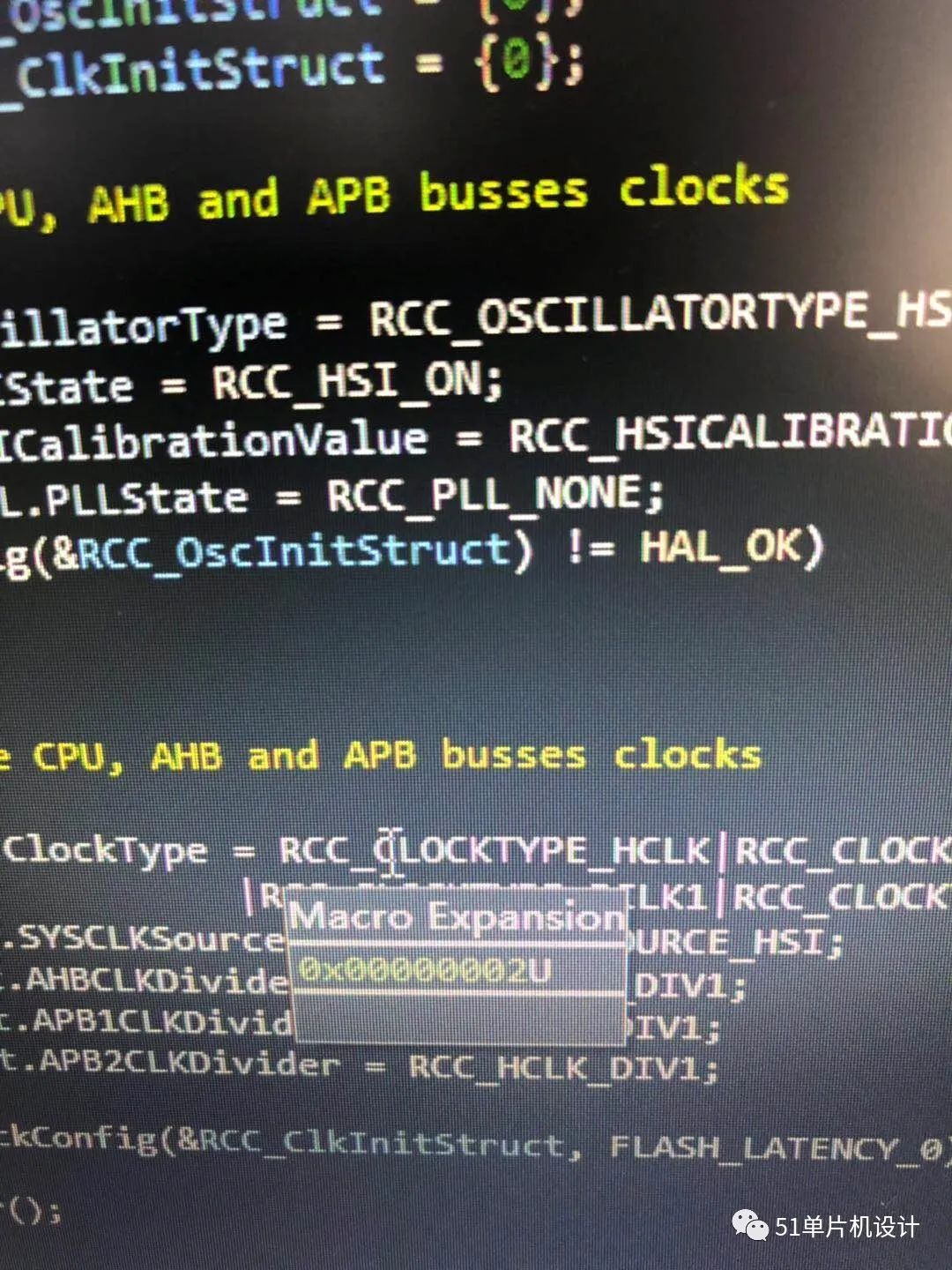
The preview is very fast.

Error warnings are very smooth with minimal delay.
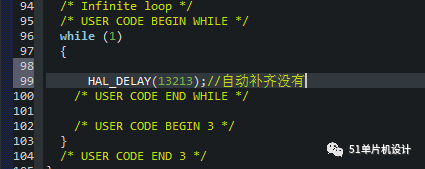
Surprisingly, it supports GBK Chinese by default.
Auto-completion requires downloading plugins (there are many functionalities in the plugin library, but they are mostly unnecessary), and it doesn’t come by default.
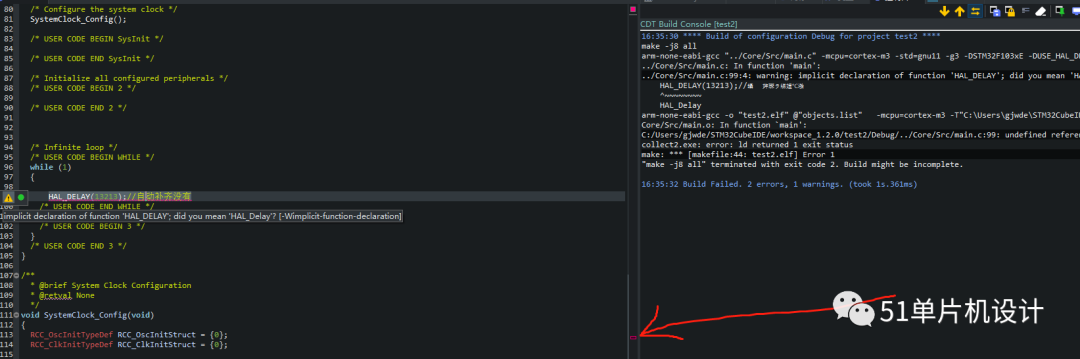
Errors can be directly communicated with a single press. The compilation speed should be very fast, but it might not be the case since my CPU is likely stronger than yours.
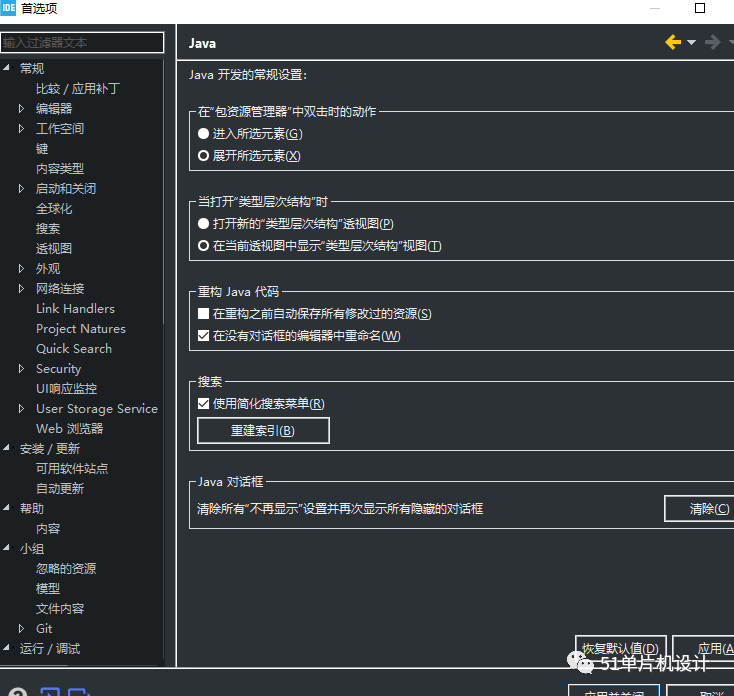
Some features are impressive but unclear.
The software sometimes crashes; I accidentally pressed something and it crashed once. I haven’t encountered other bugs, but it does seem to consume a lot of GPU resources. My i7 9700 has a generally average software startup speed, possibly due to the mechanical hard drive, which is a bit slow for those with perfectionist tendencies.