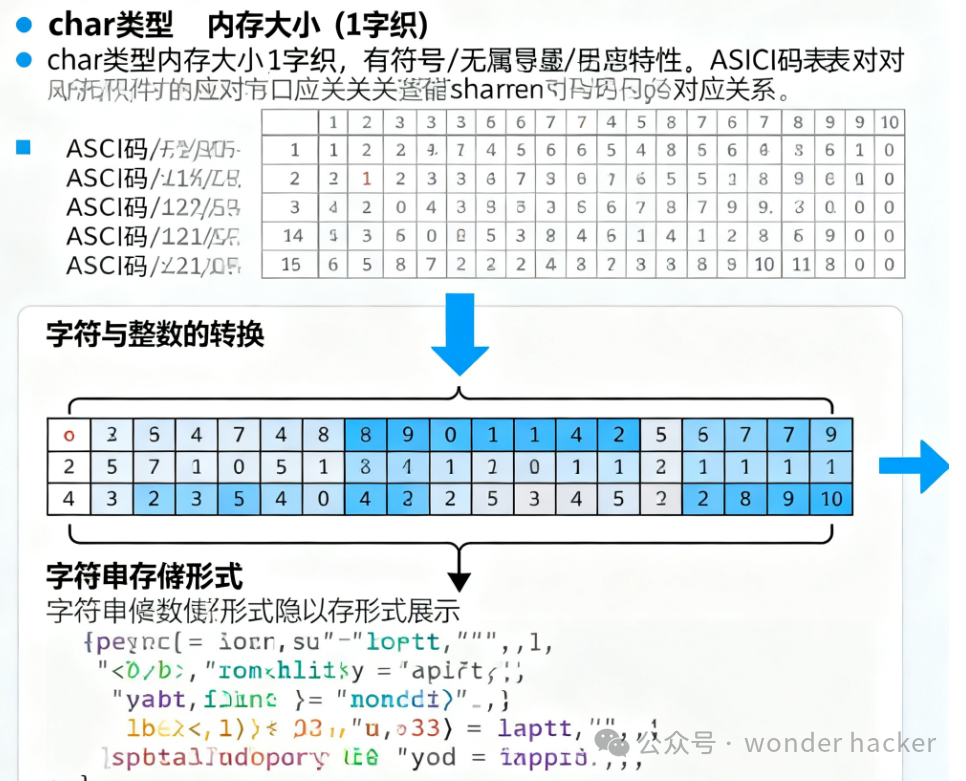
Basic Concept of char Type
<span>char</span> type is a special integer type in C++ specifically used for handling character data. Although it is essentially an integer type, its primary purpose is to represent characters.
Characteristics of char Type
1. Memory Usage
- Typically occupies 1 byte (8 bits)
- Can represent 256 different values (0-255)
- Enough to store all basic symbols in most character sets
2. Character Encoding Principles
#include <iostream>

int main() {
    // The value stored in char type is actually the numeric encoding of the character
    char letter = 'A';        // Actually stores 65
    char digit = '7';         // Actually stores 55

    std::cout << "Numeric value of character 'A': " << static_cast<int>(letter) << std::endl;
    std::cout << "Numeric value of character '7': " << static_cast<int>(digit) << std::endl;

    return 0;
}
Various Uses of char Type
1. Used as Character Type
#include <iostream>

int main() {
    // Basic character operations
    char ch1 = 'H';
    char ch2 = 'e';
    char ch3 = 'l';
    char ch4 = 'l';
    char ch5 = 'o';

    std::cout << "Character: " << ch1 << ch2 << ch3 << ch4 << ch5 << std::endl;

    // Character arithmetic
    char uppercase = 'A';
    char lowercase = uppercase + 32;  // ASCII code of 'a' is 32 greater than 'A'

    std::cout << "Uppercase A: " << uppercase << std::endl;
    std::cout << "Lowercase a: " << lowercase << std::endl;

    return 0;
}
2. Used as Small Integer Type
#include <iostream>

int main() {
    // char can be used as a small integer
    char smallNumber1 = 100;
    char smallNumber2 = 50;
    char result = smallNumber1 + smallNumber2;

    std::cout << "smallNumber1: " << static_cast<int>(smallNumber1) << std::endl;
    std::cout << "smallNumber2: " << static_cast<int>(smallNumber2) << std::endl;
    std::cout << "Result: " << static_cast<int>(result) << std::endl;

    // Note: char has limited range
    char overflow = 127 + 1;  // May cause overflow
    std::cout << "127 + 1 = " << static_cast<int>(overflow) << std::endl;

    return 0;
}
Character Encoding Systems
ASCII Encoding Example
#include <iostream>
#include <iomanip>

void printASCIITable() {
    std::cout << "=== ASCII Character Table ===" << std::endl;
    std::cout << std::setw(5) << "Decimal"
              << std::setw(5) << "Hexadecimal"
              << std::setw(5) << "Character" << std::endl;

    // Print ASCII table for printable characters
    for(int i = 32; i <= 126; i++) {
        std::cout << std::setw(5) << i
                  << std::setw(5) << std::hex << i
                  << std::setw(5) << std::dec << static_cast<char>(i) << std::endl;
    }
}

int main() {
    // Common ASCII characters
    char uppercaseStart = 'A';    // 65
    char lowercaseStart = 'a';    // 97
    char digitStart = '0';        // 48
    char space = ' ';             // 32
    char newline = '\n';          // 10

    std::cout << "A -> " << static_cast<int>(uppercaseStart) << std::endl;
    std::cout << "a -> " << static_cast<int>(lowercaseStart) << std::endl;
    std::cout << "0 -> " << static_cast<int>(digitStart) << std::endl;
    std::cout << "Space -> " << static_cast<int>(space) << std::endl;
    std::cout << "Newline -> " << static_cast<int>(newline) << std::endl;

    printASCIITable();
    return 0;
}
Variants of char Type
1. signed char and unsigned char
#include <iostream>

int main() {
    // The sign of char depends on the compiler
    // But can be explicitly specified

    signed char sc = -100;        // Range: -128 to 127
    unsigned char uc = 200;       // Range: 0 to 255

    std::cout << "signed char: " << static_cast<int>(sc) << std::endl;
    std::cout << "unsigned char: " << static_cast<int>(uc) << std::endl;

    // Sign of normal char
    char normalChar = 65;
    std::cout << "Normal char: " << normalChar << std::endl;

    return 0;
}
2. Wide Character Type wchar_t
#include <iostream>
#include <locale>

int main() {
    // Used to store larger character sets (e.g., Unicode)
    wchar_t wideChar = L'字';  // Wide character literal

    std::wcout << L"Wide character: " << wideChar << std::endl;

    return 0;
}
Practical Application Examples
1. Character Classification Functions
#include <iostream>
#include <cctype>

int main() {
    char ch = 'A';

    // Use cctype library functions to check character type
    std::cout << "Information of character '" << ch << "':" << std::endl;
    std::cout << "Is letter: " << std::isalpha(ch) << std::endl;
    std::cout << "Is digit: " << std::isdigit(ch) << std::endl;
    std::cout << "Is uppercase: " << std::isupper(ch) << std::endl;
    std::cout << "Is lowercase: " << std::islower(ch) << std::endl;

    // Character conversion
    char lower = std::tolower(ch);
    char upper = std::toupper('b');

    std::cout << "A converted to lowercase: " << lower << std::endl;
    std::cout << "b converted to uppercase: " << upper << std::endl;

    return 0;
}
2. Simple Character Encryption
#include <iostream>

char encryptChar(char ch, int key) {
    if (std::isalpha(ch)) {
        char base = std::isupper(ch) ? 'A' : 'a';
        return (ch - base + key) % 26 + base;
    }
    return ch;  // Non-letter characters remain unchanged
}

int main() {
    std::string message = "Hello, World!";
    int key = 3;  // Shift value for Caesar cipher

    std::cout << "Original message: " << message << std::endl;
    std::cout << "Encrypted: ";

    for (char ch : message) {
        std::cout << encryptChar(ch, key);
    }
    std::cout << std::endl;

    return 0;
}
3. Numeric Operations with char Type
#include <iostream>

int main() {
    // char participates in integer operations
    char a = 50;
    char b = 30;

    int result1 = a + b;        // char promoted to int
    char result2 = a + b;       // May overflow

    std::cout << "a = " << static_cast<int>(a) << std::endl;
    std::cout << "b = " << static_cast<int>(b) << std::endl;
    std::cout << "int result: " << result1 << std::endl;
    std::cout << "char result: " << static_cast<int>(result2) << std::endl;

    // Character increment
    char current = 'A';
    for(int i = 0; i < 5; i++) {
        std::cout << "Current character: " << current
                  << " (ASCII: " << static_cast<int>(current) << ")" << std::endl;
        current++;
    }

    return 0;
}
Important Notes
- Sign Dependence on Implementation: The sign of normal char depends on the compiler and platform
- Range Limitations: char is only 1 byte, with limited numeric range
- Character Set Differences: Different systems may use different character encodings
- Type Promotion: char is automatically promoted to int in expressions
The char type is a very fundamental and important type in C++, cleverly combining character handling and integer operations, providing convenience for text processing and low-level programming.