Recently, while assisting a friend with a small tool project, I encountered a requirement: to embed a local HTTP service so that the frontend can access and control the backend logic. It sounds simple, but if we want to implement a minimal HTTP server from scratch using standard C++ network programming without relying on existing frameworks (like cpp-httplib or Boost.Beast), how should we go about it?
I created a prototype with just a few dozen lines of code, and I recorded the process to share my thoughts.
📚 The C++ Knowledge Base has been launched on ima! The current content covered by the knowledge base is shown in the image below.
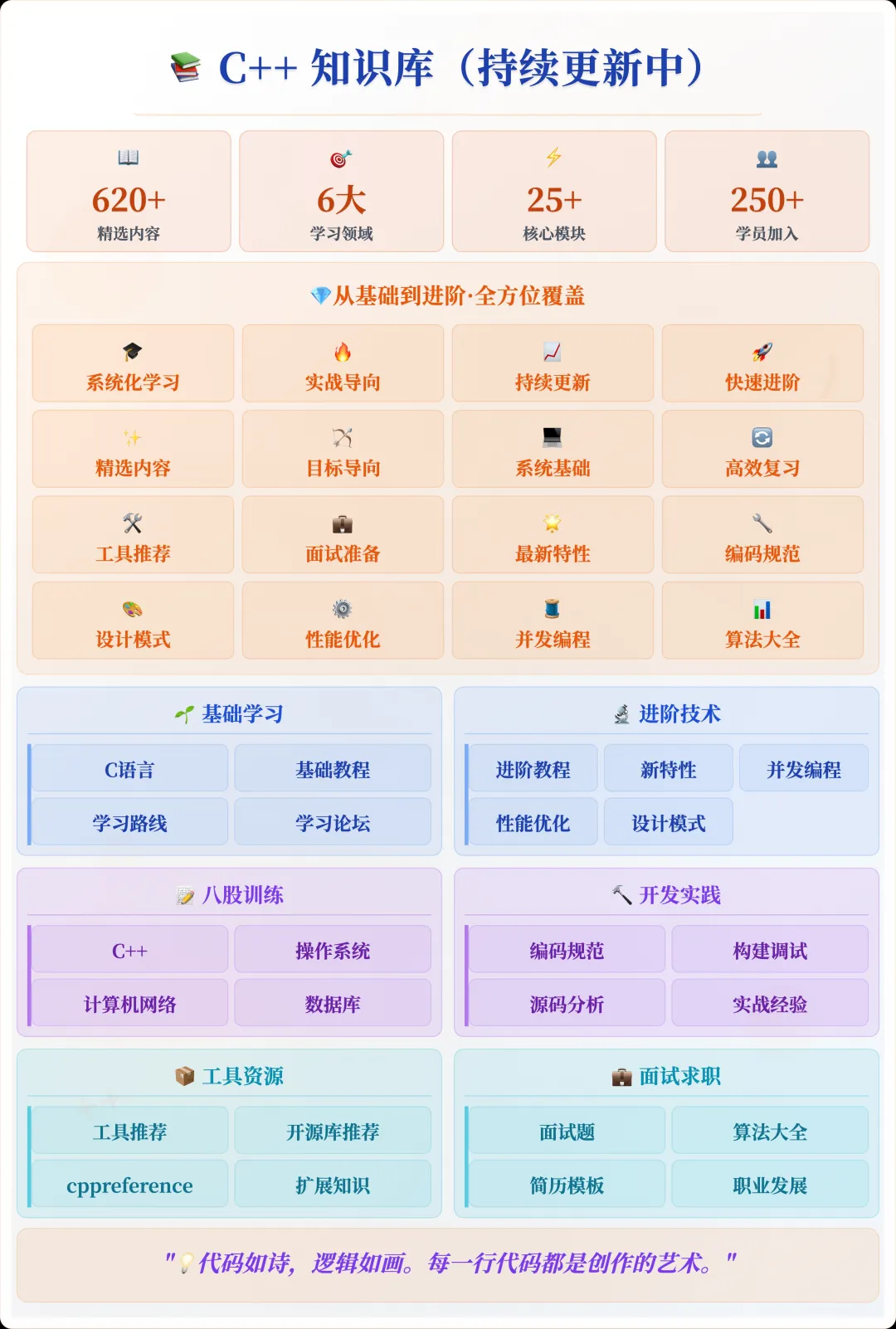
📌 If you are interested in the knowledge base, you can add the assistant vx (chuzi345) with the note 【Knowledge Base】 or click 👉 C++ Knowledge Base (tap to jump) to view the complete introduction to the knowledge base~
1. Core Functions of an HTTP Server
A minimal viable HTTP server only needs to perform the following tasks:
- Create a socket
- Bind to a port and listen for connections
- Receive client request data
- Parse the HTTP request line and headers
- Return an HTTP response
On Linux/Unix, these can be implemented using the POSIX socket API; on Windows, use WinSock, which has a similar interface.
2. Minimal Implementation Code
The following example can be compiled and run on Linux, handling simple GET requests and returning a fixed HTML page.
#include <iostream>
#include <string>
#include <cstring>
#include <unistd.h>
#include <arpa/inet.h>

int main() {
    int server_fd = socket(AF_INET, SOCK_STREAM, 0);
    if (server_fd == -1) {
        perror("socket");
        return 1;
    }

    sockaddr_in addr{};
    addr.sin_family = AF_INET;
    addr.sin_addr.s_addr = INADDR_ANY; // Listen on all addresses
    addr.sin_port = htons(8080);

    if (bind(server_fd, (struct sockaddr*)&addr, sizeof(addr)) == -1) {
        perror("bind");
        return 1;
    }

    if (listen(server_fd, 10) == -1) {
        perror("listen");
        return 1;
    }

    std::cout << "HTTP server running on http://localhost:8080\n";

    while (true) {
        int client_fd = accept(server_fd, nullptr, nullptr);
        if (client_fd == -1) {
            perror("accept");
            continue;
        }

        char buffer[1024] = {0};
        read(client_fd, buffer, sizeof(buffer) - 1);
        std::cout << "Request:\n" << buffer << "\n";

        const char* response =
            "HTTP/1.1 200 OK\r\n"
            "Content-Type: text/html\r\n"
            "Content-Length: 46\r\n"
            "\r\n"
            "<html><body><h1>Hello, C++ HTTP!</h1></body></html>";

        write(client_fd, response, strlen(response));
        close(client_fd);
    }

    close(server_fd);
    return 0;
}
To compile and run:
g++ -o http_server http_server.cpp
./http_server
Then visit <span>http://localhost:8080</span> in your browser, and you will see the returned HTML.
3. Key Implementation Details
Although this server is simple, there are several details worth noting:
1) Port Reuse
If the service is frequently restarted, you may encounter the “Address already in use” error. You can enable port reuse using <span>setsockopt</span>:
int opt = 1;
setsockopt(server_fd, SOL_SOCKET, SO_REUSEADDR, &opt, sizeof(opt));
2) HTTP Request Parsing
The above example simply prints the raw request without actually parsing it. In a real project, you should at least parse:
- Request method (GET/POST)
- Path (
<span>/index.html</span>) - Protocol version
- Request headers (such as
<span>Content-Length</span>and<span>Content-Type</span>)
Parsing can be done using <span>std::istringstream</span> to read line by line, then split by spaces and colons.
3) Response Format
An HTTP response consists of three parts:
- Status line (e.g.,
<span>HTTP/1.1 200 OK</span>) - Response headers (
<span>Content-Type</span>,<span>Content-Length</span>, etc.) - Empty line followed by the response body (HTML, JSON, images, etc.)
4. Adapting to Different Platforms
The above example uses the POSIX API, so on Windows, you need to replace it with the WinSock API and add at the beginning:
#include <winsock2.h>
#pragma comment(lib, "ws2_32.lib")
And use <span>WSAStartup()</span> to initialize, and <span>closesocket()</span> to close the connection.
If you want to write cross-platform code, consider:
- Using a cross-platform networking library (like ASIO or Boost.Beast)
- Abstracting the socket API, switching implementations based on the platform
5. Advanced Directions
This minimal implementation can only handle one connection in a single thread. To support more concurrency, consider:
- Multithreading: one thread per connection (simple but resource-intensive)
- Thread pool: reuse threads to handle connections
- Event-driven model (epoll/kqueue/io_uring, etc.) to enhance concurrency
Additionally, you can support:
- Routing (mapping URLs to different handler functions)
- Static file serving
- Parsing and returning JSON
- HTTPS (TLS/SSL)
6. My Recommendations
If you are just learning the principles or creating lightweight tools, a local HTTP service can be implemented from scratch as shown above, which is convenient for mastering the basics of network programming and the HTTP protocol. However, in a production environment, it is recommended to use mature libraries, such as:
- cpp-httplib (single header file, lightweight)
Website: https://github.com/yhirose/cpp-httplib
- Boost.Beast (comprehensive functionality)
Website: https://www.boost.org/doc/libs/release/libs/beast/
- Crow (C++ experience similar to Flask)
Website: https://github.com/CrowCpp/Crow
This not only saves development time but also helps avoid many security and performance pitfalls.
If you are interested, you can expand this simple server into a complete version that supports multiple routes, static files, and JSON APIs, along with multithreading optimizations. This way, it can be both functional and serve as a skeleton for learning projects.
Recommended reading:
C++ Direct Access to Major Companies (For those interested in the training camp, you can read this article to learn about the details of the training camp, or add the assistant vx: cppmiao24 for a quick understanding of the training camp related information)
Understanding: Can C++ static member functions be inherited?
The seemingly redundant `std::array` is actually a tool that cannot be replaced by `vector`.