When developing desktop applications or system services, inter-process communication (IPC) is an unavoidable topic. Whether it is for configuration synchronization, event broadcasting, or interacting with system daemons, a stable and scalable communication mechanism is required.
Common IPC methods include pipes, shared memory, and sockets, but they often require developers to handle serialization, message routing, permission verification, and other issues themselves in complex scenarios, leading to high maintenance costs. For applications that require collaboration among multiple processes, a higher-level, standardized solution becomes particularly important.
D-Bus (Desktop Bus) is a message bus system designed specifically for inter-process communication. It was originally designed by freedesktop.org and is widely used in the Linux desktop and server ecosystem, with many system services (such as <span>systemd</span>, <span>NetworkManager</span>, and <span>pulseaudio</span>) providing interfaces through it.
📚 The C++ Knowledge Base has launched on ima! The current content covered by the knowledge base is shown in the image below👇👇👇
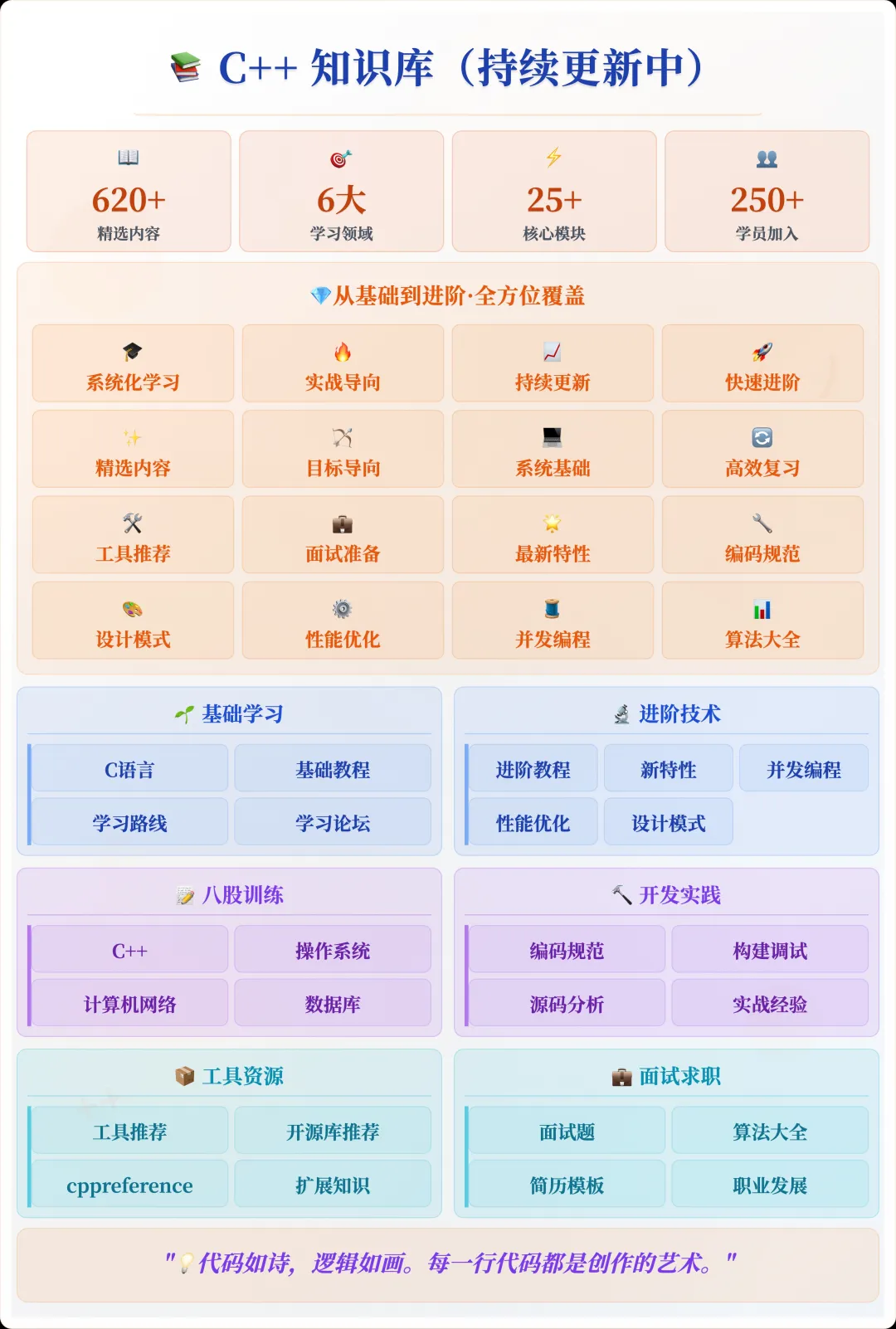
📌 Students interested in the knowledge base can add the assistant vx (cppmiao24) with the note 【Knowledge Base】 or click 👉 C++ Knowledge Base (tap to jump) to view the complete introduction to the knowledge base~
Why Choose D-Bus
Compared to raw sockets or named pipes, D-Bus provides a higher level of abstraction and conventions:
- Bus Model: Processes communicate by connecting to a bus (system bus or session bus) without needing to directly care about each other’s addresses.
- Method Calls and Signal Mechanism: Supports RPC-like calling methods and event broadcasting (signals).
- Type Safety: D-Bus has a clear type system, avoiding uncertainties in message parsing.
- Cross-Language Support: Mature bindings are available for multiple languages including C, C++, Python, and Go.
For C++ developers, the official <span>libdbus</span> can be used, or more modern and user-friendly wrapper libraries like sdbus-c++ or glibmm/dbus can be chosen.
Installation and Preparation
On Debian/Ubuntu-based systems, the development package can be installed directly:
sudo apt install libdbus-1-dev
If you plan to use a more modern C++ wrapper library (like <span>sdbus-c++</span>):
sudo apt install libsdbus-c++-dev
Once the system installation is complete, you can link the corresponding libraries in CMake or Makefile.
A Simple C++ D-Bus Example
The following example demonstrates how to use <span>sdbus-c++</span> to create a simple server and client that implements method calls.
Server: Providing a <span>SayHello</span> Method
#include <sdbus-c++/sdbus-c++.h>
#include <iostream>

class HelloService {
public:
    HelloService(const std::string& busName, const std::string& objPath)
        : connection_{sdbus::createSessionBusConnection(busName)},
          object_{sdbus::createObject(*connection_, objPath)}
    {
        object_->registerMethod("SayHello")
            .onInterface("com.example.Hello")
            .implementedAs([this](const std::string& name) {
                return sayHello(name);
            });
        object_->finishRegistration();
    }

    void run() {
        while (true) {
            connection_->processPendingRequest();
        }
    }

private:
    std::string sayHello(const std::string& name) {
        return "Hello, " + name + "!";
    }

    std::unique_ptr<sdbus::IConnection> connection_;
    std::unique_ptr<sdbus::IObject> object_;
};

int main() {
    HelloService service("com.example.HelloService", "/com/example/HelloObject");
    service.run();
}
Client: Calling the <span>SayHello</span> Method
#include <sdbus-c++/sdbus-c++.h>
#include <iostream>

int main() {
    auto connection = sdbus::createSessionBusConnection();
    auto proxy = sdbus::createProxy(*connection, "com.example.HelloService", "/com/example/HelloObject");

    std::string name = "D-Bus";
    auto reply = proxy->callMethod("SayHello")
                      .onInterface("com.example.Hello")
                      .withArguments(name);

    std::string greeting;
    reply >> greeting;
    std::cout << greeting << std::endl;
}
Run the server, then run the client, and the terminal will output:
Hello, D-Bus!
Some Considerations in Practical Applications
- Bus Selection
- The system bus (
<span>system bus</span>) is suitable for communication between system services and requires higher permissions. - The session bus (
<span>session bus</span>) is suitable for communication between single-user applications.
D-Bus has become the de facto standard for IPC in the Linux world. It not only simplifies the implementation of inter-process communication but also brings stronger maintainability and scalability. For C++ projects, introducing a wrapper like <span>sdbus-c++</span><code><span> allows for easy implementation of cross-process method calls and event broadcasting using modern C++ syntax, without directly facing the underlying byte stream parsing.</span>
If your project requires collaboration among multiple processes or interaction with existing Linux system services, consider D-Bus as a communication solution.
Recommended Reading:
C++ Direct Access to Major Companies (For students interested in the training camp, you can read this article to learn about the details of the training camp, or add the assistant vx: cppmiao24 to quickly learn about the training camp related information)
Recommended: A Modern C++ GUI Library: Elements
Recommended: A C++ Library I Find Extremely Useful, configcat