Open-source Bioinformatics Python Tutorial
Concise Python text and video tutorials for bioinformatics
Source code available at: https://github.com/Tong-Chen/Bioinfo_course_python
Table of Contents
-
Background Introduction
-
Introduction to Programming
-
Why Learn Python
-
How to Install Python
-
How to Run Python Commands and Scripts
-
What Editor to Use for Writing Python Scripts
-
Examples of Python Programs
-
Basic Python Syntax
-
Numeric Variable Operations
-
String Variable Operations
-
List Operations
-
Set Operations
-
Using Range
-
Dictionary Operations
-
Indentation Levels
-
Variables, Data Structures, Control Flow
-
Input and Output
-
Interactive Input and Output
-
File Reading and Writing
-
Practical Exercise (1)
-
Background Knowledge
-
Bioinformatics Related Assignment (1)
-
Function Operations
-
Function Operations
-
Bioinformatics Related Assignment (2)
-
Modules
-
Command Line Arguments
-
Command Line Arguments
-
Bioinformatics Related Assignment (3)
-
More Python Content
-
Single Statement Blocks
-
List Comprehensions, Simplified For Loops for Generating New Lists
-
Lambda, Map, Filter, Reduce (Retain Program)
-
Exec, Eval (Execute String Python Statements, Retain Program)
-
Regular Expressions
-
Python Plotting
-
References
Some Practice Questions
-
Given a FASTA format file (test1.fa and test2.fa), write a program
<span>cat.py</span>to read the file and output to the screen (2 points)
-
open(file)
-
for .. in loop
-
print()
-
strip() function
-
Knowledge Points Used
Given a FASTQ format file (test1.fq), write a program <span>cat.py</span> to read the file and output to the screen (2 points)
-
Same as above
-
Knowledge Points Used
Write a program <span>splitName.py</span>, read test2.fa, and take the original sequence name before the first space as the processed sequence name, output to the screen (2 points)
-
split
-
String Indexing
-
Knowledge Points Used
-
Output format:
>NM_001011874
gcggcggcgggcgagcgggcgctggagtaggagctg.......
Write a program <span>formatFasta.py</span>, read test2.fa, concatenate each FASTA sequence into one line and then output (2 points)
-
join
-
strip
-
Knowledge Points Used
-
Output format:
>NM_001011874
gcggcggcgggc......TCCGCTG......GCGTTCACC......CGGGGTCCGGAG
Write a program <span>formatFasta-2.py</span>, read test2.fa, split each FASTA sequence into lines of 80 characters (2 points)
-
String Slicing Operations
-
range
-
Knowledge Points Used
-
Output format:
>NM_001011874
gcggcggcgc.(60 characters).TCCGCTGACG #(80 characters per line)
acgtgctacg.(60 characters).GCGTTCACCC
ACGTACGATG(Last line may be less than 80 characters)
Write a program <span>sortFasta.py</span>, read test2.fa, take the original sequence name before the first space as the processed sequence name, sort and output (2 points)
-
sort
-
dict
-
aDict[key] = []
-
aDict[key].append(value)
-
Knowledge Points Used
Extract the sequence of a given name (2 points)
-
Knowledge Points Used
-
print >>fh, or fh.write()
-
Modulo operation, 4 % 2 == 0
-
Write a program
<span>grepFasta.py</span>, extract the sequence corresponding to the name in fasta.name from test2.fa and output to the screen. -
Write a program
<span>grepFastq.py</span>, extract the sequence corresponding to the name in fastq.name from test1.fq and output to a file.
Write a program <span>screenResult.py</span>, filter genes in test.expr with foldChange greater than 2 and padj less than 0.05, can output the entire line or just the gene name. (4 points)
-
Logical AND operator and
-
Contents read from files are all strings, need to convert to int for integers, float for floating-point numbers
-
Knowledge Points Used
Write a program <span>transferMultipleColumToMatrix.py</span> to convert gene expression data in multiple tissues from the file (multipleColExpr.txt) into matrix form and draw a heatmap. (6 points)
-
aDict[‘key’] = {}
-
aDict[‘key’][‘key2’] = value
-
if key not in aDict
-
aDict = {‘ENSG00000000003’: {“A-431”: 21.3, “A-549″: 32.5,…},”ENSG00000000003”:{},}
-
Knowledge Points Used
-
Input format (only the first 3 columns are needed)
Gene Sample Value Unit Abundance ENSG00000000003 A-431 21.3 FPKM Medium ENSG00000000003 A-549 32.5 FPKM Medium ENSG00000000003 AN3-CA 38.2 FPKM Medium ENSG00000000003 BEWO 31.4 FPKM Medium ENSG00000000003 CACO-2 63.9 FPKM High ENSG00000000005 A-431 0.0 FPKM Not detected ENSG00000000005 A-549 0.0 FPKM Not detected ENSG00000000005 AN3-CA 0.0 FPKM Not detected ENSG00000000005 BEWO 0.0 FPKM Not detected ENSG00000000005 CACO-2 0.0 FPKM Not detected -
Output format
Name    A-431    A-549    AN3-CA    BEWO    CACO-2
ENSG00000000460    25.2    14.2    10.6    24.4    14.2
ENSG00000000938    0.0    0.0    0.0    0.0    0.0
ENSG00000001084    19.1    155.1    24.4    12.6    23.5
ENSG00000000457    2.8    3.4    3.8    5.8    2.9
Write a program <span>reverseComplementary.py</span> to calculate the reverse complement sequence of <span>ACGTACGTACGTCACGTCAGCTAGAC</span> (2 points)
-
reverse
-
list(seq)
-
Knowledge Points Used
Write a program <span>collapsemiRNAreads.py</span> to convert smRNA-Seq sequencing data. (5 points)
-
Input file format (mir.collapse, tab-separated two-column file, the first column is the sequence, the second column is the number of times the sequence was detected)
ID_REF VALUE ACTGCCCTAAGTGCTCCTTCTGGC 2 ATAAGGTGCATCTAGTGCAGATA 25 TGAGGTAGTAGTTTGTGCTGTTT 100 TCCTACGAGTTGCATGGATTC 4 -
Output file format (mir.collapse.fa, the first three letters of the name are the sample-specific identifier, the middle number indicates the sequence number, and the third part is x plus the number of times each read was detected. The three parts are connected by underscores as the name of the fasta sequence.)
  >ESB_1_x2
  ACTGCCCTAAGTGCTCCTTCTGGC
  >ESB_2_x25
  ATAAGGTGCATCTAGTGCAGATA
  >ESB_3_x100
  TGAGGTAGTAGTTTGTGCTGTTT
  >ESB_4_x4
  TCCTACGAGTTGCATGGATTC
Simplified short sequence matching program (map.py) to align sequences in short.fa to ref.fa, output which sequences of the short sequence match which positions in the ref.fa file. (10 points)
-
find
-
Knowledge Points Used
-
Output format (the output format is bed format, the first column is the matched chromosome, the second and third columns are the start and end positions of the match to the chromosome sequence (position marked starting from 0, the end position is not included, the position of the sequence in the first example is (199,208] (closed at the start and open at the end, actually the sequence of chromosome chr1 from 199-206, starting from 0). The 4th column is the short sequence itself.)
-
Additional requirement: can match only to the given template strand, or consider matching to the complementary strand of the template. In this case, the 5th column can be the name of the short sequence, and the 6th column for the strand information, matching to the template strand is ‘+’, matching to the complementary strand is ‘-‘. Note that when matching to the complementary strand, the starting position is also counted from the 5’ end of the template strand.
chr1    199    208    TGGCGTTCA
chr1    207    216    ACCCCGCTG
chr2    63    70    AAATTGC
chr3    0    7    AATAAAT
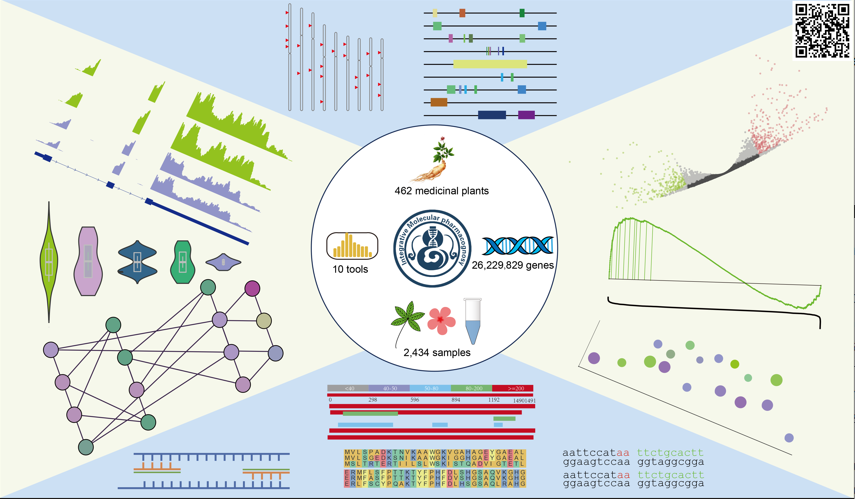
Comprehensive 1000+ Plant Nuclear Genome Database IMP (Click the image to go directly)
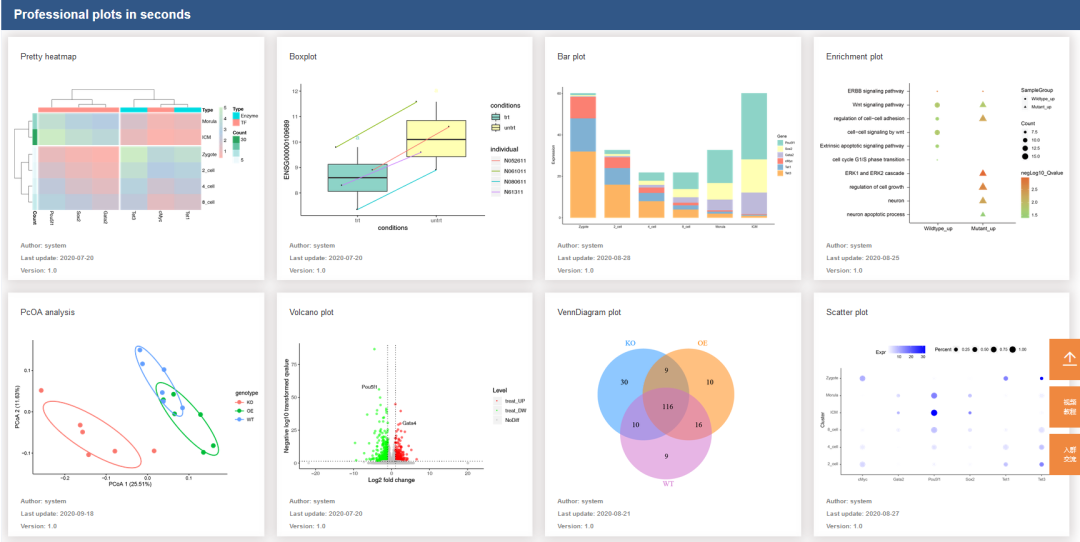
High-Quality Free SCI Online Plotting(Click the image to go directly)
Previous Quality Content(Click the image to go directly to the corresponding tutorial)
Linux Python
R Plotting NGS Basics GEO Advanced
Self-learning in Bioinformatics Bioinformatics Books Series Tutorials Insights and ReflectionsClassic Transcriptomics Metagenomics Proteomics Single Cell Series History of Sequencing Development Free Online Plotting Color Matching Graphic Layout Graphic Interpretation ChIP-seq TCGA GSEA WGCNA
Haige Genomics Fool’s Series Article Writing
Cytoscape Excel PPT
Machine Learning