In the operation and maintenance of Linux systems, mastering efficient command operations is a fundamental requirement for every network security professional. A simple combination of commands can often automate cumbersome processes, significantly improving work efficiency. Today, I will share 20 frequently used Linux commands based on my daily work. These commands cover various aspects such as file management, process control, system monitoring, and text processing, and I will provide examples to better assist operational tasks.
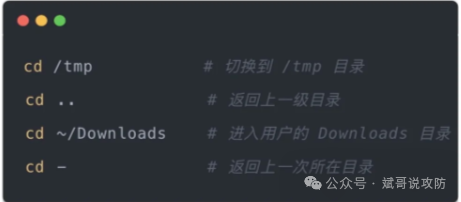
1. cd – Change directory
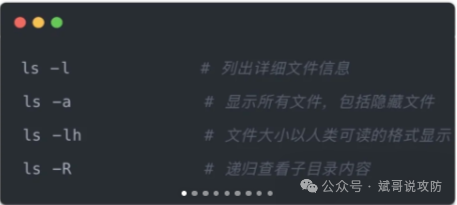
2. ls – List directory contents
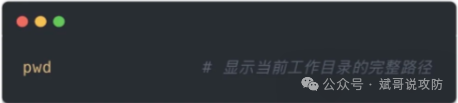
3. pwd – Print working directory
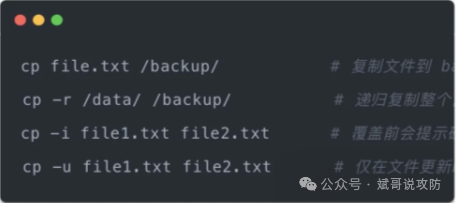
4. cp – Copy files
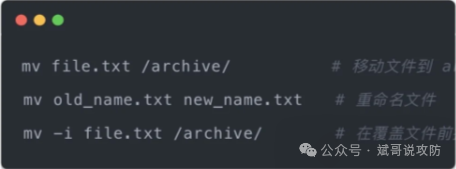
5. mv – Move or rename files
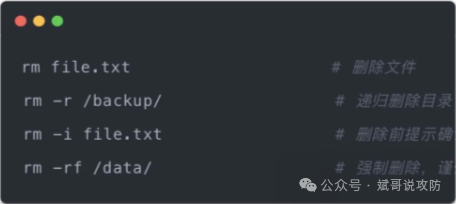
6. rm – Remove files
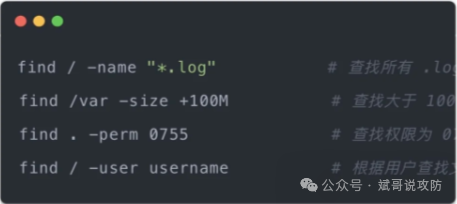
7. find – Find files
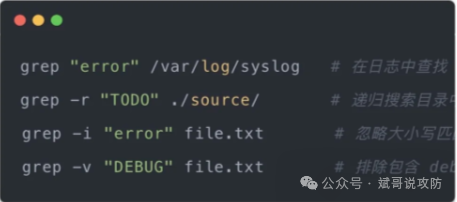
8. grep – Search file contents
9. ps – View processes
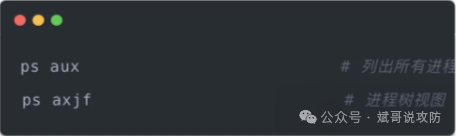
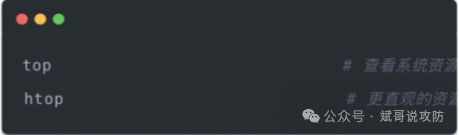
10. top/htop – System monitoring
11. kill – Terminate processes
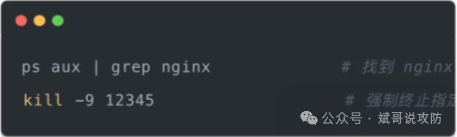
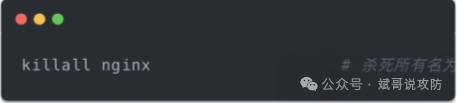
12. killall – Terminate by process name
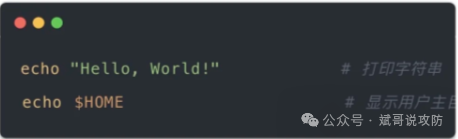
13. echo – Print content
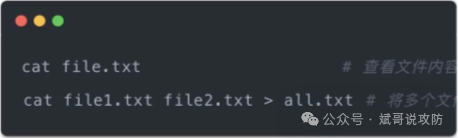
14. cat – Display file contents
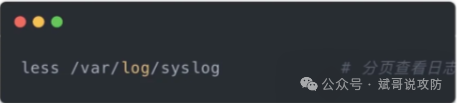
15. less – View in pages
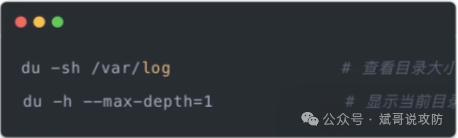
16. du – Check directory size
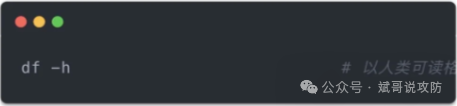
17. df – Check disk usage
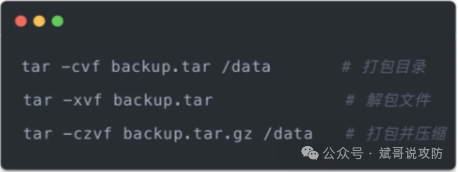
18. tar – Archive files
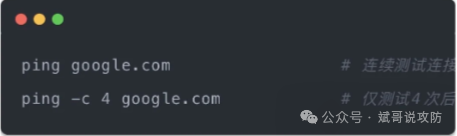
19. ping – Test network connection
20. scp – Remote file transfer
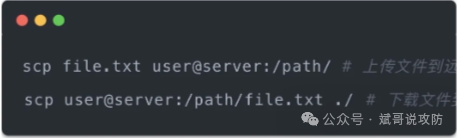
By mastering these efficient commands, I have saved a lot of time in daily operations and can more confidently tackle complex system issues. In the world of operations, there are no “excess commands”, only flexible combinations. These 20 commands are fundamental yet powerful; once you integrate them, you will be able to efficiently solve multiple tasks from file management to system optimization. Remember, each command should be used in conjunction with actual needs to achieve goals faster and more accurately.
If this article has been helpful to you, don’t forget to like and share! Follow me for continuous sharing of network security insights, and let’s advance further together on the path of technology!