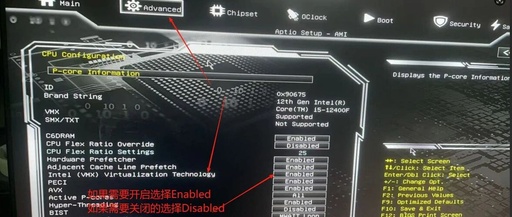
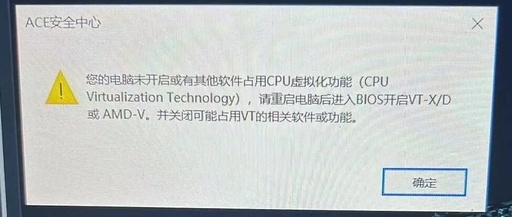
Resolving PCIe Passthrough Issues with Nested Virtualization in ESXi
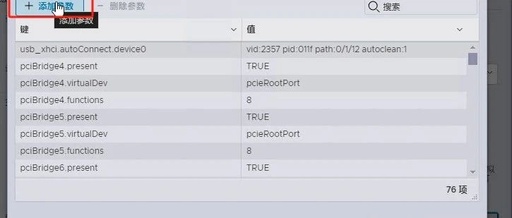
The nested virtualization in ESXi mainly addresses the issue where some software requires VT-d virtualization technology, which prevents the software from opening. Once nested virtualization is enabled, PCIe passthrough cannot be utilized. This guide will help you resolve this issue step by step, solving the problem of the emulator freezing at 59% and allowing you … Read more