◆
Strange Wi-Fi Section
◆
Using your phone for shopping, browsing news, checking social media, or watching videos in public places can quickly consume your data.
In such cases, using public Wi-Fi can be a good option. However, it’s not that simple; if you’re not careful, your online shopping account could be exposed.
How can you make using public Wi-Fi safer? Check out these security tips!
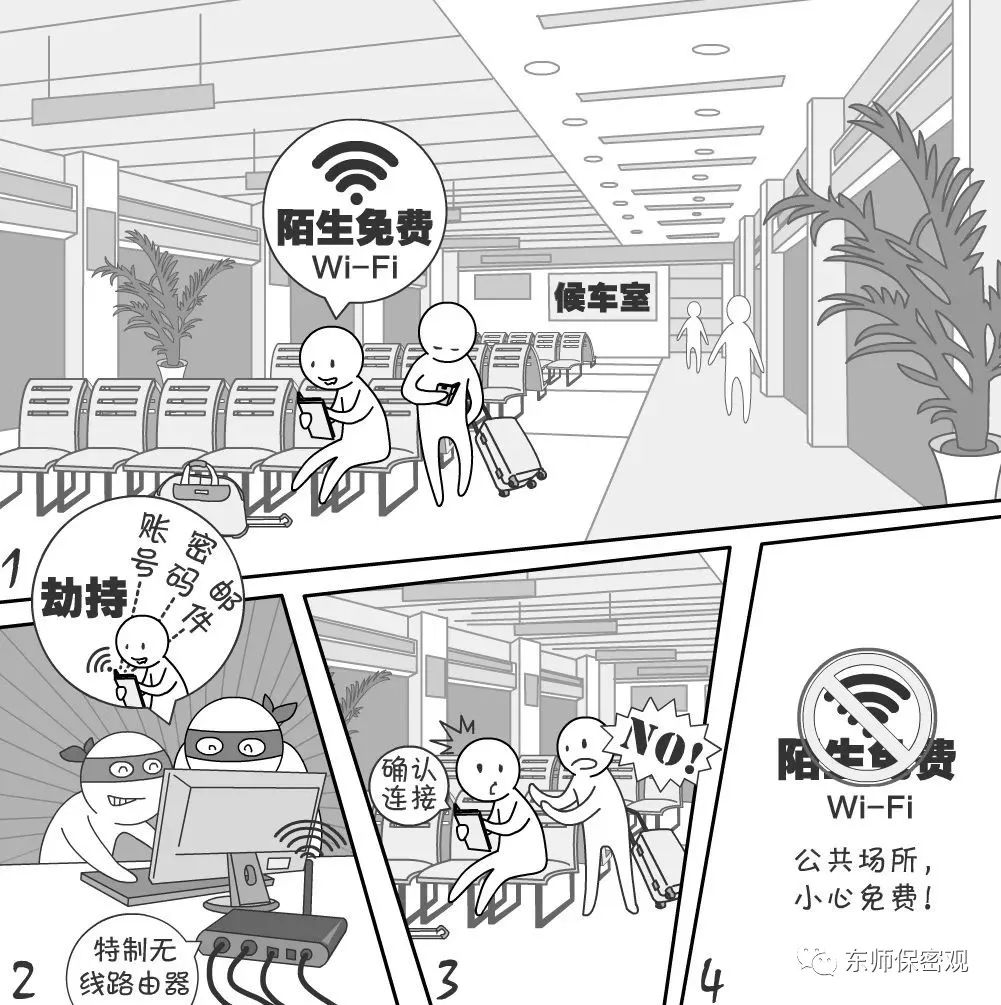
When we are out and about, we often see Wi-Fi networks without passwords that we can connect to at any time. However, these may hide “phishing Wi-Fi” networks, where hackers can create fake Wi-Fi networks to monitor online activities in real-time and steal various private data such as email account passwords!
Criminals usually set up Wi-Fi networks with names similar to commonly used ones, using open or identical passwords to attract the public to connect. They then hijack DNS on the Wi-Fi router to redirect users to phishing websites to capture account passwords or listen in on mobile traffic to obtain plaintext passwords.
Security Recommendations
1. When connecting to Wi-Fi in public places, please carefully confirm the Wi-Fi name with the vendor.
2. Be cautious when using public Wi-Fi that does not have a connection password.
3. When using payment apps, please use your carrier’s 4G network and avoid using public Wi-Fi casually.
4. Do not use public Wi-Fi for online banking, online shopping, or similar activities.



Long press to follow Dongshi Confidentiality View