Introduction: While organizing my room today, I discovered a long-forgotten Jiuxun K2. After my last major modification, it had been lying in the corner of my room. Seeing it again reminded me of some sad memories, so I decided to upgrade it.
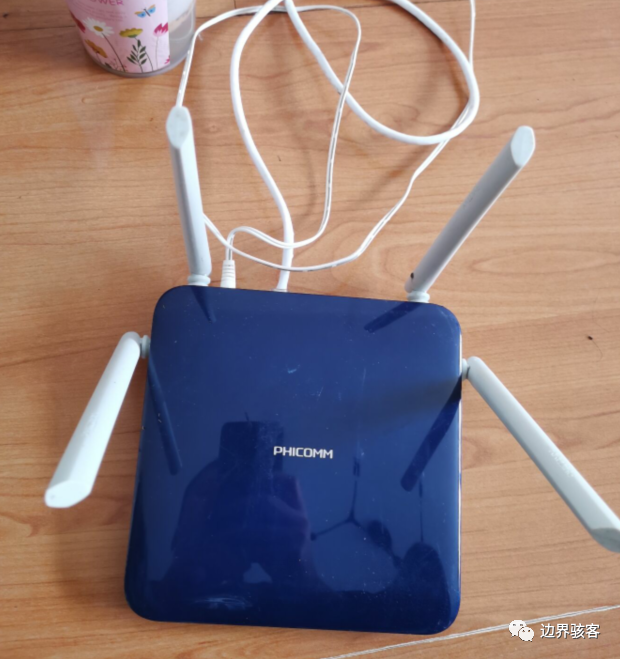
1. Flashing OpenWRT Firmware
Why choose OpenWRT?
First, pre-packaged firmware from others can be a bit concerning in terms of reliability.
Secondly, OpenWRT offers decent extensibility and compatibility.
https://downloads.openwrt.org/releases/19.07.7/targets/x86/64/openwrt-19.07.7-x86-64-generic-rootfs.tar.gz1.1 Accessing the Breed Page (You must have flashed it previously)
Long press the reset button on the Jiuxun K2, unplug and replug the power, and wait for it to reboot. Access the Breed interface through the web page.
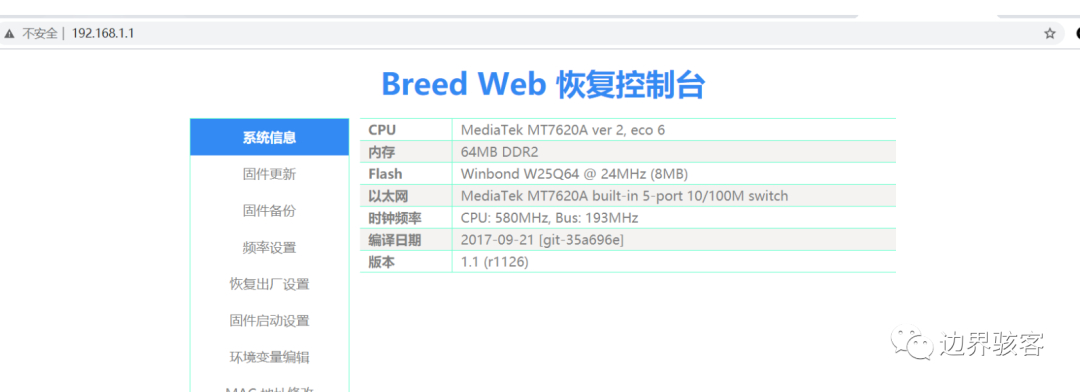
1.2 Uploading the Firmware
Don’t ask me why I can upload firmware larger than 15MB, and don’t ask me why my Jiuxun K2 has a hard drive; just know that I connected it myself. Wait for the upgrade to complete. Log in to OpenWRT via SSH, the default address is 192.168.1.1.
1.3 Configuring the Network
vi /etc/config/networkThe default address is static, 192.168.1.1. Configure a usable static IP or DHCP based on your situation.
2. Expanding OpenWRT
OpenWRT’s software space is only about 25MB, which is insufficient for further expansion.

First, update the package source.
opkg updateThen download the necessary software for expansion.
opkg install cfdisk opkg install block-mount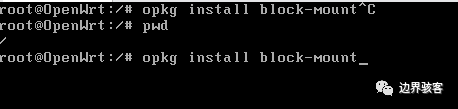
Use cfdisk to format all remaining space and create a new partition /dev/sda3 (I forgot to take a screenshot during this process, so here’s a web image).
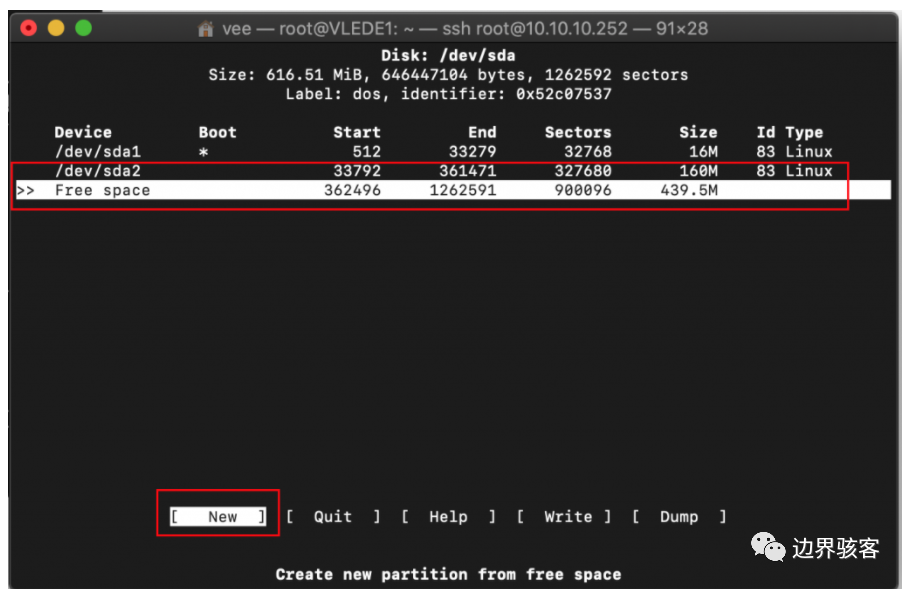
new→write→yes
After formatting, reboot:
mkfs.ext4 /dev/sda3 rebootThrough the web interface, find the mount option under system. If you’re not familiar with English, you can first download a Chinese language pack.
opkg install luci-18n-base-zh-cnSelect the mount option, choose the new partition, and set it for external overlay use.
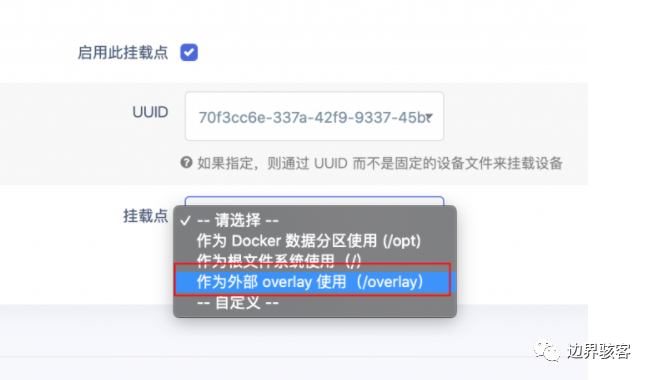
Then reboot again, and after the second reboot, you will find that the remaining space for software packages has significantly increased, allowing you to store a lot of torrents.

3. Packet Capture
When someone connects to your Wi-Fi, you can capture packets through the router. The simplest way is to install tcpdump. This way, you can see what websites they like to visit, their hobbies, and secrets. Make them fall in love with you, admire you, and be unable to resist you.
opkg install tcpdumpI won’t go into the specific packet capture commands. If you’re not familiar with physical methods to connect a hard drive, you can try using SMB over the internal network and store the captured data in the SMB share.
In conclusion: After a busy night, I finally managed to get OpenWRT to decrypt HTTPS. Time to sleep, as my health is important. The next article will cover HTTPS packet capture and decryption on the Jiuxun K2.