VC++ 6.0 is a visual C++ integrated development environment launched by Microsoft, primarily used for Windows program development. VC++ 6.0 supports polymorphism through the overriding of virtual functions, making it easier to build flexible object-oriented programs. So, how do you override virtual functions in VC++ 6.0? Below, I will introduce the steps to override virtual functions in VC++ 6.0 for those who need it.

How to Override Virtual Functions in VC++ 6.0?
1. Define a Base Class and Declare a Virtual Function
First, you need to define a base class and declare a virtual function within it. For example:
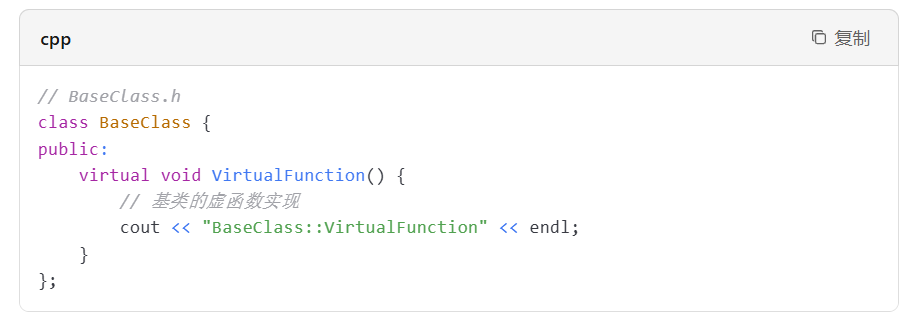
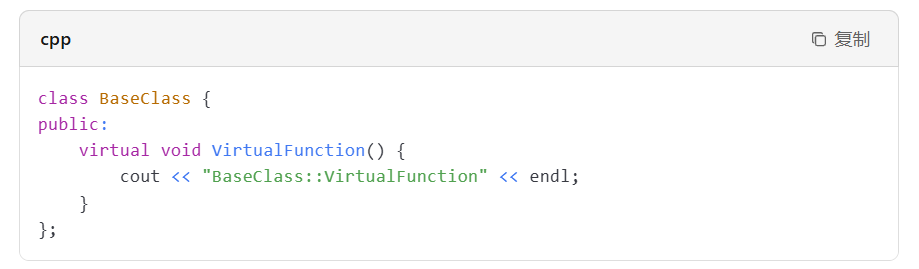
When declaring a virtual function in the base class, use the virtual keyword. For example:
2. Define a Derived Class and Override the Virtual Function
Next, override the virtual function in the derived class. For example:
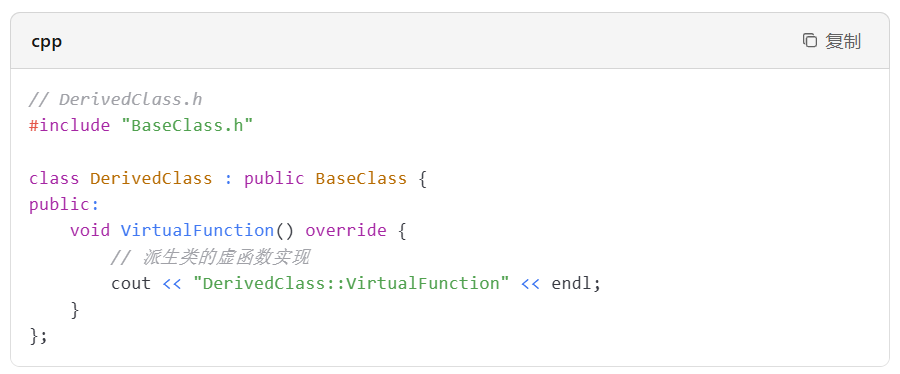
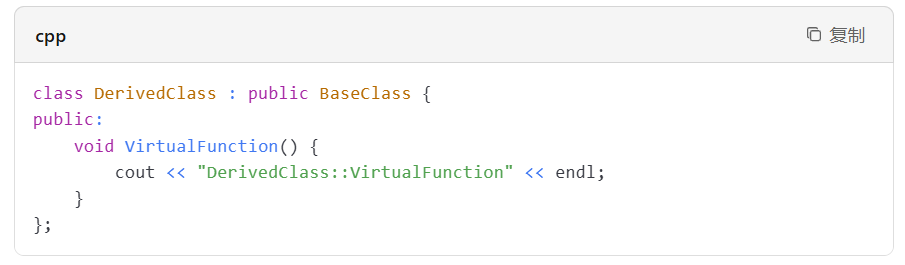
When overriding the virtual function in the derived class, you can use the override keyword (introduced in C++11, but not supported in VC++ 6.0) to explicitly indicate that this is an override operation. If you do not use override, you can still override normally, but the compiler will not check whether you have correctly overridden the base class’s virtual function.
3. Use Derived Class Objects to Call the Virtual Function
In the main function or elsewhere, when you call the virtual function using a derived class object, the overridden version in the derived class will be invoked. For example:
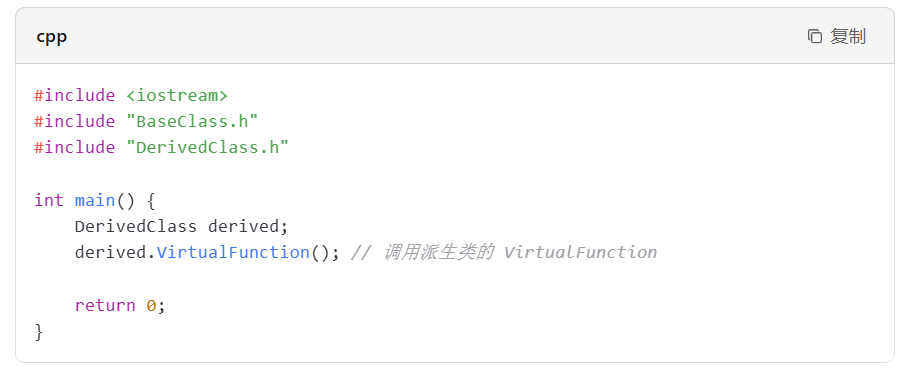
When calling the virtual function through a derived class object, the overridden version in the derived class is called, which demonstrates polymorphism. For example:

Complete Example Code
Below is the complete example code:
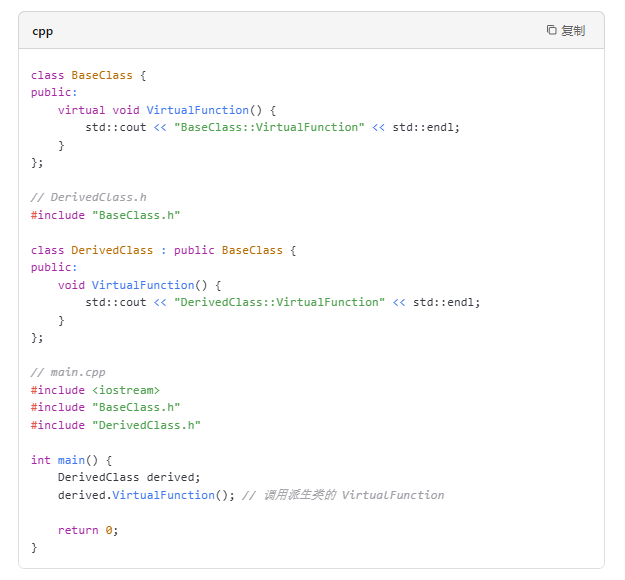
Overriding virtual functions in VC++ 6.0 enables polymorphism, making program design more flexible, while enhancing code reusability through unified calls to the base class interface. The above are the steps for overriding virtual functions in VC++ 6.0 that I hope will be helpful to everyone.