What are the pain points of operations? Is it cumbersome to install a virtual machine for Linux environment management, leading to poor performance?
Now with the Windows Subsystem for Linux (WSL), you can run Linux command-line tools directly on Windows without the need for a virtual machine or dual boot! Installation is simple, performance is excellent, and operations personnel will no longer lose their hair managing Linux.
What is WSL?
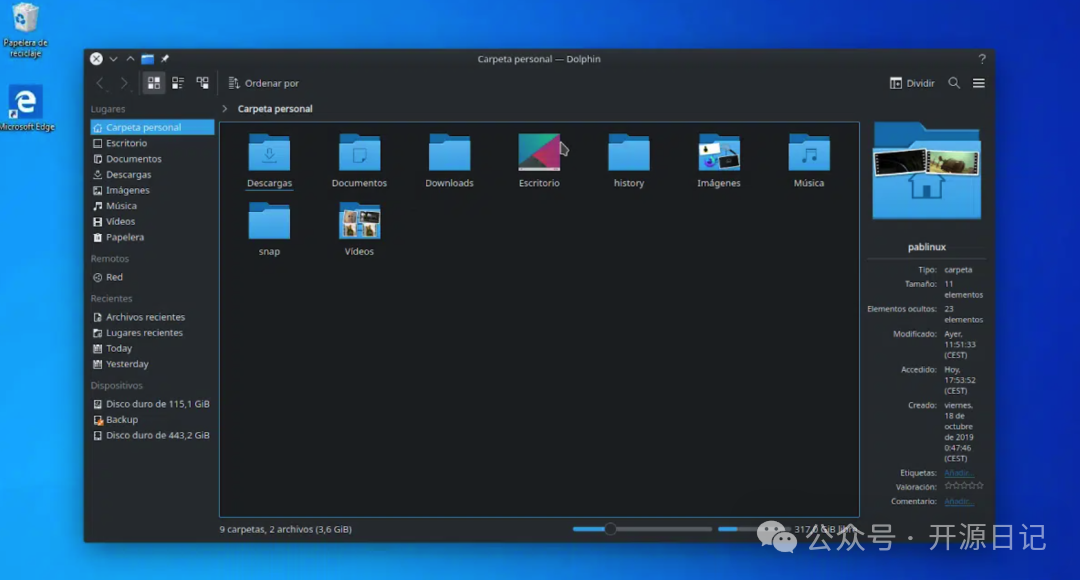
WSL, short for Windows Subsystem for Linux, is a tool launched by Microsoft that allows you to run Linux directly on the Windows system without a virtual machine, maximizing performance and efficiency! It is suitable for operations, development, and anyone needing Linux tools. More importantly, it is completely open-source and free!
Core Features:
-
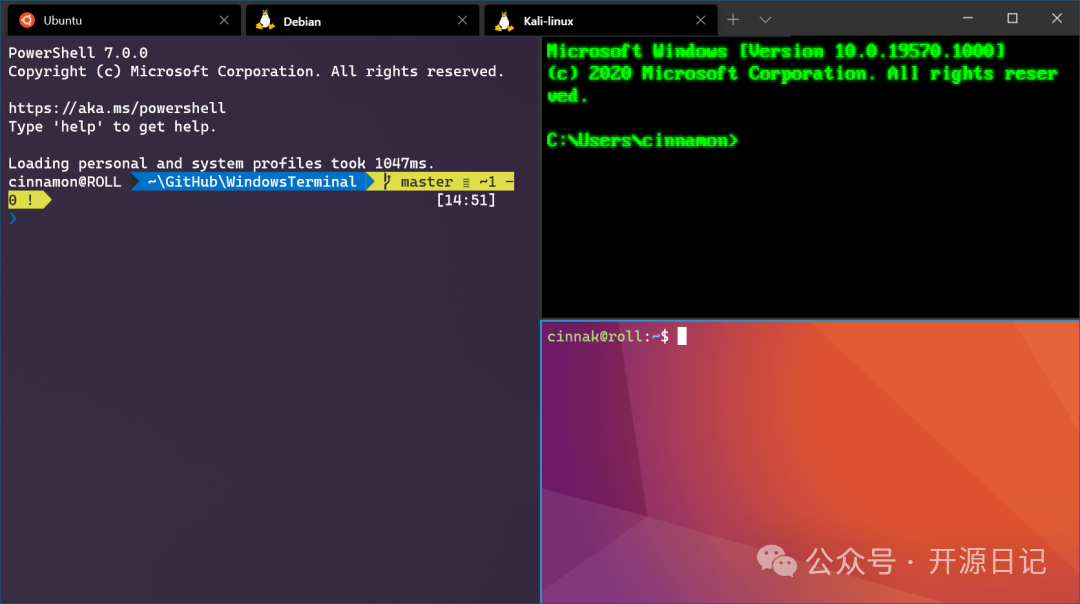
1. “Natively Run” Linux Environment in Windows No need for a virtual machine or dual boot in Windows; directly use Linux command-line tools for seamless operations in development and management.
-
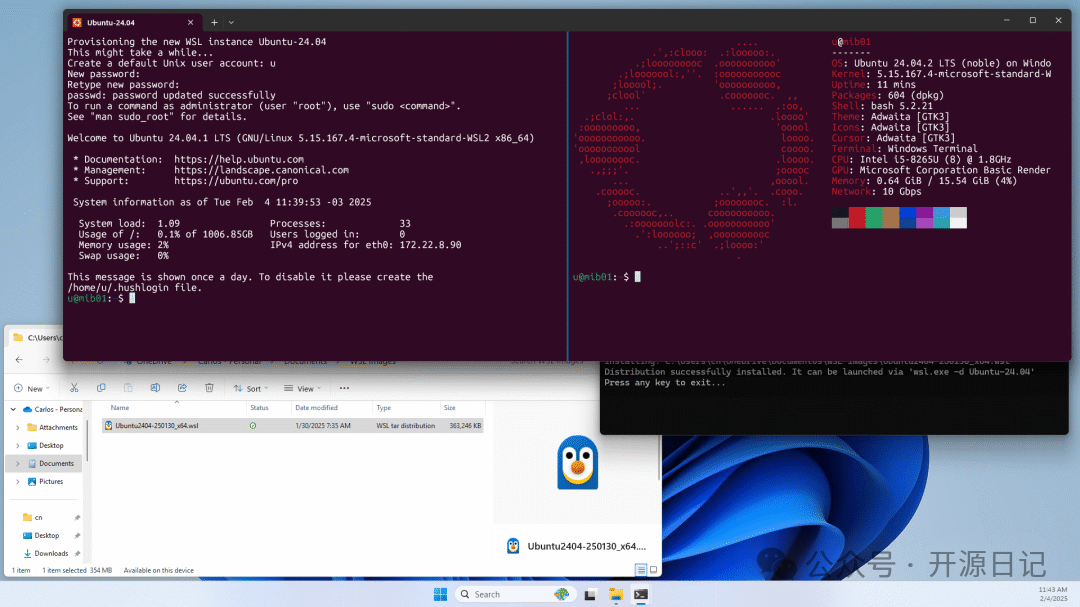
2. Performance Outshines Virtual Machines Unlike traditional virtual machines that consume too many resources, WSL is a “direct derivation solution” that offers more efficient performance calculations and smooth operations without lag.
-
3. Meets Complex Operations and Development Needs Operations scripts, automation tools, and even setting up Linux service environments can all be done with a single click. From simple
<span>grep</span>commands to complex Docker integrations, work becomes more efficient! -
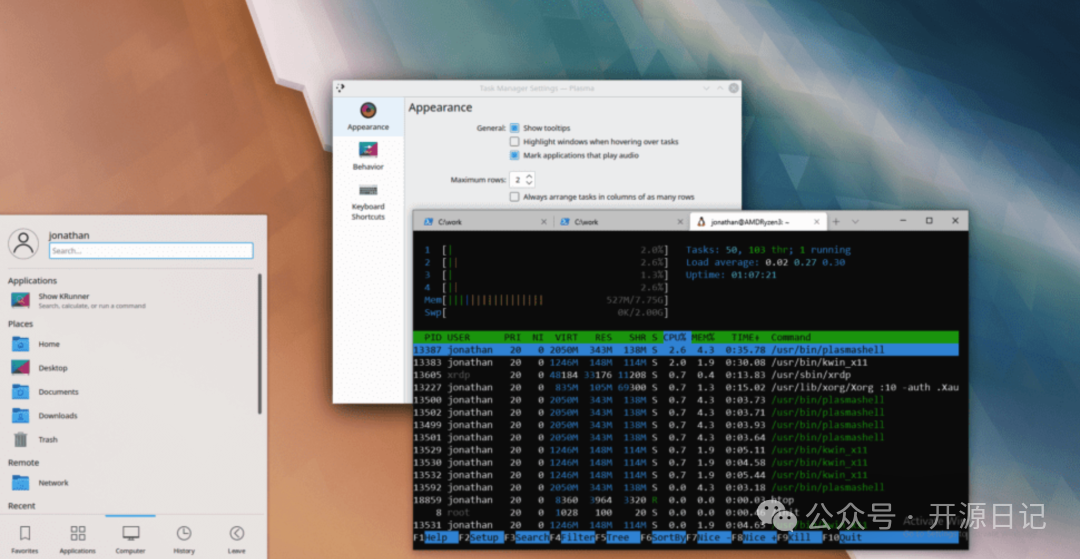
4. Supports Linux GUI Applications Upgrade to WSLg (Windows Subsystem for Linux GUI), which not only runs CLI but also allows the use of GUI applications on Linux, such as graphical tools or editors, leaving no gaps in the development environment.
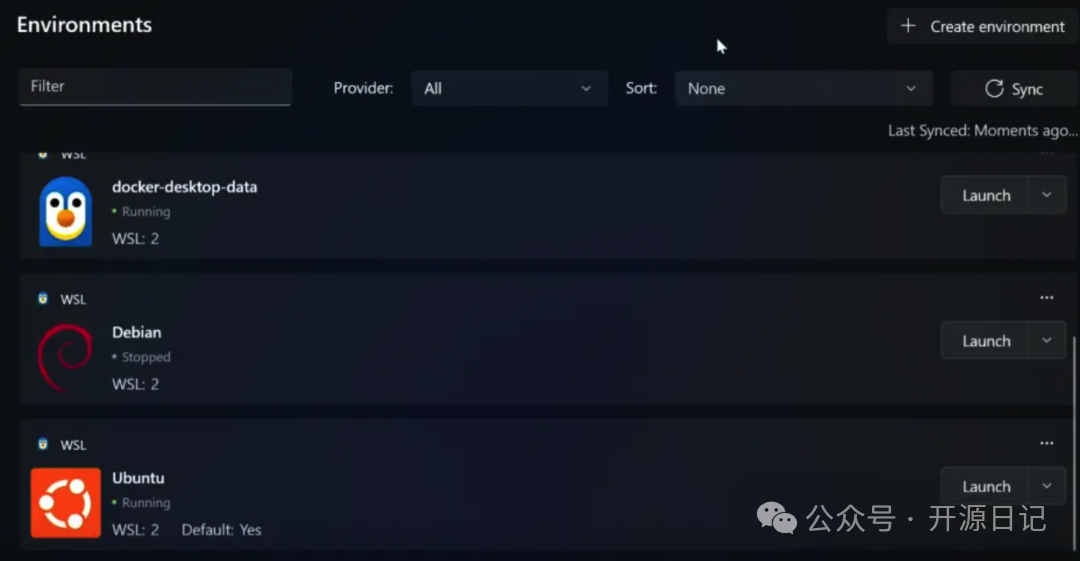
Installation Guide:
1. Preparation Before Installation
- Supported Systems: Windows 10 (version 2004 and above) or Windows 11
- Ensure Windows updates and Microsoft Store are functioning properly
2. Quick Installation of WSL Just one command is needed to install:
wsl --install
After installation, WSL will download the default Ubuntu environment. You can also use the following command to view other supported Linux distributions:
wsl --list --online
3. Manage Your Linux Environment
- Switch the default version to WSL2 (recommended for high-performance mode):
wsl --set-default-version 2
- View installed Linux distributions:
wsl --list --verbose
- Install more distributions, such as Debian or Kali:
wsl --install -d <distribution_name>
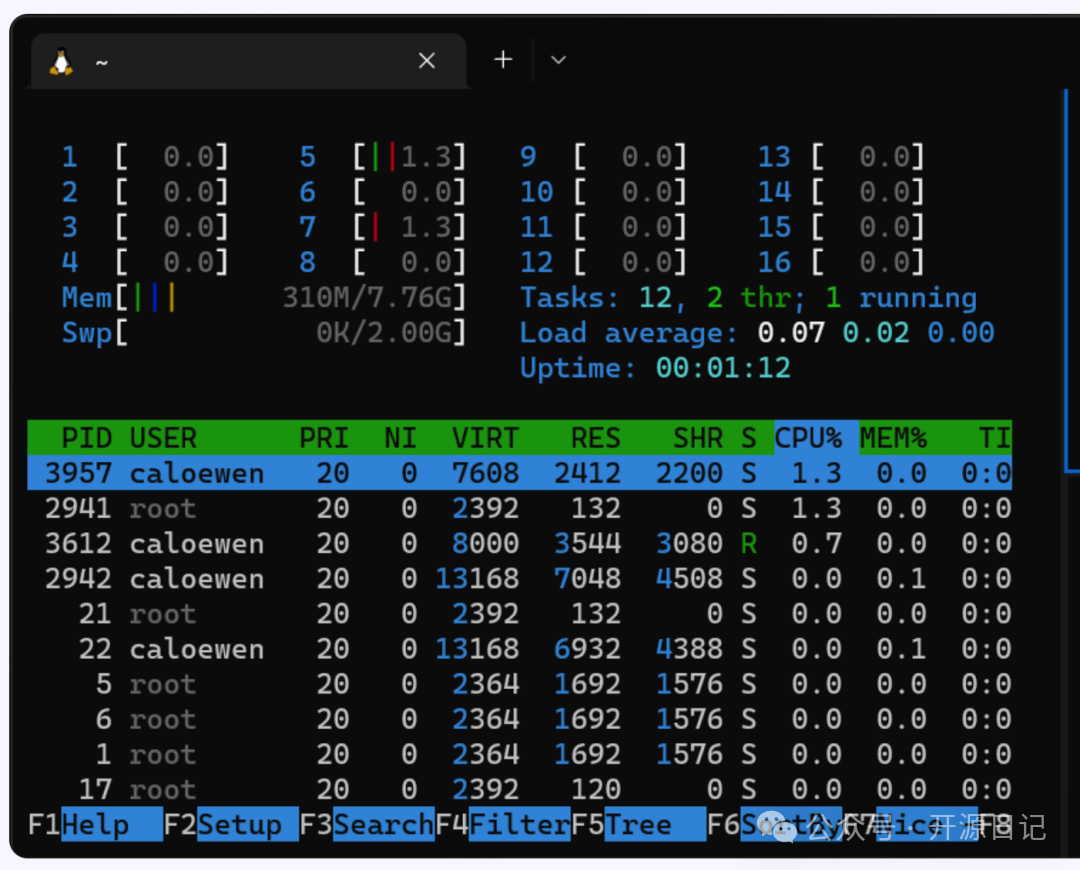
As a powerful open-source tool, WSL has changed the way operations/development users utilize Linux on Windows. Its design to “run Linux directly” eliminates the performance bottlenecks of virtual machines, resulting in higher resource utilization, more flexible features, and very simple installation. More importantly, it is well-optimized for scenarios involving developers and operations personnel—from CLI to GUI, it is flexible to the point of being “invincible.” If you are still using a bunch of virtual machines to set up environments, try WSL; it is truly amazing!
Recent Hot Articles:
| Operations finally found it! This Git operation is legendaryAchieved 30.2K stars on GitHub!!! Traffic monitoring can be this awesomeGoodbye Baidu Cloud, a 10M green operations toolAchieved 37.6K stars on GitHub!!! Amazing Windows can be like thisAchieved 25.7K stars on GitHub!!! This computer cleaning tool is incredibleAchieved 15K stars on GitHub!!! An amazing translation tool |