
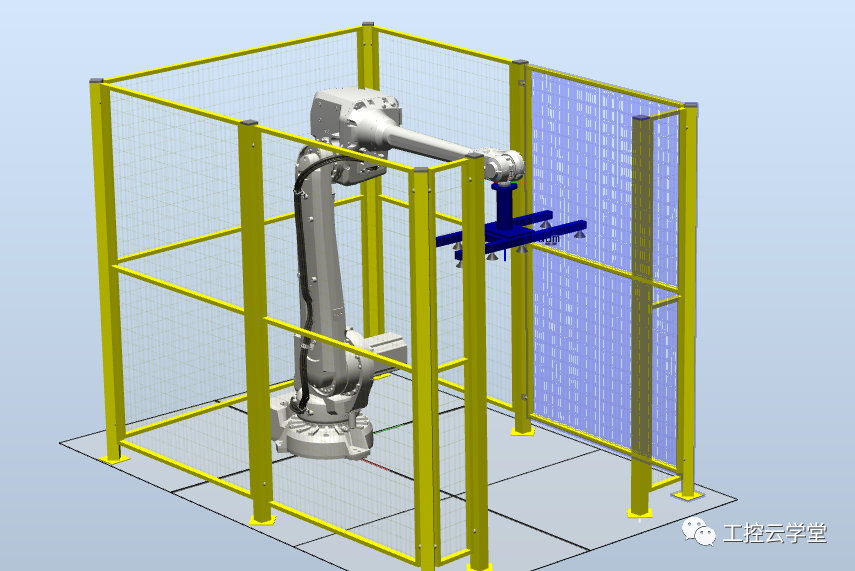
1.To quickly create a fence for the robot workstation, besides drawing the model in SolidWorks, exporting it, and importing it into RobotStudio, you can also use the Equipment Builder plugin in RobotStudio.
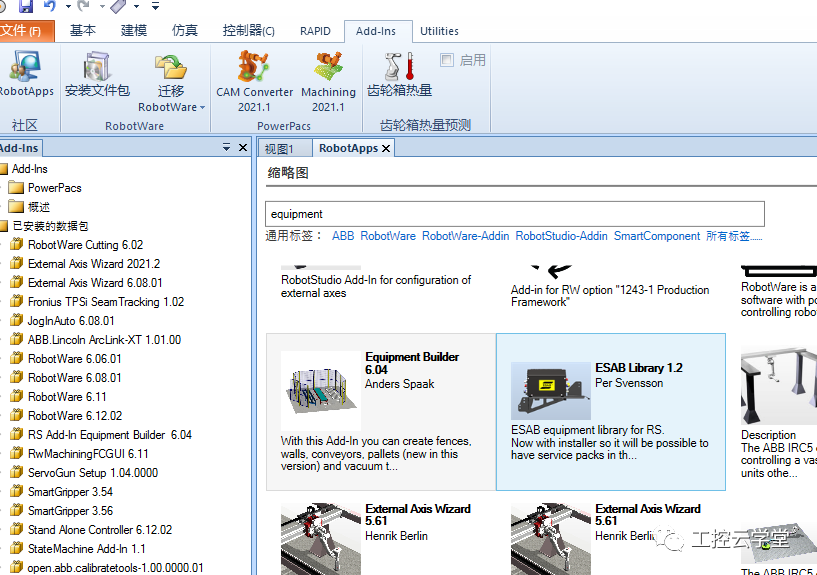
2.Search for the Equipment Builder in the add-in, download the plugin that corresponds to your RobotStudio version, install it, and then restart RobotStudio.
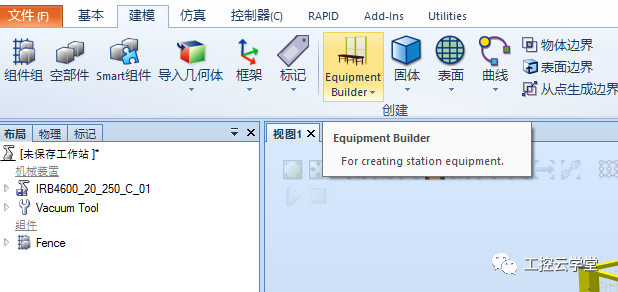
3.At this point, you can see the Equipment Builder under “Modeling”.
4.Select the type of fence and click on the corresponding position in the workstation to easily create different shapes of fence bodies.
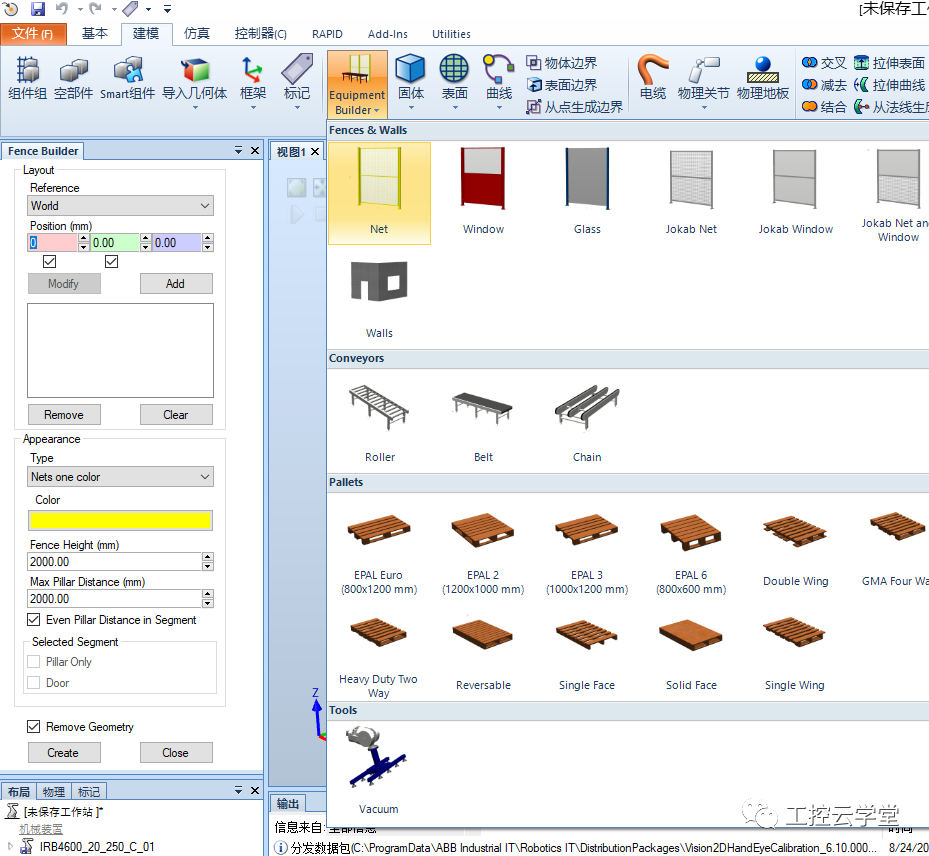
5.Similarly, you can also select a conveyor chain, input parameters such as length, and automatically generate it.
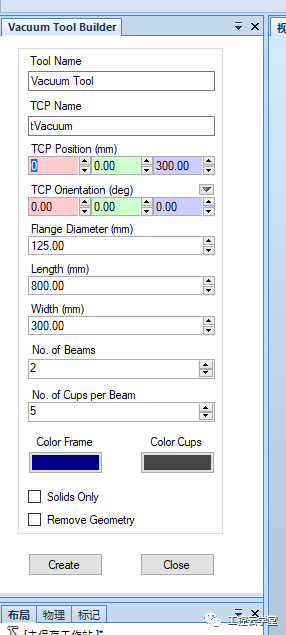
6.For a vacuum gripper, click on Vacuum, set the corresponding TCP, flange diameter, gripper frame length and width, and the number of beams, etc., to automatically generate a gripper with TCP, which can then be installed on the robot.
How to Become an Excellent Industrial Robot Engineer?
Scan the code for consultation
▼
Teacher Zuo: 18073180632 (same as WeChat)