 Clickthe blue text aboveto follow me~
Set the Programmer Rice Ball Dog as a starred quality article for first-time reading
Python web scraping is one of the most popular directions in Python applications, whether for data analysis, market research, or information collection, web scraping can show its power. This article will take you from zero to mastery of the core skills of Python web scraping through multiple practical cases, helping you progress from beginner to advanced and ultimately master the scraping framework, enhancing your job competitiveness!
[TutorialHow to get it is at the end of the article!!]
1. Introduction to Web Scraping Basics
1. What is Web Scraping?
-
Web scraping is an automated program used to extract data from web pages.
-
The core steps of web scraping: send request → get response → parse data → store data.
2. Basic Tools for Web Scraping
-
Requests Library: Sends HTTP requests and retrieves web content.
-
BeautifulSoup Library: Parses HTML documents and extracts data.
-
Regular Expressions: Used for complex text matching.
3. First Scraper: Get Web Page Title
-
Example code:
import requests
from bs4 import BeautifulSoup
url = "https://www.example.com"
response = requests.get(url)
soup = BeautifulSoup(response.text, 'html.parser')
title = soup.title.string
print(f"Web Page Title: {title}")
2. Practical Web Scraping Cases
Case 1: Scrape Douban Movie Top 250
-
Objective: Scrape the movie names, ratings, and summaries from Douban Movie Top 250.
-
Steps:
-
Analyze the web structure and locate the HTML tags where the data is.
-
Use Requests to get the web content.
-
Use BeautifulSoup to parse the data.
Code Implementation:
import requests
from bs4 import BeautifulSoup
def get_douban_top250():
    url = "https://movie.douban.com/top250"
    headers = {
        "User-Agent": "Mozilla/5.0 (Windows NT 10.0; Win64; x64) AppleWebKit/537.36 (KHTML, like Gecko) Chrome/91.0.4472.124 Safari/537.36"
    }
    response = requests.get(url, headers=headers)
    soup = BeautifulSoup(response.text, 'html.parser')
    movies = soup.find_all('div', class_='item')
    for movie in movies:
        title = movie.find('span', class_='title').text
        rating = movie.find('span', class_='rating_num').text
        quote = movie.find('span', class_='inq').text if movie.find('span', class_='inq') else "No Summary"
        print(f"Movie: {title}, Rating: {rating}, Summary: {quote}")
get_douban_top250()
Case 2: Scrape Weather Data
-
Objective: Scrape real-time weather data from a weather website.
-
Steps:
-
Analyze the web structure and locate the HTML tags where the weather data is.
-
Use Requests to get the web content.
-
Use BeautifulSoup to parse the data.
Code Implementation:
import requests
from bs4 import BeautifulSoup
def get_weather(city):
    url = f"https://www.weather.com/weather/today/l/{city}"
    response = requests.get(url)
    soup = BeautifulSoup(response.text, 'html.parser')
    temperature = soup.find('span', class_='CurrentConditions--tempValue--3KcTQ').text
    condition = soup.find('div', class_='CurrentConditions--phraseValue--2xXSr').text
    print(f"Current temperature in {city}: {temperature}, Weather condition: {condition}")
get_weather("Beijing")
3. Advanced Web Scraping Techniques
1. Handling Dynamic Web Pages
-
Use Selenium to simulate browser operations and scrape dynamically loaded data.
-
Example code:
from selenium import webdriver
def get_dynamic_content():
    driver = webdriver.Chrome()
    driver.get("https://www.example.com")
    content = driver.find_element_by_id("dynamic-content").text
    print(content)
    driver.quit()
get_dynamic_content()
2. Dealing with Anti-Scraping Mechanisms
-
Set Request Headers: Simulate browser requests to avoid being recognized as a scraper.
-
Use Proxy IPs: Prevent IP from being banned.
-
Random Delays: Avoid frequent requests that could lead to bans.
3. Data Storage
-
Store to File: Use
<span>csv</span>or<span>json</span>format to store data. -
Store to Database: Use
<span>SQLite</span>or<span>MySQL</span>to store data.
4. Scraping Framework: Scrapy
1. What is Scrapy?
-
Scrapy is a powerful Python scraping framework for quickly building scraping projects.
2. Core Components of Scrapy
-
Spider: Defines how to scrape data.
-
Item: Defines the data structure to be scraped.
-
Pipeline: Processes the scraped data (e.g., cleaning, storing).
3. Scrapy Practical Case: Scrape News Titles
-
Steps:
-
Install Scrapy:
<span>pip install scrapy</span> -
Create Scrapy Project:
<span>scrapy startproject news</span> -
Write Spider Code.
Code Implementation:
import scrapy
class NewsSpider(scrapy.Spider):
    name = "news"
    start_urls = ["https://www.example.com/news"]
    def parse(self, response):
        for article in response.css('div.article'):
            yield {
                'title': article.css('h2::text').get(),
                'link': article.css('a::attr(href)').get()
            }
5. Job Opportunities in Web Scraping
1. Data Analyst
-
Use web scraping to collect data for analysis and visualization.
2. Search Engine Engineer
-
Develop scraping systems for search engines to crawl and index web content.
3. Market Researcher
-
Use web scraping to collect market data, analyze competitors and industry trends.
4. Information Security Engineer
-
Use web scraping to detect website vulnerabilities and enhance system security.
6. Recommended Learning Resources
-
Books:
-
“The Definitive Guide to Python Web Scraping”
-
“Web Scraping with Python”
Online Courses:
-
Mooc Course “Introduction to Python Web Scraping”
-
Coursera “Python for Everybody”
Official Documentation:
-
Scrapy Official Documentation
7. Conclusion
Through the practical cases and advanced techniques in this article, you have mastered the core skills of Python web scraping. Next, you can try more complex scraping projects, such as scraping social media data, e-commerce product information, etc. The world of web scraping is full of challenges and opportunities, and I look forward to your continuous growth in practice!

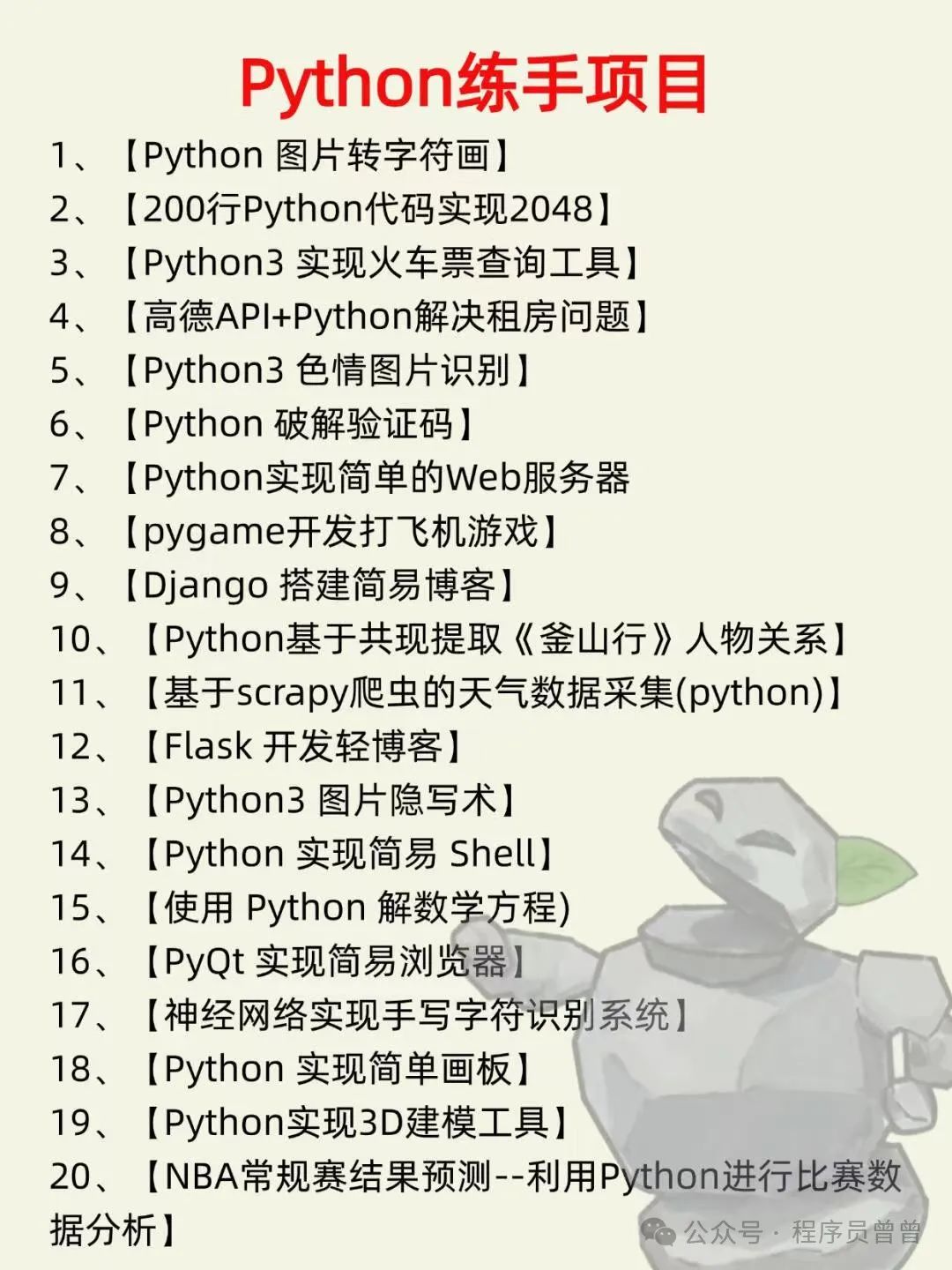
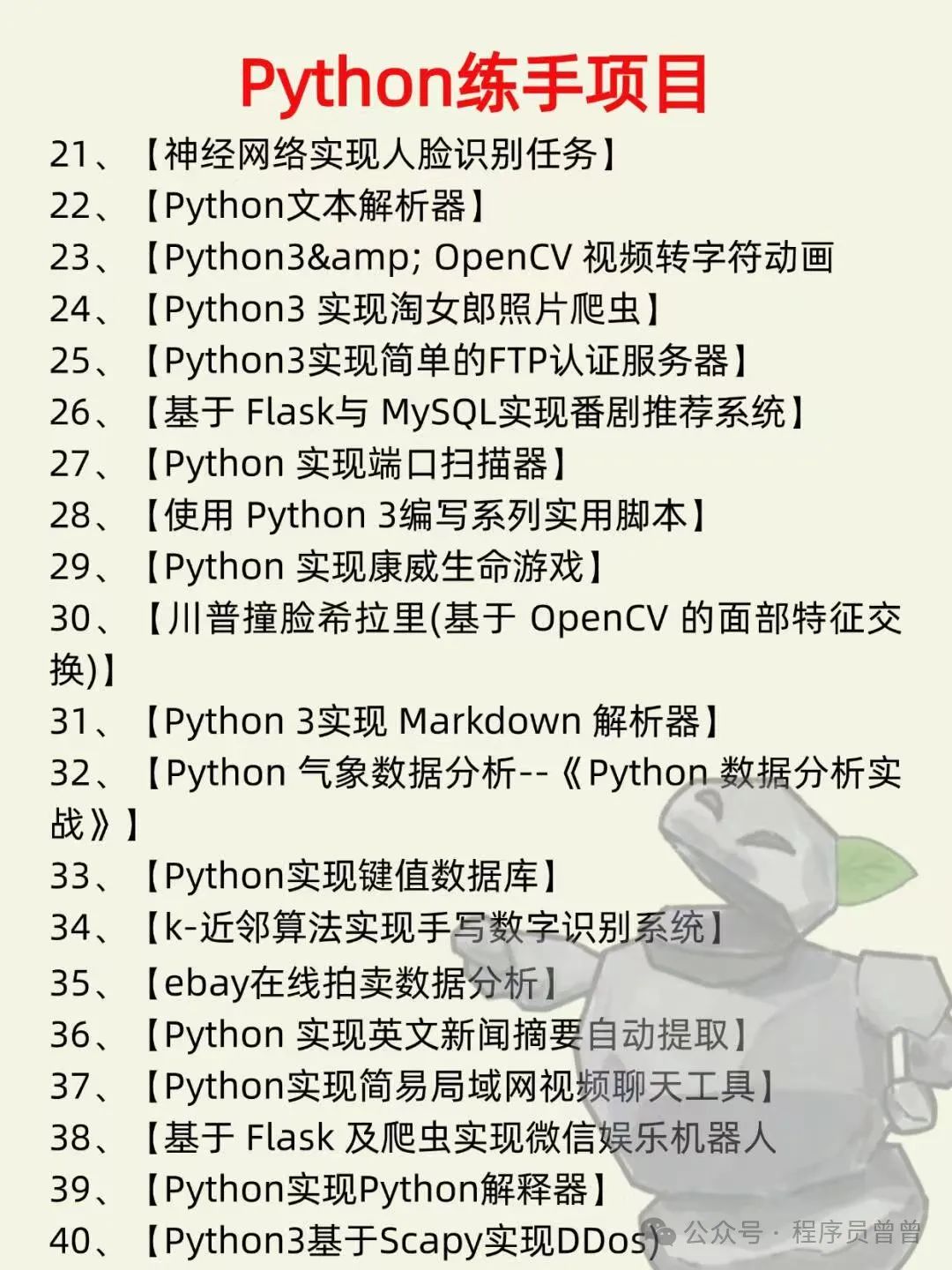
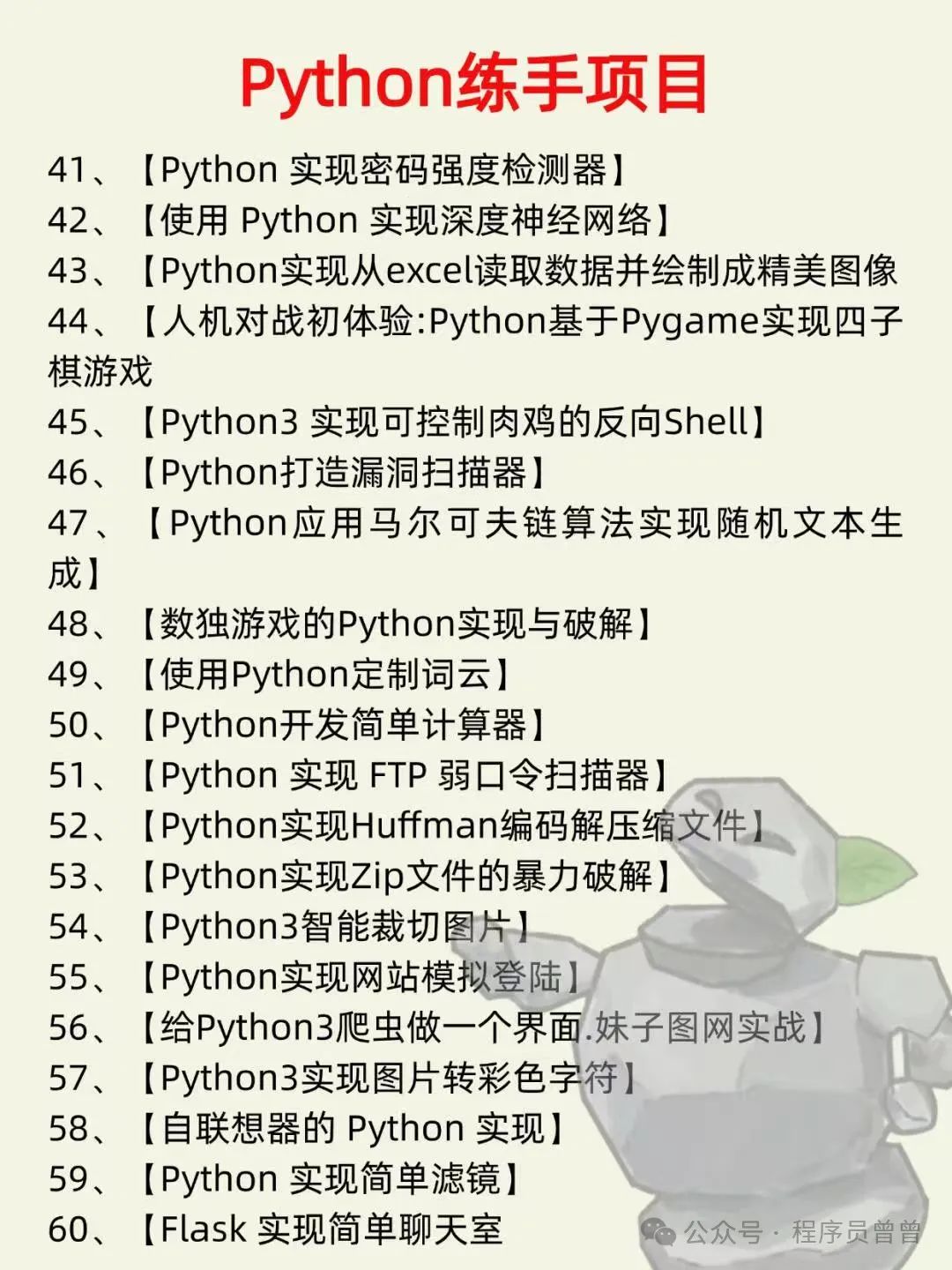
How to Get Materials:
1. Like + See Again
2. Scan the QR code below and reply “Python” to get it

If you encounter frequent additions, follow the public account and click “Frequently Click Me”