When Kali is running, it generates a lot of junk files during the “process of kidney filtration“. How can we properly clean up these junk files?Stacer is a graphical junk cleaning and system management tool.It includes process management, startup item management, and visual software installation and uninstallation.It is very user-friendly for those who are not familiar with Linux commands.

Installation
apt-get install stacer
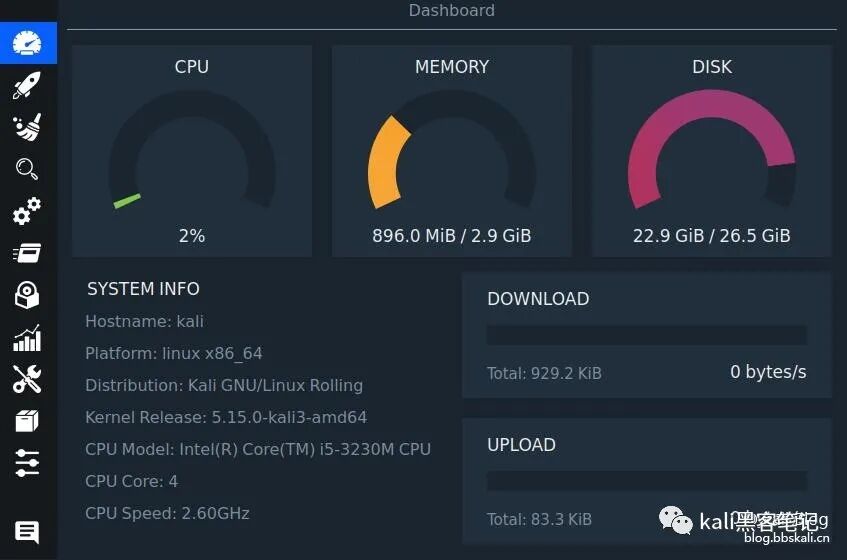
Colorful Dashboard
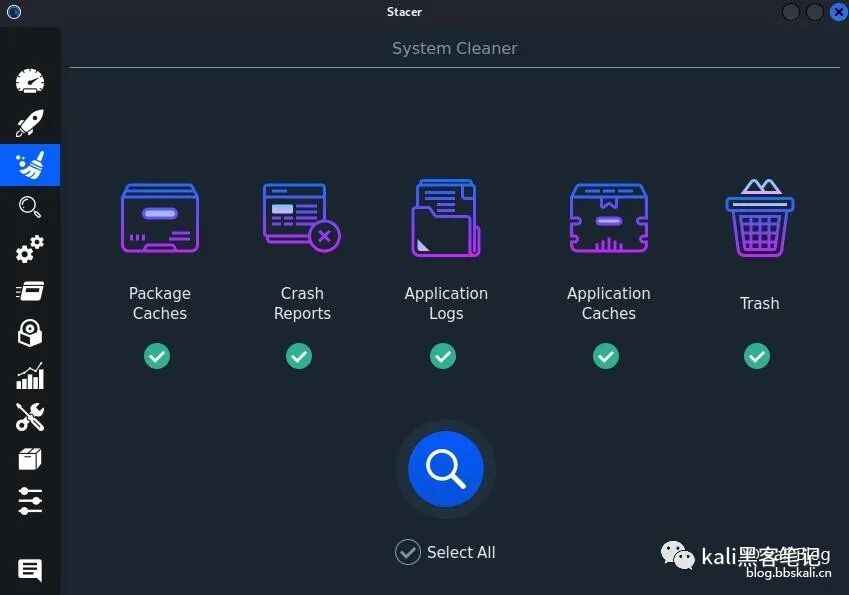
Visual Junk Scanning
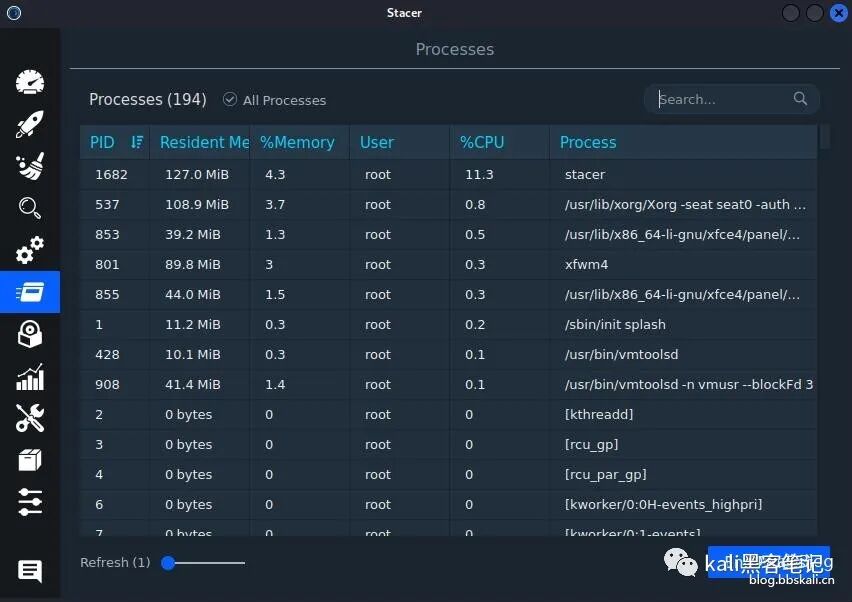
Process Management
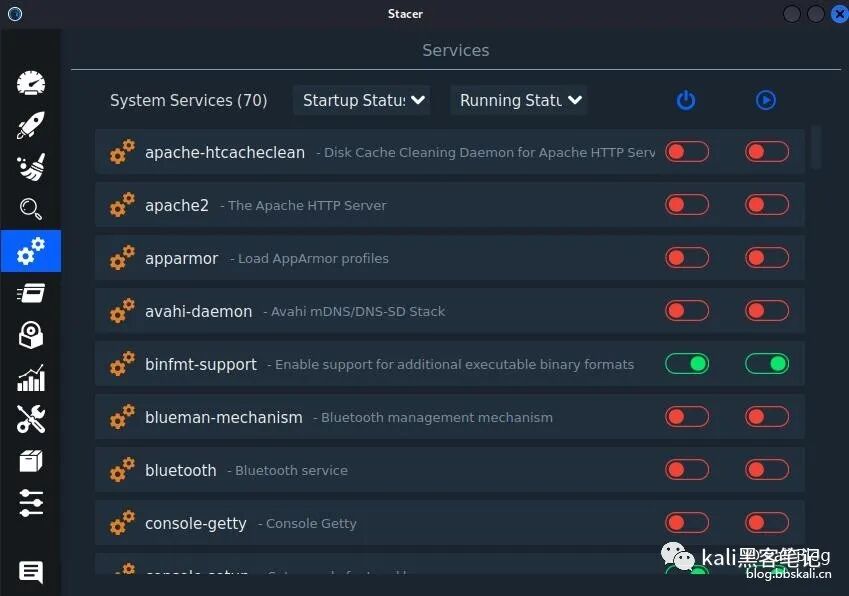
Startup Management
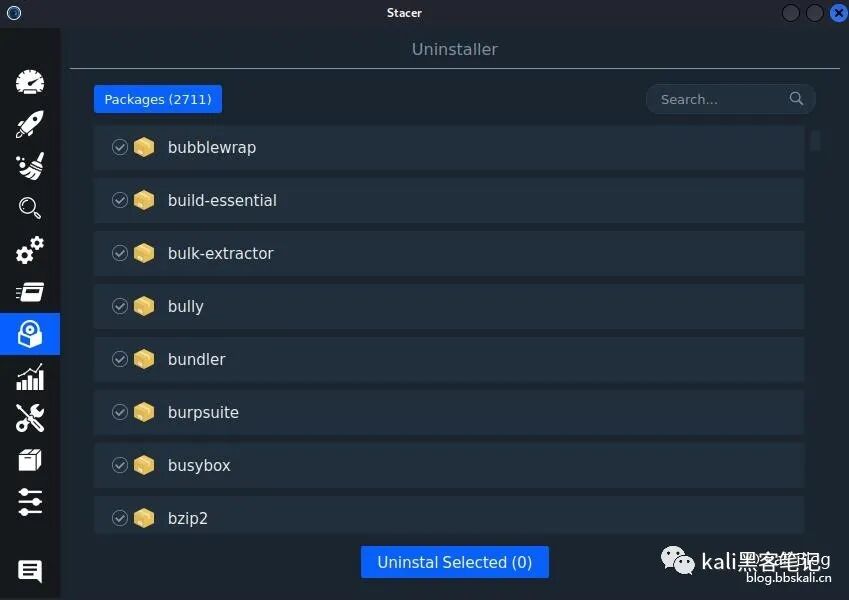
Visual Software Uninstallation
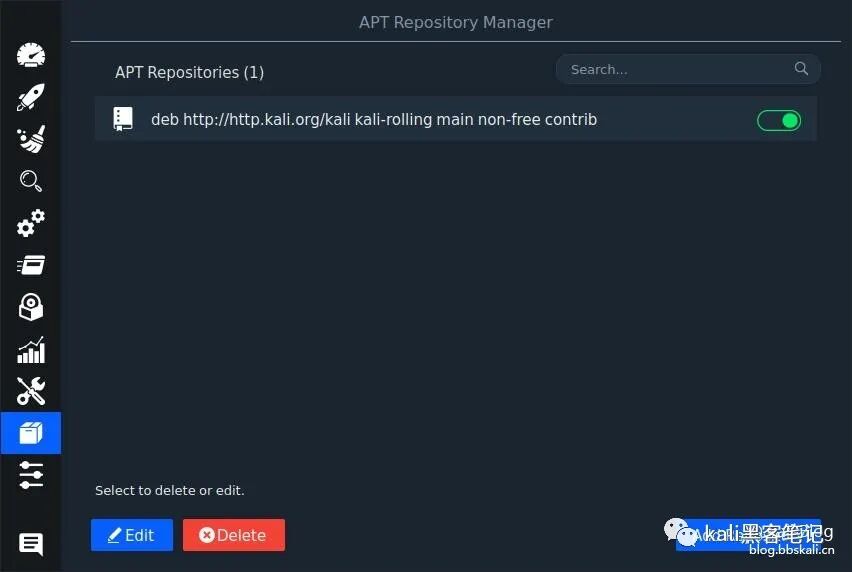
System Source Management
Using Commands to Clean Up Junk
Uninstall Software
apt-get remove <package-name>
apt-get purge <package-name>
<span>remove</span> will delete the package but keep the configuration files. <span>purge</span> will delete both the package and the configuration files. Find out which packages on the system have leftover configuration files.
dpkg --list | grep "^rc"
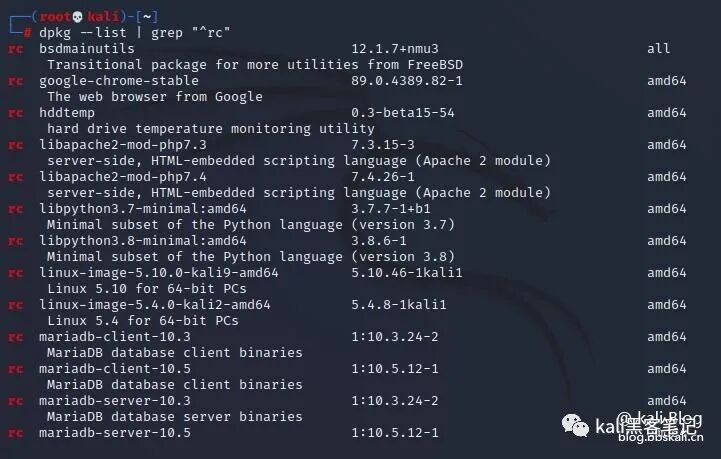 The first column’s
<span>rc</span> indicates that the package has been removed (Remove), but the configuration file (Config-file) is still present. Now extract the names of these packages.
dpkg --list | grep "^rc" | cut -d " " -f 3
Delete these packages.
dpkg --list | grep "^rc" | cut -d " " -f 3 | xargs sudo dpkg --purge
If you only want to delete the configuration files of a specific package, you can use the following command.
sudo dpkg --purge <package-name>
Delete Unused deb Software Installation Packages
sudo apt-get clean
sudo apt-get autoclean
Delete Orphaned Packages
Sometimes, when you install a package using apt-get, it automatically installs other dependencies. When you remove this package, these dependencies become useless. These unused dependency packages are called orphaned packages, and you can delete them using the following command.
apt-get autoremove
Clean Up Log Files
Log files can grow larger and larger, and we can use the ncdu tool to view large log files.
apt-get install ncdu
sudo ncdu /var/log
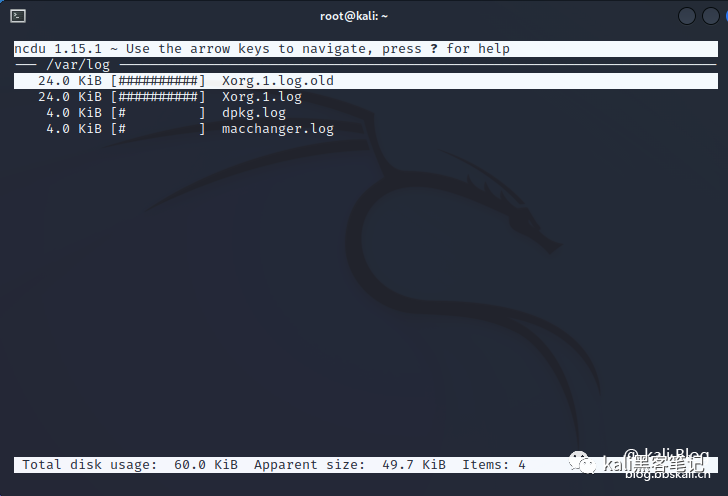 Of course, using
<span>ncdu</span> makes it much easier to check for large files.
For more tutorials, follow us
Collection of Cybersecurity Toolshttps://wlxq.wxctf.com/